
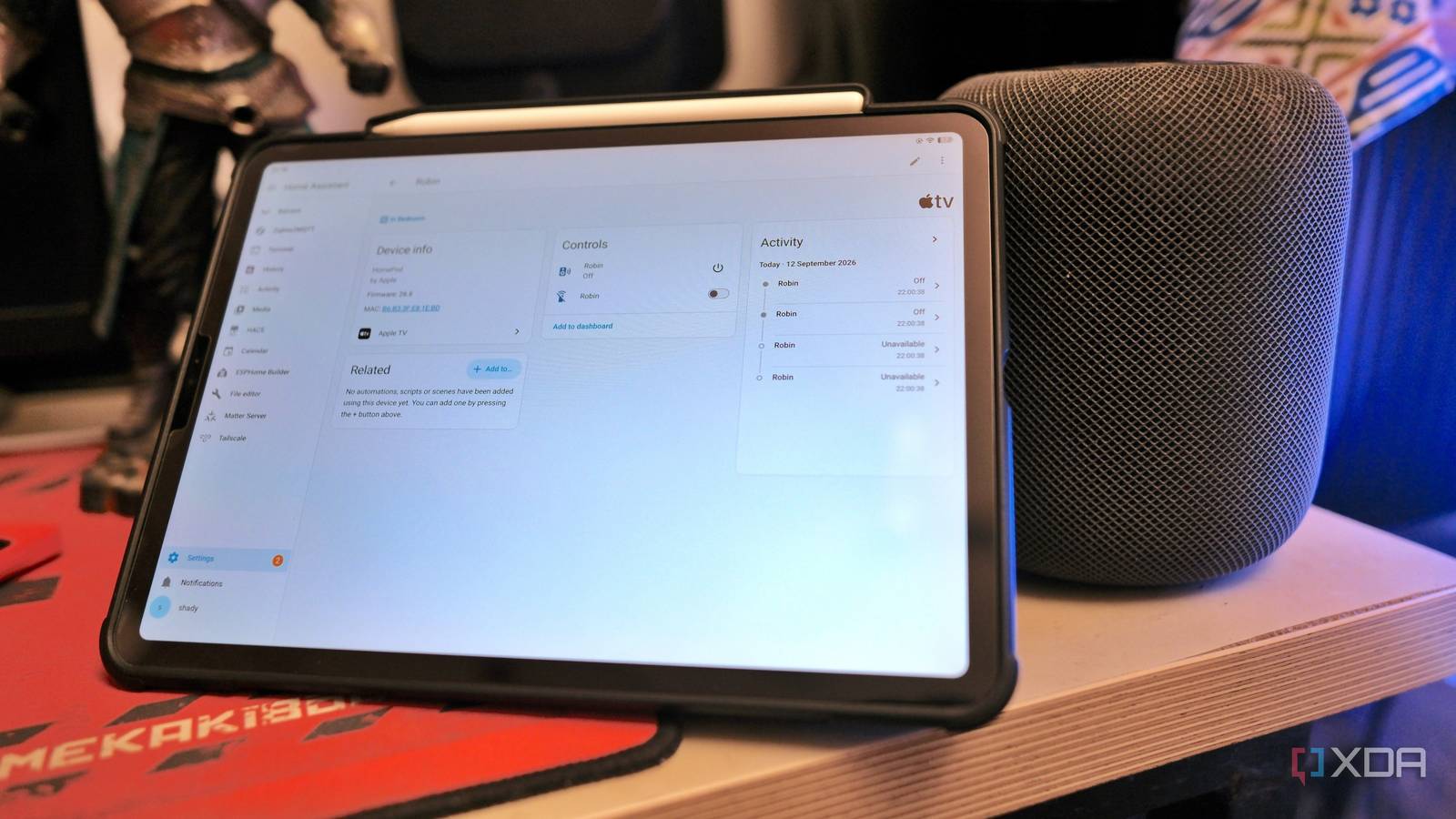
Published Sep 13, 2026, 1:00 PM EDT Samir Makwana is a technology journalist and editor from India since past 18 years and his work appears on MakeUseOf, HowToGeek, GSMArena, BGR, GuidingTech, The Inquisitr, TechInAsia, TechWiser, and others. He has written news, features, and gadget reviews for national technology media publications. His passion is to help people with their technology problems and gadget purchases. For that, he has worked for some of the biggest international technology publications, covering news, explainers, how-to guides, listicles, and product-buying guides. He has worked as an editor and managed teams since 2015. His expertise broadly covers computers, smartphones, game consoles, headphones, smart home products, browsers, and apps. I fixed the lag with my Apple HomePod, my smart speaker, a few weeks back. It felt like a whole problem was solved for a while. But fixing the response speed was only half the story. Once responses got quick again, I ran into a different kind of annoyance. I struggled to get Siri to control half of my smart home. Whenever I asked Siri to turn on or off any device, it’d tell me it couldn’t find anything like that in my house. If the device wasn’t HomeKit certified, it didn’t exist for Siri. I realized it had nothing to do with the network and everything to do with how Siri works. When I made HomePod talk to Home Assistant directly, everything changed the way I use my smart speaker. And I didn't even have to replace the speaker to build a local smart home. Smart speaker dealt with only certified accessories Anything outside that didn’t exist for the speaker Setting up Home Assistant on my mini PC lets it manage a lot of stuff I never thought I’d handle. Most of the time, Home Assistant instantly detects any compatible smart devices on the network. Otherwise, I had to wire up the sensors and devices that depended on another interface or software layer. After trying to get Siri to manage the smart devices, I realized that most of them weren't working on HomeKit. All those integrations and automations I had written over months didn’t work. Whenever I asked Siri about them, it could not find the device. It dawned on me that HomeKit refuses any request against devices that weren’t part of its library. While Home Assistant fetched the device state and ran automations involving them daily, HomePod couldn't see those devices. That’s because HomeKit only talks to accessories wearing the right badge. That was frustrating, since I ended up with two separate smart home platforms running side by side. One did most of the work while Siri could talk to the other. But they didn’t overlap. HomeKit Bridge exposes everything Home Assistant already controls Enabling and linking that bridge in HA took a few minutes I looked for fixes that’d work without replacing hardware or using any protocol-specific accessories to work with both. I enabled the HomeKit Bridge integration in Home Assistant, and it does exactly what it sounds like. Using the integration required scanning a HA-generated QR code with an iPhone or iPad. That imported all the qualifying devices from switches, lights, sensors, and more. Of course, setting up names and assigning rooms for various devices got tedious. There’s no single option to apply the settings to everything, and I had to manually intervene for all devices. All the ones that HA exposed appeared in the Home app. The ones that did go through it required a few tweaks with their names and rooms. I didn’t have to rebuild or reconfigure any IoT device that was already running. Now I use Siri to run the IoT accessories and a whole HA scene “Good night” can touch devices that were never HomeKit compatible Before setting up the bridge, telling Siri “good night”, I could only turn off a couple of HomeKit-compatible lights I own. Enabling the HomeKit Bridge integration between HomeKit and Home Assistant didn’t feel like a workaround. It felt like a proper setup I wanted the whole time. Now the “good morning” and “good night” phrases trigger a full HA scene that runs through different protocols, and I don’t see the complexities while it's running. Exposing binary sensor entities for self-hosted services like Jellyfin exposed through HomeKit made it easier for Siri to check if the service is up. That was not possible before, since there was no HomeKit-certified home server. The bridge doesn’t care what the thing actually is. As long as Home Assistant shows it as an entity, Siri can tell you when asked about it. Running voice commands and control locally Improving response times over official HomeKit devices I was worried this would bring back the same lag I’d spent weeks chasing down before, since I was now asking Siri to reach further into my network than it ever had. Commands to bridged devices follow the same local path as native HomeKit accessories. No cloud skill, external webhook, or round trip to a third-party server is needed to flip a switch. Everything passes through the same local traffic my HomePod was already using. The adaptive QoS I’d already set up on my ASUS RT-AX88U treats this traffic the same way it treats every other local request. So my Jellyfin transcodes and heavy PS5 game downloads never got a chance to queue Siri’s voice commands the way they used to. Bridging in these many new entities meant a lot more traffic asking Siri to make decisions. And if any of that had to leave the house, it would have inherited the same latency problem all over again. Thankfully, it didn’t, because the path never left the house. The router also never treated any of it differently. Bridging to Home Assistant made the smart speaker worth using again Looking back, Siri’s speech recognition and HomePod’s hardware were never actually the problem. The real limitation came from what Siri was allowed to see on the home network. Home Assistant’s HomeKit Bridge integration lets Siri see everything I have already built in my smart home. It's no longer limited to a handful of accessories carrying a specific official badge. If your smart speaker still feels limited and dumber than your actual smart home, it’s a lot easier to fix than it sounds. That doesn't mean giving up on HomePod. Replacing it entirely with an open-source speaker setup is tougher and more demanding, but liberating too. And it's by no means a 3- to 4-hour project, or something you can finish over a weekend. Building a local smart home without touching a cloud is a demanding endeavor with an immense payoff. Home Assistant OS Windows, macOS, Linux iOS compatible Yes Android compatible Yes
My smart speaker was useless until I stopped limiting it to HomeKit-certified devices
Full Article
Original Source
Read the full article at Xda-developers →KhanList aggregates and links to publicly available news content. We do not host full articles from third-party sources. Always verify important information with original sources.