
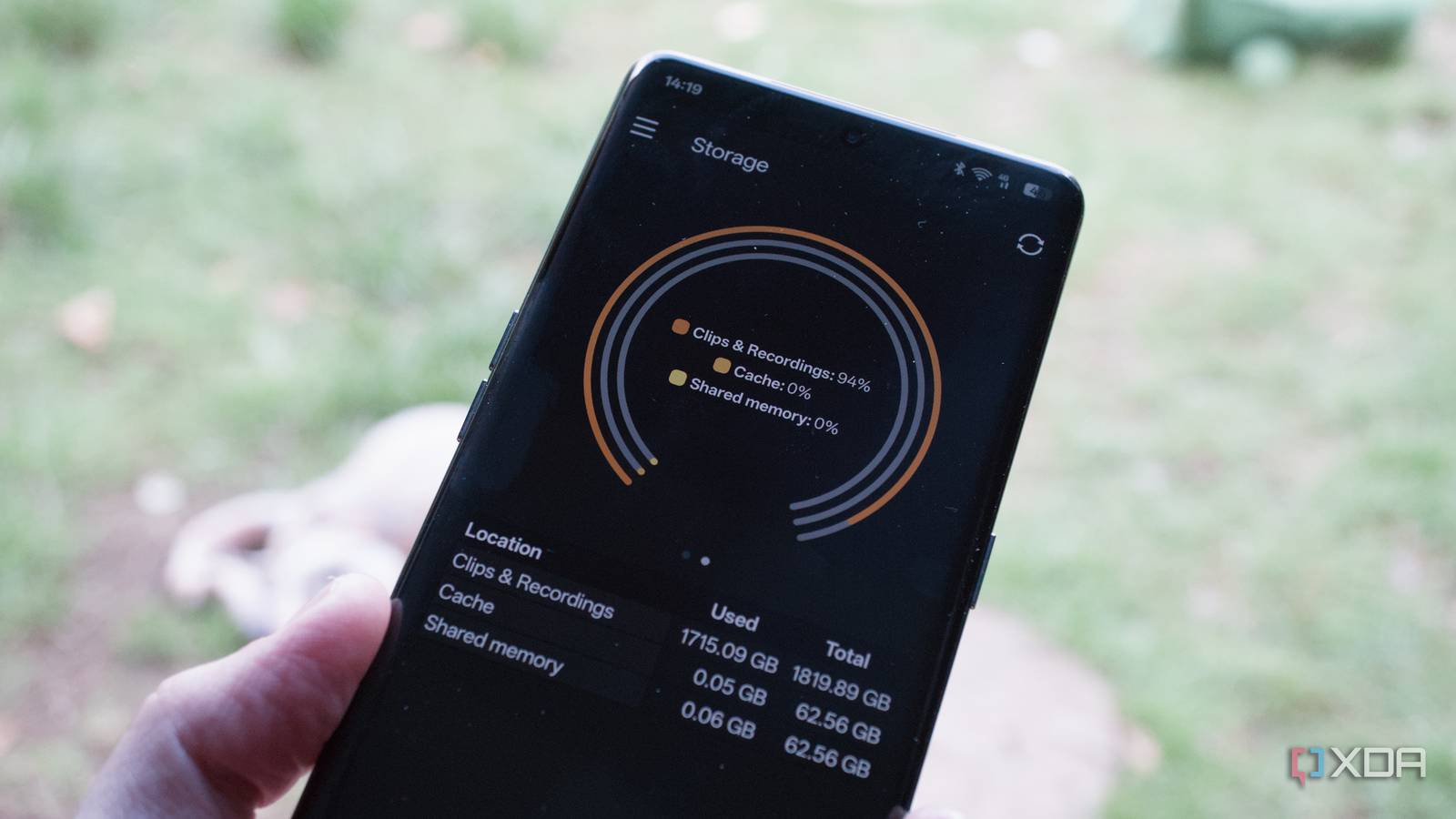
Published Sep 8, 2026, 2:30 PM EDT Richard is the PC Hardware Lead at XDA and has been covering the technology industry for almost two decades. He's been building PCs since young, and when not creating content, you can often find him inside a chassis somewhere. The first security-focused device I bought for the home was a Ring doorbell. It was brilliant, allowing us to see who was at the door, as well as provide the means to save recorded footage. We were saving every instance of a vehicle or person walking within the vicinity of the front porch on a cul-de-sac. One thing that slowly crept in was the monthly subscription for storing feed data. When we finally bought our first home, I wanted to set up a DIY home surveillance system and avoid all monthly subscription fees. Moving on from Amazon Ditching the cloud for local IP cameras Ring is pretty solid. I enjoyed using the alarm system, and everything integrated nicely with automated alerts and phone calls for when the alarm was sounding. The hub has an integrated battery pack and mobile connection, so it can be used even if the LAN goes down and/or power drops. That sounds great on paper until you realize that Amazon is collecting all stored data. Not only does the company have access to our recorded footage, but also voice through Alexa, data from sensors, and shopping habits. If you're not paying for something, you're the product. This isn't to call out Amazon, specifically. All brands in the tech space collect data on customers, especially through services offered for free. If you're not paying for something, you're the product. Reolink was one of the alternatives I considered for hardware. Its product stack allowed for some degree of local administration with available MicroSD card slots, and image quality was also pretty good. But if you're not careful, you can be led back into the same setup with a heavy reliance on the cloud. Take Reolink as an example. Our three security cameras all have cloud integration with a smartphone app that can manage each camera. That's great for convenience, not needing to provide external access to a specific running service, and helps keep everything updated, but we're once again relying on a third party. I wanted to keep everything local, not just on the camera itself, but all footage, highlighted recordings, and other data. A Reolink network video recorder (NVR) would make sense, but I thought why not build my own? Making your own NVR is easy A branded NVR device is simply a server with a few hard drives. All it needs to do is take the feed inputs from connected LAN cameras and store the footage locally. That's as basic as it comes. Software can then detect objects and the like to cut down space, provide notification alerts, and more. Old NVRs did the former. They recorded video. Newer, more modern setups can provide AI, automations, and much more. But it's also possible to build your own NVR with nothing but an old PC and Frigate. Instead of it being the IP cameras connected to a vendor server somewhere in the cloud, which provides the AI analysis, we keep everything within the home. My NVR handles all the recordings and AI detection, and there's full integration with Home Assistant, which means it can work flawlessly with Alarmo. Doing so completely changed how I approached recording and interacting with footage from security cameras. Gone was the Ring subscription, and my Reolink hardware kept everything local. Why go local? It's all about cost. Run everything at home to save the most Cloud storage is incredibly convenient, whether you want to stash a few documents and backups or store all your recordings from a doorbell and wall-mounted camera. Both Ring and Reolink offer subscriptions to store footage online. This does provide access to all devices connected to the accounts, but it also means we're relying on external servers to host all our footage. It's only kept for a specific amount of time, and there's usually a limit to how much can be saved. With Frigate and the right-sized hard drive(s), I could save literal weeks of footage, especially when object detection is properly configured to leverage the available NPU or CPU. If I were to rely on both companies for cloud storage, it would be $35 each year for Reolink and $50 for Ring. That's $85 per year just for the luxury of saving and accessing footage from devices we already paid for. Sure, cloud infrastructure has costs, but it's one that doesn't need to be passed on, as it's no longer required to enjoy all features. Doorbells are available with full local support, be it through Home Assistant or with an app that doesn't need to connect to the outside world. The same goes for IP cameras like the three Reolink shooters I have attached to the house. They have local storage with a microSD and are fully supported by Frigate to send recordings to my server, both of which completely bypass the cloud platform. If I require more cameras or storage space, I can simply purchase more drives. Building an NVR isn't "free" There's a false belief around NAS and self-hosting that anything one does at home makes it completely free, and that's simply not true. I run my entire household on a single Threadripper server, consolidating the previous compact PC and mini PC setups into a single system, and that still draws around 160 or so watts throughout the day. Electricity alone is around 3.8 kWh per day, which costs around $0.5, depending on where you reside. That's $15 per month and $180 per year. Running the NVR specifically on a dedicated system to replace the $85 per year subscriptions actually saved me around $40 annually. So, I'm technically paying more for the system I'm running, but that's because it's completely overkill for the task at hand. The server in question runs Proxmox, which also hosts Home Assistant, Nextcloud, Open WebUI for LLMs, and more. Add the subscriptions for smart assistants, Microsoft Office, and ChatGPT or Claude, and you're approaching the cost to run this thing. Everything is local, and there's no outgoing fee to any provider. Nothing can simply come to an end. It's all about replacing cloud services with more cost-effective alternatives. Before migrating the NVR into the fold, it was running on a dedicated compact business desktop PC with an Intel Core i5-7400 CPU and some RAM. Even when running Proxmox and Frigate with all the attached cameras and footage recording, it was only pulling around 30 watts or so from the wall. Running the NVR specifically on a dedicated system to replace the $85 per year subscriptions actually saved me around $40 annually. It's all about how you approach the home lab and what you want to get out of it. It's better local with AI Connecting an LLM to Home Assistant to handle video is easier than you think. LLM Vision is a Home Assistant integration that enables Home Assistant to analyze images, clips, and streams using models with vision capabilities. All that's required is the IP address and port of the llama-server for the installation wizard after downloading LLM Vision from the Home Assistant Community Store (HACS). With that implemented, you've got some great object detection and now LLM support for producing reports and more. It's fantastic what's possible with nothing but a small PC, Home Assistant, and a few cameras.
My security cameras stopped sending footage to the cloud, and I saved $85 a year
Full Article
Original Source
Read the full article at Xda-developers →KhanList aggregates and links to publicly available news content. We do not host full articles from third-party sources. Always verify important information with original sources.