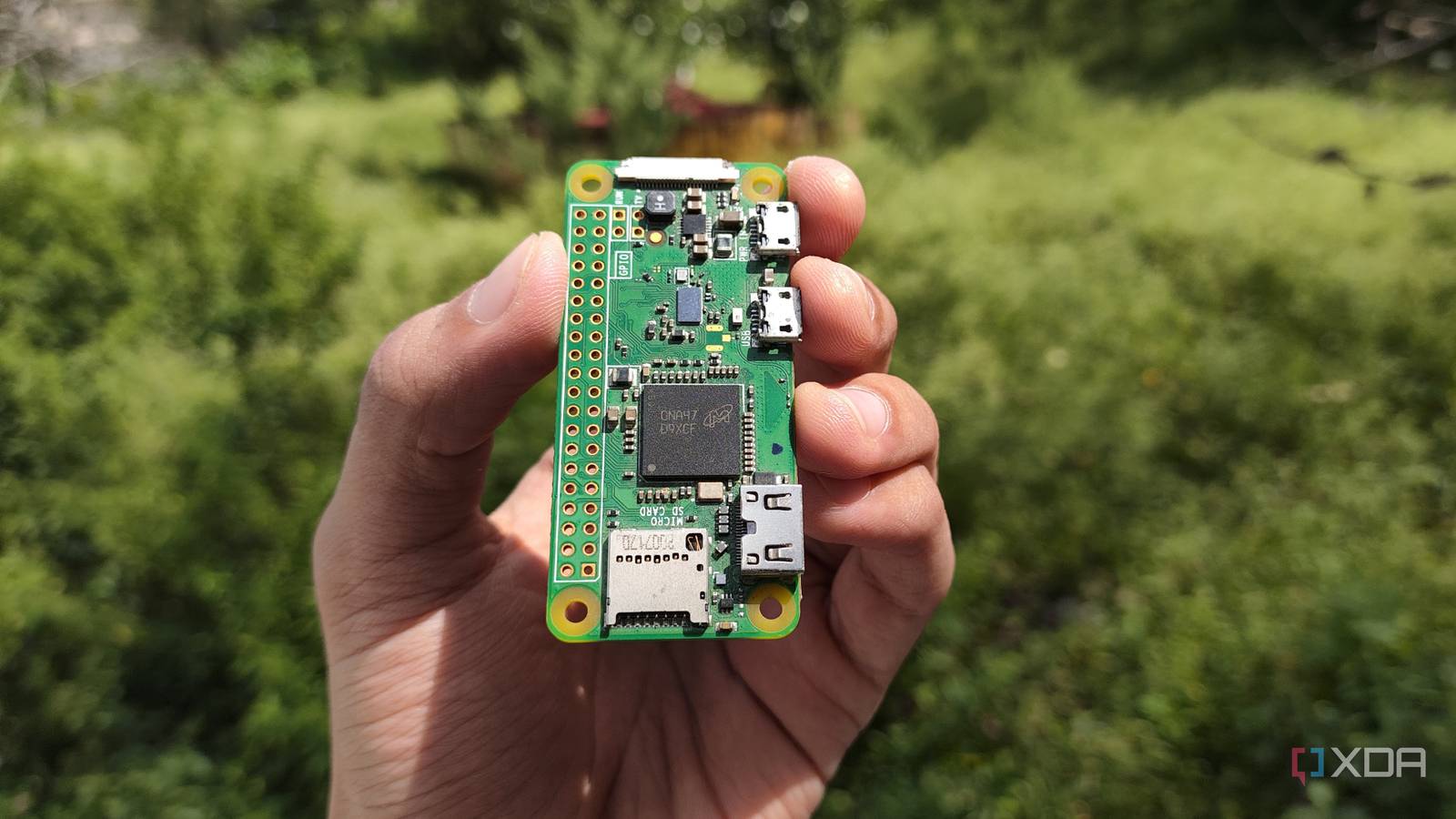
Published Aug 3, 2026, 11:00 AM EDT Abhishek is an author at XDA who covers computing. He has loved computers since he got the Lenovo G570 in 2012. Abhishek holds a master's degree in computer applications and began his writing career in 2018. He loves writing how-to articles, listicles, and informational posts on popular operating systems and web services. He closely follows the Windows Insider program and tests new Insider builds to discover upcoming experimental features and upgrades. His past work includes long-term collaborations with reputed publications like Tom's Hardware, and Windows Latest. When not writing anything, he is busy watching new episodes of One Piece or searching for something binge-worthy. Raspberry Pi Zero is the last thing on your mind when you think of building a home server. It's certainly not the most powerful or has the best I/O options of the bunch. When you think of a powerful server, Pi 4B or 5 is the most practical choice. The Pi Zero 2 W has only 512 MB DDR2 memory with no SSD slot or faster generation USB ports. But, even with these flaws, you can turn it into a perfect subscription killer rather than letting it collect dust in a corner. The Pi Zero 2 W is an excellent, power-frugal single-board computer that can host several lightweight tools despite very limited hardware resources. Thanks to this cheap SBC, I now save money that would have otherwise been wasted on multiple, overpriced subscriptions. Escaping the incessant ads and paywall OmniTools is something that I didn’t know about for years. My work profile always requires file conversions, compressions, and other small but repetitive tasks like removing a background from an image or extracting audio from a video. Before OmniTools came into being, I relied on Google searches and subsequent top results that popped up. These web tools appeared free at first, but would ask for one-time payments or nudge me to pick a subscription. Sometimes, I would cave under pressure and pay for them, but that trouble ended when I began hosting OmniTools. I first tried it on my spare laptop as a Docker container, and then eventually migrated it to my Pi Zero 2 W. The main reason was the sheer lightweight nature of OmniTools, which surprisingly offers more than 50 tools and still has stellar performance. OmniTools is able to do it because it offloads all the data processing to the client side. So, all the tools that you use, like batch conversion of an image to a document or vice versa, happen inside your browser. The user's PC provides the computing power, while my Raspberry Pi Zero 2 W only hosts the application files. This ingenious approach makes it feasible to run such a diverse toolkit on a puny Raspberry Pi. Vaultwarden replaces LastPass (and paid password managers) Protection from data breaches and abrupt price changes Hosting a password manager became a necessity for me as LastPass encountered breaches and started raising its prices. I always loved the cloud model of the password manager as it brought convenience, but after I hosted Vaultwarden and migrated my data to it in one night, I never looked back. Vaultwarden is based on Bitwarden, and that makes it as feature-rich as any paid password manager tool available today. Vaultwarden on a Pi Zero 2 W is a perfect match as it needs under 50 MB of memory to work, which isn't a big deal even as the SBC has around 430 MB of idle memory. Despite the small footprint, all the features work surprisingly well, especially the most necessary ones, like password generator and autofill. You can import passwords from other browsers or password managers in formats like CSV and more. There are also password audit tools and the ability to create folders. But storing the password isn't the same as the autofill and sign-in experience you get with paid password managers. So, Vaultwarden relies on the Bitwarden extension to offer the same password manager session. You can activate the vault feature, set lock timers, and use most of the features available in the web portal of Vaultwarden. However, the last piece of the puzzle is to access the passwords even when you are away from your home server. Tailscale is a huge help in this situation and makes it as simple as a one-time login to access your Pi server from any other network. There's an additional thing I need to take care of, which is a backup. I use DietPi to create and save multiple backups on an SSD, which makes it possible to restore the system if something goes wrong with the Pi or the SD card. BentoPDF replaced Adobe Acrobat and its paywalled features I don't have to waste $15 a month just to edit documents Adobe Acrobat is a flagship PDF viewer and editor, but the free tier barely has any features. Adobe plans are also on the expensive side, so using a self-hosted PDF editor makes sense if you want to save money. Like OmniTools, BentoPDF is a lightweight tool that can work on a Pi Zero 2 W. It adopts the same client-side processing model, which means all the PDF tasks use your PC hardware. On the editing side of things, I don't think any other tool offers what BentoPDF does. I've been a Stirling PDF user in the past, but that is a very heavy tool compared to it. Moreover, BentoPDF’s lightweight nature doesn't mean that you get limited features or performance. PDF edits, conversions, batch processing, and other related tasks work as fast as they do on a paid tool like Adobe Acrobat. I don't need to sign up for anything, create an account, deal with ads, or upload my personal files to Adobe servers. All the processing happens on my device, and the data doesn't leave it. This kind of freedom is hard to expect from Adobe Acrobat, and it's one of the core reasons for self-hosting a PDF reader that can now convert Microsoft Office and OpenOffice files into PDF format. Pi Zero 2 W can maximize your savings Self-hosting is not as difficult as it used to be, and if you learn the basics of Docker and use the above-mentioned tools as containers, you can build a rock-solid small Pi server. Deploying Tailscale on it enables remote access and gives you access to a personal password manager, file manipulation tool, and PDF editor. All these programs work within the 512 MB memory limit, and I can SSH into the OS or use the DietPi dashboard utility for more control. Raspberry Pi Zero 2 W The Raspberry Pi Zero 2 W is a small SBC with Wi-Fi and Bluetooth connectivity.
My Raspberry Pi Zero 2 W is too weak to be a real server, but it's the perfect subscription killer
Full Article
Original Source
Read the full article at Xda-developers →KhanList aggregates and links to publicly available news content. We do not host full articles from third-party sources. Always verify important information with original sources.