
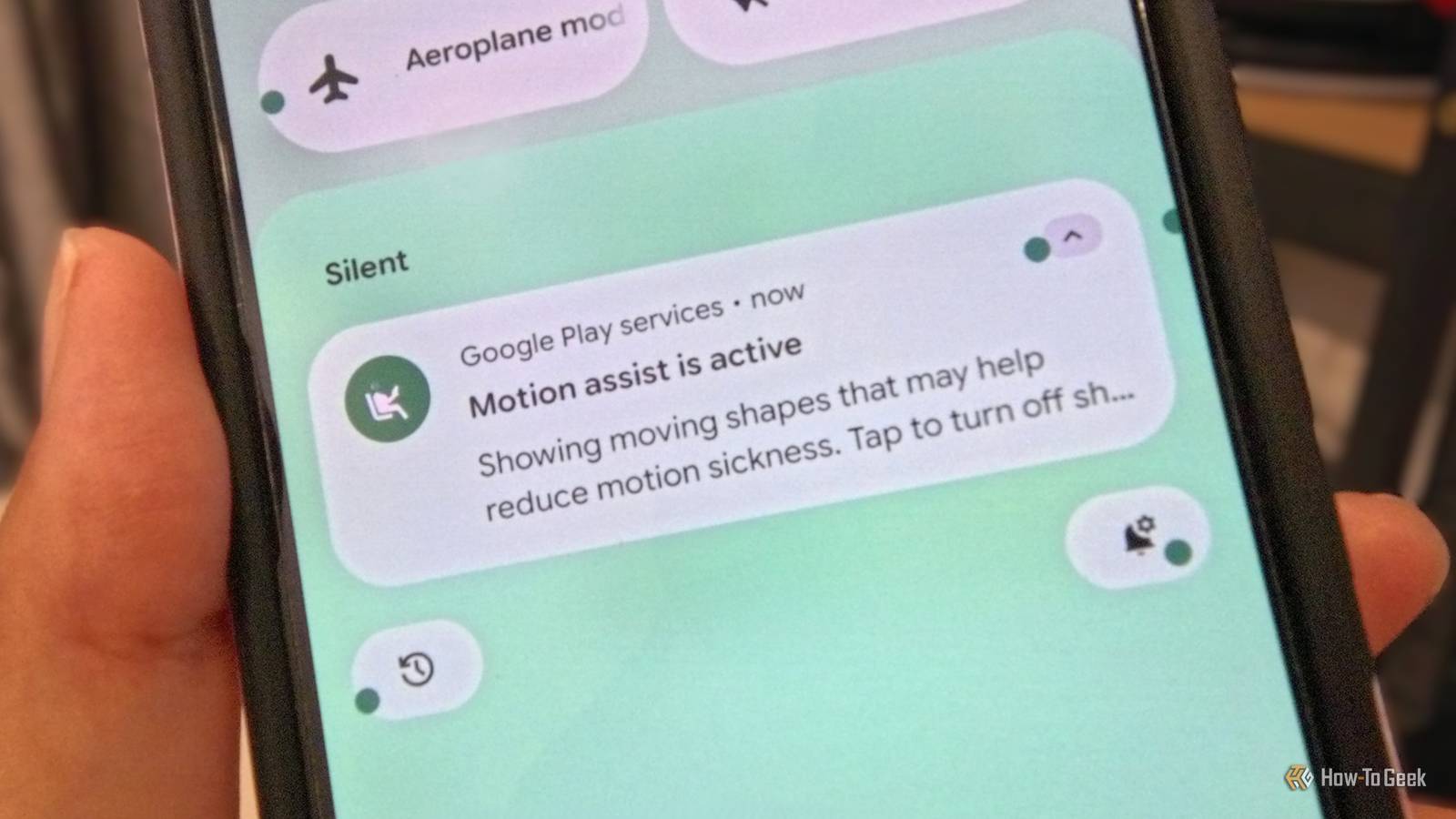
Published Oct 24, 2026, 3:00 PM EDT Namerah Saud Fatmi has been writing about smartphones, accessories, e-readers, and apps for nearly a decade. She occasionally branches out into sects like gaming, software, hardware, smart home, and wearables. Before How-To Geek, she was a senior editor at Android Central, and has had bylines at other respectable publications such as Windows Central, iMore, XDA Developers, Neowin, and Good e-Reader. When she isn't writing or testing yet another weird and wonderful new gadget, she spends her free time snuggling with her grumpy feline life partner. Her hobbies include casual gaming, traveling, attempting to pet anything classified as an animal, unnecessarily complicated craft projects, and hunting for the next great bowl of noodles. Anyone who suffers from motion sickness like me knows that using a smartphone in a moving vehicle is a bad idea. Focusing on a single point as you move at a high speed alleviates motion-induced nausea, and if that something is a bright screen that flickers, you’re guaranteed to have a really bad time of it. I generally adore my Pixel 10. The pure, unadulterated Android experience is unmatched, and the UI is so intuitive and exciting. What I don’t love, however, is that the Google phone has made my motion sickness worse than my previous primary device, a OnePlus phone. Why my motion sickness worsened with a Google Pixel A display flaw aggravates the condition This isn’t groundbreaking information or something entirely new. In fact, many tech journalists have written about how modern OLED screens using low pulse-width modulation (PWM) rates can trigger headaches and nausea in roughly 10% of the world’s population. Smartphone makers like Google and Samsung opt for screens with low PWM rates to trick our brains into perceiving a flickering screen as brighter or dimmer. A lower rate means the flicker is slower, so some people can perceive it without realizing it. If you get motion sick, that flicker can definitely make you feel ill to some degree. While my sensitivity to PWM rates and flickering isn’t quite as terrible, I do get frequent headaches and “screen blindness” much more than the average person. For someone who tests smartphones, tablets, and other devices for a living, it’s pretty ironic. This low flicker rate, combined with motion sickness, was an absolute nightmare for me, to the point that my Pixel 10 became unusable in cars, trains, and buses. So when Google rolled out an anti-motion sickness feature called Motion Assist as part of the September Android Drop last month, I couldn’t have been happier. The real question, however, was whether the feature would actually work or was just a gimmick. What is Motion Assist on Android 17 This isn’t a Pixel-exclusive feature Motion Assist adds an overlay of floating shapes over your phone’s screen. While Pixels running Android 17 were first in line to receive this feature, Google is bringing it to all Android 17 smartphones in the coming months. Rollout is already underway, but if you don’t see it on your phone just yet, hold your horses. You can customize everything about this bubble overlay, from the color of the shapes to the opacity and the shape itself. You can add the Motion Assist tile to your phone’s Quick Settings for easier access. This makes it much easier to find the feature, since it’s buried deep within the phone’s settings. I had to use the search bar to pull it up on my phone. Once enabled, Motion Assist automatically detects when you’re in a moving vehicle and turns it on. You can always tap the shortcut tile to toggle it on or off, even when it’s set to turn on automatically. It is really quite simple yet clever how the feature works. The floating shapes move in sync with the vehicle’s movement, helping your brain reconcile the phone's stillness with your vehicle’s motion. Even if you look at the screen, focusing on it does not trigger the usual symptoms of motion sickness such as nausea, dizziness, vomiting, headaches, and lightheadedness. The results were incredibly effective Over the last year since I switched phones, my motion sickness has gotten considerably worse when using my phone in moving vehicles. It got to the point where I thought I’d have to give up a phone I enjoy using. Just a few months ago, things had gotten so bad that I ended up vomiting on a road trip because I had been using my Pixel 10 for too long. I then had to walk on the road for a hot minute to feel grounded and clear that disgusting, nauseating feeling. Previously, no other smartphone has ever made me sick to the extent of puking. The Motion Assist feature has been a boon for my condition, bringing significant improvements to my motion sensitivity. The customizations let you adjust the floating bubbles so they don’t interfere with the phone too much, so it’s still usable, but the trick still works well enough. I still can’t use my Pixel for the entire duration of a longer road trip; I can actually look at my phone without a retch building up in the back of my throat. I am no longer thinking about changing my phone. If you’re in a similar boat, I highly suggest experimenting with the Motion Assist feature to find the right setting that works for you. Don’t give up on a smartphone you love until you've tried this!
My Pixel 10 was exacerbating my motion sickness, until I enabled this one feature
Full Article
Original Source
Read the full article at Howtogeek →KhanList aggregates and links to publicly available news content. We do not host full articles from third-party sources. Always verify important information with original sources.