
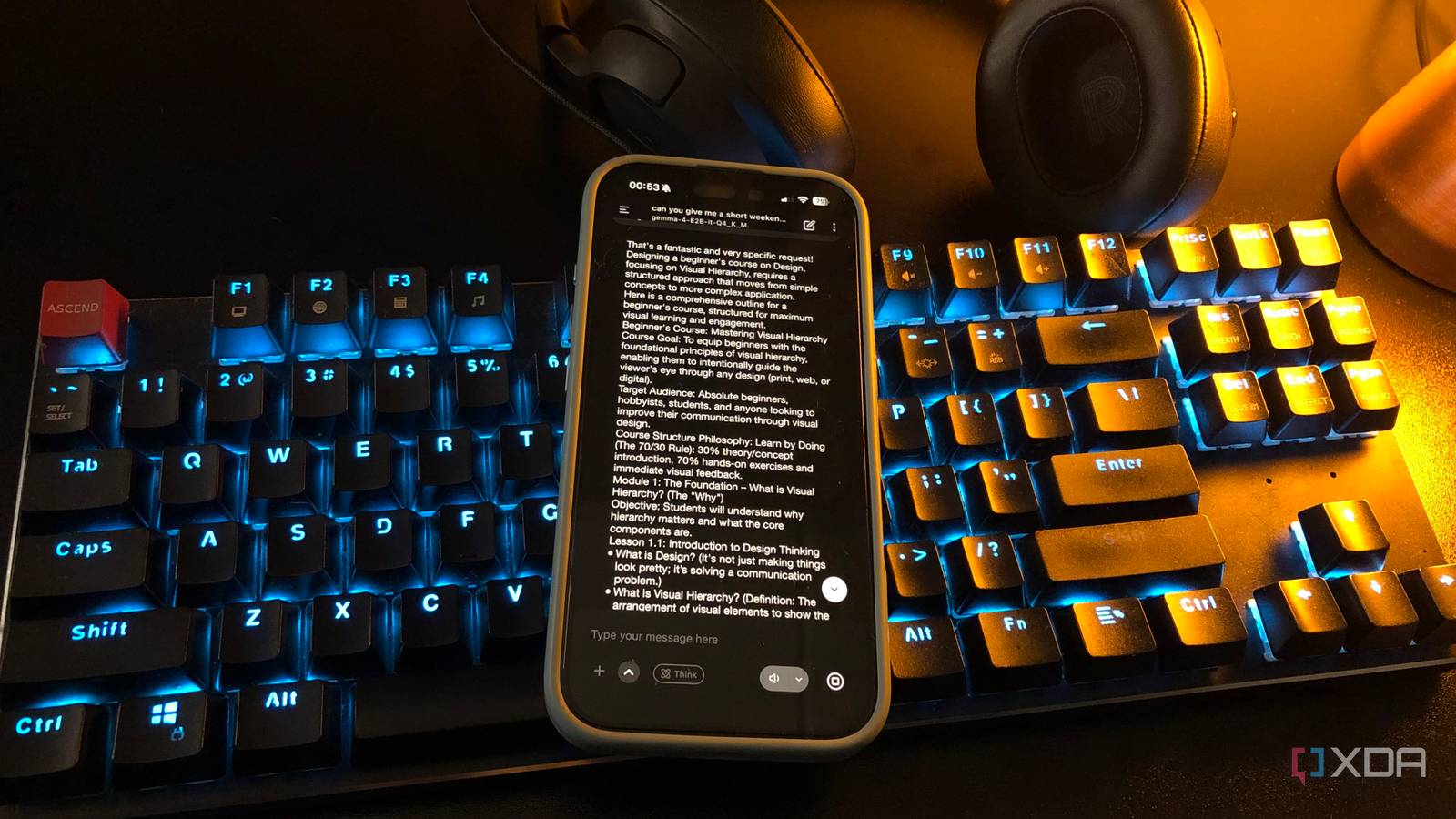
Published Jul 28, 2026, 6:00 PM EDT Nolen began their writing career in 2019, with three years dedicated to editing the Creative section at MakeUseOf. Their expertise lies at the crossroads of technology and creativity, covering areas like photography, video editing, and graphic design. Outside of work, you'll often find Nolen diving into a good book, writing their own stories, or playing video games. Local LLMs used to feel like a desktop thing. The whole conversation around them assumes a decent GPU, a chunky model file, and a powerful, fully-featured GUI runner. This is the exact setup I have too, and it's been working fine so far, minus the slight limitations of my smaller GPU. But the machine that ends up doing the actual work most days isn't that one. It's my phone, which runs something a fraction of the size, and often spits out tokens faster than my desktop setup. A phone is usually viewed as the compromise choice that runs a weaker version of the same tool, but when it comes to open-weight models, phones aren't compromises anymore. And the reason has less to do with the phone being clever and more to do with the desktop being stretched. Want to stay in the loop with the latest in AI? The XDA AI Insider newsletter drops weekly with deep dives, tool recommendations, and hands-on coverage you won't find anywhere else on the site. Subscribe by modifying your newsletter preferences! A phone kills the setup tax of running local models But it goes beyond convenience Everyone knows a phone is the more convenient option for pretty much every task now, so I don't have to convince anyone of that. My point is that the local LLM on my phone isn't competing with the one on my desktop. It's competing with cloud AI on the same phone, and it wins on the first-token latency because there's no server round-trip to wait through and none of the usual delay that even a fast connection can't fully hide. On my desktop, if I want to ask a local model something quick, LM Studio has to already be open with the right model loaded. If it isn't, I'm looking at ten or more seconds of load time before the first token comes out. PocketPal loads my previous model upon opening the app, within a couple of seconds, so I'm already typing before I've even sat down. There's also the workflow angle that I think gets overlooked. When I'm already reading or working on something on my phone, I don't want to context-switch to the desktop just to run it through a local model. Having capable open-weights on mobile means I can keep the entire workflow on there. The bigger model on the better hardware should win, but it doesn't Why the spec sheet lies I've been running my desktop model and my phone model through the same kinds of prompts a million times now, and the numbers are kind of shocking. A 4B model on mobile sits comfortably around 13 tokens per second on my iPhone 16, and a 2B even at 20+. Meanwhile, the 9B on my desktop, in LM Studio with GPU offload dialled in as far as I can push it while still using other apps, can land at 9 tok/sec on the exact same tasks. Same family of models, same prompts, but the smaller one on weaker hardware still pulls ahead. The reason is the offload behaviour. LM Studio lets me push transformer layers of the model onto the GPU, and every one I push over costs VRAM. If my 9B doesn't fit in my 8GB card, the excess gets held in system RAM and processed by the CPU instead, which is where the speed drops off a cliff. To keep the desktop usable for anything else - a browser, Figma, Obsidian, the list goes on - I have to leave headroom, which means fewer layers on the GPU, which means slower generation. I could dedicate a PC session to just a local LLM which will allow me to push up the speed, but that's not realistic for how I work. My phone doesn't really have that tradeoff to make, because it can only run smaller models in the first place, and those models are already specifically designed for the constraint. For example, Qwen 3.5 is one of my favorites, and Qwen 3.5 2B is explicitly the smartphone deployment target for that family of open-weights. Nothing about it is being brute-forced into a device that can't quite handle it. The Metal setting in PocketPal and the layers-on-GPU slider do the same job as GPU offload in LM Studio, except they don't fight a separate VRAM budget because the A18 chip uses unified memory. And the difference between the model quality is smaller than the parameter count suggests. Qwen's own 4B reportedly matches the previous generation's 80B on a lot of benchmarks, so "small" doesn't mean "bad", at least not the way it used to. This isn't a case for one setup over the other The desktop still wins for one specific thing When I close everything else on the desktop and let LM Studio have the whole machine, a 9B or 12B on max GPU offload easily gets into the 20-plus tokens per second range. Smaller models on that same setup can hit triple digits when nothing else is running. So the desktop still wins for the tasks where I actually need the extra parameters; I'm talking about sessions where you purposefully sit down to work with an LLM on something like a vibe-design or document parsing or research synthesis. Context length is the other one. Cramming a full research paper or a long transcript into a 2B model on the phone fills it up pretty fast, and the phone thermal-throttles on sustained generations that go past a paragraph or two. The desktop just doesn't have that problem. So it's not necessarily that phones beat PCs. It's that fit matters more than raw power for local LLMs, and my phone happens to fit how I use them almost perfectly.
My phone runs local LLMs faster than my gaming PC, and it's the setup I actually reach for every day
Full Article
Original Source
Read the full article at Xda-developers →KhanList aggregates and links to publicly available news content. We do not host full articles from third-party sources. Always verify important information with original sources.