
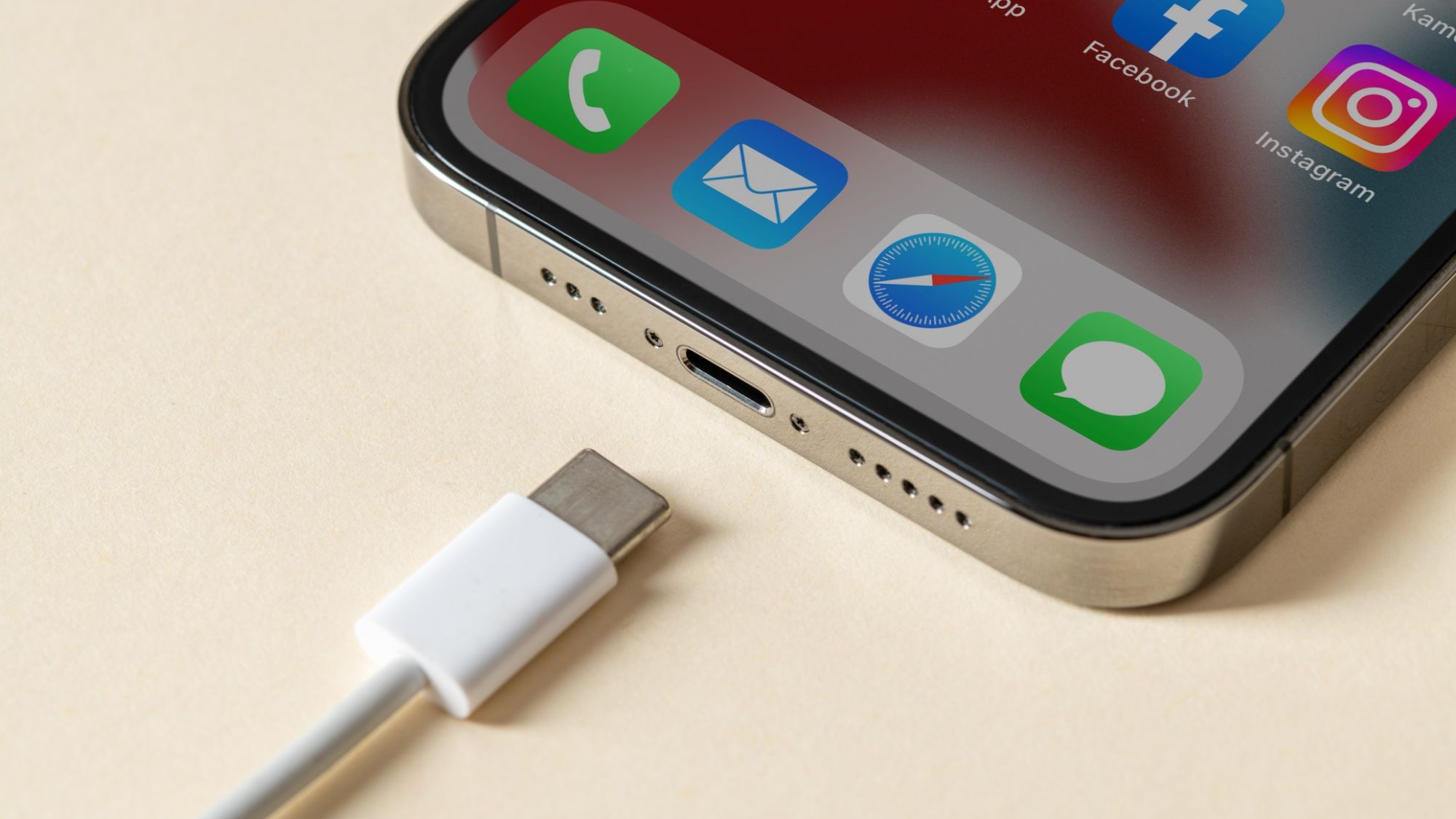
I woke up yesterday morning, grabbed my iPhone off charge, and immediately felt a wave of annoyance. I had a full day ahead, but my phone screen was sitting at a frustratingly specific 80% charge.At first, I assumed my charging cable was loose, or on its last legs. But after purchasing a replacement and experiencing the same issue, I realized it wasn't a hardware failure — my phone was doing this on purpose.It turns out iOS includes a battery setting designed to protect your device’s long-term health. While preventing chemical wear on lithium-ion batteries is great in theory, it’s a nightmare when you actually need full charge to get through the day.Fortunately, if your iPhone is holding back on battery life, there is a quick fix to get back to 100%. 1. Open your Settings menu Open the Settings app on your iPhone, scroll down the main list, and tap Battery. 2. Access your charging options Tap on Charging (or Battery Health & Charging if you are running an older version of iOS). 3. Adjust your charge limit back to 100% If you are on an iPhone 15 or newer, drag the Charge Limit slider all the way up to 100%. On older devices, tap Charging Optimization and switch it to None or turn off Optimized Battery Charging.Since disabling the cap, my iPhone reaches a full 100% charge every single night. If you worry about long-term battery degradation, you can always slide the cap back down before going to bed if you need to. (Image credit: Future)Follow Tom's Guide on Google News and add us as a preferred source to get our up-to-date news, analysis, and reviews in your feeds. Make sure to click the Follow button!More from Tom's Guide Creating calendar events in iOS 27 just got ridiculously easy, and I’m never going backiOS 27 finally gives you total control over your iPhone lock screen — here's what to change firstiOS 27 finally fixes the most annoying iPhone workaround we all useSign up to the Tom's iGuide weekly newsletter with coverage on everything from product launches to software updates, this is your go-to source for the latest updates on all the best Apple content.
My phone refused to charge past 80% until I changed this one buried setting
Full Article
Original Source
Read the full article at Tomsguide →KhanList aggregates and links to publicly available news content. We do not host full articles from third-party sources. Always verify important information with original sources.