
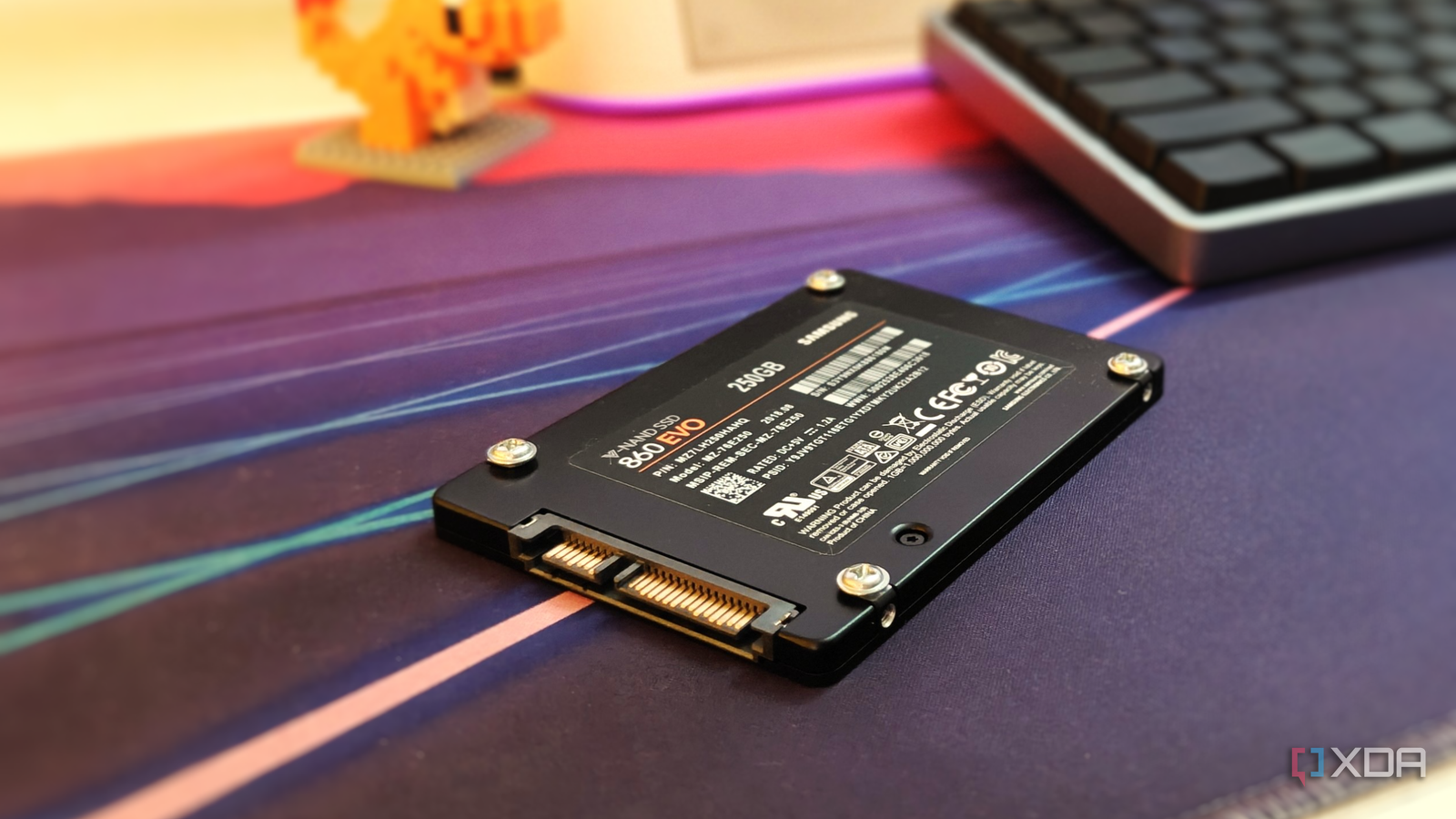
Published Nov 9, 2026, 12:01 PM EST After a 7-year corporate stint, Tanveer found his love for writing and tech too much to resist. An MBA in Marketing and the owner of a PC building business, he writes on PC hardware, technology, and Windows. When not scouring the web for ideas, he can be found building PCs, watching anime, or playing Smash Karts on his RTX 3080 (sigh). For the first few years I spent with my gaming PC, I only ever used SATA SSDs. NVMe drives were still fairly expensive in comparison, so I made the switch later than I would have liked to. Ever since my hard drives and SATA SSDs were banished from my system, they have been gathering dust in my designated "old tech" drawer alongside a myriad of cables, boxes, and old power banks. My PC has enough NVMe storage that I don't feel the need to bring back the SSDs I stopped using. That said, when I recently checked the health of one of my NVMe drives, I realized I had been hammering it with needless writes for years. I could easily use my old SATA SSDs as dedicated scratch drives using my motherboard's vacant SATA ports. It would not only protect my primary drives, but also reuse my older hardware for something genuinely useful. It had been a while since I had used SATA drives I was about to resurrect a dinosaur I always thought my SATA SSDs would continue operating inside my PC even after I switched to NVMe storage for almost everything. After all, additional storage never hurt anybody. However, most of the old drives lying unused in my drawer were too small to make a meaningful difference. For instance, my Samsung SSD was only around 250GB in size. So, these old drives sat unused for years. There was a time when I used one of my SATA SSDs as a Windows 11 drive while Windows 10 was my primary OS. However, after moving to Windows 11 permanently, I removed the SATA drive from the PC. When I was checking my SSD health recently for another article, I noticed that the drive I had used for video editing had dropped to around 95% health while the other one was still at 98%. This wasn't alarming, but it was still a clear indication of the extra toll that video editing software takes on an SSD. Using my old SATA SSDs as a consolidated scratch drive instead would not only minimize write amplification on primary drives, but also help me use old hardware that was being wasted anyway. Using my motherboard's existing functionality in the form of unused SATA ports made the project seem all the more sensible. A separate scratch drive kills two birds with one stone Both performance and lifespan get a boost Source: Adobe The primary motivation to use old SATA storage as a scratch drive was, of course, SSD lifespan. One of my primary drives had seen excessive drive writes over the last few years. Ever since I got into video editing, programs like Premiere Pro and Kdenlive had used the SSD to store temporary files, cached data, and other information. This is normal behavior when these programs run out of system memory. I had never really given it much attention, but when I compared my two SSDs against each other, the difference in the health percentage forced me to rethink my configuration. If I had let the status quo continue, I would have been essentially setting up my second SSD for premature failure. Using my old SATA SSDs instead was the smarter choice. These drives were several years old, but they weren't faulty in any way. I checked their health status using CrystalDiskInfo as well as by running a diagnostic scan test using Seagate SeaTools. Creating a storage pool using Storage Spaces on Windows allowed me to expose the drives as a single logical drive. Scrubbing timelines or editing heavy effects wasn't slow, since SATA SSDs are still fast enough. The other bonus was the performance on my NVMe drive. Free from being a scratch disk, it was now snappier when I was multitasking while Premiere Pro or Kdenlive worked in the background. It freed up available space on the NVMe drive, too. As for the health of the SATA drives, they were gathering dust anyway, so I wasn't concerned about gradual NAND flash wear. Scratch drives are more precious than ever Losing an SSD can be brutal in this market Source: OpenAICredit: Rawpixel In a market where hardware prices have reached new highs, people can't afford to treat their storage carelessly. SSD prices have more than tripled compared to last year, so losing your old SSD to excessive writes is going to be extra unfortunate in these times. Replacing a Gen4 SSD you bought for, say, around $100 will cost you $300 at least, and you may not always have the option of delaying the purchase, not that that would necessarily help you. Using an old drive as a scratch disk for video editing, LLM workloads, torrent files, or any other write-heavy workload will allow your primary drives to function optimally for longer. Replacing an SSD is inevitable, but a separate scratch disk can prolong the inevitable. You could buy used SATA drives from eBay, but the best-case scenario, price-wise, is using old drives you've already paid for. If they were never used for anything more than gaming and regular PC use, they are most likely healthy enough for storing your important data. Stop ignoring your old SATA SSDs If your old SATA drives stopped being useful when you moved to NVMe storage, you might want to think again. SATA SSDs are still fast enough for most things you do on your PC. If nothing else, they can reduce the load on your NVMe SSDs by acting as scratch disks for video editing and other workloads. Protecting your storage is essential to delay unnecesary upgrades, especially in this market.
My PC's unused SATA ports turned a drawer of old SSDs into a fast scratch drive
Full Article
Original Source
Read the full article at Xda-developers →KhanList aggregates and links to publicly available news content. We do not host full articles from third-party sources. Always verify important information with original sources.