
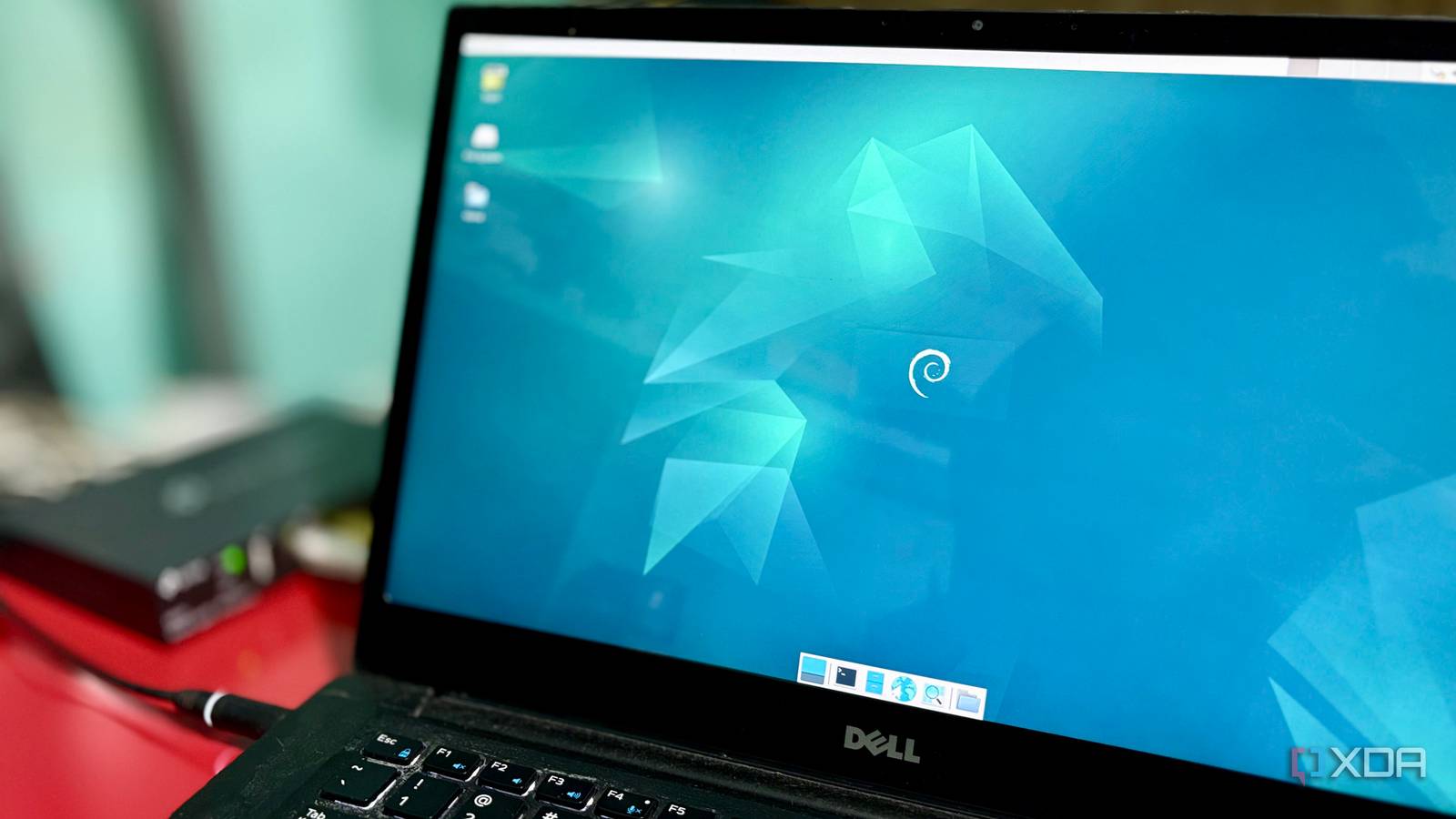
Published Aug 11, 2026, 8:00 AM EDT Shekhar Vaidya is a veteran technology journalist and computer science engineer. He is the founder of TechLatest, where he has spent years providing technical analysis on hardware and Windows ecosystems. Now a Computing Writer at XDA, Shekhar leverages his deep background in NAS, storage solutions, and PC internals to help readers master their tech. Mini PCs or a custom desktop are always the go-to recommendations for a new homelab enthusiast. Reddit threads and tech forums pushed the idea until it became a trend. I was ready to follow the trend and build a new compact PC for my homelab. But right around then, one of my relatives was retiring his work laptop. I grabbed the opportunity and took the laptop from him. I didn’t intend to make the laptop a permanent homelab base; I was running a trial on it before I built the new one. But the moment I started using it, I realized that it solved problems mini PCs don't — before a single app was installed. The realization came from looking at the hardware itself rather than the software I'd run on it. It already solves the biggest headache The power outage you'll never notice As I have mentioned many times in my previous articles, building a home server is easy; keeping the uptime is the tough part. Because a home server is supposed to be running 24/7. And the two things that matter most for uptime are power backup and internet. The internet is an external factor, so I am not going to talk about it. But power is something we can manage. Even if you have a well-maintained power supply at home or in the office, sooner or later you'll encounter a power cut or even a brief flicker. And a mini PC or desktop has no backup power on its own; it will shut down the moment the power goes out. And if you get a cheap UPS, a small flicker can restart the system. But a UPS is also another purchase, another cable, and another box to accommodate it. But a laptop has a built-in battery; it will survive most power issues, given it has some juice. Even if the battery has aged, it can usually handle short outages or voltage dips. And take it from my experience, living in the countryside does have its quirks. Fluctuations in electricity and long power cuts are all too common for me. The age of the laptop battery really doesn’t matter here, and the goal isn’t to run it for hours on that battery. My goal is to keep it alive during fluctuations and the lag between a power cut and switching to home power backup, as the power backup solution at my home can take a couple of seconds to kick in. The biggest benefit isn't uptime itself — it's avoiding the consequences of sudden shutdowns. I run more than 20 stacks on my homelab, and some of them are essential for my home to function. For example, I host my DNS server on it — AdGuard Home — and it is used by every device at my home via the dual-WAN gateway. So if my homelab server is down, it will take my home network down as well. I am not saying it can replace a UPS or an enterprise solution, but for a homelab like mine, it's eliminating an extra expense entirely. It's not a set-it-and-forget-it win, though. Leaving a battery plugged in and fully charged 24/7 isn't great for battery health in the long term. If your laptop has a charge-limiting option in the BIOS, use it; you don't need the extra juice anyway, just enough to survive a flicker. And uptime isn’t the only benefit of the laptop. When SSH isn't an option Your emergency console, already built in Home servers are meant to be headless, and that’s one of the biggest advantages of owning one, because I never have to physically touch it; it can lie in a corner, doing its work. SSH, a web dashboard, or remote desktop is what I need most of the time. But if you are managing a homelab, you already know it won't always run without issues. While fixing one thing, it's easy to misconfigure another, and that can take the whole server down. For instance, a few days ago, I was configuring Pangolin’s direct LAN connection. While testing, I misconfigured the DNS server, which locked me out of SSH and the dashboard entirely. This was something I faced recently, but there are many other scenarios, such as a static IP mistake, broken Docker networking, a VPN/Tailscale/Pangolin mishap, a firewall rule, or even a Linux update that can leave networking unavailable. And when these happen, remote access disappears. But with the laptop, that is not the case; it comes with another built-in advantage: a display. Unlike a mini PC, I don’t have to connect an external display, keyboard, and mouse to it; the laptop already includes everything needed to troubleshoot. I just have to open the lid, and I am already at the local console. No need to search for an extra HDMI cable, move the external display, or dig through a storage bin for a spare keyboard and mouse. Just a few seconds to remove the dust from the laptop, and I can start diagnosing the issues. This isn’t a daily problem; I rarely use the laptop physically, but it's better to have it and not use it than not have it at all. When something goes south, the built-in display, keyboard, and touchpad are invaluable. It's hardware insurance that costs nothing because it's already part of the laptop. The best server money can't buy Reuse beats shopping Building a new home server means buying new hardware, individual components, or a prebuilt one like a mini PC. Mini PCs are the best starter package for a homelab and are recommended across most tech forums. But that advice only holds when you are building one from scratch. I was in the same situation a year ago; I was just a step away from buying new hardware and assembling a new desktop as a homelab. I decided to upgrade my PC’s CPU to a 7800X3D and reuse the current 7700X as the processor for my homelab. Before you point it out, yes, I knew it was an overkill processor for a homelab, and the 7700X doesn’t even have a compatible iGPU for Jellyfin transcoding. Keeping everything in mind, I decided to get an Arc A310 as well. So, with all the reused parts and new components, the invoice landed around $250, a steal, considering today's inflated memory and storage prices from AI data center demand. But when I got the retired work laptop, it was nothing extra for me. If you already have a retired work or college laptop, you've already paid for capable hardware. So, reusing what you already have is the best kind of upgrade. Getting a mini PC is only half the job; you’ll still need to physically use the server. When that happens, you’ll need to either move your current monitor to the server or permanently install a cheap one on the server, plus a spare keyboard and mouse. Meanwhile, an old business laptop already bundles many of those essentials. Business laptops like the Latitude (mine is the 7480), ThinkPad, and EliteBook are built for years of daily, continuous use, so server duty is well within their limits. Limited upgradeability and expansion, aging batteries, and fans that may need cleaning are the real trade-offs. But those trade-offs matter for an advanced lab; for a homelab like mine, the practical advantages outweigh them. The trial run that never ended Mini PCs have earned their reputation because they're small, quiet, power-efficient, and surprisingly affordable. This isn't an argument against them. Even when I started with the old work laptop, I only meant to trial it before building the real thing. But the practical advantages — built-in battery, built-in display, and zero acquisition cost — won me over even before I'd installed a single container. If you already own an old work or college laptop, buying new hardware first solves a problem you don't have yet.
My old work laptop beats a mini PC as a home server, and the battery is just the start
Full Article
Original Source
Read the full article at Xda-developers →KhanList aggregates and links to publicly available news content. We do not host full articles from third-party sources. Always verify important information with original sources.