
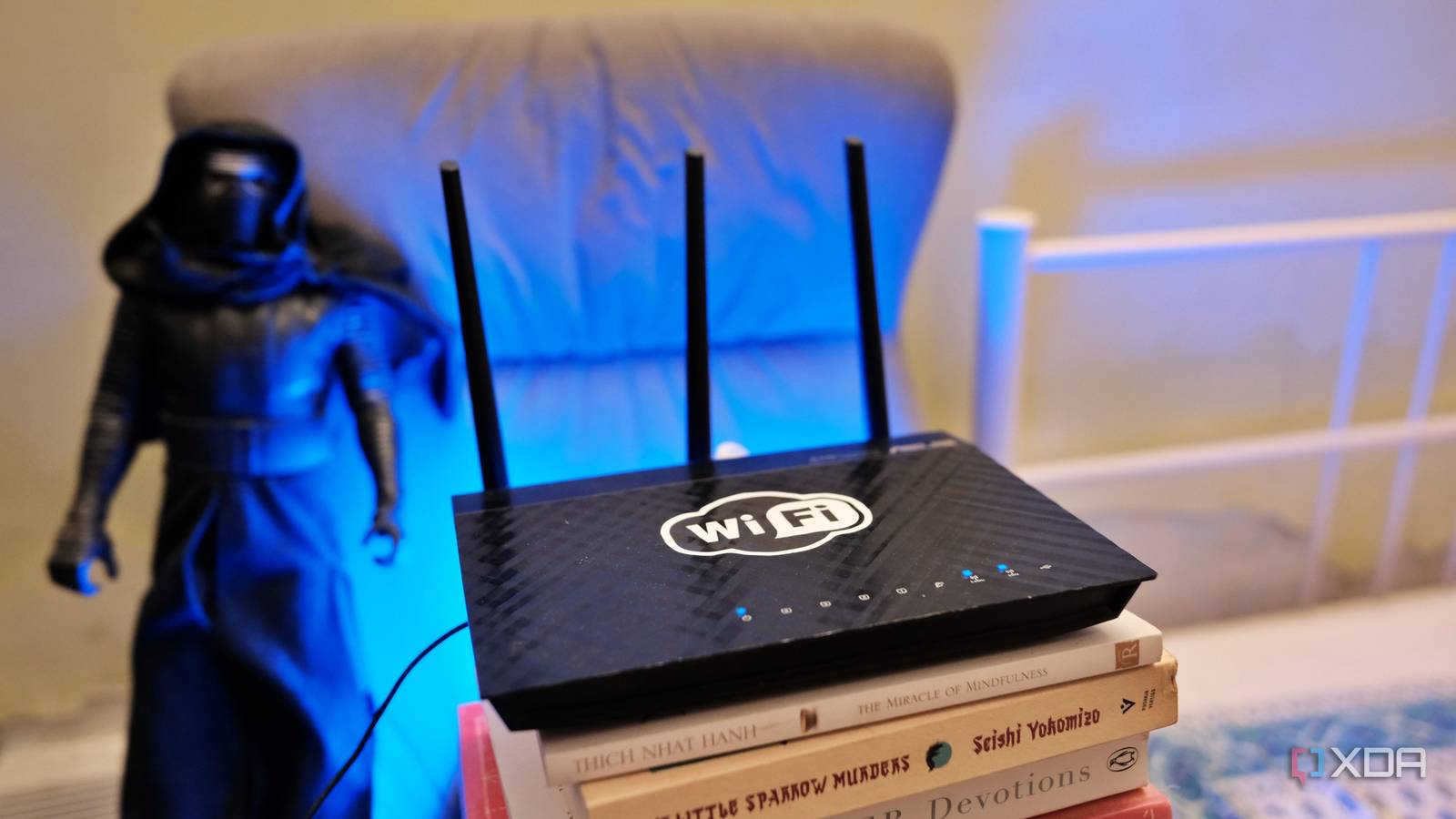
Published Aug 20, 2026, 1:00 PM EDT Samir Makwana is a technology journalist and editor from India since past 18 years and his work appears on MakeUseOf, HowToGeek, GSMArena, BGR, GuidingTech, The Inquisitr, TechInAsia, TechWiser, and others. He has written news, features, and gadget reviews for national technology media publications. His passion is to help people with their technology problems and gadget purchases. For that, he has worked for some of the biggest international technology publications, covering news, explainers, how-to guides, listicles, and product-buying guides. He has worked as an editor and managed teams since 2015. His expertise broadly covers computers, smartphones, game consoles, headphones, smart home products, browsers, and apps. A few weeks ago, I turned my old router into a dedicated network for my smart home devices. I managed to isolate the smart home gadgets into a separate subnet from my laptop and other primary devices. The idea was not to let a compromised smart plug reach any of my other devices. The setup still does its job. I thought isolating the smart home devices from my main network was enough. But then I started paying attention to the WAN side of things and noticed that those smart devices still managed to reach the internet. I hadn’t been seeing what they were up to once they joined their dedicated smart home network on the old router. A closer look at their activity revealed that my old router wasn’t a wall between two networks. Instead, it became the controller that decides whether the smart devices can reach the internet. The smart devices spoke to the internet more than I realized That quiet smart plug would keep dialing out I assumed that my smart plugs and smart lights sat idle unless I summoned them with commands. My old router, an ASUS RT-AC66U, runs FreshTomato firmware, and I can view the connection table under the Bandwidth section. Most routers running OpenWrt offer a similar option in Diagnostics under Network. The usage graph showed several outgoing connections, most of which were short check-ins to the manufacturer’s cloud servers. There were a couple of entries pointing to an analytics domain, which had little to do with whether the plug was on or off. Turns out, none of those visits were malicious. This is normal behavior for many smart devices, since their firmware is designed to call home frequently, log everything, and assume free connectivity. That’s something I didn’t look at since my setup only tracked the smart home devices trying to reach my LAN. They were, in fact, speaking to the internet. And when I started logging all the traffic, I realized my old router had stopped being a black box. My old router gatekeeps what’s allowed to leave Building an outbound allowlist Initially, I set a single firewall rule to block the IoT subnet from communicating with my main network. After all, that was my objective. I left everything else as is, assuming it’d be necessary for firmware updates and notifications. That was fine for blocking smart devices from reaching the internal network, but it does nothing to limit what a device sends outward. So I went back to rebuilding the firewall rules on the old router to deny any outbound traffic by default and open specific destinations per device. A smart display that needs broader connectivity for voice assistant features gets a wider set of rules. Anything I can’t identify a clear reason for, I block it and watch the logs for a while to see what breaks. That per-device approach is slower to set up than a single rule that applies to the entire subnet. Also, it means I have to keep updating the firewall rules with every new device. Turning DNS into a useful filter for my network Smart home subnet gets its own resolver Firewall rules based on IP addresses often work because many cloud services sit behind a rotating roster of IPs or share a CDN infrastructure. That’s why blocking them by domain name is more reliable, and the best place to start is DNS. A Pi-hole instance already blocks ads and trackers on the main network. I set up a second blocklist on the old router, specifically targeting the IoT subnet’s DHCP range. The devices on my smart home subnet get Pi-hole’s IP as the DNS server. That took care of ad domains and telemetry pings getting blocked before a query ever resolves, so the traffic never leaves my network in the first place. Blocking hostnames catches phone-home traffic that IP-based firewall rules miss entirely. Blocking internet access entirely for some devices With local control, WAN is optional While trying to build a local-first smart home, I realized that not every smart device needs to connect to the internet. The traffic from my Zigbee-connected sensors and switches that routes through a coordinator plugged into Home Assistant never needs to leave my network. After all, Zigbee is a local mesh protocol. Those device IPs get an explicit deny-all rule for outbound traffic. It’s a different posture than being isolated from my main LAN. I have to actively grant internet access on this network since it’s not available by default. I only assign an outbound firewall rule for a device if I have a specific reason, such as a firmware upgrade server or an integration that requires cloud server pinging support. Everything else on the old router stays local, and there’s one less thing that could be compromised remotely. Turning an aging box into a point of failure My old router, which works as a dedicated smart home network, has become a single point of failure for internet access. As a result, my router’s health now matters more than it used to, since every byte my smart devices send outside goes through the old router. If the old router loses WAN connectivity, my Zigbee devices keep working since they’re never dependent on it. Firmware checks, voice assistant integrations, or remote access often require cloud connectivity. So, if any of those don’t work, the main network doesn’t reveal that there’s anything wrong with the smart home network. What I didn’t anticipate was more maintenance, since every device needs new firewall rules. Similarly, every firmware update on each existing device is a reason to check logs again if a device’s behavior has changed. Rather than using this old router as an access point or letting it gather dust, I have it to manage everything my smart home devices send before it leaves the network.
My old router is now the only thing standing between my smart devices and the internet
Full Article
Original Source
Read the full article at Xda-developers →KhanList aggregates and links to publicly available news content. We do not host full articles from third-party sources. Always verify important information with original sources.