
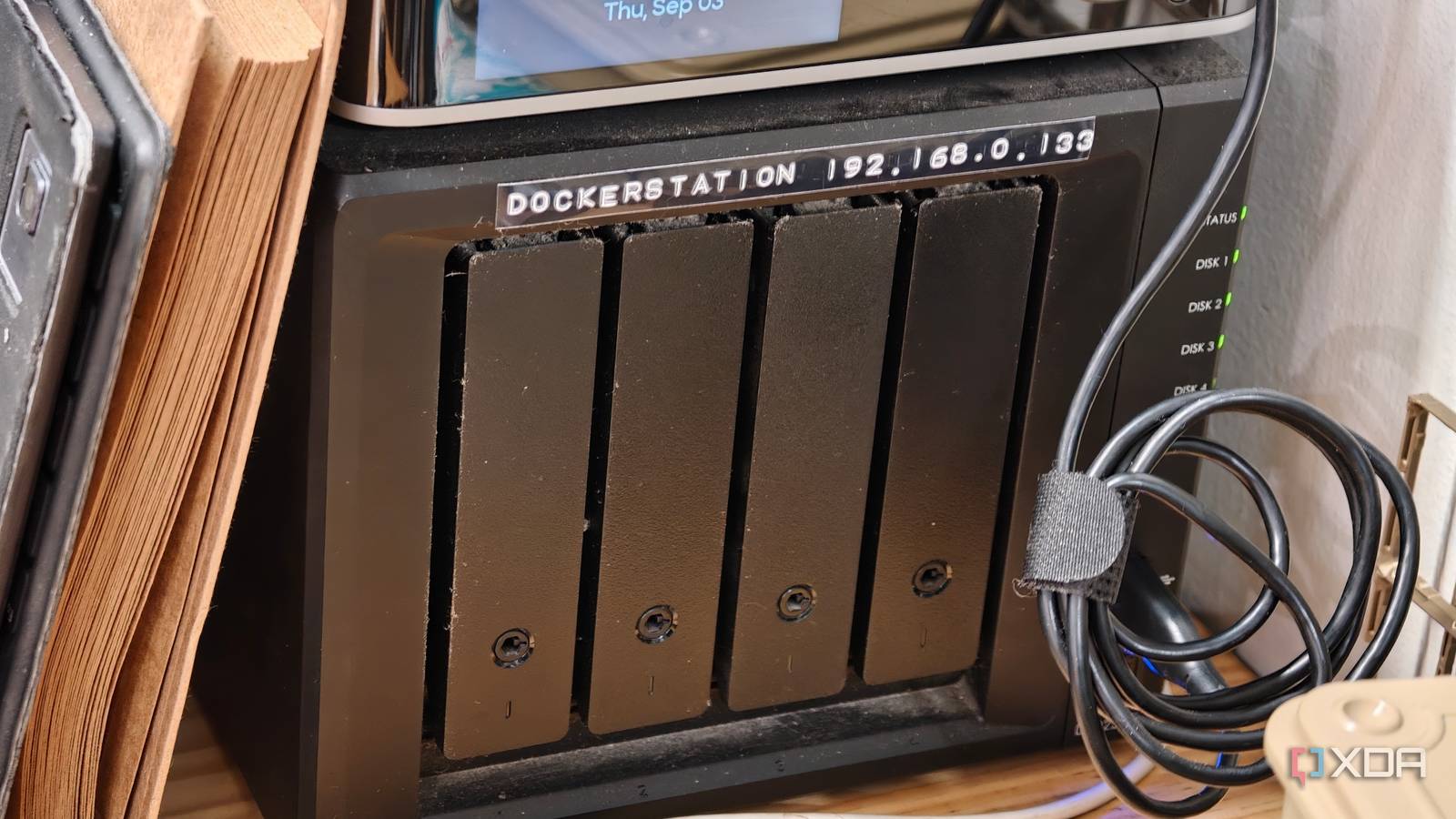
Published Sep 4, 2026, 10:00 AM EDT Dhruv Bhutani has been writing about consumer technology since 2008, offering deep insights into the personal technology landscape through features and opinion pieces. He writes for XDA-Developers, where he focuses on topics like productivity, networking, self-hosting, and more. Over the years, his work has also appeared in leading publications such as Android Police, Android Authority, CNET, PCMag, and more. Outside of his professional work, Dhruv is an avid fan of horror media spanning films and literature, enjoys fitness activities, collects vinyl records, and plays the guitar. I've been on the NAS bandwagon for almost fifteen years. What started off as an easy way to back up my files has quickly turned into a storage obsession. But not just that. Over the years, my NAS has become what I use for a whole range of services that I want around my home. From home automation to wireless scanning and dashboards, my NAS powers all these services, and Docker is what makes this possible. As good as Synology's operating system is, it has limits on the kinds of applications it supports. Even for apps Synology supports, I prefer to run them in their own containers rather than install them on the operating system, keeping configuration and data segregated. Put together, it gives me a much cleaner way to add services to my home setup. Home Assistant made my NAS more than a storage server An always-on home for all my self-hosted services Home Assistant is perhaps the biggest example of why I use Docker since it's where my self-hosting journey began. I need my home automation system to stay powered on all the time. That automatically makes a NAS the perfect fit. The system stays powered on and connected to my network. If I've already got a computer running 24/7, there's little reason to spin up another machine. Moreover, I'm certainly not complaining that NAS drives are designed to be power efficient. For a device that's constantly powered on, any power savings are a good move. Home Assistant on my NAS has also grown well beyond just another way to turn lights on or off. I use it as the central control point for a growing number of devices and automations around my home. Having everything running from the NAS means I don't have to think if the server is on or off. Just as important is the fact that, given the appliance-like format, I don't have to hide away my NAS. It looks great just sitting on a desk or shelf. Circling back to Docker, though, using containers for running your software comes with certain advantages. I can keep Home Assistant segregated from the rest of the NAS, and the same goes for the wide range of experimental services I end up running. The application has its own container, while configuration and data sit in the storage that I've allocated for it. Anytime I restart, update, or recreate the container, it doesn't affect the other services running on the machine. That's important on a machine as critical as the one powering all your self-hosted services. This same idea extends to every other self-hosted service I run on my NAS. After all, a music server is no good if it isn't easy to access. A NAS that is designed to be always-on is the perfect host. Docker allows me to experiment beyond Synology's software ecosystem Running services that Synology doesn't offer Credit: Credit: Another big reason Docker has completely changed how I use my NAS is that it lets me run services Synology doesn't offer. In the early days of my self-hosting journey, I used to get annoyed by the limited scope of services and tools available as a package via Synology. With Docker, I can run practically any service without being limited to the software available via Synology's ecosystem. Take my wireless scanning setup, for example. I run Scanservjs in a container to turn my scanner into a network service that I can access from my computers without having to connect my scanner directly to them. Using Docker on my NAS let me set this up with no hassle at all. Similarly, I use Homebridge to connect and expose devices and services around my home. Homebridge is, in my opinion, one of the flakiest home automation tools and one that needs careful handling. Since it runs as a Docker container, I can update, roll back, or restart without touching anything else on my home server. Using Docker has opened up a world of services on my NAS that I probably wouldn't have used otherwise. Just the other day, I deployed a keyboard-based dashboard that lets me launch any of my self-hosted services with two to three keystrokes at most. Over the weekend, I tried out a music recommendation engine. Docker gives me a low-friction way to try out new software without worrying about the consequences of installing experimental services on my NAS. If I find a self-hosted application that looks useful, I don't have to make a permanent change to the NAS operating system. I can deploy it as a container, give it the storage it needs, and remove it later if I don't think I'll use it much. Docker turned my NAS into a self-hosting platform Docker isn't the reason I have a NAS, but it has made my NAS much more useful than it used to be. The storage continues to be the foundation, while containers let me build a stack of services on top of it. The result is a NAS that does much more than hold my files. In fact, thanks to Docker, it has become a critical part of my self-hosted infrastructure. Docker Docker Desktop is a one-click-install application for your Mac, Linux, or Windows environment that lets you build, share, and run containerized applications and microservices. It provides a straightforward GUI (Graphical User Interface) that lets you manage your containers, applications, and images directly from your machine. Docker Desktop reduces the time spent on complex setups so you can focus on writing code. It takes care of port mappings, file system concerns, and other default settings, and is regularly updated with bug fixes and security updates.
My NAS has been running 24/7 for 15 years, but Docker finally gave it a reason to stay on
Full Article
Original Source
Read the full article at Xda-developers →KhanList aggregates and links to publicly available news content. We do not host full articles from third-party sources. Always verify important information with original sources.