
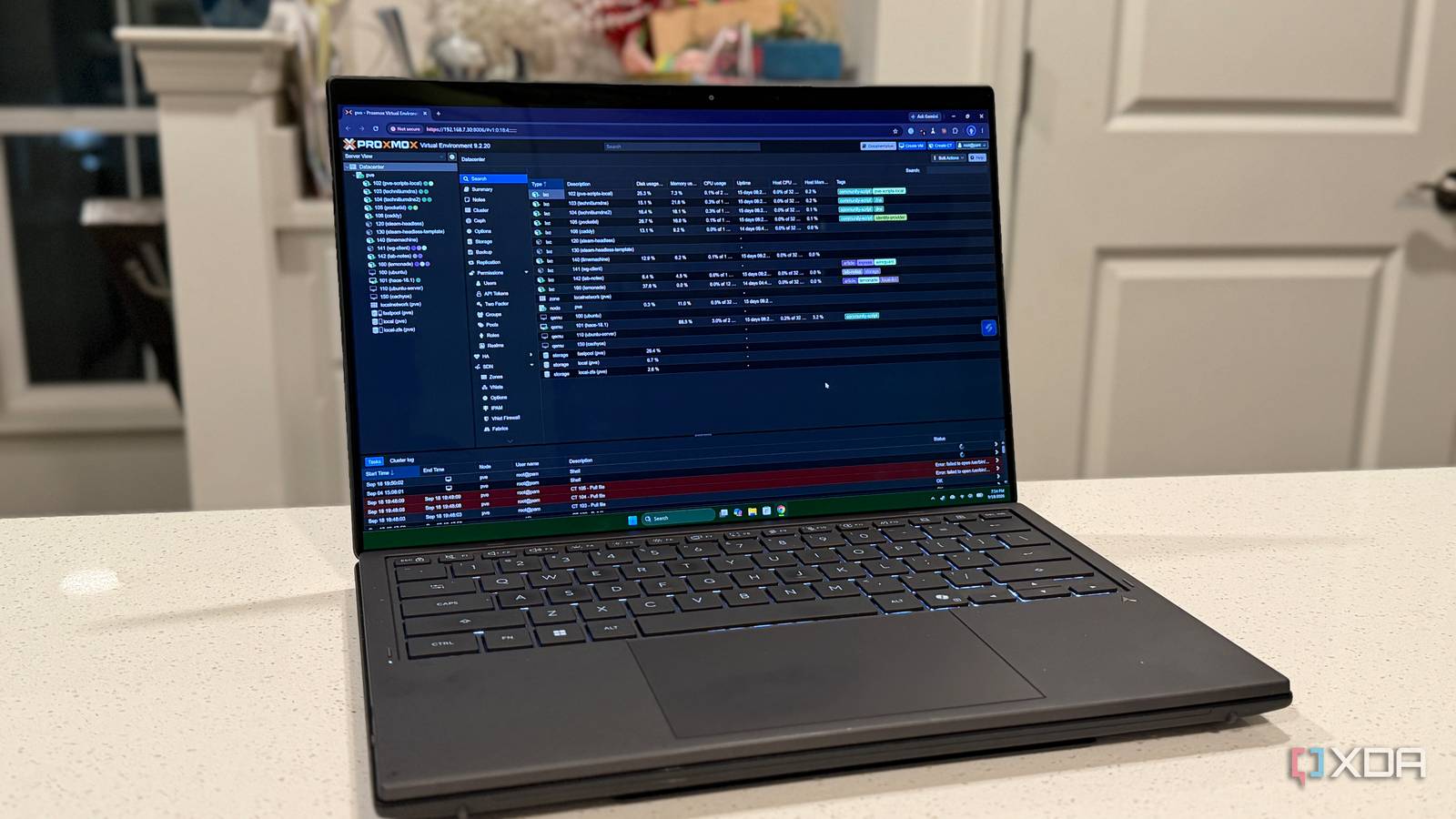
Published Sep 19, 2026, 4:00 PM EDT Maker, meme-r, and unabashed geek, Joe has been writing about technology since starting his career in 2018 at KnowTechie. He's covered everything from Apple to apps and crowdfunding and loves getting to the bottom of complicated topics. In that time, he's also written for SlashGear and numerous corporate clients before finding his home at XDA in the spring of 2023. He was the kid who took apart every toy to see how it worked, even if it didn't exactly go back together afterward. That's given him a solid background for explaining how complex systems work together, and he promises he's gotten better at the putting things back together stage since then. I've always assumed I'd notice if something in my home lab broke. It's my lab, after all. I built every LXC on the Proxmox server, I set up the Caddy reverse proxy by hand, and I poke at the whole thing most days. Surely a dead service would jump out at me. So when I sat down to finally give the lab a self-hosted monitoring tool, I did a quick audit first, and there it was in Docker Desktop: a container marked "Exited (0) 2 months ago." Case closed, I thought. Found a dead container; this will be easy to fix. Except the container wasn't the problem. The tooling that spins it up was, and the monitoring stack most homelabbers reach for wouldn't have caught it. The dead container wasn't actually the problem I mean, it was still a problem, but not the cause The container belonged to the Synology MCP server, which is how Claude talks to my DS1621xs+. When it works, Claude can read and write my lab notes directly on the NAS. When it doesn't, Claude quietly falls back to a local copy and carries on. It had definitely not been working. I run a weekly content-radar job that surfaces article ideas from my lab notes, and every report opens with a housekeeping line. On August 25, September 1, September 8, and September 15, that line said the same thing: no Synology MCP in this session, working from the local copy again. Four weeks in a row, the word "again" was right there, and I read straight past it every time. So the stopped container looked like a smoking gun. Then I read its logs. It had been started 10 times back in July, and every run ended within a second, because it was my first, abandoned attempt at running the server in Docker. I'd launched it without an interactive input stream, so a server that talks over standard input found the door already closed and politely left. Exit code 0, which is Docker for "everything's fine." It never served Claude once. The thing that actually launches the server is a one-line entry in my Claude Desktop config, which runs it with uv instead. That's where the real failure was hiding. Ntfy Ntfy is a fantastic self-hosted notification tool. Uptime Kuma Key highlights Open-source monitor Uptime Kuma is a simple way to check if your services are still available. Beszel Beszel checks if your machines are still healthy, with a lightweight process. Yet another reminder for me to be careful with uv Every time Claude Desktop starts the Synology server, uv builds its Python environment from the project's requirements file. That file asked for mcp>=1.28.0. Greater than or equal to, with no ceiling. On July 28, the Python mcp library shipped version 2.0.0, and it removed an API this server was built on. From then on, every launch pulled the new version, and the server died before it ever reached my NAS. I did it to myself (mostly). I'd cloned the project in June and never updated it, while the upstream project moved to the new library in August. The DSM account the server logs in with had also gone missing, so even a working launcher would have been turned away at the door. I recreated the account and pinned the library below 2.0, and it's been fine since. It wasn't the only thing nobody was watching The Proxmox side of the audit was less dramatic and more embarrassing. There was no backup job on the node at all. I had ZFS snapshots on a couple of containers and had mentally rounded that up to "backed up." It isn't, and I know better. The daily update check had also been failing for 11 days because my Proxmox subscription ran out, and the enterprise repositories started refusing the node. Proxmox flagged it every single morning. It just flagged it to mail-to-root, the only configured notification target, which delivers to a mailbox nobody on Earth has ever opened. A small stack of additional containers was needed And one check that it can't do on its own I kept the stack deliberately small: three tiny LXCs from the Proxmox VE community helper scripts. Uptime Kuma checks that each service actually responds, Beszel monitors the machines themselves, and ntfy sends it all to my phone, including Proxmox's own alerts. But neither tool would have caught the broken launcher. Uptime Kuma checks things that listen on a port, and an MCP server that talks over standard input listens on nothing. Beszel charts what's running, and a server that dies in its first second never shows up at all. So the check that matters most is a small Python script. It starts every MCP server in my Claude Desktop config with the same command the client uses, completes the handshake, and asks each one to list its tools. Then it pings an Uptime Kuma push monitor, so if the script itself stops running, the silence triggers an alert too. Here's this morning's run: OK technitium-primary 1.7s 39 toolsOK technitium-secondary 0.2s 39 toolsOK Home Assistant 21.0s 77 toolsOK proxmox-iac 2.8s 32 toolsOK proxmox-full 1.6s 3 toolsOK synology 1.9s 77 tools Before the fix, the Synology line failed in under two seconds. Running every 30 minutes, it would've caught the break the day the library update landed, instead of weeks later by accident. Monitoring only works if silence has a definition My lab didn't lack information. The launcher printed its error every time it ran, Proxmox knew apt was failing, and my own radar reports said so for four weeks running. What it lacked was anything that turned that information into a buzz on my phone. Sure, if your lab is three containers on a Raspberry Pi, Uptime Kuma alone covers most of it. But if anything in your setup launches itself with an open-ended version range, check that it still starts at all. And do the audit before you install anything, because the dead container you find first might just be pointing at the real problem.
My homelab had a dead container for 64 days, and the popular monitoring tools wouldn't have caught it
Full Article
Original Source
Read the full article at Xda-developers →KhanList aggregates and links to publicly available news content. We do not host full articles from third-party sources. Always verify important information with original sources.