
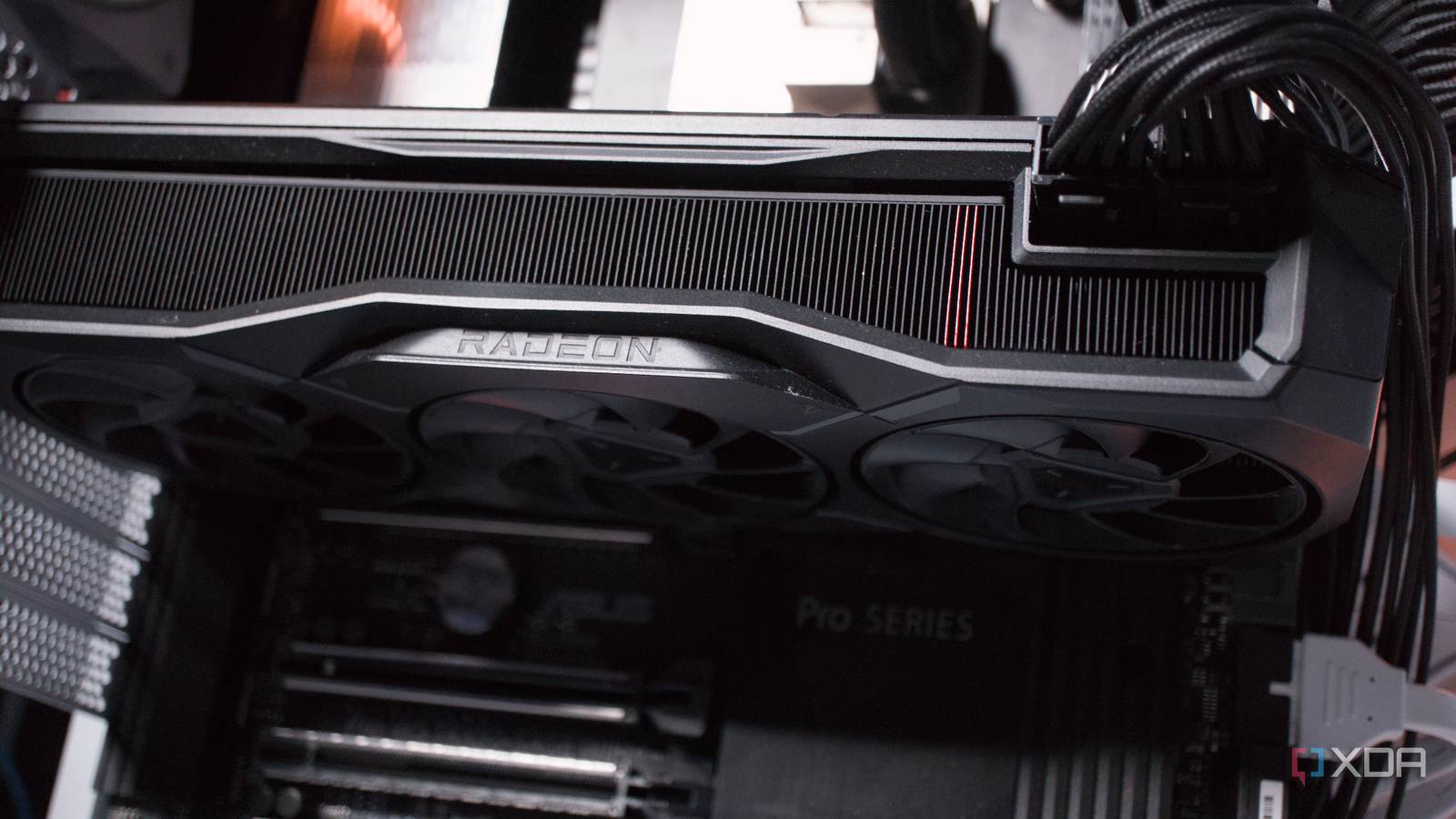
Published Aug 22, 2026, 7:00 AM EDT Richard is the PC Hardware Lead at XDA and has been covering the technology industry for almost two decades. He's been building PCs since young, and when not creating content, you can often find him inside a chassis somewhere. Building a home lab can be incredibly rewarding with the ability to run countless software and service packages, opening up new ways to interact with data at home. No cloud subscriptions, no reliance on external services, and most self-host solutions are completely free. It's difficult to stop hosting everything once you get going, but the issue quickly comes down to hardware. You need considerable power and memory to run specific tasks, especially if you fancy yourself running the latest large language models (LLMs). That's where a used GPU can make a huge difference. Enter the AMD Radeon RX 7900 XT With its impressive 20 GB of VRAM I wanted to consolidate my home servers back into a single system, making it as efficient as possible for continuous operation. I dusted off the AMD Threadripper 9000 series chip, which sounds counterproductive to the task, and altered UEFI settings to bring down the idle power draw without sacrificing much performance. I managed to get it down to around 60 watts for the entire system, which is actually pretty good considering two compact desktop PCs with an Intel Core i5-7400 pulled 20W each. The GPU being installed inside the server opens up a few avenues, one being running LLMs. I've managed Ollama and a few models on everything from an RTX 5090 to a mini PC with a mobile Intel processor and sluggish RAM. The AMD Radeon RX 7900 XT is quite the package. AMD's ROCm software stack has come leaps and bounds over the years, and it's easier than ever to get it all up and running with GPU passthrough on something like Proxmox, which is precisely what I managed to achieve. I planned to use the GPU to handle LLMs running through Open WebUI and Ollama, as well as Immich and Frigate when required. Having the massive 20 GB VRAM capacity ensures I have ample space to cram larger models for prompt inferencing and the ability to process anything required by other LXCs. And because all of these are running within a dedicated LXC on the same Proxmox node, it's all with very little overhead and no issue sharing the same AMD GPU via passthrough. Running LLMs, Frigate, and Immich was huge Combining everything onto a single platform transformed my home lab An LXC is almost required for this to all work flawlessly over running separate virtual machines (VMs). Instead of carving out a piece of the host for a virtual instance, an LXC can take what it requires at that given moment, including the GPU. Through Proxmox, a VM typically requires the entire GPU to be attached to it, whereas multiple LXCs can share that same graphics card. That's what makes it possible to run LLMs, Immich, and Frigate all on the same host and using just one GPU. The Radeon RX 7900 XT runs flawlessly with available open-source drivers. Everything is painless with the available Proxmox community scripts, which can handle the installation of the LXC, software, and configuring necessary links to load the GPU within that container. For LLMs, I'm running either qwen3.6:27b-q4_K_M or qwen2.5-coder:14b, both fitting within the available 20 GB of VRAM. Frigate and Immich don't require too much GPU processing time, which ensures everything can run together. My home server setup was fairly useful to begin with. The most important instance running for our household is Home Assistant. It's responsible for controlling everything within the smart home. We have countless sensors and devices all connected. It also communicates with our EcoFlow solar PV and battery system installation, so the energy dashboard can track demand, supply, and local generation. "Everything just works," in the words of video game legend Todd Howard. But it could be so much more, taking full advantage of local processing power. That's precisely what an AMD Ryzen Threadripper 9980X provides with 128 GB of DDR5 RAM and the aforementioned RX 7900 XT. I've got more than 40 instances running, and the server is barely breaking a sweat, keeping power draw within a reasonable range. Everything is local, including mapping LLMs to Home Assistant and beyond, cutting down on latency and network traffic. Reuse old hardware wherever possible Creating the ultimate home server is fairly easy. All you require is an old PC. If you have ample parts to put together a desktop system, you're already halfway there. It's not required to have a 64-core server. All you need is an Intel Core i7-14700K with 20 cores and enough RAM to run a few containers and virtual machines. Throw in a capable gaming card you no longer require for the primary gaming PC, and you've suddenly got something much more capable. When a GPU enters the chat, the home server can be transformed into a smart hub that controls much more than self-hosting a Git platform, Home Assistant, and some other free software.
My home server was already useful, but here's how adding a used GPU turned it into something entirely different
Full Article
Original Source
Read the full article at Xda-developers →KhanList aggregates and links to publicly available news content. We do not host full articles from third-party sources. Always verify important information with original sources.