
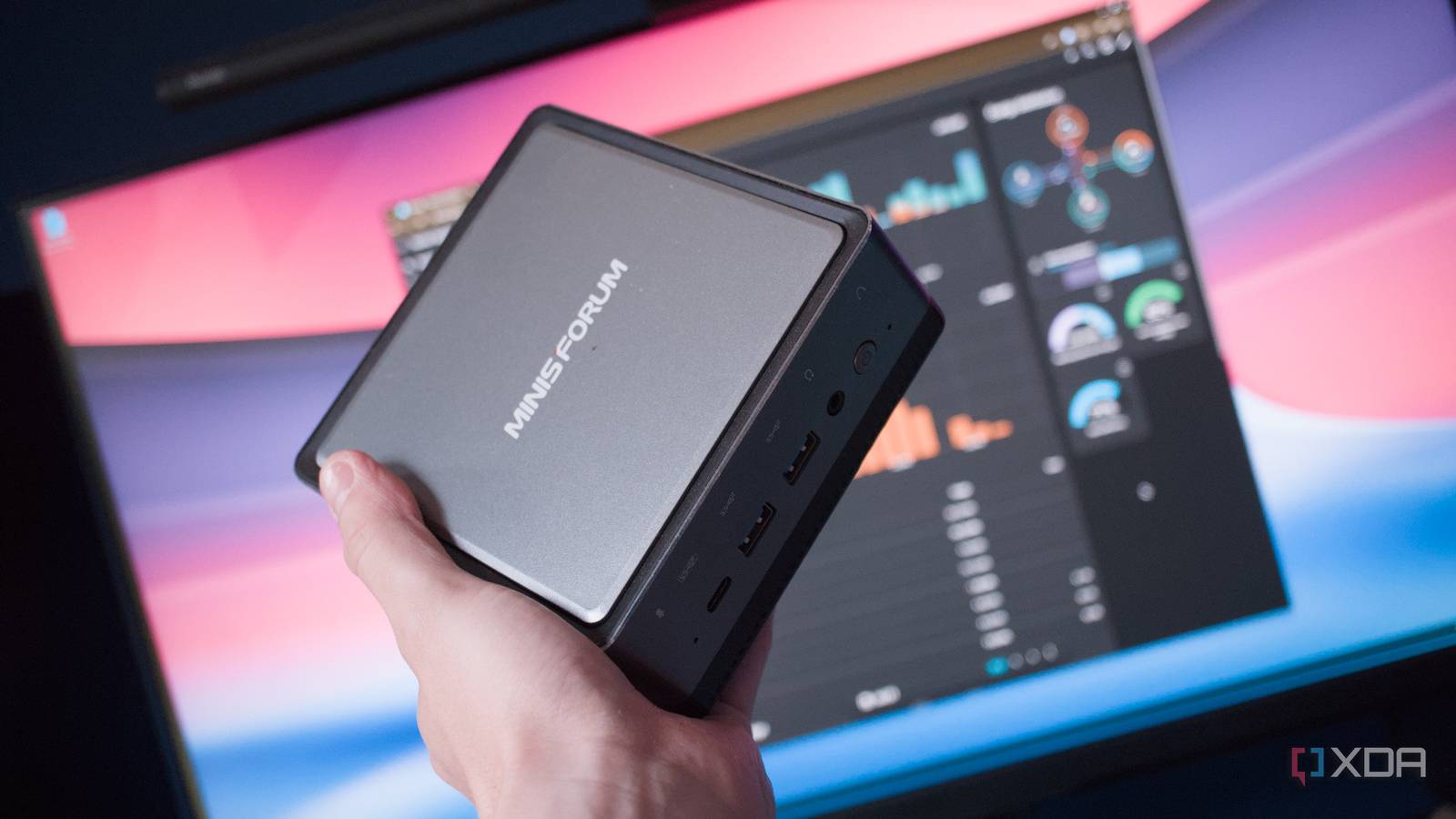
Published Nov 5, 2026, 10:00 AM EST Richard is the PC Hardware Lead at XDA and has been covering the technology industry for almost two decades. He's been building PCs since young, and when not creating content, you can often find him inside a chassis somewhere. You know what's really cool about running a home lab? Having an excuse to source and manage used enterprise servers to create your very own data center. You know what's terrible about running a home lab? The monthly utility bill. These servers are anything but efficient, designed for extracting as much performance from the compact form factor, requiring loud fans, powerful chips, and proprietary hardware. Still, it's a learning curve and was a great experience while it lasted. Spanning across five devices, I decided to consolidate everything to just one system. Armed with nothing but one PC case and an AMD Threadripper processor, I went to work backing up all the Proxmox virtual machines and Linxu containers (LXCs) to transfer everything to this one platform. The network-attached storage (NAS) also made the cut, and the end result was an entire home lab running on the same hardware. It was easier to maintain and better for our monthly outgoings, making it quite the upgrade. The issue with running a home lab on multiple devices It can quickly get out of hand with Proxmox at the helm Credit: Proxmox as an operating system makes it incredibly easy to set up and manage a home lab. Whether you're running countless virtualized instances on one machine or a cluster of nodes, it's a powerful tool that should be at least considered for every home lab arsenal. After installing it on one of the sourced servers, I found it nigh impossible to resist the urge to install it across the board. I dreamt of creating my own home-based data center to handle our self-hosting needs, and it was becoming reality. What one may not consider when shopping around on classified sites is the power draw of all these devices. A single 1U server pulling around 50 or 60 watts doesn't sound terrible in the grand scheme of things, but throw another three into the mix and a prebuilt NAS enclosure with six hard drives, and you're looking at just shy of 300W as the home lab baseline. That took our household idle load to 600W, which is incredibly high, costing just shy of $5 per day. That's $150 per month, which is unsustainable after factoring in heating, cooking, and all other electrical devices. So, I decided to take the single Threadripper CPU I had collecting dust and see how it would fare running the entire home lab on the same machine. I'm talking NAS (with all those hard drives), LXCs, VMs, and even the home surveillance system. Getting rid of four devices and considering everything would hopefully cut down on noise, heat, and power draw, right? Consolidating the home lab works* *So long as you choose the right hardware Moving from five machines to just one was easy. Proxmox has a brilliant backup system in place without using Proxmox Backup Server. Simply make a copy of all VMs and LXCs across all nodes. Then it's just a case of using secure copy to move all the files to the new system, which is running idle with a fresh Proxmox install. The NAS was a little trickier since it was a dedicated platform running TrueNAS. A TrueNAS VM was the port of call for this build. This migration also provided the ideal opportunity to move from six 4TB drives inside the NAS to just two 14TB drives. The capacity of the six-drive array was 14TB anyway, so having these two new NAS HDDs in a RAID1 configuration was ideal to not lose out on any storage space. Everything was then copied across and placed within user account home directories. To everyone within the household, it was as if nothing had occurred, aside from the hour or two of downtime. Once all systems were halted and instances switched live on the Threadripper, the entire home lab sprung back to life. We were now pulling between 120-150W at the wall for the entire stack, a good 50% saving as a conservative estimate. The house idle load reduced to 450W, which is still a little high but is certainly more manageable. It'll always be high since we're running a NAS, networking devices, and servers to run self-hosted content. The Threadripper chugged along well, and it even allowed for local LLMs to be run. Installing an AMD Radeon RX 7900 XT provided 20 GB of VRAM for Open WebUI and Ollama to run the latest models. So not only was I saving through cancelling subscriptions, but I could also enjoy the capabilities of agents without passing everything to the cloud. I eventually improved efficiency further A NAS and mini PCs There's something about having a dedicated NAS at hand on the network. The primary issue with having everything on one system was downtime for all services and beyond. If I needed to reboot the server, the NAS went down, etc. Prebuilt NAS enclosures are specifically designed to be efficient and light on power draw. The TerraMaster T6-423 is one fine example of this, and now armed with just two 14TB drives, it wasn't drawing anywhere near the previous readings. Then there was the switch from the single Threadripper server to a mini and desktop PC. Although we're back up to three devices, altogether they draw less than 100W. The mini PC runs most of the home lab yet pulls almost nothing. The NAS is about 20W give or take, usually sitting idle, and the HDDs are the only notable component pulling anything. Then there's the Core i5-7400 inside the Fujitsu Seimens SFF PC. It doesn't draw much at all even when running Frigate. It's still technically part of the home lab, even though I view it as a dedicated NVR and something that's outside of the micro data center. Taking feeds from our security camera setup, this dedicated system stores footage and runs object detection locally. The mini PC runs all other LXCs and VMs. The NAS supplies all the data, and yet we've not sacrificed capabilities at all. It's all about switching things up and adapting the home lab to how services and hardware are utilized. Would I return to a five-system server configuration? It's highly unlikely, though I'll keep the Threadripper server at hand should it need to be fired up for some reason. I did enjoy having the entire home lab running on just one device, and it's something I'd recommend everyone at least consider for their LAN.
My home lab was five separate machines, so I consolidated it into one box and kept every service running
Full Article
Original Source
Read the full article at Xda-developers →KhanList aggregates and links to publicly available news content. We do not host full articles from third-party sources. Always verify important information with original sources.