
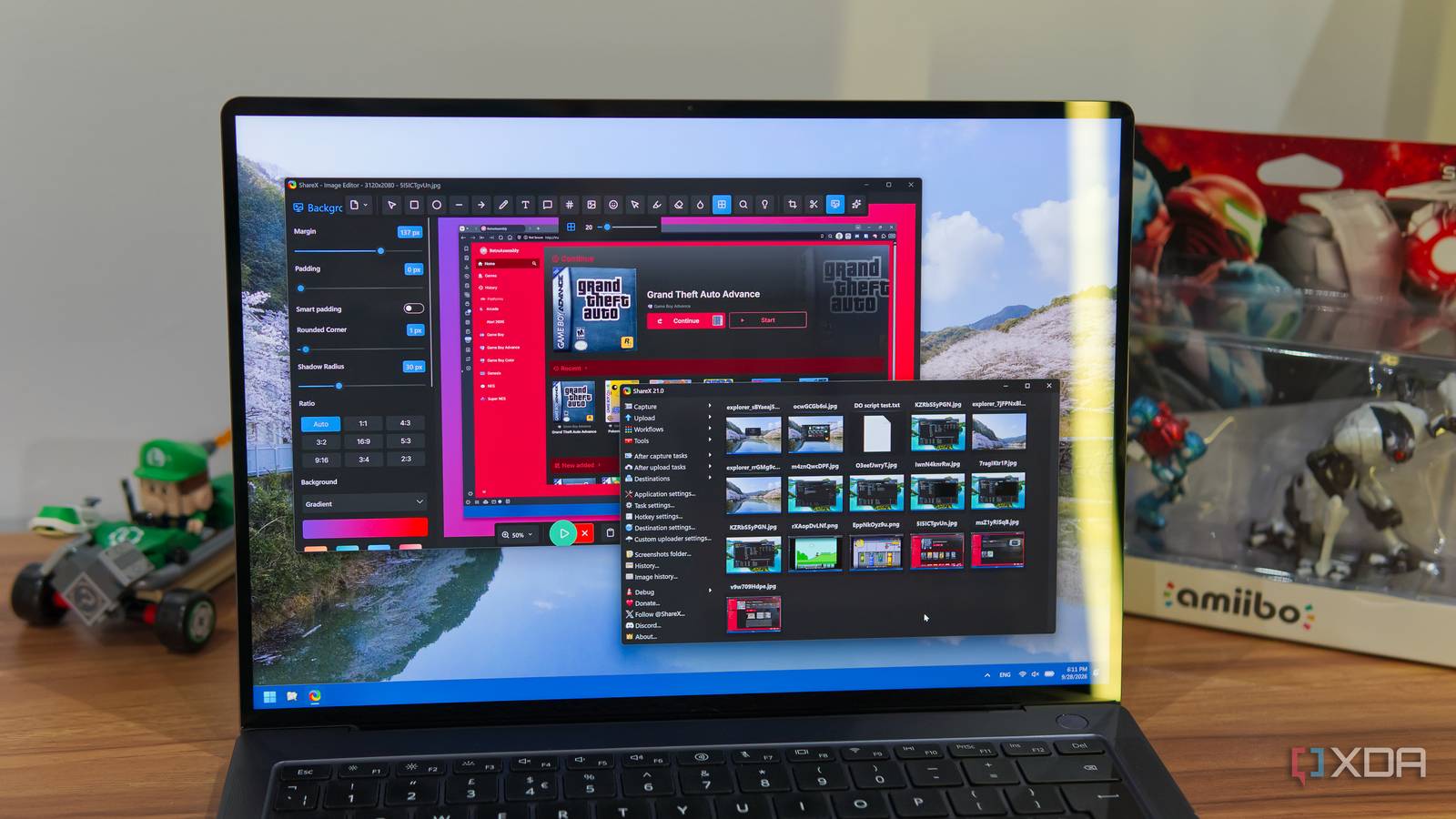
Published Nov 27, 2026, 3:03 AM EST Simon is a Computer Science BSc graduate who has been writing about technology since 2014, and using Windows machines since 3.1. After working for an indie game studio and acting as the family's go-to technician for all computer issues, he found his passion for writing and decided to use his skill set to write about all things tech. Since beginning his writing career, he has written for many different publications such as WorldStart, Listverse, and MakeTechEasier. However, after finding his home at MakeUseOf in February 2019, he would eventually move on to its sister site, XDA, to bring the latest and greatest in Windows, Linux, and DIY electronics. Sign in to your XDA account Summary ShareX 22.5 swaps Windows OCR for AI-powered PaddleOCR with far better accuracy and support for100+ languages. Region capture now opens about twice as fast, and the image editor adds right-click delete for shapes and size-to-fit. A new pixel-art editor comes with layers, animation timeline, tilemaps, slices, and a sprite sheet import/export tool. I may be a huge Linux fanboy now, but back when I used Windows, ShareX was my weapon of choice for taking screenshots. In fact, it's one of the apps I really miss from the Windows side of things. As such, it's always good to see ShareX still getting updates, and the newest one is fantastic news for people who use it to extract text from images. ShareX 22.5.0 replaces the Windows-based Optical Character Recognition (OCR) with a new tool based on PaddleOCR. The new tool looks pretty powerful As announced on the ShareX website (via Neowin), the development team has released version 22.5.0 of the popular screenshotting software. The highlight for this version is an upgrade to its OCR tool: OCR Improvements: Replaced Windows OCR with AI powered PaddleOCR, which gives significantly more accurate results. It supports over 100 languages out of the box, with no language packs to download and no switching between languages, and everything still runs locally on your device. Clicking on the link within that quote takes you to the PaddleOCR GitHub page, and honestly, it looks pretty great from the demos there. It seems it can handle both handwritten and tightly packed written English quite well, and that's just one of the 100+ languages it supports. Of course, version 22.5.0 isn't just about OCR. There are some really nice tweaks in here, too. The image editor is getting a handful of new options to play with, such as "Right-click deletes the shape under the cursor" and "Size window to fit image." Plus, opening the region capture tool happens about twice as fast now, which is great to hear, as that was my most-used tool of the lot. There's even a pixel art editor now, which comes with "layers, an animation timeline, tilemaps, slices, and sprite sheet import and export."
My favorite third-party Windows screenshotting tool just got even better at extracting text from images
Full Article
Original Source
Read the full article at Xda-developers →KhanList aggregates and links to publicly available news content. We do not host full articles from third-party sources. Always verify important information with original sources.