
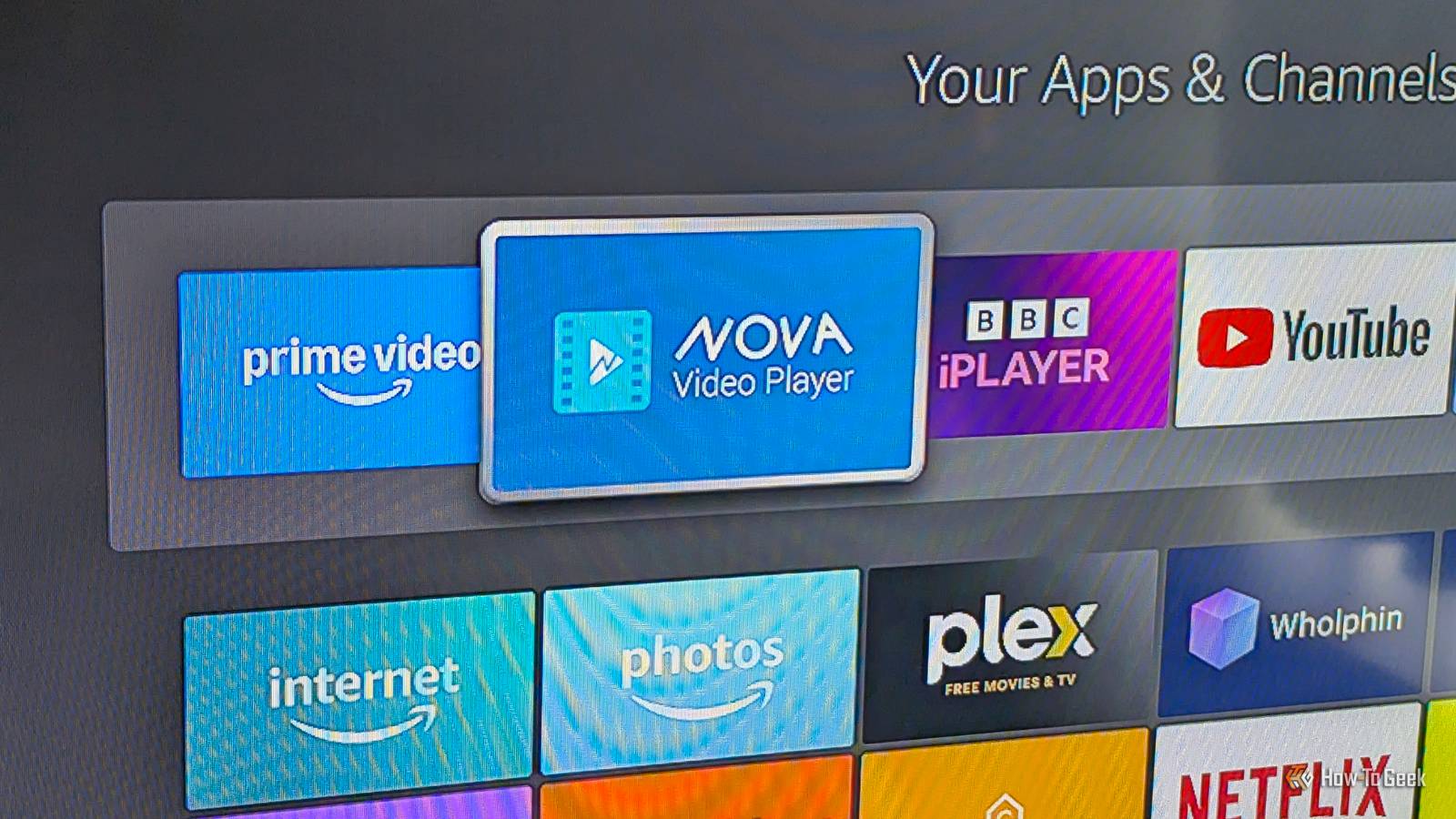
Published Aug 16, 2026, 8:30 AM EDT Andy is a senior writer and former Mac editor at HTG. He has over 20 years experience as a consumer tech journalist, and has covered everything from the old Palm Pilots to the original iPhone and Android devices, to the latest gadgets. He has written and edited for UK-based print publications like PDA Essentials and Android Magazine, and online at sites including MUO, Android Tips and Hacks, broadband.co.uk, and Envato. He has a passion for all things mobile and has been a keen Mac enthusiast since 2005. Fire TV is built around streaming services, but my favorite app does something more. NOVA Video Player lets me build a polished, Netflix-style library from my own local files, without needing to run a Plex or Jellyfin server. It makes a Fire TV device so much more powerful. NOVA makes your local videos look like a streaming service It's more than just files on a USB stick To describe NOVA Video Player as just another local video app would be to massively downplay its qualities. This isn't a mere VLC alternative. Instead, it combines the best bits of VLC with the best of Plex and Jellyfin to create something that feels like a personal media library. The app is free and open-source, and you can get it through the Amazon Appstore. It also works on Android and Android TV devices via the Play Store, and you can get it from GitHub as well. NOVA works primarily with local files stored on an external drive or USB stick. What makes it different from most media players is the extra features that make a folder of files feel more like a curated streaming library. When you open it and point it at your files, it grabs the relevant metadata for all of your content. It automatically downloads posters, artwork, descriptions, cast lists, ratings, and so on. Having built up a large library over the years, I don't want to have to remember which file is in which folder or have to decipher filenames to find things. This app solves that issue. I never find myself simply scrolling through a list of files. The metadata matching is impressive and pretty accurate most of the time. If it fails, it's easy to fix manually. The app also organizes your content for quick access. It groups your films into collections and your shows by title and season, and you can autoplay episodes whenever you want to binge-watch. No setup or maintenance required NOVA Video Player works with most common file formats. There's no transcoding, server setup, account logins, or anything else to complicate it. The app uses hardware acceleration to deliver smooth performance, although it means your experience can differ from one device to the next depending on its capabilities. On the rare occasion that it does have playback issues, you can use software decoding instead as a fallback, which fixes many problems. However, sometimes you will be limited by the hardware you're using. My older Fire Stick can't handle AV1 files, for instance. It has Trakt integration, support for external or embedded subtitles, and a somewhat customizable interface. The experience goes far beyond what you get from most local media apps. It's simpler to use than Plex or Jellyfin, although it's not as advanced. It can't sync your views, your progress, or other things, so if you have it running on multiple devices, the data will be different on each of them. But this is a minor limitation. The app is ideal for people who only watch at home and don't need network access to a server. Your whole library is easier to browse And it works with a NAS too The other thing I love about NOVA Video Player is that it makes it easy to find content in my library. It's packed with powerful filtering options that let you browse content by year, genre, rating, length, and other things. You can see the files that you've recently added or recently watched, and so on. You can also hide everything you've watched to keep the library tidy. And there's more. If you do need network access, you can get it with this app. SMB support means you can keep all your files on a PC or NAS and watch them without needing to run server software. That means the Fire Stick can access a much larger library than you could reasonably keep on an external drive attached to it. I've got SMB sharing set up for a couple of folders on my MacBook and an external drive, which I can browse in NOVA alongside my local files. It's all fully integrated with the rest of the content, with the same metadata downloads, and it means I can easily bypass the main downside to working with offline files—making sure I've copied them onto the right drive whenever I want to watch them. Although I do keep a lot of stuff in one big library, this added flexibility really helps. Make local files feel more like streaming NOVA Video Player hits the sweet spot between a basic video player and a full media server. It's easier to use than Jellyfin and offers more than VLC and doesn't require accounts, subscriptions, or anything that complicates its setup. I still use Plex and Jellyfin, but the simplicity of NOVA makes it one of my favorite apps and makes my old Fire Stick in particular feel like a much more capable device.
My favorite Fire TV app has nothing to do with streaming
Full Article
Original Source
Read the full article at Howtogeek →KhanList aggregates and links to publicly available news content. We do not host full articles from third-party sources. Always verify important information with original sources.