
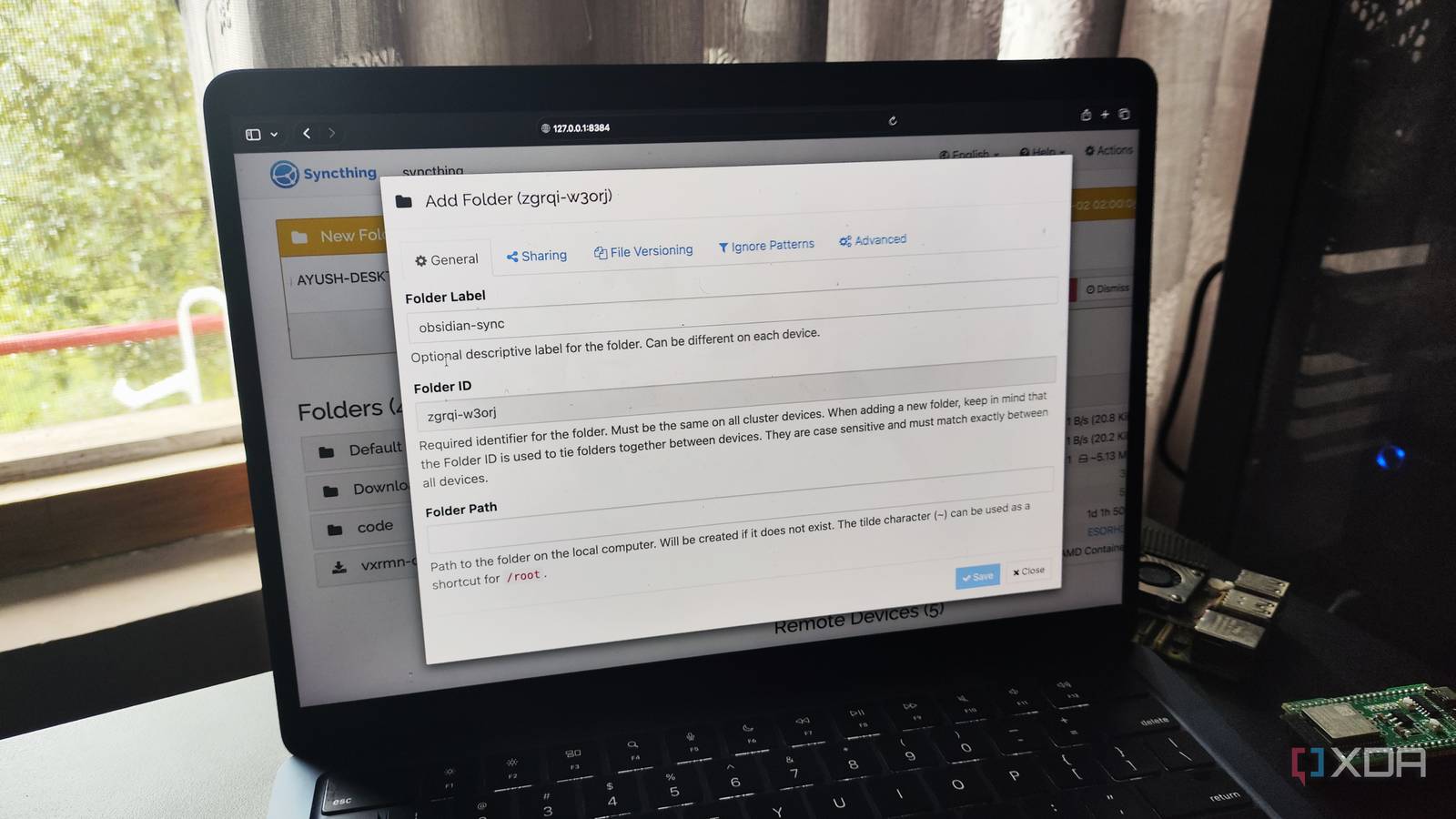
Published Sep 2, 2026, 10:30 AM EDT Ayush Pande is a PC hardware and gaming writer. When he's not working on a new article, you can find him with his head stuck inside a PC or tinkering with a server operating system. Besides computing, his interests include spending hours in long RPGs, yelling at his friends in co-op games, and practicing guitar. When it comes to building a productivity toolkit, Obsidian tends to be most tinkerers’ first choice for a note-taker, and for good reason. Between its powerful backlink functionality and graph views, Obsidian makes it easy to reference older notes and view their relationship with newer ideas. Unlike typical enshittified productivity apps, its offline-first nature makes it perfect for folks who despise the privacy implications of a cloud platform, while its reliance on standard Markdown format prevents vendor lock-in. And don’t even get me started on the sheer number of cool plugins you can pair with this beast of a note-taker. That said, if there’s one thing I’m not very fond of, it’s the Obsidian Sync facility. Sure, Obsidian’s official note synchronization utility is undoubtedly useful for casual users who use multiple devices to jot down ideas every day. But as someone who’s already in the FOSS home lab ecosystem, I’ve got a custom setup to sync Obsidian vaults between all my essential tools – one that’s far more efficient and cheaper than Dropbox, Google Drive, or iCloud. I rely on Syncthing instead of Obsidian Sync or cloud platforms It’s free and completely private! Unlike the base Obsidian server, its Sync functionality relies on external servers to share files between my devices, which is a huge problem when I’m analyzing embargoed press releases, unreleased lecture notes, private home lab logs, or other personal files. Not to mention, I’d have to shell out regular fees for Obsidian Sync, and I’d rather not add unnecessary monthly subscriptions when self-hosted apps can achieve the same result for free. To be more specific, I use Syncthing to transfer vaults between my PC, laptop, and Proxmox LXC. Unlike most locally-hosted tools in my home lab, Syncthing is a peer-to-peer utility instead of a server-based application – one that doesn’t force me to upload data to some random company’s servers before I can sync it locally with my devices. Plus, since it’s P2P, the Obsidian instance on my laptop can directly synchronize files with its Windows version on my gaming PC without needing a centralized container-based Syncthing server to run 24/7. Multi-directional syncs update Obsidian vaults across all my PCs Besides the local-only nature of Syncthing, this P2P file synchronization utility hides several neat features under the hood. Take its multi-directional sync functionality, for example. I primarily compile my research notes on my desktop and often edit them in cafés on my MacBook Air. Since I want the edits I make to the Obsidian vaults on either device to transfer over to the other system, I’ve enabled bi-directional synchronization on the Syncthing instances running on my laptop and PC. But for my Proxmox-based LXC, I’ve only set up a uni-directional link that saves note revisions to the container, but none of these modifications get sent back to my everyday machines (and I’ll go over this whole thing in a bit). I’m also fond of the file versioning facility on Syncthing. Let’s say I accidentally deleted or overwrote certain .md files, and I only realized that a few days after making the blunder. Well, since I’ve already configured staggered file versioning on both Syncthing instances, I can recover older revisions of my notes. Unlike movies or RAW footage, Obsidian notes are fairly lightweight, so I don’t have to worry about choking my boot drives with multiple TBs in file versioning history. Syncthing helps with my 3-2-1 backup pipeline for Obsidian notes And it’s all thanks to a single LXC running on my Proxmox node Notice how I keep mentioning the Proxmox LXC that houses yet another Syncthing instance? Well, this container only accepts one-way synchronization tasks from my Obsidian vaults, acting as a makeshift backup node of sorts. Sure, Syncthing isn’t meant for backups, but with staggered file versioning and uni-directional synchronization tasks, my Proxmox LXC is responsible for housing spare copies of my .md files, and I’ve modified the file synchronization options for this node to retain any revisions to my notes twice as long as the other instances. Just to add extra layers of protection to my painstakingly-crafted notes, I’ve configured my Syncthing LXC to create regular snapshots every few days and send them to my local Proxmox Backup Server. That way, I’d still be able to restore my Syncthing container and all its files if things go wrong with the LXC (or even the underlying PVE node). Finally, and this is going to sound really excessive, my local PBS workstation sends these snapshots to a remote Proxmox Backup Server instance twice every month. I’ll admit that it’s an over-engineered setup, and most folks probably don’t need to go this far to keep their notes safe. But even with Syncthing saving a few note revisions, my Obsidian vaults barely hog any space on my systems, so I’d rather have this overkill backup pipeline instead of dealing with a slightly less cumbersome setup that renders my notes inaccessible when things go south. Syncthing
My favorite alternative to Obsidian Sync isn't Google Drive or Dropbox, it's something I control entirely
Full Article
Original Source
Read the full article at Xda-developers →KhanList aggregates and links to publicly available news content. We do not host full articles from third-party sources. Always verify important information with original sources.