
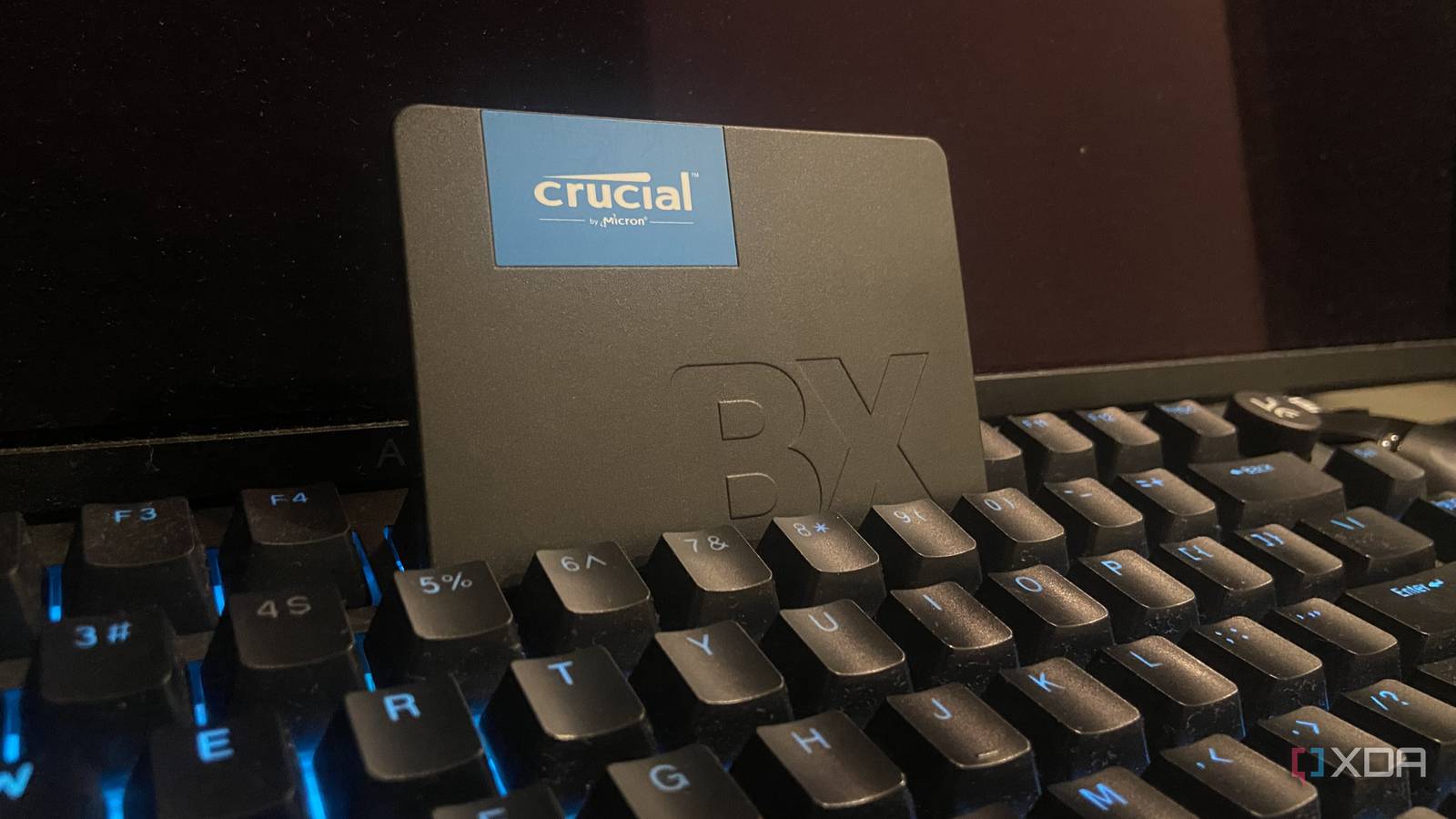
Published Sep 3, 2026, 4:31 PM EDT Abhinav pivoted from a career in banking to pursue his first love in writing. Even while working full-time, he continued contributing as an editor-at-large, a role he has held for more than 7 years. A lifelong tech enthusiast who has built three gaming and productivity powerhouse PCs since 2018, his passion for technology keeps him closely following the semiconductor industry, from NVIDIA and AMD to ARM. His MSc dissertation explored how artificial intelligence will reshape the future of work, reflecting his curiosity about the wider social impact of emerging technologies. A little over five years ago, I bought a SATA SSD that, for one reason or the other, spent a frankly embarrassing amount of time doing absolutely nothing. It was unboxed and sitting in a drawer for years. Eventually, I found it again, wired it into my PC, and gave it a purpose, which I should've done long ago. Over the next few months, the 250GB Crucial BX500 changed how my PC's storage worked in tandem, simply by doing three jobs that my PCIe Gen 4 NVMe was never the right fit for. Suffice it to say, my cheap SATA drive is a little more than just a 250-gig storage expansion, and it makes my NVMe a lot happier by just being installed on the same system. Here's why. Windows' pagefile does not warrant a Gen 4 NVMe There's no need to burden the fastest drive for every workload, and it pays not to A few days ago, I talked about moving my Windows pagefile from my PCIe Gen 4 NVMe to my SATA SSD, which happens to be common practice amongst enthusiasts, but is seldom recommended by manufacturers or OEMs. To the contrary, the advice generally is to put the pagefile on the fastest drive. The pagefile is one of those Windows things that mostly sits in the background until your PC actually has a need for it. When the system memory is under pressure, the OS moves the less-active memory pages to pagefile.sys. On my build with 32GB of DDR5, this is a rare occurrence in my day-to-day activity, but Windows still writes crash dumps, housekeeping traffic, and kernel data to the file. Now, that isn't something a modern NVMe notices. The problem is the pagefile isn't the only workload that's handled by the primary boot drive. The OS keeps the drive busy with updates, background telemetry, system logging, browser caching, file indexing, and a dozen more tasks that involve constant reads and writes. Simply moving the pagefile to a SATA SSD reduces the strain on the NVMe, and in my case, when the SATA SSD is doing mostly nothing, it benefits my NVMe by reserving its bandwidth for bursty work in the foreground. Most of my games don't care that they're on SATA The difference between SATA and NVMe load times is imperceptible Another really common piece of advice that echoes in hardware circles is that all of your games always need to go on the fastest drive to deliver the best performance and load times. It sounds like the most obvious, intuitive thing to do, but even with a 2TB NVMe SSD, my game library quickly took up to 30–40% of the storage space I had, thanks to how massive AAA games have become these days. Needless to say, this had me revisiting the available benchmarks to see if there was an actual performance or load time penalty I would be witnessing if I were to migrate a sizable chunk of my game library over to my SATA SSD. A single search later, I realized that the "penalty" I had assumed didn't really exist; at least not in the way that I thought. In a very recent benchmark, Tom's Hardware tested SATA, PCIe 3.0, 4.0, and 5.0 SSDs across 11 storage-heavy titles to measure whether there were any notable performance differences between the four storage types, in a system running with 16GB of RAM. Out of the 11 tested, 9 showed no performance differences, and absolutely no signs of visual anomalies like texture pop-in or texture loading issues. When you delve into the technical specifics, it all makes perfect sense. The major advantage a PCIe 4.0 M.2 NVMe has over a cheap SATA SSD isn't fully reflected in the type of workload gaming demands, as modern titles spend much of their time performing small random reads at low QDs (queue depths) rather than relying on sequential throughput. As such, there's no reason for most games to go to an NVMe SSD. My Ollama library lives on my slowest SSD, on purpose Constant "ollama pull" and "ollama rm" cycles are a pain for the NVMe SSD Besides holding a huge part of my game library, the BX500 has also become my local AI model warehouse for good reason. Every single model that I use is stored on it, from the small 8B models ranging from 4 to 6 GB to the bulkier ones that ask for 15–20 GB. The reason why it works just as well comes down to how these local models use storage. Whenever I run a model, the weights are loaded from the disk into the VRAM once, and from there, the SSD has practically no bearing on everything that happens after. Token generation speed depends entirely on my 4070 Ti Super's GDDR6X memory and compute, and has nothing to do with where the actual model files are stored. There's also another reason for this. I'm constantly swapping older models for newer ones, which means constant ollama pull and ollama rm cycles, moving potentially hundreds of gigabytes per month as I rotate models. Routing the entire library to SATA essentially means the bulk of the churn is never the NVMe SSD's burden to bear. The only thing I have to be cautious about is whether the model weights, the KV cache and compute buffer all fit neatly into the VRAM so that the tokens/second isn't affected, but that's something I'd have to ascertain regardless of where the model files are situated. My NVMe SSD lives easier because of my SATA SSD Having more than one storage device on your PC is always a great thing, but it's also important to revisit the division of labor (or perhaps I should say, storage) sometimes. My BX500 spent an unreasonable amount of its life doing absolutely nothing, but a few hours of migrating a few files and adjusting Windows settings made it a place where I can host my game library, my local AI models, and the pagefile, while my Gen 4 NVMe gets to breathe easy, live longer, and work only on tasks that justify its throughput. Crucial BX500 Storage capacity 1TB Sequential read 540 Mb/s Crucial BX500 is a DRAM-less, 2.5-inch SATA III SSD that delivers maximum sequential speeds up to 550 MB/s.
My cheapest SSD is doing the most important job in my PC, and that's on purpose
Full Article
Original Source
Read the full article at Xda-developers →KhanList aggregates and links to publicly available news content. We do not host full articles from third-party sources. Always verify important information with original sources.