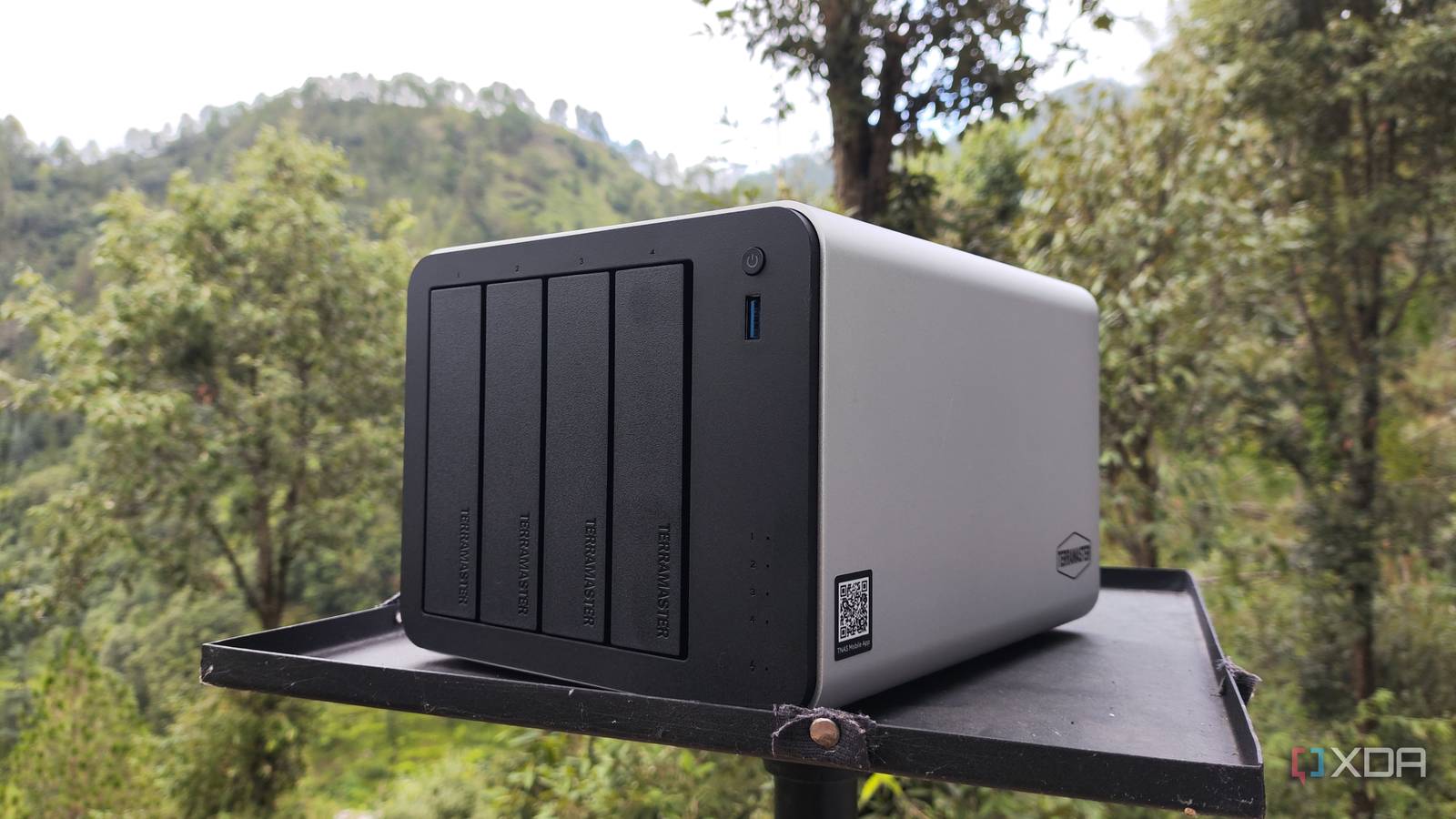
Published Aug 13, 2026, 8:00 AM EDT Ayush Pande is a PC hardware and gaming writer. When he's not working on a new article, you can find him with his head stuck inside a PC or tinkering with a server operating system. Besides computing, his interests include spending hours in long RPGs, yelling at his friends in co-op games, and practicing guitar. Ask any tinkerer about their preferred use cases for Network-Attached Storage rigs, and most would mention archiving old data, backing up essential files, sharing documents between local systems, or some combination of these three. Truth be told, that’s how I used my first NAS server, and while there’s nothing wrong with such a setup, I ended up vastly underutilizing my storage workstation. You see, modern NAS systems are more capable than most people think. Although I wouldn’t recommend running experimental projects on a machine that houses important data, your NAS rig can be a solid self-hosting machine, especially for bulky services that you might want to run 24/7. ROM files, images, e-books; everything is fair game for your storage server Jellyfin, Plex, and Emby are often the most recommended tools for any storage server, and for good reason. Besides helping you organize TV shows and movies, these media server apps make streaming your painstakingly curated video collection to local devices a breeze. NAS chassis featuring modern Intel processors tend to support Quick Sync functionality for hardware-accelerated transcoding tasks, so you don’t need to invest in a separate PC to avoid sluggish streams or configure network shares to let your Jellyfin/Plex instance access the ripped movies stored on your NAS. That said, they’re far from the only media archival tools your storage workstation can run. Immich has been getting a lot more attention in the self-hosted community as of late, and its ability to auto-backup images from mobile phones and neat Google Photos-like UI make it worth checking out. Likewise, a NAS meshes well with Nextcloud, as you can toss all your documents in this Office 365 replacement without running out of space. As for the obscure tools, Paperless-ngx is the best long-term archival service for tax filings, bills, forms, academic and other official documents. If you’re as much of a bibliophile as I am, Calibre-Web can help organize your digital book library. Kavita can perform a similar role for your graphic novels, comics, and manga, while Audiobookshelf is pretty useful for folks with archives full of podcasts and audiobooks. RomM is another management app, except it caters to ripped ROMs instead of books or documents. As long as you have a semi-decent rig and aren’t running out of memory or storage resources, you’ll find plenty of other useful apps that can organize the files housed in your NAS’ datasets. NAS rigs mesh well with services you want to run 24/7 Home Assistant, Vaultwarden, and networking tools are solid NAS companions Considering that most folks keep their backup, archival, and file-sharing server running all the time, it’s actually a solid host for essential apps. Take Uptime Kuma, for example. If you were to host it on an experimental home server, it might go down with the rest of your virtual guests when things go south. Or look at something as essential as Pi-hole/Adguard and Nginx/Caddy. If a botched experiment takes out your DNS sinkhole or proxy server, your network stack might become inoperable until you manage to fix your server node. Source? Yours truly, who has had that happen in the past with my main Proxmox workstation. Relying on your NAS to self-host these tools is a great idea, especially since they don’t need too many system resources. The same holds true for the password manager Vaultwarden, all-in-one file converter ConvertX, and document editor BentoPDF. It can even double as a light VM-hosting workstation Since we’re on this subject, NAS rigs featuring at least an i3-N305 can even host a virtual machine or two. And no, I’m not talking about GUI-laden distros, either. I’ve recently started hosting Proxmox Backup Server on my NAS, which is much better than just connecting an NFS share originating from my NAS to my Proxmox systems. You see, PBS adds data compression, live restoration, and a bunch of other services to optimize my backup and data recovery tasks – features that I otherwise wouldn’t be able to use on typical vzdump backups. I’m currently hosting my Home Assistant hub on a Proxmox system, but as long as your NAS has something better than an N100, you can even use it to deploy this smart home platform as a virtual machine. Just don’t go too overboard with the self-hosting experiments As much as I love using my NAS to deploy FOSS tools, I can’t end this article without a word of caution. If you’re using an Intel N100 or similarly specc’d storage server, it might be a good idea to keep a weather eye on its resource consumption metrics before you deploy your entire network and data archival app stack on it. I’ve used a similar setup in the past, and while it had no issues running the bulk of the storage hogging tools I mentioned earlier, things are a bit different if you’re using the RAM-hogging ZFS for your data pools. I’ve armed my primary TrueNAS-powered TerraMaster F4-424 Max NAS with 32GB of memory, so I had no issues running every self-hosted utility (besides Home Assistant) on this machine even with ZFS hogging 12GB of memory. But you can go for low-capacity RAM setups on non-ZFS servers. Whatever you do, just don’t run wild experiments on your NAS if you’re using it to store essential files. In case you’re wondering, yes, I speak from experience. TrueNAS SCALE
Most NAS owners only use them for backups, but mine runs free apps 24/7 that would otherwise cost hundreds annually
Full Article
Original Source
Read the full article at Xda-developers →KhanList aggregates and links to publicly available news content. We do not host full articles from third-party sources. Always verify important information with original sources.