
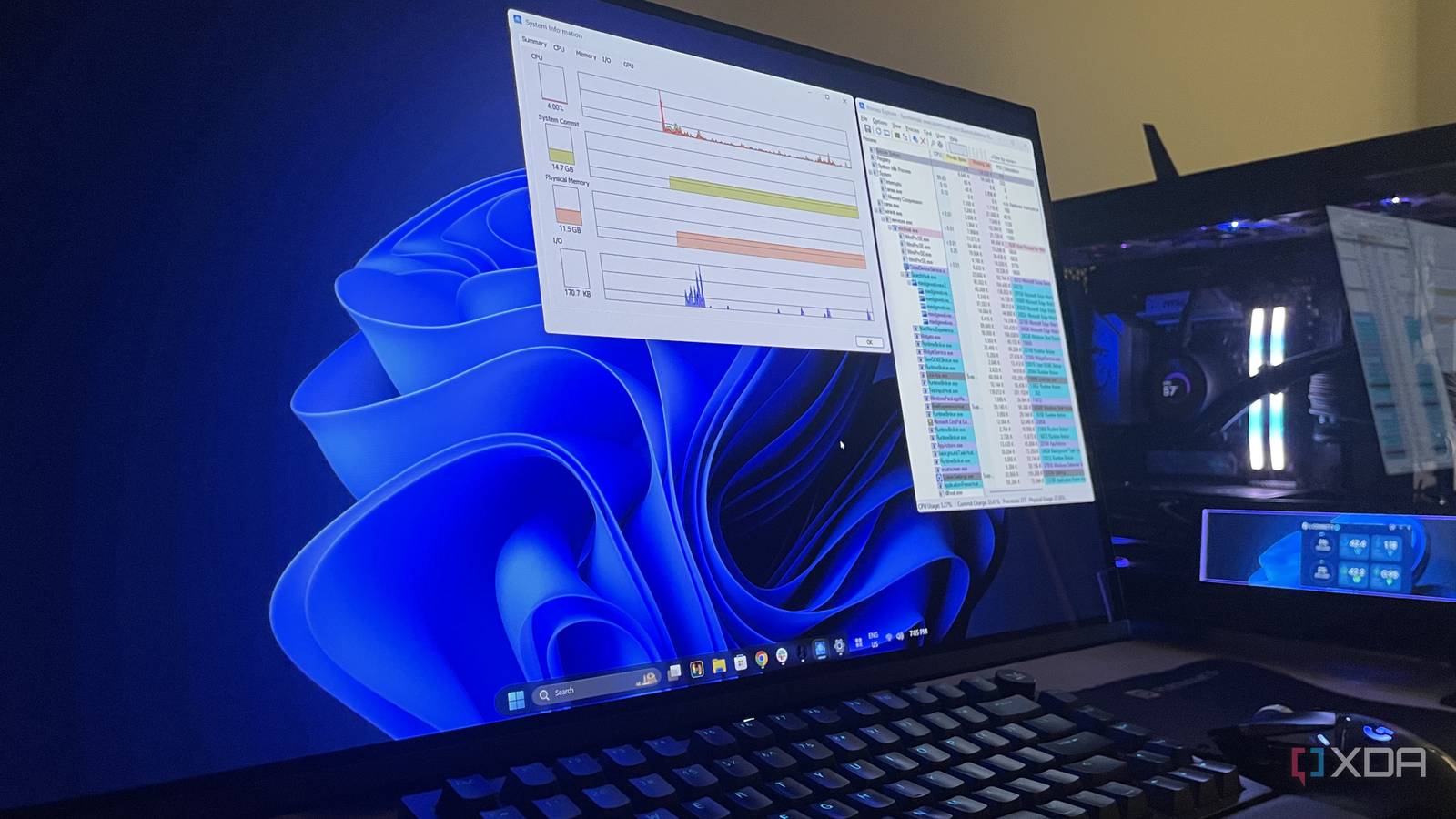
Published Sep 22, 2026, 2:00 PM EDT Abhinav pivoted from a career in banking to pursue his first love in writing. Even while working full-time, he continued contributing as an editor-at-large, a role he has held for more than 7 years. A lifelong tech enthusiast who has built three gaming and productivity powerhouse PCs since 2018, his passion for technology keeps him closely following the semiconductor industry, from NVIDIA and AMD to ARM. His MSc dissertation explored how artificial intelligence will reshape the future of work, reflecting his curiosity about the wider social impact of emerging technologies. A fresh installation of Microsoft Windows 11 is a rather strange paradox. It ships with features like Copilot out of the box, and yet it leaves out tools that grant users greater control over the OS. If you've been following my coverage, you've probably already heard me talk about PowerToys as an example, but that's not what I want to talk about today. If you've used Windows for a long time, there's no way you won't be familiar with the Task Manager, Resource Monitor, and the Startup apps in Settings. Unfortunately, what most power users never come to know is that Microsoft maintains a more capable counterpart to each of them sitting inside Sysinternals, which is a suite of over 70 utilities that date all the way back to 1996. They're still being updated regularly, and yet, most users will not have a clue that they exist. Sysinternals is an actively maintained Microsoft product The latest build is less than two weeks old Credit: Microsoft. I've stuck with Microsoft Windows since Windows 95 and the CRT monitor era, and as such, I've come across the 'Sysinternals suite' quite often. What I can say is that the nomenclature itself implies that it's a set of internal tools for Microsoft's engineers, and it's easy to assume that they stopped getting attention years ago. None of that is true, and it's possible for you to benefit from these tools even on the latest build of Windows 11. In 1996, Mark Russinovich created the Sysinternals website to host his system utilities, and later in 2006, Microsoft acquired the company, which is a testament to how great the suite is. This year, Microsoft's Sysinternals hub is marking the suite's 30th anniversary. The pace of the development is also something that would surprise most users. Between 26 March and 19 August 2026, the hub logged six substantial update drops. DebugView, which is a utility that lets one capture and monitor kernel-mode and Win32 debug output gained a modern interface with a dark theme. Autoruns, which helps you identify startup apps at boot or sign-ins, recently added support for Windows packaged apps. Additionally, the September 10 build also introduced Process Explorer 17.14, which now shows the handles and DLLs each process has open. Sysinternals utilities benefit everyone, not just power users A free upgrade to your existing Windows diagnostics tools I've already written about why Process Explorer took over from Task Manager on my PC before, and it's one of the utilities that convinced me that there's immense value in the Sysinternals suite just waiting to be discovered. What particularly had me map a whole keyboard shortcut to summon Process Explorer every time a process on my PC ran into a snag was the fact that this utility just gave more discoverable information and was more powerful than the Task Manager in general. The window split into two, with the top half listing every running process with the account that ran it, and the bottom half showed the handles or DLLs the selected process had opened or loaded. Similarly, Autoruns was something that had a richer depth of information compared with the Startup apps page. Microsoft itself positions it as the startup monitor with the widest knowledge of auto-start locations, and the scope (and my own experience) agrees with that claim. Beyond log-on entries, it covers things like WMI entries, Winsock providers, boot execute images, and Explorer shell extensions. Microsoft has started moving Sysinternals into PowerToys And that's another product that doesn't ship with your Windows 11 copy For decades, Microsoft made next to no effort to promote the suite, but it has finally started to move pieces of it into PowerToys. ZoomIt was the first, which is a tool for zooming into, annotating, and recording the screen. PowerToys version 0.88 added it as a built-in utility, and Russinovich was credited for contributing to the original code. PowerToys 0.100 gave it a webcam overlay and clip appending on June 10 this year. Sysmon also made an appearance and went a little further than that, with the utility arriving in Windows 11 Insider builds this February, although it came as an optional feature that ships disabled by default. What I'd like to see next is Process Explorer, and if you go over the popular sentiment online, you'll realize that I'm not alone. A GitHub feature request was opened in late February this year asking the PowerToys team to integrate it. This builds on an older umbrella request to bring Sysinternals into PowerToys, and in a closing comment, Microsoft's Clint Rutkas invited the community to name the tools it wanted next. The challenge that Rutkas raised facing a total Sysinternals integration was that, because the tools rely on undocumented APIs, they can't simply be moved into PowerToys the same way ZoomIt was. Windows 11 works better for me with Sysinternals tools Once you dive into the rabbit hole of utilities in the Sysinternals suite, it is easy to get used to the level of control they give you. That was true when I jumped from Task Manager to Process Explorer, and when I moved from opening Startup apps via settings to just using Autoruns. I expect this trend to continue the further I explore. Microsoft also seems to be realizing the value these tools offer to power users, and I can only imagine that is the reason behind ZoomIt's move to PowerToys and Sysmon's arrival in Windows 11 builds.
Microsoft's most useful Windows toolkit turns 30 this year, and it still doesn't ship with Windows 11
Full Article
Original Source
Read the full article at Xda-developers →KhanList aggregates and links to publicly available news content. We do not host full articles from third-party sources. Always verify important information with original sources.