
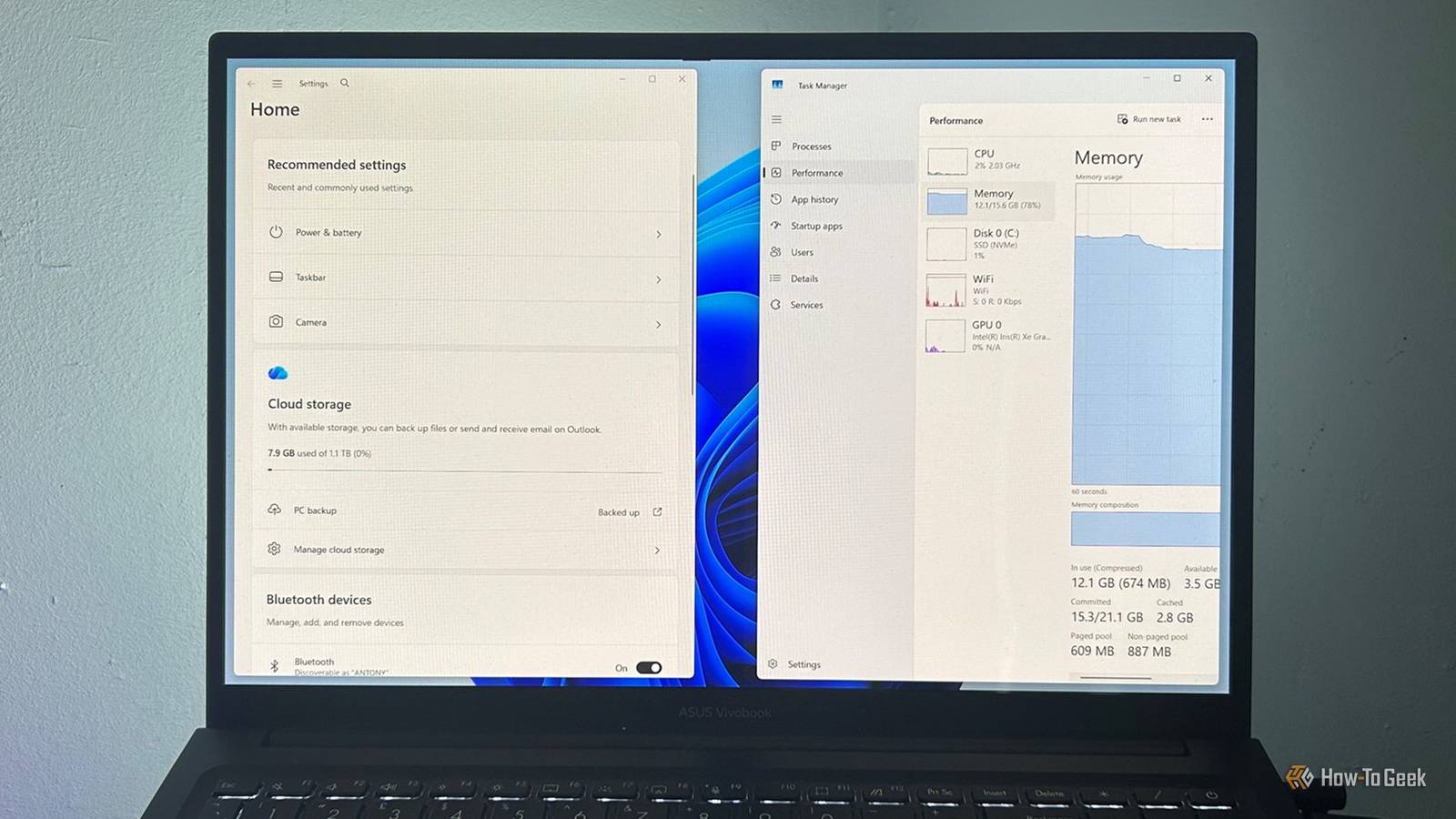
Published Nov 4, 2026, 8:00 AM EST Tony Phillips is a senior author at How-To Geek with over a decade of experience working with documents, data, and digital productivity tools. Holding a dual-honors degree in Linguistics and Hispanic Studies, he combines technical expertise with a passion for making complex topics easy to understand. Before joining How-To Geek in 2024, Tony worked as a document producer, data manager, legal document specialist, and content creator. He has also proofread and edited more than 3 million words of academic and professional writing. While Tony specializes in Microsoft 365, particularly Excel, his interests extend far beyond Office. He enjoys testing software, exploring open-source projects, discovering useful companion apps, and finding ways to customize and optimize Windows. Whether he's building spreadsheets, evaluating new tools, or uncovering hidden features, Tony enjoys helping readers get more from their technology. Outside of tech, he enjoys spending time with his dog, watching football, astrophotography, gardening, and golf. After years of testing Windows performance claims that often amounted to little more than marketing, I wasn't expecting Windows 11 26H2 to feel much different. Microsoft says the update delivers "a Windows experience that's up to 20% more responsive," so I compared Windows 11 before and after upgrading my 16GB ASUS laptop. I didn't think I'd notice much difference, but several of my tests turned up more than I expected. Windows appeared to use fewer resources after the upgrade The first surprise came from Task Manager Before I even started timing apps, Task Manager was showing some promising differences. After upgrading, CPU usage was lower both at idle and under my usual workload, and several core Windows processes were also using less memory. Metric Before After Idle CPU usage 5% 1% Active CPU usage 7% 2% Search memory 49.2MB 1.3MB Windows Explorer memory 131.3MB 92.9MB Desktop Window Manager memory 69.5MB 62.8MB To keep the comparison consistent, I recreated the same scenarios before and after the upgrade, waited for activity to settle, and then recorded the readings. Microsoft says it has improved "memory management and efficiency across Windows" to keep more of your PC's resources focused on what you're actively doing. It also says Windows can now keep up to 2GB more active data in memory instead of moving it to slower storage. The company particularly highlights the benefits for PCs with 8GB of RAM. Several of my results fit that picture. CPU usage fell from 5% to 1% while the laptop was idle, and from 7% to 2% with my usual collection of apps running. Search, Windows Explorer, and Desktop Window Manager also used less memory. None of those changes jumped out at me during everyday use. I wasn't sitting at my desk thinking, "Windows feels four percentage points less busy today." But they are exactly the sort of behind-the-scenes improvements Microsoft's engineers are talking about. Lower CPU usage and lighter resource consumption won't necessarily transform a PC overnight, yet they can contribute to a system feeling more responsive over time. The Settings app was noticeably faster This was the clearest responsiveness improvement Of all the features Microsoft highlighted, Settings gave me the clearest measurable difference. Before upgrading, opening the app took around 1.75 seconds on average across five tests. After upgrading, that fell to approximately one second. Metric Before After Settings launch ~1.75 seconds ~1.0 second That's a reduction of around three-quarters of a second each time I opened Settings. It might not sound like much, but the difference was noticeable when I repeated the test. The app simply felt quicker to open, load, and be ready to use. If you're the sort of person who opens Settings regularly to troubleshoot, adjust devices, or manage Windows features, those small waits add up surprisingly quickly. It's also the best example of the responsiveness gains Microsoft is talking about. Most other Windows features were already instant Microsoft's claim may be harder to notice on a fast PC If you're using a reasonably capable Windows 11 PC, this may be the section that matters most. I also checked Start, Windows Search, File Explorer, the right-click menu, and Snipping Tool. All five were already so quick before the update that I couldn't notice a meaningful difference afterward. File Explorer did feel a little snappier, but it was already opening pretty quickly in my original tests. If an app takes several seconds to open, shaving time off that wait is easy to notice. If it already appears immediately, there's much less waiting to eliminate. So if your PC was already responding quickly, don't expect the upgrade to be easier to notice. On a slower system, the story could be different. If you're already waiting for Start, Search, or File Explorer to respond, even a modest improvement may be more obvious than it was on my laptop. Lower process memory didn't translate into lower RAM usage My overall RAM usage barely changed Although several individual Windows processes used less memory in my tests, the total RAM usage didn't fall after upgrading. In fact, my active workload used slightly more. Metric Before After Idle memory usage 7.2GB 7.2GB Active workload 11.2GB 12.0GB Microsoft specifically highlights the benefits of these memory improvements on PCs with 8GB of RAM. My ASUS laptop has 16GB, so those changes may not be as visible. My figures also show why it's worth separating individual process memory from total system memory. Several Windows processes used less memory, yet the overall amount of RAM in use didn't decrease. Microsoft's performance work feels real Most of the features Microsoft highlighted were already instant on my laptop, so some of the gains were hard to tell apart from normal day-to-day use. Even so, I found lower CPU usage, less memory consumption across several Windows processes, and a noticeably faster Settings app. My overall RAM usage stayed largely the same, but that doesn't take away from the improvements I observed elsewhere. I expected to be skeptical. Instead, Windows 11 26H2 left me more impressed than I thought it would. More importantly, the improvements I found lined up with the kinds of changes Microsoft said 26H2 was designed to deliver.
Microsoft says Windows 11 26H2 is up to 20% more responsive. I put that claim to the test
Full Article
Original Source
Read the full article at Howtogeek →KhanList aggregates and links to publicly available news content. We do not host full articles from third-party sources. Always verify important information with original sources.