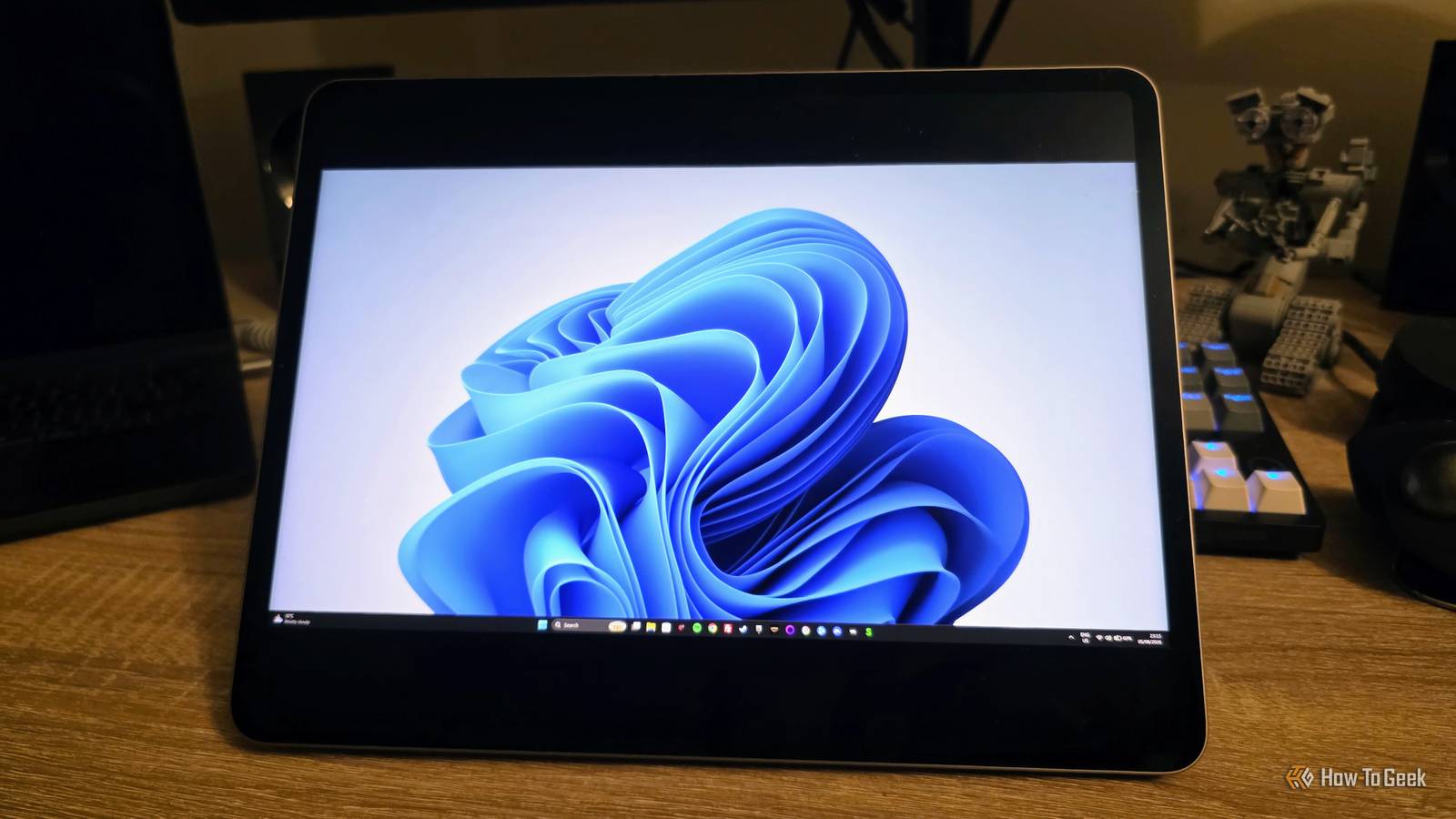
Published Aug 12, 2026, 12:30 PM EDT Sydney Butler is a technology writer with over 20 years of experience as a freelance PC technician and system builder and over a decade as a professional writer. He's worked for more than a decade in user education. On How-To Geek, he writes commerce content, guides, opinions, and specializes in editing hardware and cutting edge technology articles. Sydney started working as a freelance computer technician around the age of 13, before which he was in charge of running the computer center for his school. (He also ran LAN gaming tournaments when the teachers weren't looking!) His interests include VR, PC, Mac, gaming, 3D printing, consumer electronics, the web, and privacy. He holds a Master of Arts degree in Research Psychology with a minor in media and technology studies. His masters dissertation examined the potential for social media to spread misinformation. Outside of How-To Geek, he hosts the Online Tech Tips YouTube Channel, and writes for Online Tech Tips, Switching to Mac, and Helpdesk Geek. Sydney also writes for Expert Reviews UK. He also has bylines at 9to5Mac, 9to5Google, 9to5Toys, Tom's Hardware, MakeTechEasier, and Laptop Mag. Back in July 2021, Microsoft announced Windows 365, a service that would let you use Windows on any device you like, including your iPad. Fast-forward to 2026, and has this come true? Well, sort of, but the reality of it is much less exciting than the idea of "Windows on an iPad" sounds in the marketing materials. Microsoft never promised native Windows It promised cloud Windows (and marketing blurred the distinction) In case it isn't obvious from the service name, or the basic facts about how iPads work, this was never a promise to actually run Windows on an iPad natively. It's effectively a remote desktop, but instead of remoting into your Windows PC at home, you remote into a cloud instance of Windows 11 that you access using a subscription. The deal here is that you get a Windows PC without actually having to buy a physical Windows PC. Why would you want this? Well, for much the same reason that you can rent a Mac in the Cloud. Sometimes you need access to software that only runs on Windows, and you don't necessarily want to buy a whole computer just to do that. Besides, Microsoft of today is effectively a data center company that provides cloud services. You can stream Xbox games from the cloud, with no need to buy an Xbox. You can use Office apps in a browser without downloading them, and with Windows 365 you can skip the whole buying a PC thing and just use any device with a browser or Windows remote desktop app to access one in the cloud. Apple wouldn't literally allow it anyway It just makes no sense if you think about it It's mildly funny that Apple allowed us to use Windows on Macs with Intel CPUs, but that it would never do the same thing for the iPad. Apple won't even let us use macOS on its iPads, even when the iPads and Macs now run the same hardware under the hood, and you can even use iOS and iPadOS apps natively on Apple Silicon Macs. Apple treats its iPhones and iPads like locked-down appliances, not an open computer platform. So we can file the odds of official Windows OS support on iPad as being just slightly less likely than macOS support. Hilariously, a developer has shown Windows 11 running on an M2 iPad Air (as per Windows Latest) using emulation. So at least someone achieved this particular dream, even if performance on that powerful chip was barely acceptable. Enterprise users were always the target—not consumers It's just business, nothing personal The most disappointing part of the whole Windows 365 saga is that regular folks aren't the target of the service. If you look at the pricing page there's only a category for "Business" and "Enterprise." When we initially reported on Windows 365 in 2021, this was already the case, but we speculated that: "At launch, single-person businesses are eligible. It's not just for large corporations with thousands of employees—and it's easy to imagine Microsoft offering the service to consumers in the future, too." So far, that hasn't turned out to be the case. It doesn't seem like Microsoft is too keen on offering cloud-based Windows PCs to regular consumers. Looking at the price of subscribing to a basic dual-core cloud PC, it's clear why. After a year, you'd have spent about as much as an entry-level laptop or a decent office mini PC, to no clear benefit. Enterprise customers like the built-in management and maintenance features of the service, but these aren't really relevant to single users. Besides, if you want to rent a Windows PC in the cloud, Microsoft isn't the only option. There are plenty of third-party services that will happily provide this service. Either as a ready-to-go instance, or as a bare-metal cloud computer that you can configure with the OS of your choice. You can have your "Windows on iPad" for free That is, you can if you already happen to own a Windows PC. The thing is, you could probably buy a used mini PC that's going to give you the same experience as the basic system on the cheapest tier of the Windows 365 service. Hook it up to your home internet and then use one of the many remote desktop apps on iPad to access it from wherever you need to. If you have Windows 11 Pro, you can even use the official Windows apps on iPad. There are some downsides here, of course, since you're responsible for the upkeep of the computer, your home internet connection becomes a choke point regardless of where you are in the world, and if your remote Windows PC decides to update itself and reboots, you may have to call someone at home to log back in for you. Still, some options are better than none!
Microsoft promised to bring Windows to your iPad—here's why it's still not a reality five years later
Full Article
Original Source
Read the full article at Howtogeek →KhanList aggregates and links to publicly available news content. We do not host full articles from third-party sources. Always verify important information with original sources.