
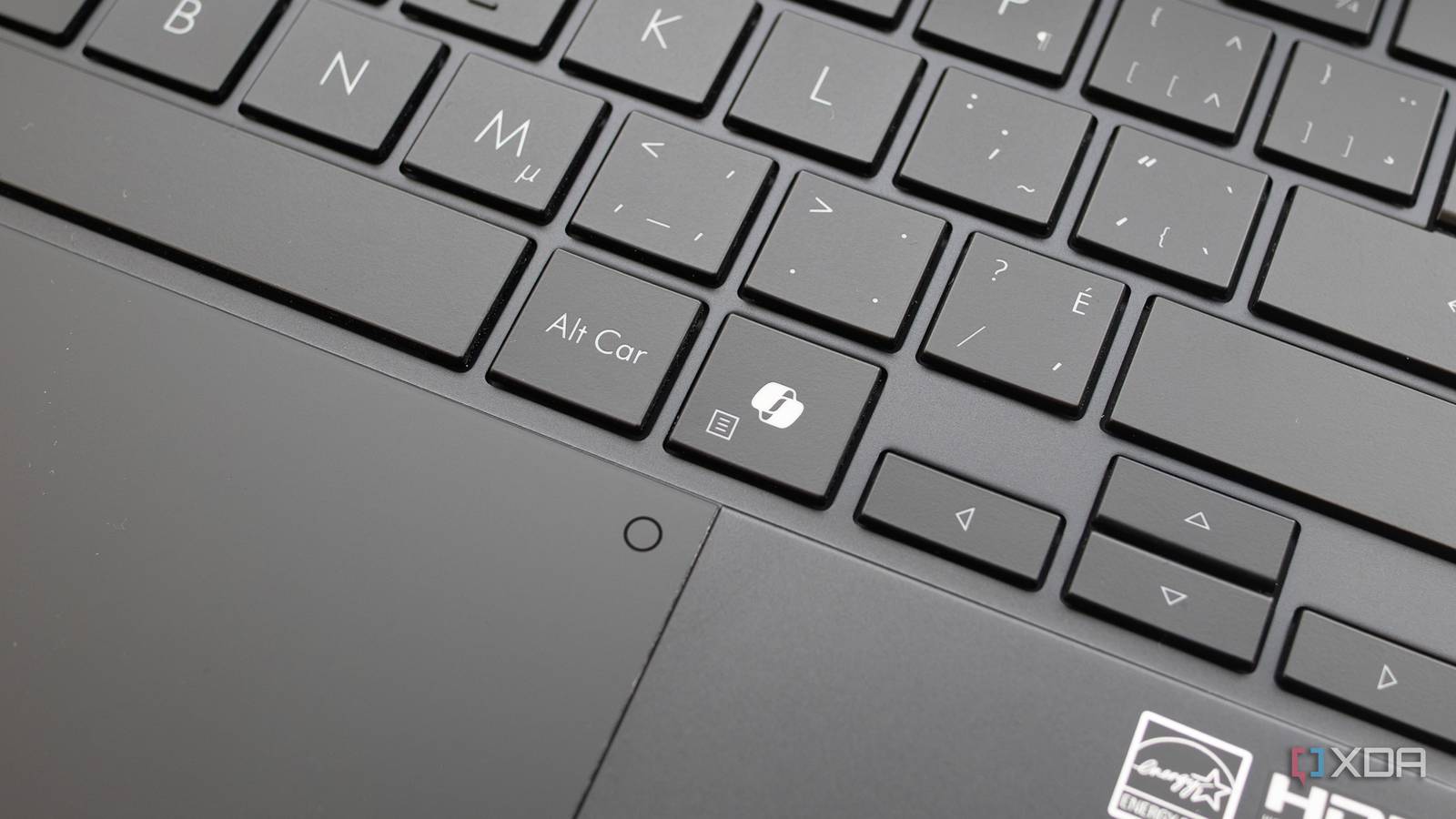
Published Sep 16, 2026, 2:10 PM EDT Patrick O'Rourke is XDA's News Editor and Entertainment Segment Lead. Previously, he was Pocket-lint's Editor-in-Chief, the Editor-in-Chief of Canadian tech publication MobileSyrup, and earlier in his career, he worked as the technology editor at the Financial Post and Postmedia. He's based in Toronto. Over the past 15 years, he's written thousands of articles. Patrick has also interviewed dozens of tech industry executives and covered GDC, E3, Gamescom, WWDC, Apple keynotes, Samsung Unpacked events and more. Patrick has a BA in journalism from Toronto Metropolitan University. Sign in to your XDA account Summary You can remap the Copilot key to Right Ctrl or Context Menu in new Insider/preview builds. Some Right Ctrl shortcuts (Right Ctrl+Win, Right Ctrl+Shift) may not work; use Left Ctrl instead. This is a welcome step as Microsoft trims Copilot OS ties and readies K2 improvements. In 2024, Microsoft strongly encouraged manufacturers to include a dedicated Copilot key on Windows 11 laptops. In some cases, this meant replacing the right Ctrl key and the Context Menu key with Copilot, reworking the typical keyboard layout and forcing the dedicated AI button on users. While it's been possible to customize the Copilot key in some ways, including setting it to open Search and specific apps as long as the program supports being assigned to the key, Microsoft is now giving users the option to remap the Copilot key to either the Right Ctrl or the Context Menu key. According to Neowin, the option has appeared in recent Insider builds and in the latest preview version of Windows 11. This means that it should hit a public release very soon. If you're like me and have never really cared about a dedicated Copilot key on your laptop, you'll likely be happy to hear that you'll soon be able to turn it back into something more useful. You can finally make the Copilot button useful again Over the past several months, Microsoft has dialed back Copilot's Windows 11 integration considerably When the new feature arrives, you'll find it under Settings > Bluetooth & Devices > Keyboard. In this menu, you should be able to select Right Ctrl or the Context Menu for the Copilot key. It's important to note that Microsoft says some shortcuts that use Right Ctrl + Windows and Right Ctrl + Shift won't work as expected. The company says to use Left Ctrl for commands that require those key combinations instead. While it would be great to be able to set the Copilot key to whatever you want, this is a step in the right direction, especially if you're like me and never really used the key to begin with. Over the past several months, Microsoft has been working to improve Windows 11 with its comprehensive K2 update effort, which includes features like a new Low Latency Profile that launches Start and Search more quickly, better Windows 11 Search, a movable taskbar, and dialing back Copilot's integration with the operating system. In other recent Windows 11-related news, Microsoft has confirmed that a recent Windows 11 update broke copy and pasting in Excel. The tech giant is aware of the issue, but there's no timeline for a fix.
Microsoft is finally letting Windows 11 users take back the keyboard keys Copilot stole
Full Article
Original Source
Read the full article at Xda-developers →KhanList aggregates and links to publicly available news content. We do not host full articles from third-party sources. Always verify important information with original sources.