
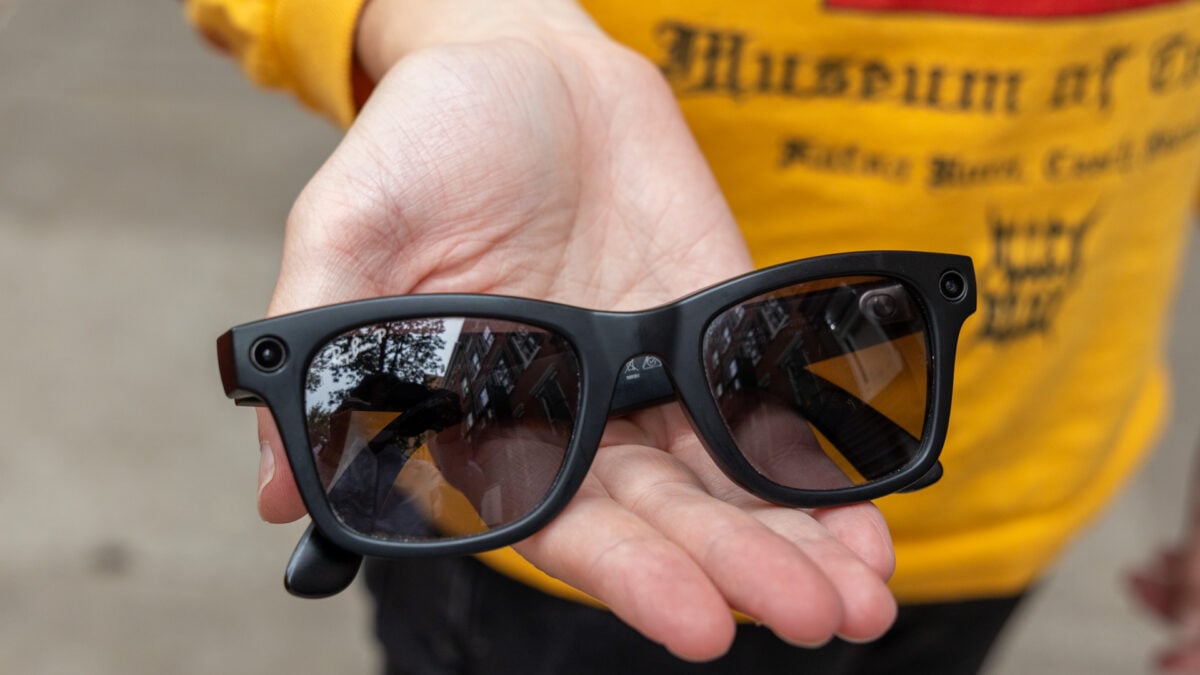
If there’s one area that Meta’s smart glasses feel genuinely built for (outside of covertly recording people), it’s doing stuff hands-free. I’ve used quite a few pairs of smart glasses this past year, and audio/navigation are still two of the biggest use cases where the form factor makes a lot of sense. Both of those things just got a notable upgrade on Meta’s AI glasses. In version 128 of Meta’s smart glasses firmware, Meta introduces something that anyone who uses the company’s non-display smart glasses has likely been waiting for: turn-by-turn walking directions. Now, you can actually use the “Hey Meta” command to launch walking navigation in the glasses with commands (like, “Hey Meta, navigate to Times Square”). Previously, you weren’t able to launch navigation from the glasses; the best you could do was turn on navigation in a third-party app and then have the directions play over Bluetooth, or use Siri or Google Assistant on your phone—not exactly ideal if you’re trying to minimize interaction with your phone. Version 128 expands on the capabilities already somewhat available in the Meta Ray-Ban Display, Meta’s only smart glasses with a display in them. Meta Ray-Ban Display owners have been able to launch walking directions from their smart glasses, though only in select cities where the feature is supported. Meta says version 128 brings walking directions to the U.S., Puerto Rico, Canada, and “select cities.” If better walking navigation doesn’t do it for you, Meta is also introducing spatial audio. Spatial audio uses AI to add a sense of 3D space to existing stereo sound. I’m a little more skeptical on this front, since spatial audio can be hit-or-miss. Sometimes it really adds some dimensions and nuance, but other times, when it’s not done right, it can make everything sound just a little bit worse. Meta’s done a good job with audio on its smart glasses to this point, so maybe spatial audio will continue that trend, but it’s hard to say until I hear it for myself. To activate spatial audio, you can go to settings, select audio, and then toggle it on. Either way, both updates are quietly pretty useful for anyone who’s comfortable wearing smart glasses in public at this point.
Meta Just Made Navigation on Its Smart Glasses a Lot More Useful
Full Article
Original Source
Read the full article at Gizmodo →KhanList aggregates and links to publicly available news content. We do not host full articles from third-party sources. Always verify important information with original sources.