
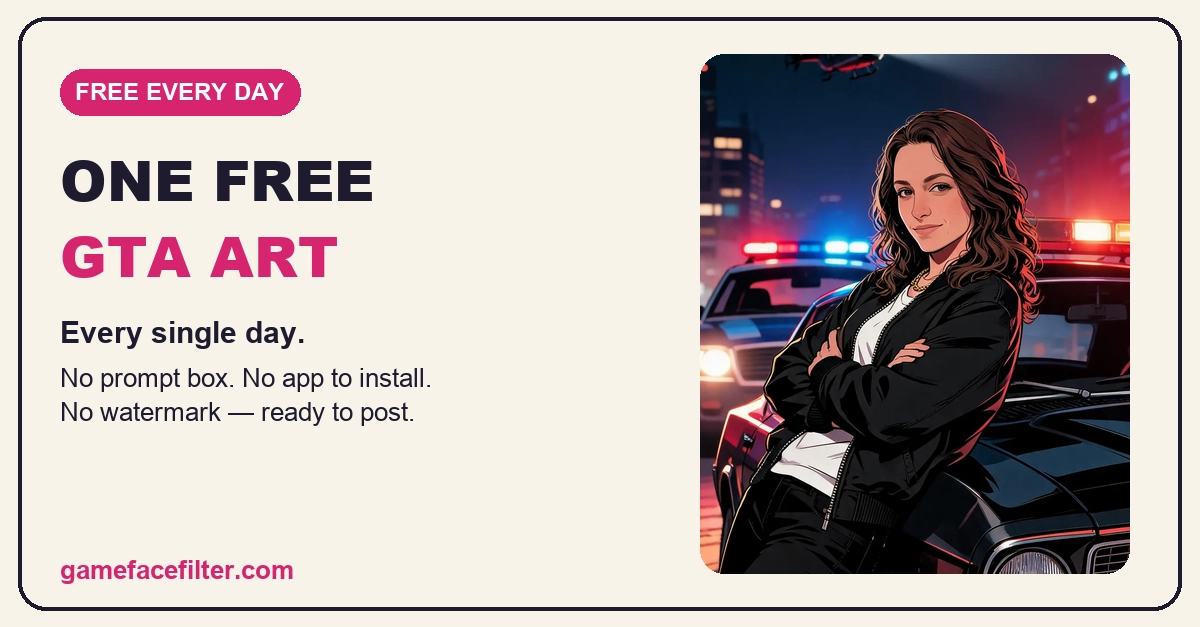
Every group chat, Discord server and forum avatar is a tiny square - and lately the square everyone wants is themselves drawn in the GTA 6 trailer style. The good news: you do not need Photoshop skills or a GPU to get one. Here is how the process works and what to expect. Why square matters Discord, X, Twitch and Steam all crop avatars to a 1:1 square. If you generate a tall cinematic image first, you will end up cropping away the parts you liked. So step one of a good GTA 6 profile picture is generating it square in the first place, with the face centered and some breathing room. What the style actually is The look people call the "GTA 6 filter" is Rockstar's promotional art language: thick black outlines, cel shading with flat color regions, and that saturated sunset pink-orange-teal grade. An AI image-to-image model keeps the geometry of your selfie - where the face sits, how the shoulders tilt - and repaints the surface in that style. It is an illustration of you, not a screenshot of the game, and every run comes out a little different. The browser route, step by step Take a front-facing selfie with your face clearly visible and decent light. Blurry or dark photos give the model less to hold on to. Open a tool like GTA 6 Filter on GameFaceFilter, which runs in the browser on phone and desktop with no app to install. It is fan-made and unofficial - not affiliated with Rockstar Games. Pick a style. There are six, from Loading Screen to Street Ride, plus a Square 1:1 output for avatars; the square renders come out at 1024x1024, which is more than Discord or X will ever display. Generate. Pictures are usually ready within two minutes and downloads have no watermark. After a Google sign-in you get one free image a day, so you can retry a style tomorrow if the first run is not quite you. Crop nothing. Because the picture is already square with the face centered, it drops straight into your avatar slot. If you want the dedicated walkthrough - style-by-style notes and what the square output looks like before you spend a generation on it - the square GTA 6 profile pictures page shows each style rendered as an avatar. What to expect The model redraws you as a character, so small details (glasses, stubble, exact haircut) get stylized rather than preserved. Two runs with the same photo will not match pixel for pixel. Run it twice and pick the one that feels right. Uploads pass a quick face check, so pets, drawings and group shots tend to bounce. Photos and results are deleted within 24 hours on the tool above, which matters if you are privacy-minded about your face. If you would rather roll your own The DIY route is the same idea with more dials: a local image-to-image pipeline with a cel-shade model gets you closest to the look and lets you batch a whole friend group, at the cost of an evening of setup. General-purpose editors sit in the middle - more control than a web tool, less than a local rig. Whichever route you take, the recipe is the same: one clean selfie in, square GTA 6 trailer art out. The avatar upgrade practically makes itself. Disclosure: this article was researched and drafted with AI tooling and the product facts above were checked against the official site before publishing.
Making a GTA 6 style profile picture from your own selfie
Full Article
Original Source
Read the full article at Dev →KhanList aggregates and links to publicly available news content. We do not host full articles from third-party sources. Always verify important information with original sources.