
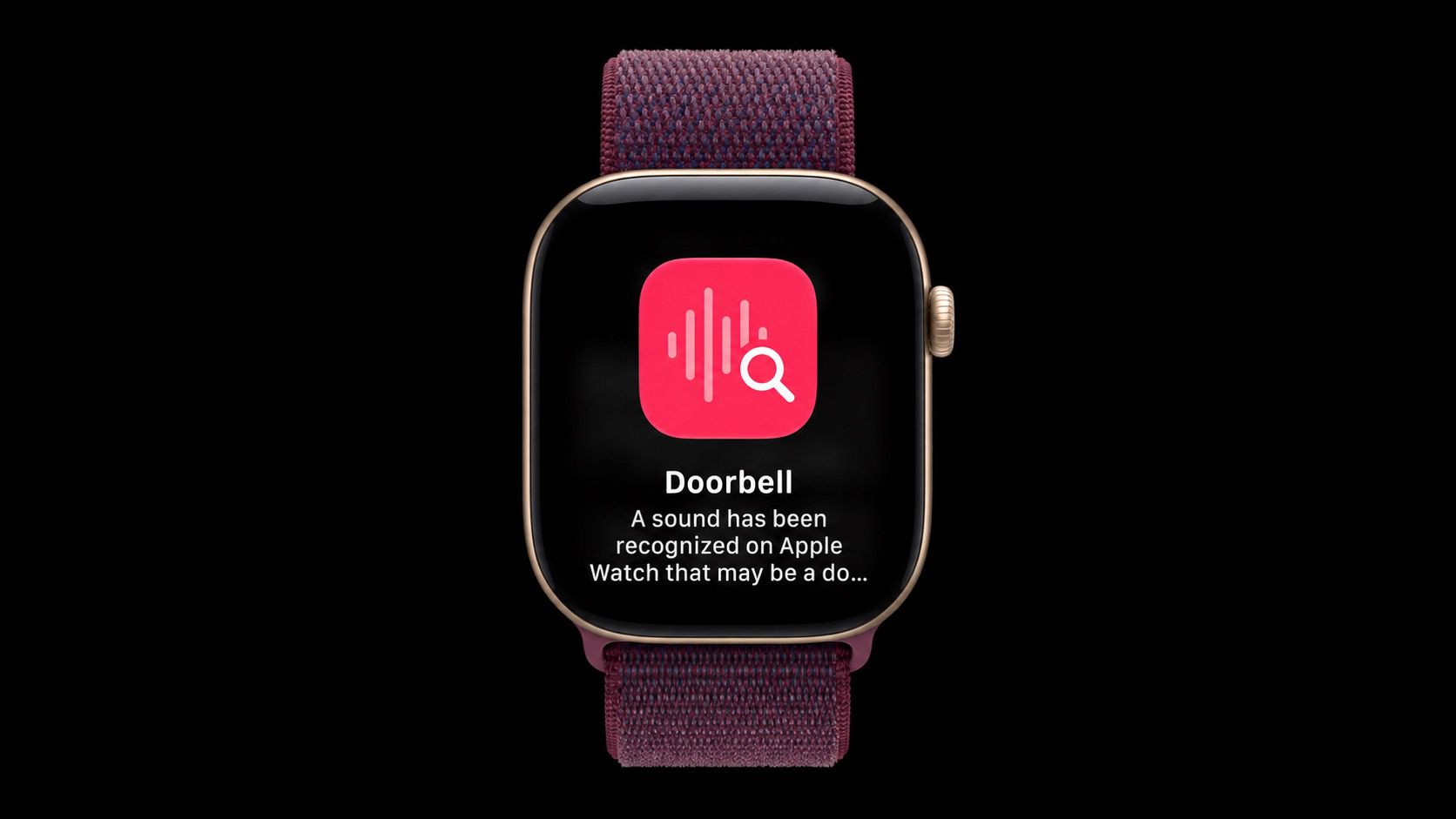
One of Apple's accessibility features on iPhone can listen for important sounds around you, such as a doorbell, siren or alarm, and it sends you a notification when it hears one. The feature has been extended to Apple's new Apple Watch Series 12 and Apple Watch Ultra 4 models, so the alert reaches your wrist even when your iPhone isn't with you. It's especially useful for people who are deaf or hard of hearing, but it has everyday uses too. If you wear noise-cancelling headphones while working and don't want to miss the doorbell – if you're expecting a delivery, for example – your Apple Watch can alert you. Sounds Your Apple Watch Can Detect Sound Recognition can detect the following 15 sounds. Any you switch on in the iPhone's Sounds list are also detected by your Apple Watch when "Detect using Apple Watch" is enabled: Fire Alarm Siren Smoke Alarm Cat Dog Appliances Car Horn Doorbell Door Knock Glass Breaking Kettle Water Running Baby Crying Coughing Shouting If a sound isn't recognized automatically, you can also teach your iPhone a Custom Alarm or Custom Appliance or Doorbell from the same Sounds list. What You'll Need You'll need an Apple Watch Series 12 or Ultra 4 paired with an iPhone 11 or later, or an iPhone SE (2nd generation or later), running iOS 27. If you already use Sound Recognition on your iPhone, it turns on automatically for your Apple Watch, so you may not need to do anything. Either way, here's how to set it up: Open the Settings app on your iPhone and tap Accessibility. In the "Hearing" section, tap Sound & Name Recognition. Tap Sound Recognition and turn on the Sound Recognition toggle, then turn on Detect using Apple Watch. Tap Sounds and turn on the sounds you want to hear about, such as Doorbell. You can also choose a specific alert tone for each sound. Apple says Sound Recognition is processed on your Apple Watch and iPhone and doesn't record or store audio. It shouldn't be treated as a safety system, though. You shouldn't rely on it in situations where you may be harmed or injured, in high-risk or emergency situations, or for navigation, per Apple's guidelines. Popular StoriesApple Offers Steps to Fix Daylight Saving Time Bug on Apple WatchSunday November 1, 2026 3:34 am PST by Tim HardwickApple has published a support document describing what to do if your Apple Watch continues to show time that's off by one hour after daylight savings time changes. "This incorrect time appears only on the Always On display when your wrist is down," says Apple. "When you activate the display by tapping it or raising your wrist, the time changes to the correct hour." To fix the issue, Apple says ...Meta's Muse AI Agent Comes to Apple WatchMonday November 9, 2026 1:55 pm PST by Juli CloverMeta today updated the Muse app for iOS to add Apple Watch support, which means Muse users can access the proactive AI agent from the watch. The app adds the Muse character to the watch with an option to text it, dictate text to it, or call it. There's also a Muse complication for quick access. Muse is Meta's personal AI agent that can complete tasks for users. It is available as a...watchOS 27.3 Brings Live Rewind and Siri Recap to Apple WatchTuesday November 3, 2026 10:35 am PST by Juli CloverWith the first beta of watchOS 27.3, Apple is introducing new Audio Intelligence features it previewed for the Apple Watch Series 12 and Ultra 4 earlier this year. Powered by the S11 chip, Audio Intelligence includes Live Rewind, Siri Recap, Sound Recognition, and Shazam Music Recognition. Sound Recognition and Shazam are already on the watch, but Live Rewind and Siri Recap are now available ...
Make Apple Watch Listen for Sounds Like the Doorbell
Full Article
Original Source
Read the full article at Macrumors →KhanList aggregates and links to publicly available news content. We do not host full articles from third-party sources. Always verify important information with original sources.