
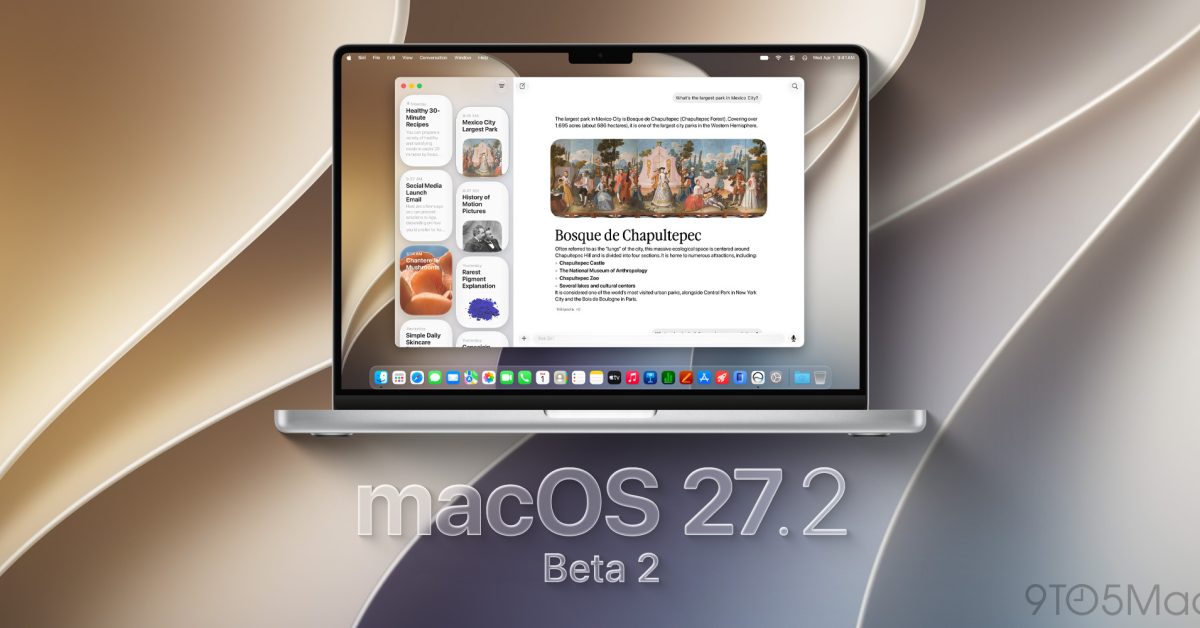
Developers can now install macOS 27.2 Golden Gate beta 2, ahead of the upcoming official release in a few weeks. Here’s what’s coming. Last week, Apple released macOS 27.2 Golden Gate beta 1 for developers, skipping the macOS 27.1 Golden Gate beta cycle. Presumably, that is because os iOS 27.1, which likely has details that the company did not want to share, even internally, ahead of time. The biggest user-facing new feature included in macOS 27.2 Golden Gate beta 1 is Siri AI’s support for five additional languages, after its English-only initial rollout last month with macOS 27 Golden Gate. As of macOS 27.2 Golden Gate beta 1, Siri AI also supports French, Japanese, Korean, Portuguese, and Spanish. The release build for macOS 27.2 Golden Gate beta 2 is 26B5091g. We are digging through the new beta and will report back if we find noteworthy tidbits. Installing macOS 27.2 beta 2 Here’s how to install the first macOS 27.2 beta 2: Back up your Mac Open System Settings Go to General ⇾ Software Update Click the ‘i’ icon next to Beta Updates From the dropdown menu in the top-right, select the macOS Developer Golden Gate Beta Hit ‘Done’ Did you spot anything new in today’s macOS 27.2 Golden Gate beta 2? Let us know in the comments. Worth checking out on Amazon Apple Watch Series 12 Apple Watch Ultra 4 AirPods Pro 3 AirPods 5 AirTag (2nd Generation) – 4 Pack MacBook Neo Logitech MX Master 4 FTC: We use income earning auto affiliate links. More.
macOS 27.2 Golden Gate beta 2 now available, here’s what to expect
Full Article
Original Source
Read the full article at 9to5mac →KhanList aggregates and links to publicly available news content. We do not host full articles from third-party sources. Always verify important information with original sources.