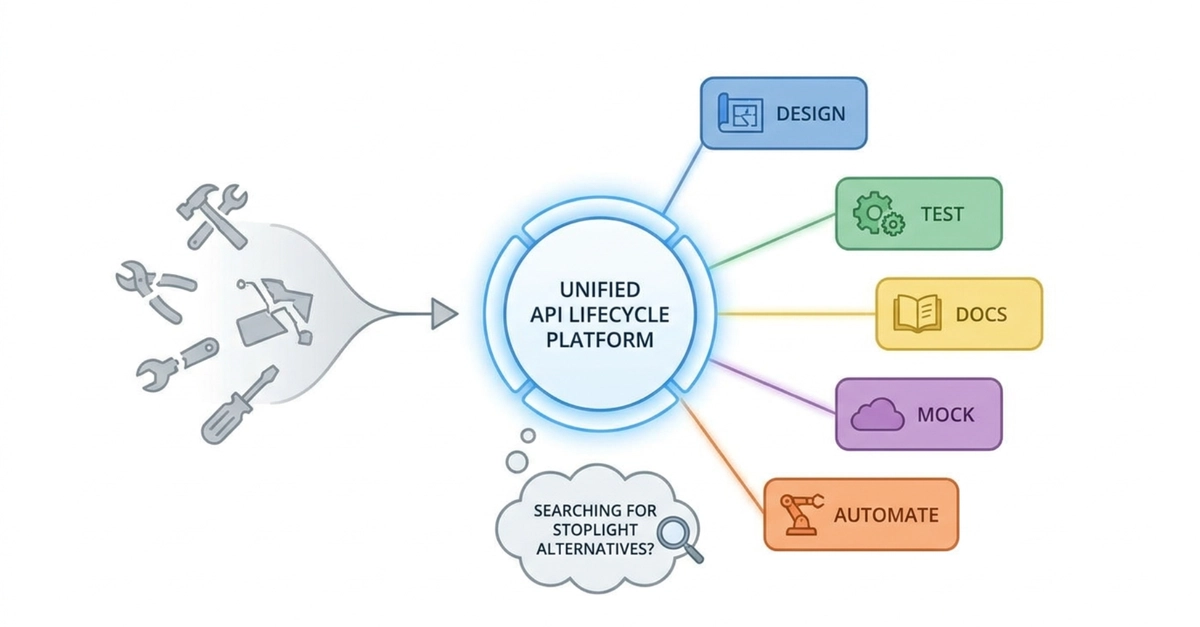
If you have worked with APIs for a while, you have probably realized that designing an API is only one part of the process. The real challenge starts after the first endpoint is created. Teams need to think about documentation, testing, mocking, collaboration, versioning, and making sure APIs remain consistent as they continue to evolve. Without the right tools, API development can quickly become fragmented, with different teams using different solutions for different parts of the workflow. Over the years, Stoplight became a popular choice for teams adopting API-first development. It helped developers design APIs using OpenAPI specifications, create documentation, collaborate on API changes, and build more structured API workflows. However, as development teams grow, their requirements also change. Some teams start looking for Stoplight alternatives because they need more advanced testing capabilities, stronger automation, easier migration options, better collaboration workflows, or a platform that supports more stages of the API lifecycle. This does not necessarily mean Stoplight is a bad tool. In many cases, teams are simply looking for a solution that better matches their current development process. In this article, I will look at some of the best Stoplight alternatives developers should know in 2026, including tools for API design, documentation, testing, mocking, collaboration, and automation. Why Are Developers Looking for Stoplight Alternatives? API development has changed significantly over the last few years. In the past, many teams mainly needed tools to: Write API specifications Generate documentation Share API references Today, modern API teams need much more. A complete API workflow often includes: Designing API contracts Creating reusable schemas Testing endpoints automatically Managing different environments Creating mock APIs Validating API changes Generating documentation Integrating with CI/CD pipelines Collaborating across multiple teams Because of this, many developers are looking beyond traditional API design tools and searching for platforms that cover more parts of the API lifecycle. Some common reasons teams explore alternatives include: They want API testing built into their workflow They need better automation support They want easier migration from existing API projects They need better team collaboration features They want fewer disconnected tools They need stronger support for modern development workflows What Should You Look for in a Stoplight Alternative? Choosing an API platform depends heavily on your team's needs. A good Stoplight alternative should support several important areas. API Design Can developers easily create, update, and maintain API specifications? OpenAPI compatibility is especially important because many teams already have existing API definitions. Documentation Does the platform help create documentation that developers and API consumers can actually use? Good API documentation should be easy to maintain and stay synchronized with API changes. API Testing Can teams validate that APIs work correctly? Automated testing helps catch problems before they reach production. Mocking Can frontend teams and external developers test integrations before the backend is completed? Mock servers are becoming an important part of modern API workflows. Collaboration Can multiple developers work together while maintaining version history and consistency? CI/CD Integration Can API validation and testing become part of the development pipeline? Top 10 Stoplight Alternatives in 2026 1. Apidog What it is Apidog is an API development platform that combines API design, documentation, testing, mocking, debugging, and collaboration into one workflow. One challenge many API teams face is having too many separate tools. One tool handles documentation, another handles testing, another manages API specifications, and another handles mocking. Apidog focuses on bringing these workflows together. Best for Teams looking for a complete API lifecycle platform covering design, testing, documentation, and automation. Key Features Design and manage API endpoints Create API documentation Build automated API tests Create test scenarios and reusable test suites Manage schemas and API resources Create mock APIs Manage environments and variables Support team collaboration and branches Import and export API data in multiple formats Integrate API workflows into CI/CD pipelines Manage API resources using Apidog CLI Migration From Stoplight For teams moving from Stoplight, migration is often one of the biggest concerns. Recreating existing API projects manually can take significant time, especially when teams already have OpenAPI specifications, documentation, and API assets. Apidog supports importing API projects from formats including OpenAPI and other common API formats, helping teams move existing work into a new workflow more easily. 2. Postman What it is Postman is one of the most widely recognized API tools available today. Originally known mainly as an API testing client, it has expanded into API documentation, collaboration, automation, and API workflow management. Best for Teams that need API testing, collections, and automated workflows. Key Features API collections Automated testing Environment management Mock servers API documentation Collaboration features CI/CD integration Postman remains a popular option because many developers already understand its workflow. 3. SwaggerHub What it is SwaggerHub focuses heavily on OpenAPI-based API design and governance. It is designed for teams that want structured API-first development workflows. Best for Organizations managing many APIs with strong OpenAPI requirements. Key Features OpenAPI specification management API design collaboration API documentation Version management API governance Integration with development workflows SwaggerHub is especially useful for organizations where API consistency is a priority. 4. Insomnia What it is Insomnia is a lightweight API client designed for developers who need to design, test, and debug APIs. It supports REST and GraphQL workflows while maintaining a clean developer experience. Best for Developers who want a simple API development tool. Key Features REST API testing GraphQL support Environment variables Authentication support Request organization OpenAPI support Insomnia is a good option for developers who want a focused API client experience. 5. Bruno What it is Bruno has gained attention because of its local-first approach. Instead of storing API collections in a hosted workspace, Bruno allows teams to store API collections as files that can be managed using Git. Best for Developers who prefer Git-based workflows. Key Features Local API collections Git integration Version control CLI support Team collaboration Lightweight workflow For teams that want API assets managed alongside source code, Bruno is an interesting alternative. 6. ReadMe What it is ReadMe focuses mainly on developer documentation and API portals. It helps companies create better experiences for developers consuming their APIs. Best for Companies prioritizing API documentation. Key Features Interactive documentation API references Developer portals Guides and tutorials Documentation analytics ReadMe is a strong choice when documentation experience is the main priority. 7. Redocly What it is Redocly provides tools focused on OpenAPI documentation and API governance. It helps teams create consistent API documentation from specifications. Best for Teams that need strong documentation workflows. Key Features OpenAPI documentation API governance Validation workflows Documentation generation CI/CD integration 8. Swagger UI and OpenAPI Tooling What it is Some teams prefer building their API workflow using individual open-source tools instead of choosing one complete platform. Swagger UI combined with OpenAPI tools provides flexibility. Best for Developers who prefer customizable solutions. Key Features OpenAPI documentation Flexible integrations Open-source ecosystem Custom workflows Stoplight Alternatives: How These Tools Compare Before looking at each tool individually, here are the main areas I will compare: How to Choose the Right Stoplight Alternative The right choice depends on your team's priorities. If you need a complete API lifecycle workflow Tools like Apidog are designed for teams that want API design, testing, documentation, and automation together. If testing is your biggest priority Postman, Insomnia, and Bruno are strong options. If OpenAPI governance matters most SwaggerHub and Redocly provide strong specification-focused workflows. If documentation is the main focus ReadMe and Redocly are worth considering. If you prefer open-source solutions Apicurio and other OpenAPI-based tools provide more control. Migration Considerations When Moving Away From Stoplight Switching API platforms is not only about choosing a new tool. Teams also need to consider migration challenges. Existing API Specifications Most teams already have OpenAPI files, schemas, and documentation. A platform that supports importing existing API assets can reduce migration effort. Team Workflow A new tool should improve existing processes instead of forcing developers to completely change how they work. Automation Modern API development depends heavily on automation. CI/CD integration, testing pipelines, and validation workflows are becoming essential. Collaboration As teams grow, version control and collaboration features become increasingly important. Final Thoughts There is no single Stoplight alternative that works for every developer or organization. Some teams need powerful API documentation. Others need advanced testing, automation, or API lifecycle management. The important thing is choosing a platform that matches how your team actually builds and maintains APIs. For teams looking for a broader API workflow, solutions like Apidog provide an option that combines API design, testing, documentation, collaboration, and automation in one environment. At the end of the day, the best API tool is the one that helps your team spend less time managing workflows and more time building reliable APIs.
Looking for Stoplight Alternatives? 10 API Tools Developers Should Know in 2026
Full Article
Original Source
Read the full article at Dev →KhanList aggregates and links to publicly available news content. We do not host full articles from third-party sources. Always verify important information with original sources.