
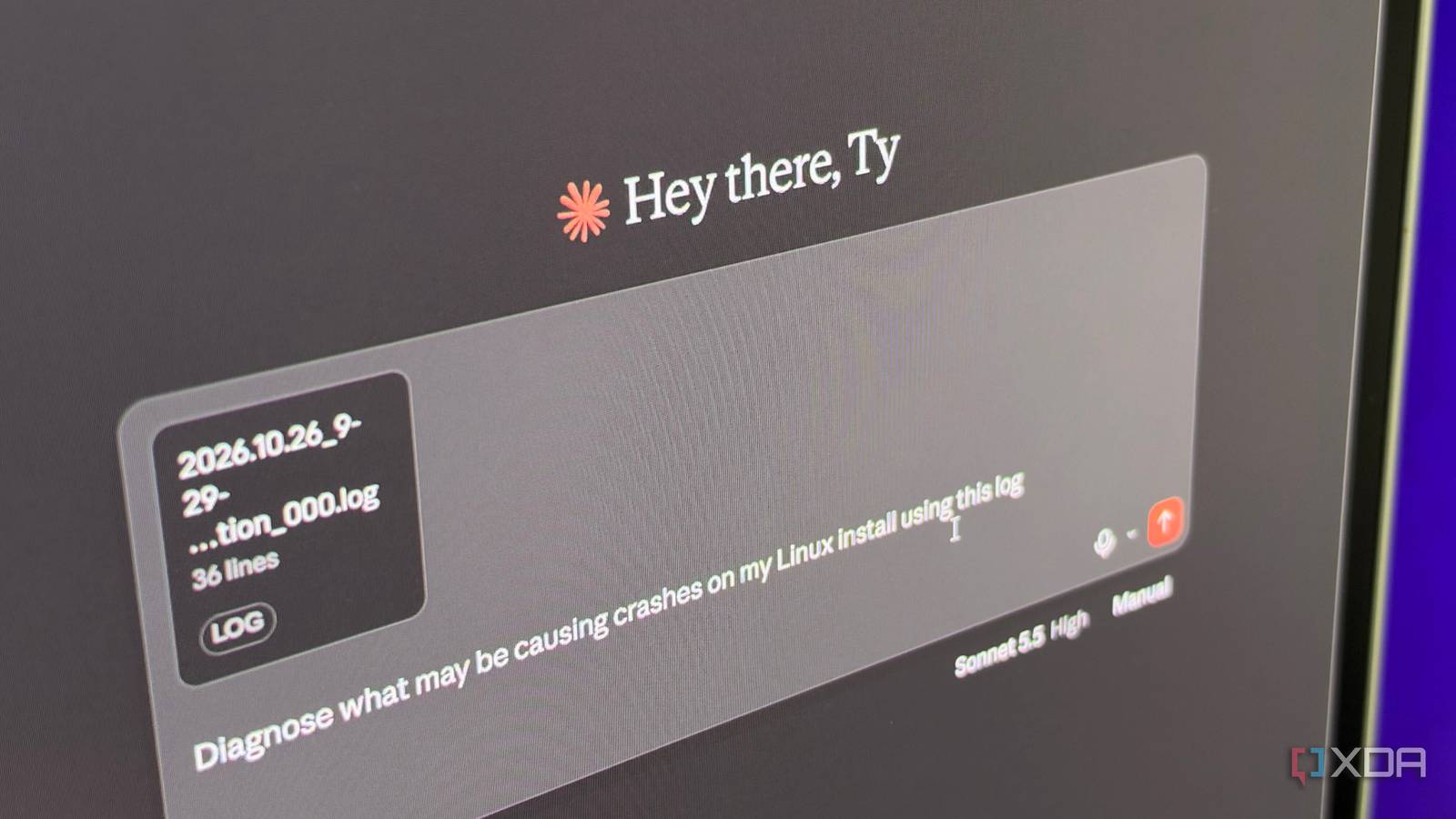
Published Oct 27, 2026, 1:30 PM EDT His love of PCs and their components was born out of trying to squeeze every ounce of performance out of the family computer. Tinkering with his own build at age 10 turned into building PCs for friends and family, fostering a passion that would ultimately take shape as a career path. Besides being the first call for tech support for those close to him, Ty is a computer science student, with his focus being cloud computing and networking. He also competed in semi-pro Counter-Strike for 8 years, making him intimately familiar with everything to do with peripherals. Among people who haven't used it, Linux has a reputation that precedes it. It's known as an operating system that doesn't work with the applications they want to use, has to be constantly updated, and treated with gloved hands at all times. Many people that try and switch with that reputation in the back of their minds end up crawling back to Windows, but troubleshooting common issues is becoming rather trivial thanks to LLMs. Pasting an error or terminal log into Claude, ChatGPT, or even a local model can grant you a plain-English explanation of what went wrong and where to look next. It's not perfect, and—as is the case with anything regarding LLMs—it can definitely lead you astray, but when used properly it's one of the best tools a beginner can have at their disposal when making the switch. Linux tells you exactly what's wrong Beginners just aren't used to reading it Pretty much everything on a Linux system can be served to you through text: logs, config files, statuses of services, package management, and basically everything else you can think of can be displayed through a CLI. This is the exact kind of thing that LLMs handle very well. The materials that most Linux vets rely on like online wikis, distro documentation, and forum posts also happen to be the same materials that these LLMs are trained on. This means when you paste in screenshots of a session in a terminal or the raw text, it can properly draw upon those same sources that you'd be hunting through anyway. I find this useful when configuring a service I haven't used before, since the errors it can spit out are usually novel to me. I give it as much context as I can before sending the prompt so it doesn't give improper advice or commands, and because it can parse through its training data for that specific thing much faster than I ever could, I hit far fewer roadblocks that take troubleshooting to figure out. An LLM will meet you at your knowledge level The vocabulary can be less daunting Forums are a good place to ask questions and see if another person is experiencing the same thing as you are, but they're not always a friendly place for an absolute beginner to be. They're built for people that already speak the language, and if you're asking about the really basic stuff, a lot of advanced users can get frustrated and disengage quickly. LLMs let you start with the symptoms you're experiencing and will give you the directions needed to dig further to uproot the true cause of your issue. You can also ask as many follow-ups as you want without worrying about the potential social repercussions. The "why" is how you learn more about Linux, so prompting an LLM for the reason behind a command or potential fix is worthwhile. Doing so also helps weed out potentially bad advice; I've seen this be effective when prompting for YAML configurations for a self-hosted service. Use it as an index, not an oracle The way you ask matters You can paste in an error and have an LLM give you a decent enough direction to go in, but using it as an all-knowing resource can get you into trouble. The better way to ask questions is to request a source or reference along with its recommendation, which allows you to check its work yourself. Documentation is constantly maintained and updated by humans, so ensuring that it's actually searching the web for an answer can stop most out-of-date answers. Lead in with the entire context of what's going on, and if needed, the hardware configuration you're working with. The cloud-based LLMs like Claude and ChatGPT are pretty good about updating their memory, but if you work with the same system often and it's not giving answers that are applicable to your hardware and distro, it's worth putting in that information manually. Then, when pasting the error or log, include the entire thing. If you're a true beginner and you trim part of the prompt, there's a good chance you might've trimmed something that's critical. Where LLMs can confidently break your entire system They can (and will) give bad recommendations Without proper context or with a bad prompt, LLMs can absolutely give you terrible recommendations that, at best, can just grant open permissions to something that probably shouldn't have them. At its worst, it can brick your install. There are many examples of this, but a good one is when pip refuses a system-wide install. A model that has been told to "just fix it" might tell the user to add the --break-system-packages flag for a pip install, which might sound a bit "on the nose" for anyone who's been around computers a long time, but for a novice, they could apply it without knowing that it overrides a safeguard that exists to stop pip from overwriting or conflicting with files their distro depends on. Agentic tools like Claude Code raise the stakes by running commands themselves. They ask for approval by default, but a beginner who approves every prompt isn’t providing any real oversight. LLMs are a powerful resource for Linux beginners The truth is, the risk to beginners of copy and pasting commands has existed long before LLMs. They're certainly a bit more dangerous considering how commands and advice are often stated as a matter-of-fact, but if you're coming from Windows with eyes wide open, they can be one of the most powerful learning tools available to you. Give it the proper context, a good prompt, ask good follow-ups, and you shouldn't have a problem.
Linux troubleshooting has had a silver bullet for years, and beginners should take notice
Full Article
Original Source
Read the full article at Xda-developers →KhanList aggregates and links to publicly available news content. We do not host full articles from third-party sources. Always verify important information with original sources.