
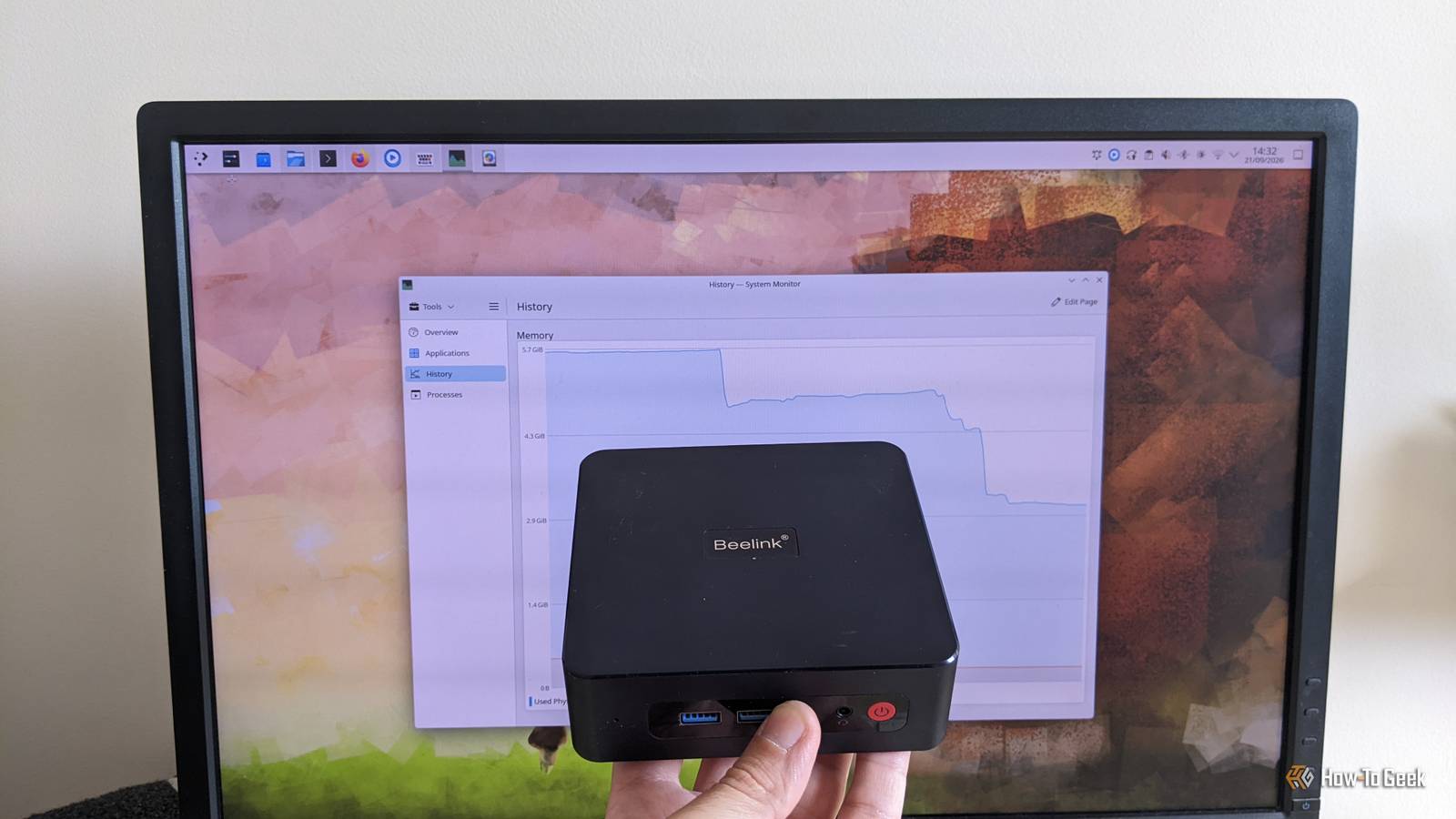
Published Sep 28, 2026, 8:00 AM EDT A technology enthusiast, Bobby studied Computer Science at the University of Southampton before working in a number of roles across industries, from the private sector to the charitable one, at multinationals and startups. He’s helped maintain backend Java servers, designed databases and front-end interfaces, and created a bespoke content management system. Bobby also enjoys video gaming, and has written for several outlets, including a stint as Editor-in-Chief at Switch Player Magazine and contributions to online magazine, SUPERJUMP. Bobby uses a Mac for day-to-day work and an Android phone for distractions. A low-powered CPU can make some tasks slower, while a small disk drive means you’ll have space for fewer files. But a machine with low memory can be catastrophic: applications hanging or getting closed by the memory manager, or even the whole system coming to a halt. As with many trade-offs, the ideal scenario depends on your personal circumstances. However, using more swap space can give some big wins, and it’s very easy to try out. The problem with low memory A machine with not enough RAM will soon struggle, even using Linux Earlier this year, I bought a Beelink SER3 Mini PC with 8GB RAM and a 256GB SSD. It's a great little machine, sitting neatly on my desk alongside a Mac mini M2 (well, on top of it!), and it’s a perfect low-power PC to test both Windows and Linux on. The big problem with this machine is the memory footprint: 8GB of RAM is simply not enough. During typical use — a small number of apps, including a web browser with a handful of open tabs — I'm struggling to avoid the dreaded Out-of-Memory (OOM) notification. This is an issue that I simply haven't experienced on my Mac mini, which also has just 8GB of RAM. Part of this is down to the innovative Apple Silicon line of chips, which include RAM directly wired to the processor, for use by the CPU, GPU, and other components. This makes desktop computing with just 8GB of RAM a viable prospect. However, digging a little deeper reveals that the problem is actually worse than I first feared: not only is a low-RAM Linux machine going to struggle, mine has even less than I thought. It turns out that the 8GB is actually shared across CPU and GPU, so the actual reported RAM is a measly 5.7GB. I could, of course, use one of the many excellent lightweight distros that are available, but I’d like to see if I can solve the underlying problem first. So, what is swap space, a swap partition, or a swap file? Essentially the same thing, with minor trade-offs either way In simple terms, swap space is a part of a storage drive — like an HDD or SSD — that’s dedicated to acting as an extension of your physical RAM. If you’re running low on main memory, the operating system can choose to transfer some of that data to your disk, temporarily, while it frees that memory up. Swap space usually comes in one of two kinds: a partition or a file. A partition dedicates a fixed chunk of your disk to the task, which is a commitment, but tends to be a bit faster. Meanwhile, a swap file is like any other regular file, so it’s easier to remove or resize, should you decide to do so. Using swap space should mean you’re less likely to see out-of-memory notifications, and your general day-to-day computing should be smoother, with less waiting around for apps to respond. You can check to see if you’re already using any swap space using a simple terminal command: swapon -s The output will tell you which type of swap space you are using, its capacity, and its current use. Swap files are easy to work with You can modify an existing swap file, but it’s even easier to create a second I’ll confess, I didn’t pay that much attention to setting up the swap file in the first place. It must be something that happened during my Linux installation, but I clearly didn’t pay it enough thought. It turned out that I’d chosen 512MB of swap space, which — according to my experience — just isn’t quite enough. There’s no perfect formula to come up with an ideal value for swap size, which is exactly why I decided to go for a swap file in the first place. An old rule of thumb advised a swap space that’s twice the size of your RAM, but an increase in typical RAM capacity means this isn’t really the case anymore. I decided to add a second swap file, 1GB in size, tripling the total amount of swap space available. While it’s easy to increase the size of a swap file, you’ll need to disable it temporarily, and any memory shortages while you resize it can be even more problematic. Creating a new swap file is easier, and there’s no real reason not to do so. It’s a good idea to fully understand how to create a swap file before you begin. In short, it involves just a few steps. First, use the dd command to create the file itself: sudo dd if=/dev/zero of=/swapfile2 count=1K bs=1M That command gave me a 1GB file, full of null bytes, at /swapfile2. Next, enable it as a swap file: sudo mkswap /swapfile2 That command will probably give a warning about permissions, so give the file appropriate access with this command: sudo chmod 600 /swapfile2 Finally, instruct the OS to start using this new file for swapping: sudo swapon /swapfile2 At this point, the swap space is now increased; there’s no need to reboot or log out. You can see the effects immediately by rechecking in System Monitor or a similar program. Notice that the reported swap space should reflect a larger value as the "Total", and your system is hopefully using a smaller proportion of it. You may also notice less RAM in typical use while your system uses more of the swap space that is now available. Swap space is easy to change and can bring major benefits Increasing swap space is no guarantee that you’ll see huge performance gains. But, in my own experience, I have a more responsive machine that’s already less prone to hanging up or invoking the OOM killer. Swap files make it very easy to adjust the balance of long-term storage space with short-term memory, so the mechanism is a great first shot if you’re looking for a stability gain.
Linux swap files just saved my low-RAM PC from obsolescence
Full Article
Original Source
Read the full article at Howtogeek →KhanList aggregates and links to publicly available news content. We do not host full articles from third-party sources. Always verify important information with original sources.