
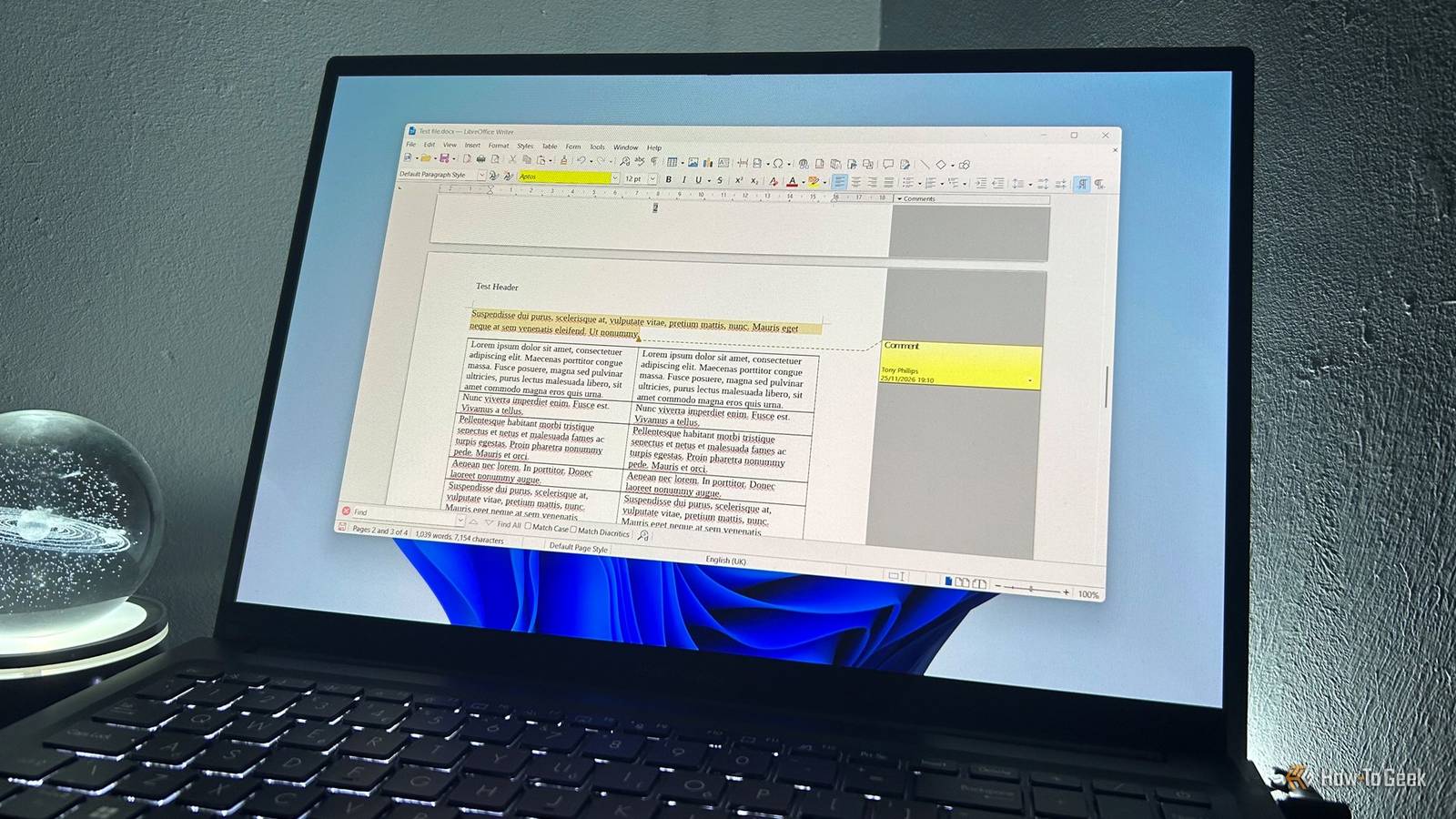
Published Nov 26, 2026, 1:30 PM EST Tony Phillips is a senior author at How-To Geek with over a decade of experience working with documents, data, and digital productivity tools. Holding a dual-honors degree in Linguistics and Hispanic Studies, he combines technical expertise with a passion for making complex topics easy to understand. Before joining How-To Geek in 2024, Tony worked as a document producer, data manager, legal document specialist, and content creator. He has also proofread and edited more than 3 million words of academic and professional writing. While Tony specializes in Microsoft 365, particularly Excel, his interests extend far beyond Office. He enjoys testing software, exploring open-source projects, discovering useful companion apps, and finding ways to customize and optimize Windows. Whether he's building spreadsheets, evaluating new tools, or uncovering hidden features, Tony enjoys helping readers get more from their technology. Outside of tech, he enjoys spending time with his dog, watching football, astrophotography, gardening, and golf. Office suites rise and fall on trust. Features are nice, but they're not what keep me paying for Microsoft Office. The real question is whether my documents, spreadsheets, and presentations still work when I need them to, especially when they're going to be opened by somebody using an entirely different office suite. As someone who spends an unhealthy amount of time working in Microsoft Office and has dipped in and out of LibreOffice over the years, I'd pretty much given up on an open-source alternative changing my mind. But then LibreOffice 26.8 caught my attention. The release notes looked promising, so I decided to test the things that matter most in everyday use: opening Word documents, working with spreadsheets, and sharing presentations with people using Microsoft Office. Writer passed the compatibility test A DOCX survived the round trip If there was one part of LibreOffice I expected to struggle, it was Writer. The 26.8 release notes include a handful of welcome additions, including a new Paragraph Composer, Draft View, Quick Find comment searching, and improvements to DOCX compatibility. Those are all great, but I was more interested in what would happen when a Word document made a trip between applications. To find out, I built a multi-page DOCX with comments, images, captions, tables, headers, footers, and page numbering, along with enough formatting to expose any obvious compatibility problems. I opened it in Writer, made edits, added new comments, saved it back to DOCX, and then reopened it in Microsoft Word. The results were encouraging, especially because these are exactly the kind of things that would've made me nervous in earlier versions of LibreOffice. Both the original comments and the comments I added in Writer survived the round trip, complete with author info. Images remained where they were supposed to be, captions stayed attached to the correct graphics, and headers, footers, and page numbering all made it through intact. That doesn't mean everything was identical. For example, some text wrapped differently than it had in Word, both in paragraphs and in tables. Comparing the two documents side by side revealed differences, but they were the sort of layout quirks I'd notice while proofreading rather than document-breaking problems. Once the compatibility questions were out of the way, I turned my attention back to the new features. Quick Find could search comment text directly, while Paragraph Composer produced more evenly justified text with fewer distracting gaps between words. Draft View was useful too, offering a cleaner editing environment without the distractions of a full page layout. Calc takes a major step forward Dynamic arrays finally feel modern The moment I saw "Added dynamic arrays to Calc" in the release notes, I knew that was the feature I wanted to test first. Since they reached general availability in 2020, dynamic arrays have been one of Excel's biggest advantages. Modern spreadsheet workflows increasingly depend on formulas that automatically spill results into neighboring cells instead of being copied manually across a worksheet. I tested several of the headline dynamic functions, including SORT, UNIQUE, and SEQUENCE. All of them behaved as expected. Typing a formula into a single cell produced results across multiple cells automatically. Spill ranges worked correctly, and when I deliberately blocked an output range, Calc generated a #SPILL! error instead of silently producing weird results. Despite a few differences from Excel, the overall experience felt dramatically more modern than older versions of Calc. The other standout feature for me was PivotTable calculated fields. That might not sound as exciting as dynamic arrays, but it's the kind of capability spreadsheet users rely on constantly. I created a simple PivotTable containing Revenue and Cost fields, then added a calculated Profit field using a Revenue minus Cost formula. It worked immediately. The values were correct, the totals were correct, and I had no trouble finding the feature. Neither of these additions suddenly turns Calc into Excel. What they do is address a couple of long-standing weaknesses that had previously pushed me back toward Microsoft's spreadsheet app. Impress was better than I expected My PowerPoint files survived the round trip LibreOffice 26.8 added several new features to Impress, but Presentation Sections immediately caught my attention. That was one of the additions I found most useful during testing. Using the tool was simple. I could right-click a slide, create a section, rename it, and use it to organize larger presentations into logical groups. It's the sort of feature that feels obvious once you start using it. The more important test, however, was PowerPoint compatibility. I opened an existing PPTX presentation containing multiple slide layouts, images, notes, transitions, and animations. Layouts remained intact, images stayed in place, text formatting looked correct, speaker notes imported successfully, and transitions survived the round trip without issue. I then saved the presentation back to PPTX and reopened it in PowerPoint. Once again, the layouts, images, text, speaker notes, and transitions survived intact. The most interesting issue involved animations. One emphasis animation didn't play correctly in Impress, even though it appeared in the animation pane and remained part of the presentation sequence. Advancing the presentation sequence triggered the next step, but the object itself never animated on screen. At first glance, that looked like a straightforward compatibility problem. The story became more interesting when I reopened the presentation in PowerPoint and found that the original animation still worked correctly. That distinction matters. Impress didn't fully reproduce the effect, but it preserved the animation data. For anyone sharing presentations with PowerPoint users, that's a much better outcome than losing the animation altogether. By the end of my testing, I felt comfortable enough opening, editing, and sharing presentations in Impress myself. Once the compatibility questions were out of the way, getting familiar with the interface felt like the bigger task. Closer than ever, but not perfect LibreOffice 26.8 still isn't Microsoft Office, and my testing uncovered a handful of rough edges along the way. Writer didn't reproduce every layout perfectly, Calc didn't behave exactly like Excel in every scenario, and Impress stumbled over one PowerPoint animation. What surprised me is how rarely those quirks became actual obstacles. For the kind of everyday documents, spreadsheets, and presentations I tested, LibreOffice 26.8 felt far more capable than previous versions I've used. The new features removed several of the reasons I'd previously struggled to stick with LibreOffice, making this the closest I've come to replacing Microsoft Office with it.
LibreOffice 26.8 is the closest I've come to replacing Microsoft Office
Full Article
Original Source
Read the full article at Howtogeek →KhanList aggregates and links to publicly available news content. We do not host full articles from third-party sources. Always verify important information with original sources.