
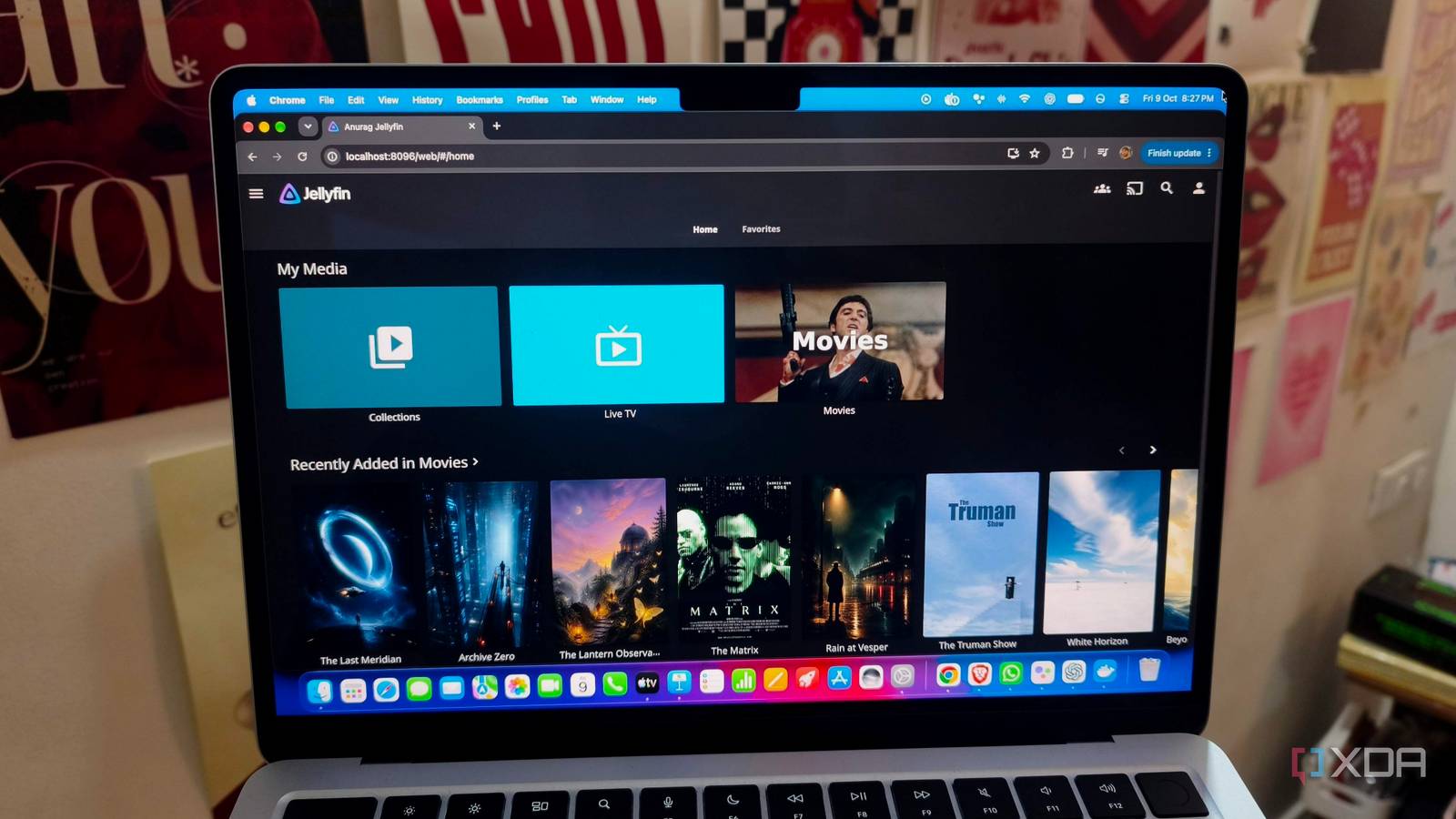
Published Oct 10, 2026, 8:30 AM EDT Anurag is an experienced journalist and author who’s been covering tech for the past 5 years, with a focus on Windows, Android, and Apple. He’s written for sites like Android Police, Neowin, Dexerto, and MakeTechEasier. Anurag’s always pumped about tech and loves getting his hands on the latest gadgets. When he's not procrastinating, you’ll probably find him catching the newest movies in theaters or scrolling through Twitter from his bed. I’ve used Plex for years and already own a lifetime Plex Pass, so spending a month with the free version gives me a different view of the app. It’s easy to recommend Plex when you have all the paid features. Without them, you start questioning what “free” actually covers. If you're just watching your library at home, you'll be fine, although without features like hardware transcoding and offline downloads. The moment you set up remote streaming, you'll hit a paywall to access your own media. After a month with free Plex, I can't imagine recommending it to anyone who isn't willing to pay for Plex Pass. Plex’s free version keeps asking me to upgrade Whether it's remote streaming or skipping the intros Remote streaming is the restriction I find hardest to justify. My media is already on my NAS, and I’m providing the storage, electricity, and internet connection. Yet watching a video outside my home network requires a subscription. Plex offers a cheaper Remote Watch Pass, but it only covers remote playback. Hardware transcoding and offline downloads still require Plex Pass, so paying to access your library remotely doesn’t give you all the features you need. Hardware transcoding is particularly annoying because you can already own everything required to use it. For example, a compatible GPU or integrated graphics chip can handle video conversion when your playback device doesn’t support the original format or your connection needs a lower bitrate. However, Plex reserves that hardware acceleration for Pass subscribers. Software transcoding remains free, but it puts the video conversion workload on your CPU. If your devices play the original files directly, this restriction won’t affect that playback. I'm not the biggest fan of transcoding myself, but sometimes it's needed. Even downloading a movie through Plex’s offline viewing feature requires Plex Pass. I can access the original file on my NAS and transfer it myself, though that takes some effort. You also need to pay in order to skip intros. Over a month, those individual restrictions make Plex’s easy installation a less convincing reason to keep using it. Jellyfin’s setup is smaller than I expected It barely takes any time to move to Jellyfin My media already lives on my NAS, so switching to Jellyfin doesn’t require moving the collection anywhere. Plex and Jellyfin can read the same folders, with each server maintaining its own library database. That makes trying Jellyfin considerably easier, especially when you have terabytes of movies and shows. You can keep Plex running as you configure Jellyfin and check how it handles your files. Jellyfin’s wizard covers creating an admin account, adding your media folders, and choosing the language and metadata settings. You then connect a playback app to the server. Jellyfin still needs to scan the collection and fetch artwork, and some titles can require manual identification. Configuring remote access is also not very difficult with Jellyfin, and, more importantly, the feature is absolutely free. I use Tailscale to connect the server and my playback devices through a private network. Once both devices are connected, I can access Jellyfin through the NAS’s Tailscale address. You don’t need to configure port forwarding for this setup, but the playback device also needs Tailscale installed and connected. To add features like intro skipping, install Jellyfin's intro skipper plugin, which can analyze each episode and add a skip button. You can add many more features to Jellyfin than you get out of the box by adding useful plugins. A quick installation doesn’t make Plex quicker to use Don't use Plex if you aren't willing to pay I would choose Plex over Jellyfin if you include the paid features, but when I can get the features I need on Jellyfin with just a bit of setup, Jellyfin becomes the better choice. I’ve used Plex with a subscription, Plex without one, and Jellyfin, and I don’t see any reason to choose free Plex over Jellyfin if you’re not willing to pay for Plex Pass. Jellyfin also has a massive library of plugins and a huge community that keeps adding to the platform, making it a really pleasing experience to use. I’ve even used Jellyfin to run a bunch of IPTV streams and connected it to ErsatzTV for live TV, with a few changes here and there. Jellyfin has always handled all of that effortlessly. One reason I self-host my media is to avoid paying for streaming subscriptions. When I end up needing another subscription to use that same media the way I want, it defeats the purpose of keeping a local library. I want the freedom to decide how I use my own files. To me, Plex has recently become much more focused on making money, and I don’t blame them as a business. But for us as consumers, Jellyfin is the better choice. Jellyfin iOS compatible Yes Android compatible Yes Desktop compatible Yes
Jellyfin's entire setup finished faster than Plex's paywall restrictions cost me
Full Article
Original Source
Read the full article at Xda-developers →KhanList aggregates and links to publicly available news content. We do not host full articles from third-party sources. Always verify important information with original sources.