
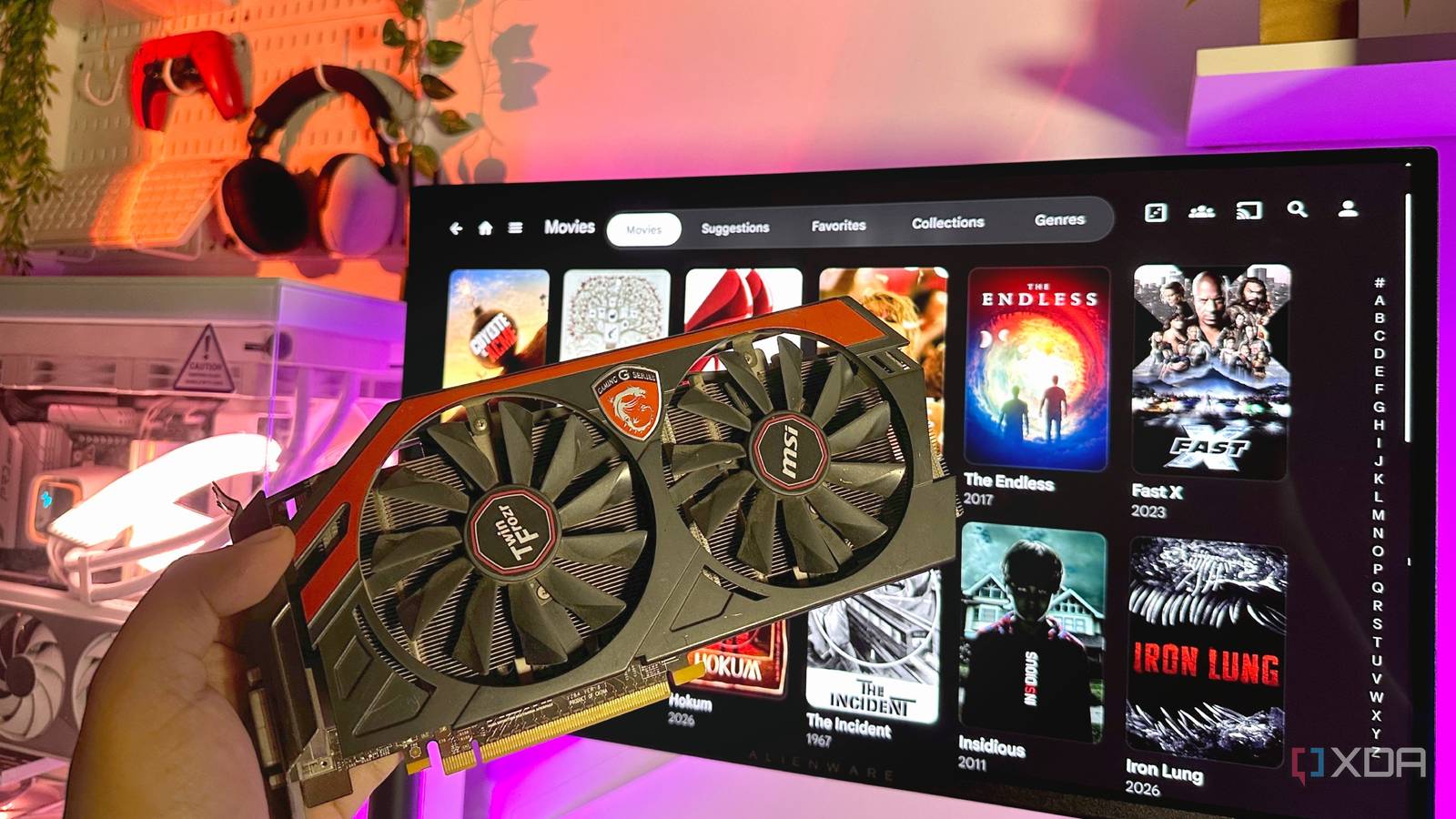
Published Oct 27, 2026, 3:00 PM EDT Gaming has been Samarveer’s greatest passion, and the Literature graduate in him takes immense joy in dissecting games for their themes, messages, and impact. Samarveer holds a deep appreciation of gaming, and considers the platform to be the most immersive and impactful across all media. He can be found engaging with gaming communities online, always ready to debate the finer points of ray tracing or itching to write an 8-page collegiate thesis on any game that impacts him emotionally. Jellyfin is pretty good at playing your media without much fuss, but things get considerably more complicated when it has to transcode a video on the fly. It can prove to be a ton of work for your humble home server to decode a 4K HDR movie, convert its audio, burn subtitles into the picture, and encode everything into a format your client can actually play. Thankfully, Jellyfin supports several hardware acceleration methods that can take some of that workload off the processor. The catch, of course, is that these methods aren't interchangeable. As such, it's the hardware sitting inside your server that determines which options are available to you. Understanding these differences is particularly useful when you're building a media server on a budget or trying to squeeze more life out of hardware you already own. Nvidia GPUs are excellent transcoding workhorses with NVDEC/NVENC Your GeForce GPU has a job beyond rendering games NVIDIA splits its hardware video acceleration into two components: NVDEC handles video decoding, while NVENC handles encoding. Jellyfin can use both to transcode media without forcing your CPU to do all the heavy lifting. If you're planning on repurposing an older GeForce card, that's potentially a lot of transcoding muscle sitting around waiting for something useful to do. However, keep in mind that while Nvidia did introduce NVENC encoders starting with the GeForce Kepler 600 series, those cards would be terrible for a modern Jellyfin server. First-gen NVENC had very low framerates, no 10-bit color support, and only supported H.264 and MPEG-2. Most modern media libraries use H.265 or AV1 to save space today. The minimum recommendation for an Nvidia GPU with NVENC support would be either a GTX 1650 Super or a GTX 1660 with Turing architecture, since these cards support 6th-gen NVENC encoding with excellent H.264/H.265 visual quality and plenty of power for multiple (and simultaneous) 4K HDR transcodes. Best of all, your GPU doesn't need a monitor connected to it. A headless Jellyfin server can use NVENC and NVDEC just fine, making that spare graphics card considerably more useful than its gaming benchmarks suggest. MSI Ventus 2X GeForce RTX 3060 12GB Intel Quick Sync Video is a reliable home server companion Intel's integrated graphics can do more than display your desktop Intel Quick Sync Video uses dedicated media-processing hardware in supported Intel GPUs to accelerate video decoding and encoding. That means your processor doesn't have to shoulder the entire transcoding workload, which is particularly useful when you're running Jellyfin on a modest home server. Quick Sync Video works on both Windows and Linux, but the support depends entirely on your Intel GPU generation, drivers, and codecs. The primary candidates, of course, are Intel Core CPUs that ship with integrated graphics (iGPUs) and Intel's ARC GPUs. Just remember that an Intel processor doesn't automatically guarantee QSV support; some models lack integrated graphics entirely. QSV is understandably appealing to many home server enthusiasts, since it offers hardware-accelerated transcoding without requiring a separate graphics card. You can build a relatively inexpensive, power-efficient Jellyfin server that handles demanding video workloads without turning your electricity bill into another monthly subscription. Radeon GPUs can transcode your media, too AMD's Advanced Media Framework (AMF) lets Jellyfin access the dedicated video-processing capabilities of supported Radeon GPUs. Much like NVIDIA's NVENC and NVDEC, it enables hardware-accelerated video encoding and decoding, freeing your CPU to handle other server duties instead of working overtime on every transcoded stream. However, Jellyfin's AMF implementation is designed only for Windows. If you've got an AMD GPU and are running Linux, you should look at VA-API instead, which provides a different route to hardware acceleration. Compatibility also depends on your specific Radeon GPU, its drivers, and the codecs involved, so don't assume that every feature will work across every generation. Among older Radeon GPUs, the RX 500 series is a good starting point, since it would have support for H.264 as well as HEVC (H.265) decoding, and encoding capabilities as well. For newer media, a Radeon RX 6000 series would be the card to get, since RDNA 2 architecture is when AV1 decoding came to AMD GPUs. If you plan on using an AMD card for Jellyfin transcoding, make sure you check Jellyfin's compatibility documentation before building your server around any particular Radeon model. AMD Radeon RX 7600 Brand AMD Architecture RDNA 3 Process 6nm Transistors 13.3B Shader Units 2048 Ray Accelerators/Cores 32 The AMD Radeon RX 7600 is a value-focused GPU, offering excellent performance at a reasonable price. Costing less than $300, this graphics card is capable of handling 1080p and some 1440p gaming, making it a good choice for most gamers. VA-API gives Linux another way to accelerate transcoding Linux has its own way of talking to your GPU VA-API (Video Acceleration API) is a Linux-only route to hardware video acceleration, used by Intel and AMD graphics. Instead of being tied to any particular manufacturer’s proprietary framework, VA-API gives software such as Jellyfin a common interface for accessing supported video-decoding and encoding hardware in practice. Now, Jellyfin still recommends Quick Sync Video on Intel systems, especially on mainstream hardware. It's mostly on AMD GPUs running Linux that VA-API is especially useful, since it supports full acceleration on Polaris-based Radeon RX 400/500 cards and newer. Depending on the GPU, driver, and codec, that can include decoding, encoding, scaling, and other pipeline stages. It's important to know that VA-API is not an option on Windows, and Linux support still depends on compatible drivers and Jellyfin’s recommended jellyfin-ffmpeg build. Your Mac's media engine can pull its weight Apple VideoToolbox is Jellyfin's hardware acceleration method for macOS, giving the server access to the dedicated media engines built into supported Apple hardware. Instead of making your CPU sweat through every transcoding job, VideoToolbox offloads compatible video decoding and encoding to specialized hardware, helping keep power consumption and processor utilization under control. You don't need a discrete graphics card or a particularly beefy Mac to benefit from this, either. Apple Silicon, including the M1 chip and newer Macs, support hardware acceleration for formats like H.264 and HEVC. Codec support still varies, though, and AV1 remains a pretty notable limitation in Jellyfin's current macOS transcoding pipeline. Regardless, it's pretty common for users to repurpose old Mac mini units as a media server, and VideoToolbox makes them pretty good candidates. However, if you're the kind of power user who installs Linux on their Mac, this won't work, since VideoToolbox is a macOS-only option. Your next media server might not even need an x86 chip Rockchip's Media Process Platform (RKMPP) lets Jellyfin tap into the dedicated video-processing hardware found in compatible ARM-based systems. Unlike the Raspberry Pi's increasingly limited transcoding support, RKMPP offers a genuinely capable solution for supported Rockchip chips, including the RK3588 and RK3588S. If you're determined to build a compact, power-efficient server instead of repurposing an old PC that guzzles electricity, this is a pretty appealing alternative. RKMPP is not supported on Windows, but is supported on Linux. It also requires Jellyfin 10.9 or newer. On compatible hardware, it enables accelerated decoding, encoding, scaling, pixel-format conversions, and subtitle burn-in through dedicated processing components. Jellyfin specifically recommends the RK3588 and RK3588S; older Rockchip chips have more limited capabilities. Check compatibility before buying. Raspberry Pi's hardware acceleration is a bit of a mess Your tiny home server has some pretty big limitations Raspberry Pi boards seem perfect for a low-power Jellyfin server, until you ask them to transcode video. Even though earlier models offered hardware acceleration through OpenMAX, Jellyfin ended up dropping that support in version 10.8. It was replaced with V4L2, the official Linux kernel API, but it never matured into a reliable, fully supported option, and has since been deprecated. That doesn't make a Raspberry Pi useless for Jellyfin, though. Direct play works perfectly well when your client supports the original media's codecs, letting the Pi serve files without transcoding them. However, it's best to temper your expectations on this front, though — don't go assuming it will effortlessly convert a 4K HDR movie for an incompatible device. The Pi 5 is particularly disappointing here: it lacks dedicated hardware video encoders. Use one for lightweight media serving, but consider an Intel mini PC if transcoding is a priority. Jellyfin hardware transcoding methods Method OS GPU / hardware NVENC/NVDEC Windows, Linux Nvidia GeForce / RTX (Turing+ recommended) Quick Sync Video (QSV) Windows, Linux Intel iGPUs + Arc (Broadwell/5th-gen+ on Linux) Advanced Media Framework Windows only AMD Radeon (RX 500+ recommended) VA-API Linux only AMD Radeon (Polaris+), and Intel legacy iGPUs VideoToolbox macOS only Apple Silicon + Intel Macs RKMPP Linux only Rockchip ARM SoCs (RK3588/3588S) V4L2 Linux only Raspberry Pi (deprecated) Jellyfin gives you more ways to transcode than you might think I've come to love and appreciate how little Jellyfin demands of you in the way of software before it can get you started on your self-hosting journey. You could be repurposing an old office PC, trying to find another use of an old GPU collecting dust in the drawer, or even experimenting with ARM-based single-board computers, but there's a good chance that your Jellyfin setup will work on that hardware. Of course, the trick is to know exactly which route your hardware supports so you can stay abreast of your server. Regardless, it's nothing short of impressive that Jellyfin doesn't ask you to lock yourself into buying a specific GPU or build a fully new machine just to serve your media. With the right combination of hardware, drivers, and configuration, even an unlikely little home server can punch well above its weight. Jellyfin iOS compatible Yes Android compatible Yes Desktop compatible Yes Jellyfin is one of the best Plex alternatives you can get, and that's thanks to its open-source nature and powerful set of features. There are apps for basically every platform and it's completely free to run your very own server.
Jellyfin supports 7 hardware transcoding methods — here's which one your server can use
Full Article
Original Source
Read the full article at Xda-developers →KhanList aggregates and links to publicly available news content. We do not host full articles from third-party sources. Always verify important information with original sources.