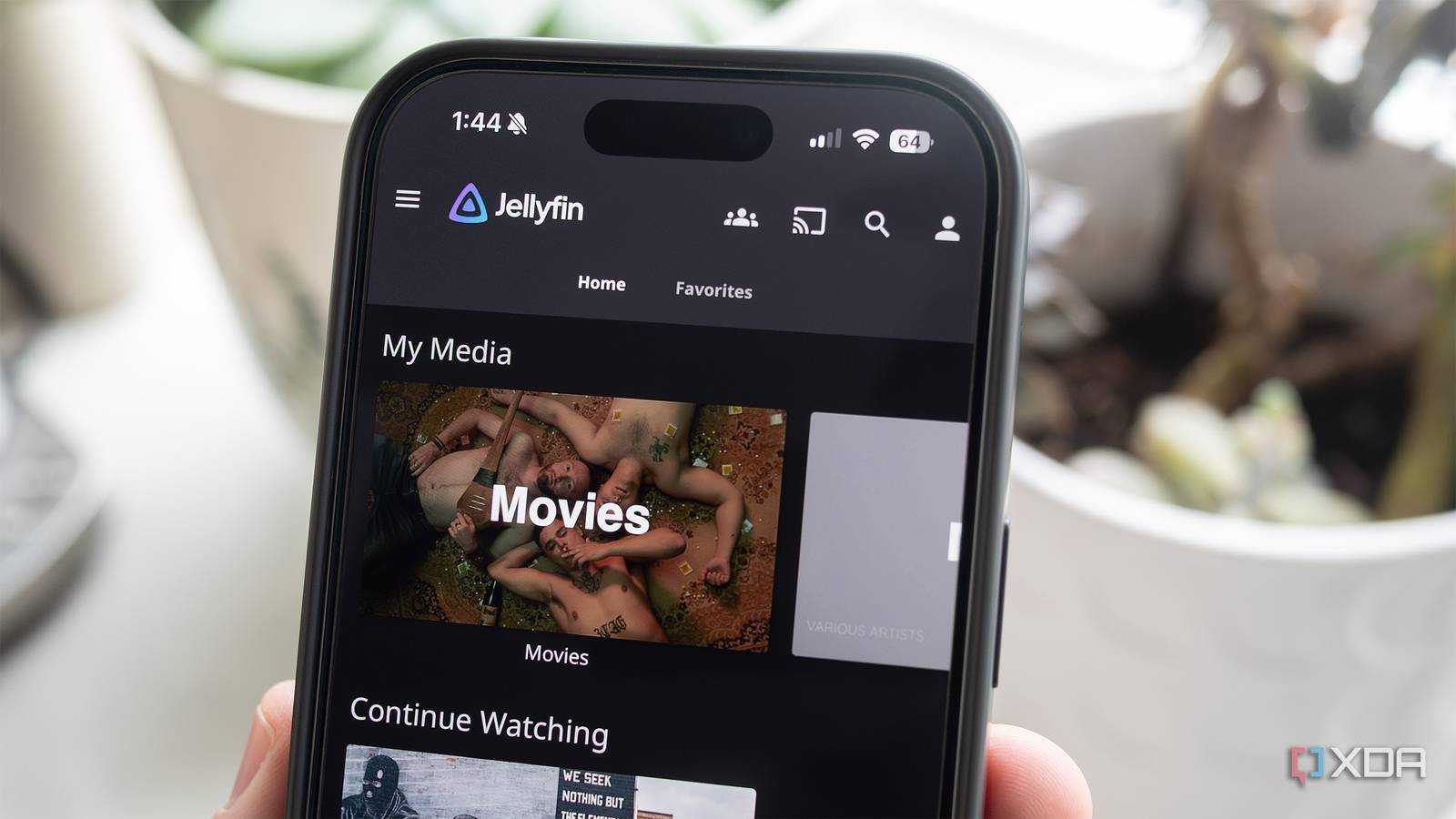
Published Jul 31, 2026, 11:30 AM EDT Maker, meme-r, and unabashed geek, Joe has been writing about technology since starting his career in 2018 at KnowTechie. He's covered everything from Apple to apps and crowdfunding and loves getting to the bottom of complicated topics. In that time, he's also written for SlashGear and numerous corporate clients before finding his home at XDA in the spring of 2023. He was the kid who took apart every toy to see how it worked, even if it didn't exactly go back together afterward. That's given him a solid background for explaining how complex systems work together, and he promises he's gotten better at the putting things back together stage since then. I've been a Plex household for years, and for most of that time, it earned its keep. But every year, a little more of what I'd already built moved behind the Plex Pass paywall, and hardware transcoding was the last straw. I know the remote play paywall and ads on the home screen were egregious too, but making me pay to use my own hardware to its fullest was an insult. I'm streaming my own files, from the Proxmox server that turned into my complete home lab, to my own TV. Renting access to that was backward. So, I did the thing I'd been putting off for ages and migrated the whole household to Jellyfin, expecting a weekend of pain. It took less than an evening, and turned out to be barely a migration at all. Jellyfin reads the same media folders Plex does, so the move is really about metadata, watch history, and getting the family on board. All tricky things (especially the last one), but at least it didn't involve moving terabytes of data around. Running both servers first is the best trick There's no cutover day and that's the point The mistake many self-hosters make is treating this as a light switch and turning Plex off immediately. Don't. Let Plex run exactly as it always has, with Jellyfin running next to it on the same hardware, pointed at the same media files and mounted read-only so it can't touch a single file. If Jellyfin flops, you've only lost a few hours of work at most. I deployed Jellyfin as an unprivileged Debian LXC on my Proxmox node, but you could use a native app on your NAS, or a Docker container, or any of the other options from Jellyfin's download page. All my media lives on my NAS and is bind-mounted in the container. This is the best practice for any media server, because the alternative is a mess if you let Docker handle your files. The other thing to check is your file naming. Plex has enabled sloppy file names for years, and Jellyfin's scanner is much stricter. It wants Movie (year) folders and Show, Season 01, Show S01E05 structures; anything not named as such might not show up. A quick pass with Filebot on the stragglers before scanning saved a ton of time doing manual identification, and made the migration much easier to deal with. Hardware transcoding without the paywall The feature Plex charges for is a checkbox here This is the part that still feels like getting away with something. Hardware transcoding — the feature that pushed half of Plex's user base into buying a Plex Pass — is free in Jellyfin. Every codec, every client, no lifetime pass required. On my AMD setup, that works the same way as my headless Steam streaming server, with the AMD GPU passed into the LXC container and Jellyfin's transcoder switched to VAAPI. Proxmox 8.2+ makes this simple, with two device entries in the container config, matched to the render and video group IDs inside, and the GPU shows up. Intel users get the same result with QSV, and that's arguably less fuss. It's marginally more complex for Nvidia users, but it's not terrible to set up. Oh, and scrub-preview thumbnails have been native for some time now. Enable trickplay per library, let the scheduled task chew through it overnight, done. Enjoy seeing thumbnails while you find the part you're looking for, just like on any streaming service. Older guides will tell you to install Jellyscrub; you don't need it anymore. Your watch history doesn't have to start over The family veto doesn't need to be exercised The biggest hurdle to leaving Plex isn't features, it's inertia. Those years of watch history, resume positions, and "we're on season 4, episode 5" memories that live in Plex's database. Losing that is how you lose the family buy-in. You don't have to lose it. JellyPlex-Watched is a small Python tool that syncs the watched status, in-progress positions, and ratings from Plex to Jellyfin, per user, per library. Make your Jellyfin users the same as your Plex ones (because why would you do otherwise?), map them in the config, and then run it. Not just once. Run it a few times, on a schedule, while you're in the transition period. Even better, run it every few hours, and then nobody in the household will lose their place. JellyPlex-Watched Worried about losing your Plex watch history? Sync it up with this handy plugin and you'll have the same history across your media streamers. Remote access is the one trade-off Plex's relay does more work than you think One of the big features of Plex Pass is remote streaming, which lets you watch your library from anywhere with an internet connection. It might even be the feature that makes Plex Pass worth paying for, and it's something Jellyfin doesn't replicate. Once you leave your home network, Jellyfin is no longer streaming to your device. Now, that's not a problem for any home labber, but getting your family on board is the tricky part. You could use Tailscale, although expect some "my phone can't stream my movies" complaints when your family members don't have Tailscale running on their phone one day. The more family-friendly way is to use a VPS running Pangolin as a reverse proxy into your Jellyfin server, because then you use the custom URL from the reverse proxy in the Jellyfin app. Either way, there are two things to keep in mind. While it's tempting to put an SSO login page in front of Jellyfin, don't. The native apps speak Jellyfin's API directly and can't click through your auth portal. The other one is to add a split-DNS local override, so the apps access the server directly when on your home network, and only use the reverse proxy when on another network. Hairpinning a 4K remux out ot a VPS and back into your network is a self-own you don't want to happen. Plex turned my server into a subscription, and Jellyfin gave it back I still have an archived version of my Plex settings, just in case I go back or one of the family complains. Switching to a new app icon on a streaming box is a much easier transition than it felt like. My projector still plays everything it used to, but now there's no account login screen asking me to authenticate with a company's servers to watch files that are sitting in the same house. Sure, Plex does still win on the out-of-the-box remote streaming experience, and sometimes the ease is worth paying for. But if you already have a home server, NAS, or home lab, you've already set up the hard part. Jellyfin just gives you control over your video library again, without a company harvesting your watch data at the same time. Jellyfin iOS compatible Yes Android compatible Yes Jellyfin is a self-hosted media server for your viewing pleasure.
Jellyfin finally replaced Plex for me, and the migration took less time than I expected
Full Article
Original Source
Read the full article at Xda-developers →KhanList aggregates and links to publicly available news content. We do not host full articles from third-party sources. Always verify important information with original sources.