
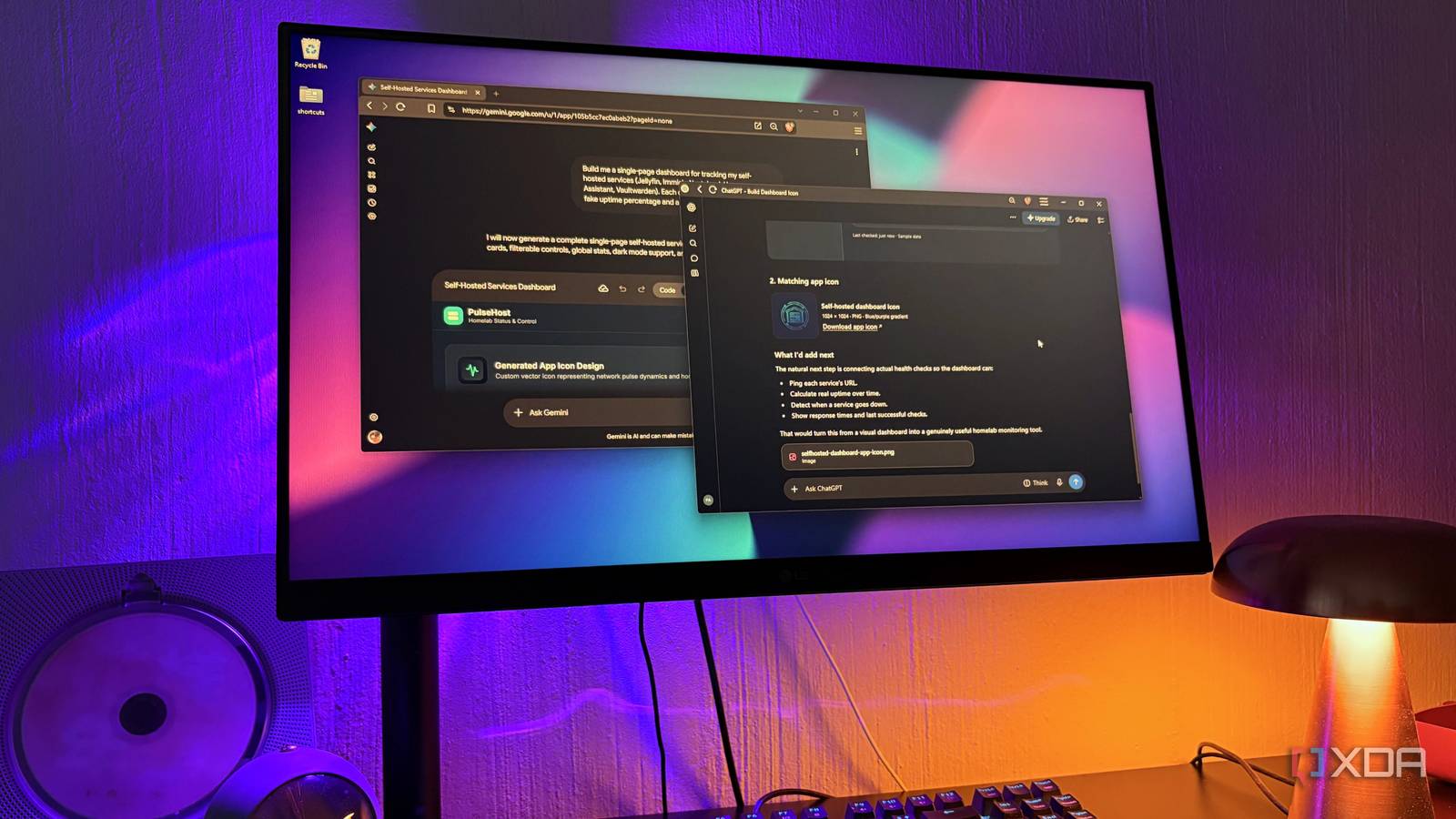
Published Nov 15, 2026, 4:00 PM EST Nolen began their writing career in 2019, with three years dedicated to editing the Creative section at MakeUseOf. Their expertise lies at the crossroads of technology and creativity, covering areas like photography, video editing, and graphic design. Outside of work, you'll often find Nolen diving into a good book, writing their own stories, or playing video games. ChatGPT, Claude Pro, and Google AI Pro all cost roughly $20 a month, and it's become pretty standard for people to pay for more than one of them, especially if you work in tech. Every time I consider cutting one of them, a company drops a new model or a new workspace feature, which "justifies" keeping the subscription. I'm honestly starting to think the frequent drops are to keep users subscribed as much as possible to avoid FOMO, rather than unveiling genuinely innovative tech - but don't quote me on that. Either way, I ended up in the exact same place I just criticized, with three chatbot subscriptions. Given how far local models have come along the way, even on mid-tier consumer hardware, it really makes you question if all these subs are truly adding value that a local LLM truly can't give you. Well, I wanted to put that to the test, and it turns out at least one of my subs was pretty useless. What each subscription actually does for me It starts with an honest audit To really know what I'm paying for, I had to get honest with myself. I asked each of these bots to give me a rundown and audit of what I actually use them for - all three have some type of cross-session memory feature that gives it eyes into your past sessions. And so they painted me an honest picture of the themes running through my sessions. Claude does most of my heavy lifting which isn't a shocker - I kind of knew that going into this, and already counted it out of the elimination process. It handles my research and design work, plus most of what I build, code included, since I can't write it myself. On Pro, Claude Code, Cowork, and Claude Design all come with the same subscription and draw from one usage pool. That's why the Claude Code desktop app looks after my Obsidian vault while Cowork picks up a lot of my computer admin. Opus 5.5 is my favorite model for, well, pretty much everything. So it came down to Gemini and ChatGPT. Gemini's job turned out to be for studying and research, which also didn't come as a surprise because I love the Deep Research feature. And the Canvas is such an overlooked function - it basically morphs into any type of workspace you need it to be, from a document to an interactive prototype to a code editor. Another major part of why I subscribed to Google AI was because of more NotebookLM usage - I should mention that NotebookLM has been rebranded as "Gemini Notebook" now, but most of us are probably still calling it NotebookLM if we're being real. Instead of 100 notebooks you get 500, instead of 50 sources per notebook you get 300, and you get four times as much AI usage allowance. It also gave me access to larger context windows in Gemini and more advanced models, which carries through Antigravity and many of the Google Labs tools, which is not why I initially got it, but I'm not complaining. This leaves ChatGPT. What was it actually doing for me that the other two didn't already cover? Well, I could experiment with its newer flagships, but that's about it. Even my local LLMs have my private documents and workflows handled, so unfortunately, that makes ChatGPT the odd one out since it serves no specific purpose. Cherry Studio showed me which models I actually reach for Putting cloud and local next to each other changed my perspective Beyond asking for a direct audit from the tools themselves, another area where my ChatGPT abandonment showed up was in Cherry Studio. Cherry is a local AI workspace that can put different AI providers in the same window. Cloud models connect through API keys, so you pay for each message instead of a monthly subscription, and local models show up in the same model picker once LM Studio's server is running. Mine has Claude, GPT, and my local models all in one list. The multi-select feature sends one prompt to every model you tick and lines the answers side-by-side. Seeing a local model's reply right next to GPT's showed me how often everyday questions came out about the same. Over time I started going to the free local model first and only bringing in Claude or GPT when the task was a little more intense. The GPT models got picked less and less, and when it did come up, it was through API anyway, which meant I was paying OpenAI per message on top of $20 a month for the ChatGPT app. Most of what ChatGPT used to do runs on my RTX 3070 now. General chat goes to Qwythos 9B v2, a community fine-tune of Qwen 3.5 9B trained on Claude-style reasoning. I run the 4-bit Q4_K_M file, which is about 5.7GB and fits fully on the card, and it actually pushes back on me which I always appreciate. If GPT had any job, it was probably some light research, which my local models do as well now. Qwen 3.5 9B at Q4_K_M takes the heavier analysis, while Gemma 4 E4B handles quick lookups through the Brave Search MCP, a plug-in that lets it search the web from inside LM Studio. There are limits And some aspects of ChatGPT are still missed Anything you do locally will primarily depend on your hardware, and if you're in the same boat as me, you know 8GB VRAM can be a hard cap. The model file has to share that memory with its context, meaning the amount of conversation it can hold at once, so a 4-bit 9B model with around 30K tokens of context is where I top out. Bigger models have been a struggle - Gemma 4 12B was a little laggy even in Google's own QAT Q4_0 version, so I barely had room for keeping any other apps open at the same time or heavy tool use. And fitting Qwen 3.6 27B or 3.8 27B on my card isn't even really an option. I can still call the GPT models through the API whenever a job needs one. GPT-6.1 Sol costs $2 per million input tokens and $10 per million output, which works out far cheaper than $20 a month for how rarely I use it. The Codex workspace in the ChatGPT desktop app is harder to replace. Every change it makes shows up in a panel next to your chat, and the in-app browser lets you annotate the rendered page to point at exactly what needs fixing. Eigent is the local AI agent app that perhaps comes closest to that setup, but nothing can truly replicate it. My PC picked up the slack Paying for three AI subscriptions always felt a bit like keeping three people on call for the same job. If you're in a similar position, I recommend doing an audit like I did and having the AI give you a proper overview that will probably take you days to do manually if you have a sizable session history. It will really reveal which app you're delegating to which tasks, and which ones you're getting the most use out of. To me, ChatGPT ended up at the bottom of the list, and it doesn't handle much that my local tools can't.
I’ve been paying for Claude, ChatGPT, and Gemini at the same time, and my 8GB GPU just made one of them pointless
Full Article
Original Source
Read the full article at Xda-developers →KhanList aggregates and links to publicly available news content. We do not host full articles from third-party sources. Always verify important information with original sources.