
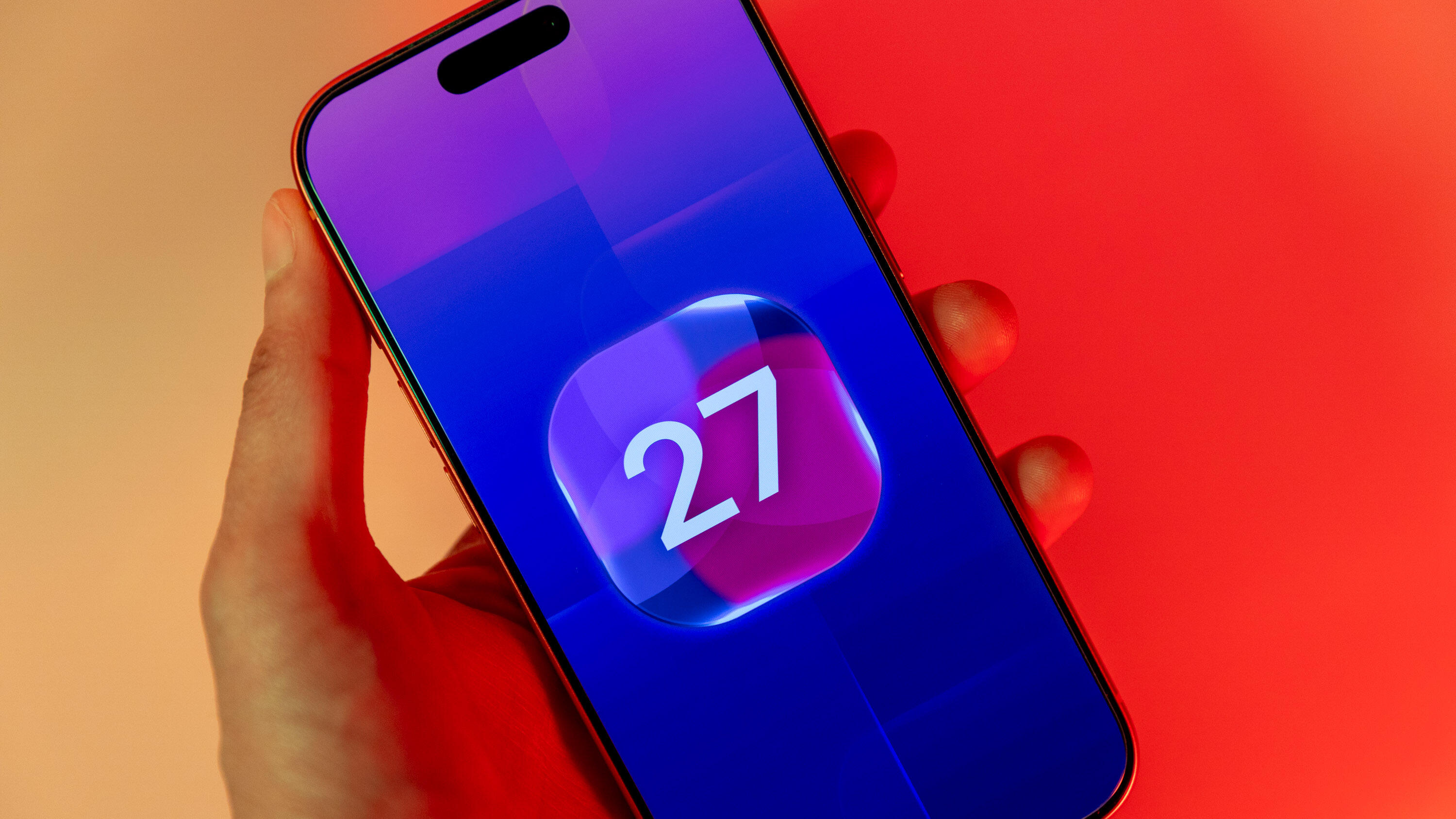
The iPhone Duo is out, and it’s running on Apple’s newest operating system, iOS 27. The latest iPhone OS introduced a revamped Siri AI to Apple Intelligence-compatible devices, as well as a handful of other features to all compatible iPhones, like an updated Safari browser. But many of iOS 27’s upgrades are more subtle, under-the-hood changes, so it’s easy to miss things on your new or newly updated iPhone. We put together this guide to help you navigate and use the latest features in iOS 27. We’ll keep this page updated with subsequent iOS 27 versions — including iOS 27.2, which is wrapping up beta testing and is expected to launch soon. Getting started with iOS 27 I Used iOS 27 for Months, and Here’s What I Like and What I’m Still Unsure About All the iPhones Compatible With iOS 27 iOS 27 Draining Your Battery? Don’t Worry, That’s Normal iOS 27 features Siri Feels Worth It Now in iOS 27 How to Bring Siri AI, or Classic Siri, to Your iPhone What to Know About the ‘Optimizing Search’ Banner on Your iPhone How to Fix These Annoying iOS 27 Settings Help Protect Yourself From Scams With This Hidden iOS 27 Feature All the Lock Screen Changes iOS 27 Brings to Your iPhone How to Save Memory by Disabling Some AI Features in iOS 27 Split the Dinner Check With This iOS 27 Feature How iOS 27 Improves Safari on Your iPhone iOS 27 Makes Using Shortcuts a Lot Easier The Health App is Getting a Redesign in a Future iOS 27 Update iOS 27 updates What iOS 27.2 Could Bring to Your iPhone Soon Why You Won’t See iOS 27.1 on Your iPhone (Unless It’s a Duo) iOS 27.0.1 Fixes These Bugs on Your iPhone Check back here for more updates on iOS 27 and how to use the new features in the OS.
iOS 27 Cheat Sheet: Quickly Become an Expert on the New iPhone Update
Full Article
Original Source
Read the full article at Cnet →KhanList aggregates and links to publicly available news content. We do not host full articles from third-party sources. Always verify important information with original sources.