
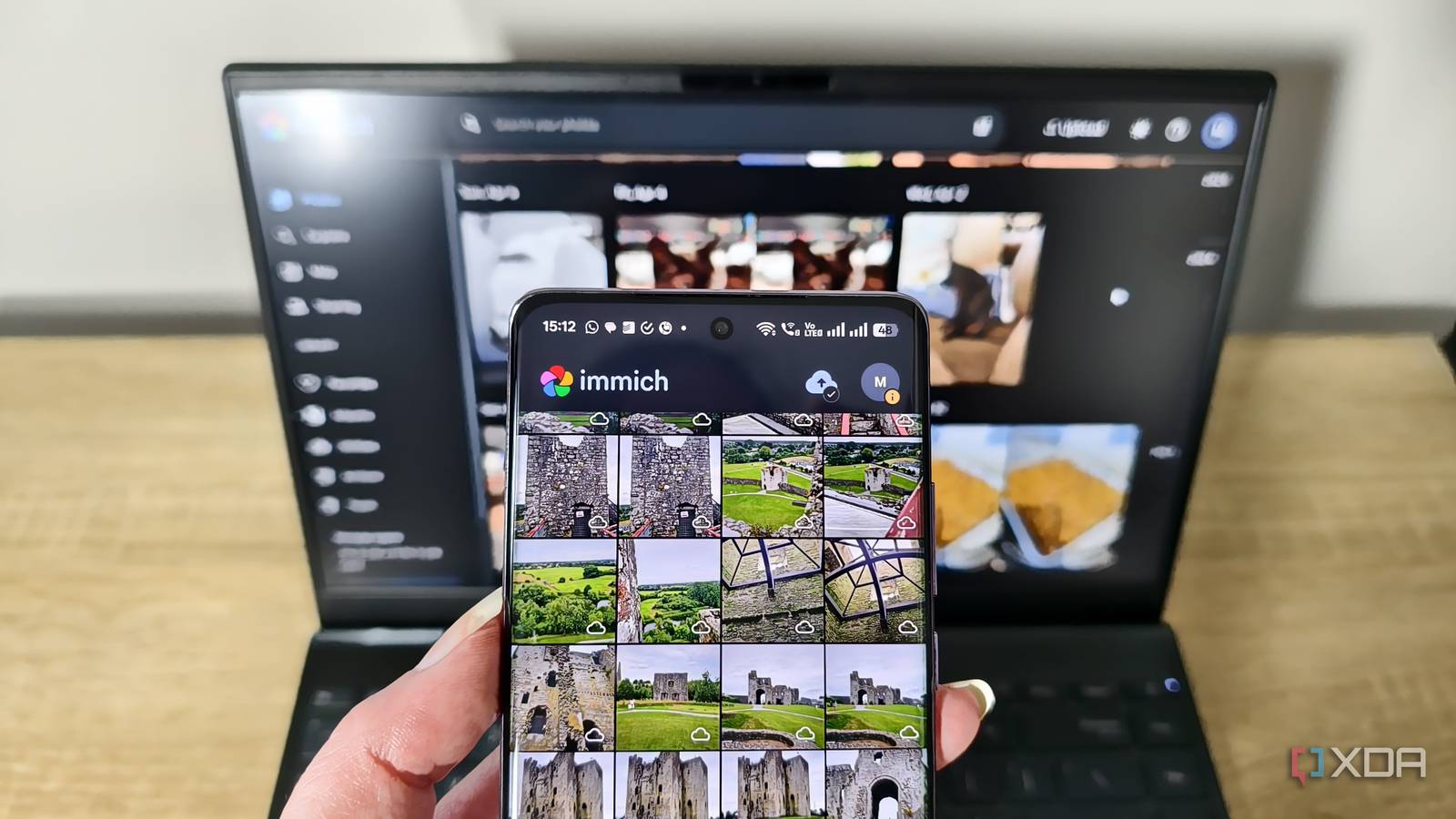
Published Sep 7, 2026, 10:01 AM EDT Korbin is a Linux system administrator who spends most of his time in a terminal figuring out how things actually work. Over the last decade he's written hundreds of articles about Linux configuration, troubleshooting weird problems, and using open-source tools in the real world. He also works a lot with Windows systems and networking, especially in mixed environments where things don't always behave the way the documentation says they should. Writing things down is how he makes sense of it all and hopefully saves someone else a few hours. What I love about self-hosted tools is that they put me in control of powerful services I'd otherwise pay for and entrust to someone else to run. But it's a double-edged sword: I also take on the responsibility of setup and maintenance. Immich was a great example of that for the longest time. It's a fantastic replacement for Google Photos, but I had to configure and maintain all my own scripts and set them to trigger on certain events. When Immich released version 3.0 in July this year, it introduced a preview feature called Workflows. With its debut, I've realized the app has been gradually adding an automation layer, which makes my self-hosting so much simpler. The best part is that I can use it to replace my custom scripts, which always felt more like a kludge than a proper solution. My scripts always kept the library tidy But I dreaded touching them Credit: Immich The most fragile part of my setup was the album sorter I wrote, which cron was configured to run every 15 minutes. It would pull all recent assets from the API and drop each one into the correct album based on filename. It figured out each file's destination using a handful of regex patterns, so different media like screenshots, videos, and scans got tucked away in their respective directories. It worked, but it was never instant, and weird filename patterns sometimes sent photos to the wrong place. My auto-tagger worked pretty similarly, applying tags largely based on filename patterns, but also reading EXIF fields to determine where the asset originated from, so it could categorize each one accordingly. For example, EXIF fields revealed which device captured the photo, allowing the script to apply the appropriate tags. Between those two scripts, most of my organizational structure was being managed by code that ran outside of Immich. Before 3.0, external scripting was the only real way to automate tasks. Immich exposes a handy API and CLI, but all of the event-driven automation is up to the user, making self-hosting more work than I'd prefer. Scripts are less capable of reacting to new changes, so I always had them running on a schedule, and API updates would require me to modify my scripts manually — more maintenance than I would've liked, but luckily that has changed. Workflows contain the necessary automation Triggers, filters, and actions are all inside the app Workflows can be accessed under Utilities in the web interface. I've found it intuitive to start using from scratch, especially since it borrows the common vocabulary and conventions found in other automation tools. To set up a workflow, you start by defining a trigger. From there, it runs a sequence of steps that are either filters (conditions) or actions (effects). A common example is the AssetCreate trigger: it'll fire whenever a new photo is uploaded, then you decide the steps that happen afterward, like renaming and moving to a different folder. I took the couple of scripts I was using and tried mapping them to Immich's Workflows. For the album sorter, I created an AssetCreate trigger, a filter on the filename, and an "add to album" action. It's more consistent than my script was, and it triggers the moment a new file uploads. As for the auto-tagger script, I replaced that with another AssetCreate trigger and a path filter, followed by an "add tag" action. That covers most of the tagging I need, but I also included an EXIF-metadata filter so it'd tag which camera model each photo was taken with. I thought that component would need to live in code forever, but Immich recently released that filter, so I've done away with my script completely. It hasn't replaced every script yet Maybe it can when it comes out of preview At this time, the triggers, filters, and actions are still pretty limited. I'm still using a cleanup script that scans for junk videos and similar content that makes it into my family members' photo rolls. They have no intention of saving those files or backing them up, so the script just scans for the typical hexadecimal naming structure of files saved from social media and deletes them. I also have a script that attempts to guess a capture date for files that are missing that EXIF field. Nothing in Workflows can do that yet. I'm really liking the direction it's going, though. Immich's Workflows are far more reliable than my custom scripts, which have always felt fragile and annoying to maintain. Native automation is definitely the way to go; I'll just have to wait until the feature becomes more robust so I can throw out the rest of my scripts. Most of my automation now remains in the app Immich now includes the automation I'd been building myself, which just makes my life easier. Workflows are straightforward to use and have an intuitive interface. They also export as JSON, so it's easy to find some useful examples online. Now I'm just waiting for future updates to render the rest of my scripts obsolete.
Immich's new automation just killed the scripts I spent months maintaining
Full Article
Original Source
Read the full article at Xda-developers →KhanList aggregates and links to publicly available news content. We do not host full articles from third-party sources. Always verify important information with original sources.