
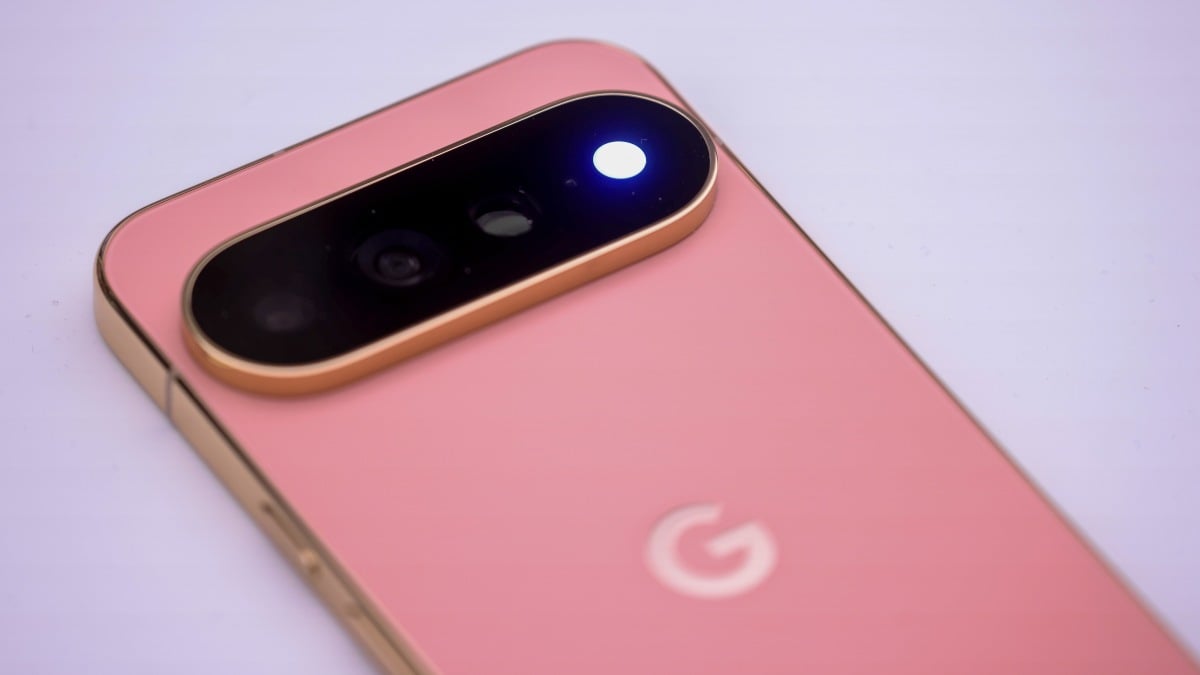
Jake Peterson Jake Peterson Senior Technology Editor ExperienceJake Peterson is Lifehacker’s Tech Editor, and has been covering tech news and how-tos for nearly a decade. His team covers all things technology, including AI, smartphones, computers, game consoles, and subscriptions. Read Full Bio November 13, 2026 Add as a preferred source on Google Add as a preferred source on Google Credit: Michael Nagle/Bloomberg via Getty Images Key Takeaways As reported by Android Authority, Google's November update seems to break some Pixel cameras. Users report either an error message that won't go away, or a black viewfinder. These issues persist in the Pixel Camera app as well as third-party camera apps. Luckily, there is a fix: shut down your Pixel for five minutes before turning it back on. Table of Contents Updates are generally good for your devices. The latest Chrome update, for example, patches an actively exploited security vulnerability, while Apple's latest updates stop people from seeing iMessages they shouldn't have access to. In most cases, it's beneficial to update your tech to the latest software version whenever possible. Sadly, updates aren't all perfect, as Google Pixel users are discovering this week. As reported by Android Authority, Google's November update apparently shipped with a bug that breaks some Pixel 10 and Pixel 11 cameras. Seeing as Pixels are rather famous for their shooters, this is a decidedly unfortunate glitch.What's going on with the Pixel's camera?Here's the situation: Following the November update, some users are opening their Pixel Camera apps to find an error that reads, "Something went wrong. Close and open the Camera app again," with a "Learn More" link to, well, learn more. Others aren't receiving the error, but are instead running into a blank Camera viewfinder, as if the lens is totally covered. What's more, some users are reportedly saying that the issue is present on third-party camera apps, not just the Pixel Camera app. That would imply this is an issue with the camera system-wide, not just the Pixel Camera app itself. To be clear, it doesn't seem like this is a universal issue. It's not like all Pixel users are now running with broken cameras. But based on the forum complaints Android Authority discovered, it seems reasonable to assume that this glitch isn't limited to just a handful of unlucky Pixel owners. There's a fix for this Pixel camera bugLuckily, there is an apparent workaround here, though it's not totally obvious. Some users are having no luck restarting their Pixels, while others report that a factory reset wasn't enough to restore camera functionality. What do you think so far? What does appear to work, however, is shutting your Pixel down and waiting five minutes or so. It's not clear why, but giving your Pixel a chance to "breathe" seems to shake the glitch and bring back your camera. As Android Authority reports, that fix comes from "Diamond and Gold product experts" on Google's Support forum.If your Pixel's camera is giving you grief following the November update, this workaround is definitely worth a try—especially since more drastic measures don't actually seem to do anything. As the issue does seem to be rather widespread, I wouldn't be surprised to see Google issue a patch in the coming days. But until then, turning your phone off for five minutes may be a decent compromise. Lifehacker has been a go-to source of tech help and life advice since 2005. Our mission is to offer reliable tech help and credible, practical, science-based life advice to help you live better. Our Mission Our Team Newsletter © 2001-2026 Ziff Davis, LLC., A ZIFF DAVIS COMPANY. ALL RIGHTS RESERVED. Lifehacker is a federally registered trademark of Ziff Davis and may not be used by third parties without explicit permission. The display of third-party trademarks and trade names on this site does not necessarily indicate any affiliation or the endorsement of Lifehacker. If you click an affiliate link and buy a product or service, we may be paid a fee by that merchant.
If Your Google Pixel's Camera Is Suddenly Broken, Here's the Fix
Full Article
Original Source
Read the full article at Lifehacker →KhanList aggregates and links to publicly available news content. We do not host full articles from third-party sources. Always verify important information with original sources.