
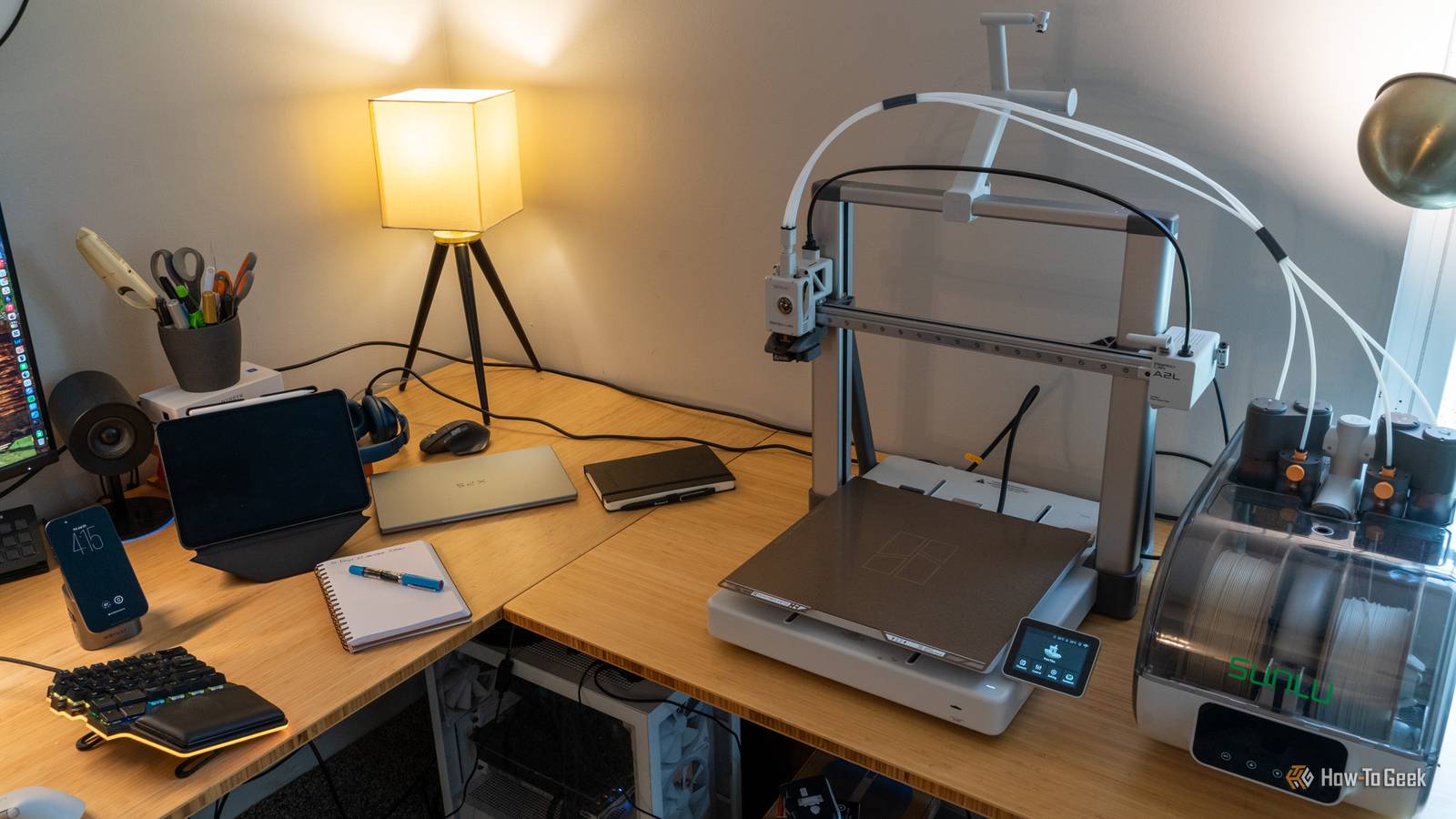
Published Aug 30, 2026, 11:30 AM EDT Sydney Butler is a technology writer with over 20 years of experience as a freelance PC technician and system builder and over a decade as a professional writer. He's worked for more than a decade in user education. On How-To Geek, he writes commerce content, guides, opinions, and specializes in editing hardware and cutting edge technology articles. Sydney started working as a freelance computer technician around the age of 13, before which he was in charge of running the computer center for his school. (He also ran LAN gaming tournaments when the teachers weren't looking!) His interests include VR, PC, Mac, gaming, 3D printing, consumer electronics, the web, and privacy. He holds a Master of Arts degree in Research Psychology with a minor in media and technology studies. His masters dissertation examined the potential for social media to spread misinformation. Outside of How-To Geek, he hosts the Online Tech Tips YouTube Channel, and writes for Online Tech Tips, Switching to Mac, and Helpdesk Geek. Sydney also writes for Expert Reviews UK. He also has bylines at 9to5Mac, 9to5Google, 9to5Toys, Tom's Hardware, MakeTechEasier, and Laptop Mag. If you're still happy with your 3D printer, there's no reason to stop using it. However, if it's been a long time since you bought your machine, you might not be aware that the floor has been raised considerably. Even the cheapest 3D printers on the market today tend to have some great new features that are genuinely worth having. If your current printer doesn't have these features, it might be a sign that it's finally time to upgrade. Modern auto bed leveling makes the first layers almost foolproof This is the sort of thing robots were meant to do anyway I do not miss having to take a sheet of paper and painstakingly check the gap between the print head and the build plate all over the bed surface. Getting a bed properly leveled the hard way can be infuriating as you twiddle knobs over here, and then somehow undo your work over there. Credit: Hannah Stryker / How-To Geek Some sort of automatic bed-leveling feature is the bare minimum in any printer these days, and if you have a model where you need to manually level it every time you notice your first layer has problems, you will save yourself a heap of time and a significant chunk of sanity by upgrading to anything that can do the leveling process all by itself, while you do something more productive, and less soul-destroying with your time. A direct-drive extruder opens the door to more useful materials Pulling is usually better than pushing when it comes to filament If you have a Bowden-type 3D printer where the extruder sits somewhere far away from the hot end, you may want to consider changing to a printer that uses a direct-drive setup. There are a few reasons for this, but one of the main ones is that the long filament path makes some filament tricky to extrude or retract with a Bowden setup. If it's a very flexible or brittle material, the printer likely won't do a good job of controlling it. Materials like TPU are a good example where imprecise retraction or feeding can have a negative effect on print success. Direct drive setups, where the extruder is right above the hot end, are becoming the preferred design, and work reliably with just about any filament you're likely to need. Input shaping and pressure advance let you print faster without ruining quality The truly advanced stuff is almost invisible Credit: Sydney Louw Butler/How-To Geek When I got my Creality K1 Max, which was my first modern CoreXY system, I was fascinated by its "input shaping" feature that was part of the self-calibration process. When I read up about it, the underlying science and engineering was mind-blowing. Basically, this technology analyzes the natural resonant frequency of the printer's frame, and then uses a sophisticated algorithm to create what's effectively noise-cancellation, but for vibration. The printer can then use precise motor inputs to create anti-vibration, well, vibrations, which reduces or eliminates overall vibration and allows for much higher printing speeds. It also takes care of artifacts like "ringing". That's a type of ghost image or waviness you see on the sharp corners of models in older printers. Automatic failure detection can save an entire spool of filament I love spaghetti as much as the next guy, but this is ridiculous! Credit: Tim Brookes / How-To Geek Do you know what your printer is doing while you're away? Have you ever experienced that sinking feeling when you expect to find a complete and perfect print, only to see that half of your filament is now useless spaghetti? A mess that will take you ages to clean up! More modern printers have various ways to detect print failures, and if your printer has no way of telling that it's run out of filament, or that the model has wandered off the build plate, you might want to upgrade to one that does. A filament runout sensor is the bare minimum, but having an AI-powered camera system is also pretty neat, since this can spot print failures where the filament hasn't run out. A fully enclosed CoreXY design is the upgrade you’ll notice everywhere The future is now Credit: Sydney Louw Butler / How-To Geek Open bed printers still have their place, and I don't want to know the great old and new bed slingers out there, but I really think that most people who use one printer for general purpose printing should look at one of the many CoreXY printers out there. These are usually enclosed, with a belt-driven print head that can zoom around at high speed. These are the fastest printers, and if you have an enclosed model it also allows the machine to exert precise control over the conditions inside the chamber. Personally, I think these are the closest 3D printers have ever come to being regular consumer electronics, and in my experience, these CoreXY systems are pretty easy to maintain and fix too, if you have to.
If your 3D printer is missing these 5 features, then it's time to upgrade
Full Article
Original Source
Read the full article at Howtogeek →KhanList aggregates and links to publicly available news content. We do not host full articles from third-party sources. Always verify important information with original sources.