
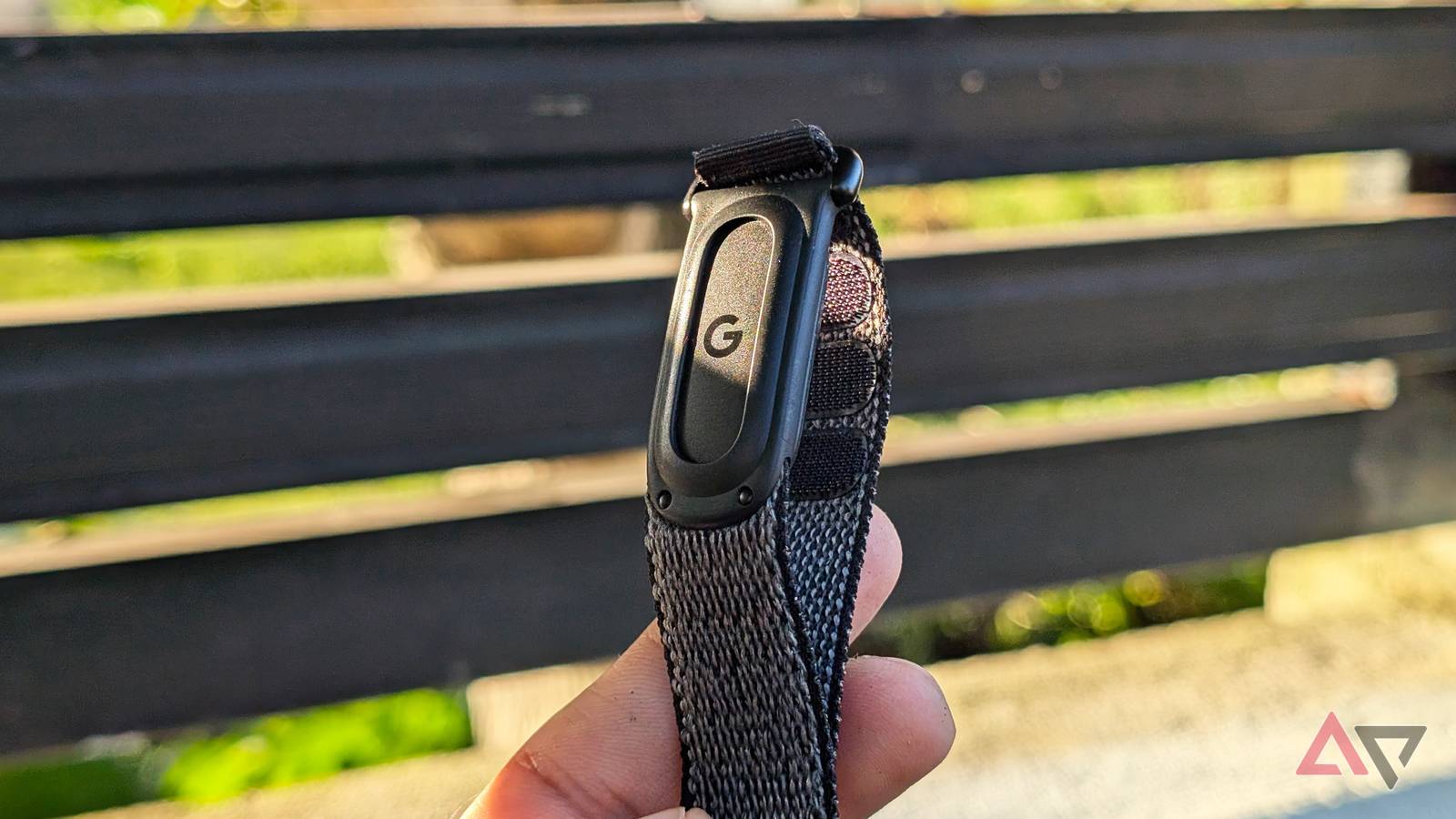
Published Nov 19, 2026, 6:00 AM EST Jade Bryan is a Feature Author at Android Police with over a decade of tech reviews and news reporting experience, stretching back to the Symbian era and the early days of Android. He covers the breadth of the mobile industry, specializing in operating system deep-dives, app testing, and hardware analysis. In his spare time, you can find him tinkering with his Android devices and wearables, seeking ways tech can improve daily life. He also enjoys playing MMORPGs, traveling, or feeding stray cats and dogs. For years, I've had plans to get a Google Pixel Watch or Samsung Galaxy Watch, but the sticker price and single-day battery life have always held me back. When Fitbit Air launched, I was happy I didn't have to spend several hundred dollars on a Google wearable experience while tracking my wellness without constantly running to a wall outlet. I've been putting the fitness tracker through its paces and wearing it non-stop since I added it to my arsenal, and it even replaced my smartwatch. During that time, I've been wondering what features and changes I want to see on the Fitbit Air 2 to make it worth upgrading. I'll only consider buying the next screenless wearable if Google nails these specific upgrades and fixes. New sensor array is welcome Metrics that match the reliability of a Pixel Watch I know I shouldn't complain about the sensors on a $100 fitness tracker, and that holds true for the Fitbit Air. It doesn't pack the same advanced hardware as the Pixel Watch 5 or even the newer Fitbit Edge. It's fairly basic, tracking heart rate, blood oxygen, and skin temperature, though it's reliable most of the time. I have little to complain about here, since it tracks my sleep accurately when needed, including afternoon naps, and alerts me to other vitals like temperature shifts and heart rate variability. However, while the first-generation Fitbit Air is fine for this biometric setup, the Fitbit Air 2 will only make sense if it improves here. It needs a refreshed sensor array that offers even more accurate measurements of these core vitals. I wouldn't necessarily ask for the same tier of hardware as the Pixel Watch 5, but anything noticeably better than the current Fitbit Air would be a welcome step forward. It's completely fine if Google takes two years after the OG Fitbit Air to bring out the Fitbit Air 2, as long as it nails the internal hardware. More accurate sleep tracking A tracker that doesn't cut my sleeping hours short If there's one major quirk I faced early on when I started strapping on the Fitbit Air, it's sleep tracking. My first few weeks with it showed inaccurate sleep insights that forced me to tweak how I wear the band when I go to bed. Although Google appears to have improved sleep accuracy on the Fitbit Air in recent updates, it still isn't on par with my Huawei smartwatch based on my last side-by-side comparison. It still misses the period when I go back to bed after a quick trip to the bathroom an hour or so before my usual wake-up time, leaving those precious minutes and sometimes an entire hour omitted from my sleep log. This might not be caused purely by the biometric sensors, as it is likely due to a wonky accelerometer inside the Fitbit Air. If Google wants to fix sleep tracking, it needs to give the Fitbit Air 2 a properly calibrated and dependable accelerometer. It's not solely a hardware problem, either, as it should pair with optimized software that better interprets a user's subtle movements and patterns while sleeping for more accurate results. Upgraded Bluetooth connectivity A more stable, always-available connection One thing that still annoys me, even after many months of wearing the Fitbit Air, is the persistent connectivity issue. What I mean is that syncing with Google Health often feels completely hit or miss, with more sessions where launching the app shows it isn't connected to my tracker than times when it is. I often have to wait a long time before the Fitbit Air connects to the app and becomes usable. That's frustrating every time I want to start a workout or check my vitals, forcing me to restart the app or wait for the two devices to connect successfully. This has been a recurring headache for months, and I'm disappointed Google hasn't provided a definitive software fix to keep the connection seamless. My hunch is that Google limits how often the Fitbit Air pings the app to preserve battery life, which is understandable, though there should be a way to manage this without downgrading the user experience. I hope the Fitbit Air 2 brings a permanent remedy to this bottleneck, and perhaps a newer Bluetooth version will resolve this quirk. Fitbit Air 2 needs stronger haptics Vibration alerts that can actually wake me up I find the vibration motor on the Fitbit Air useful during times I need to set a silent alarm. I rely on the wearable's tool to wake me up without disturbing the entire room. It's also practical when the device needs to quietly nudge me about incoming notifications. Throughout my time owning it, however, I always felt that the motor remained too subtle, even after cranking the vibration intensity up to the maximum setting. I know a screenless tracker shouldn't be expected to shine here due to its compact form factor and tiny battery cell, yet I feel Google put an almost unusable motor inside the Fitbit Air. Because of that, it would make sense for Google to give the Fitbit Air 2 a haptic engine with enough strength to reliably nudge me when it's time to recharge or when an alert arrives. Battery life that actually lasts 7 days I can only squeeze out 5 days on average I enjoy the Fitbit Air primarily because of its solid battery life, though I feel Google overly advertised what you can realistically squeeze out of a single charge. On paper, it is rated to last up to seven days, yet over many months of continuous wear, I rarely hit that promised runtime. My real-world average sits at five days max, and that's even with subtle haptics and a few tracked workouts. I end up charging my Fitbit Air twice a week just to make sure it won't die on me while I'm on the treadmill or trimming grass in the backyard. I know five days isn't terrible by smartwatch standards, but a genuine seven days without disabling core tracking features should be the baseline for the next-generation Fitbit Air. Faster charging speed Topping up a tiny battery shouldn't take this long It's not only the unrealistic seven-day battery claim I have complaints about on the Fitbit Air, as charging speed leaves plenty to be desired. The Fitbit Air isn't painfully slow to top up, yet it isn't fast enough to quickly replenish its juices either. That wouldn't be a huge issue if you had a massive cell to refill, but on a band with a measly battery capacity, there is little excuse for leaving it anchored to its charging puck for so long. I want Google to give the Fitbit Air 2 noticeably faster charging. Not necessarily cutting charging times in half, but delivering a meaningful boost where a quick top-up gives me a few days of power to boot. Fitbit Air 2 should be a genuine upgrade Even though I love wearing the Fitbit Air, I understand it isn't flawless, and plenty of rough edges still need smoothing. If those basic flaws get polished on the Fitbit Air 2, it would give me every reason to upgrade immediately without a second thought, or even skip next year's Pixel Watch 6. None of these wishes are a tall order. Even if it takes over a year for the Fitbit Air 2 to arrive, I would gladly wait for a true upgrade rather than let Google cut corners with a half-baked hardware refresh. Fitbit Air 8.5/10 Battery Life 7 days Health sensors Optical heart rate, 3-axis accelerometer, temperature sensor Dimensions 35 x 17 x 8.3mm (Module) Water Resistance 50 meters The Google Fitbit Air is a screenless, lightweight fitness tracker. Check the latest discounts and save money.
I wore the Fitbit Air for 150 days; I won't buy the Fitbit Air 2 without these 6 fixes
Full Article
Original Source
Read the full article at Androidpolice →KhanList aggregates and links to publicly available news content. We do not host full articles from third-party sources. Always verify important information with original sources.