
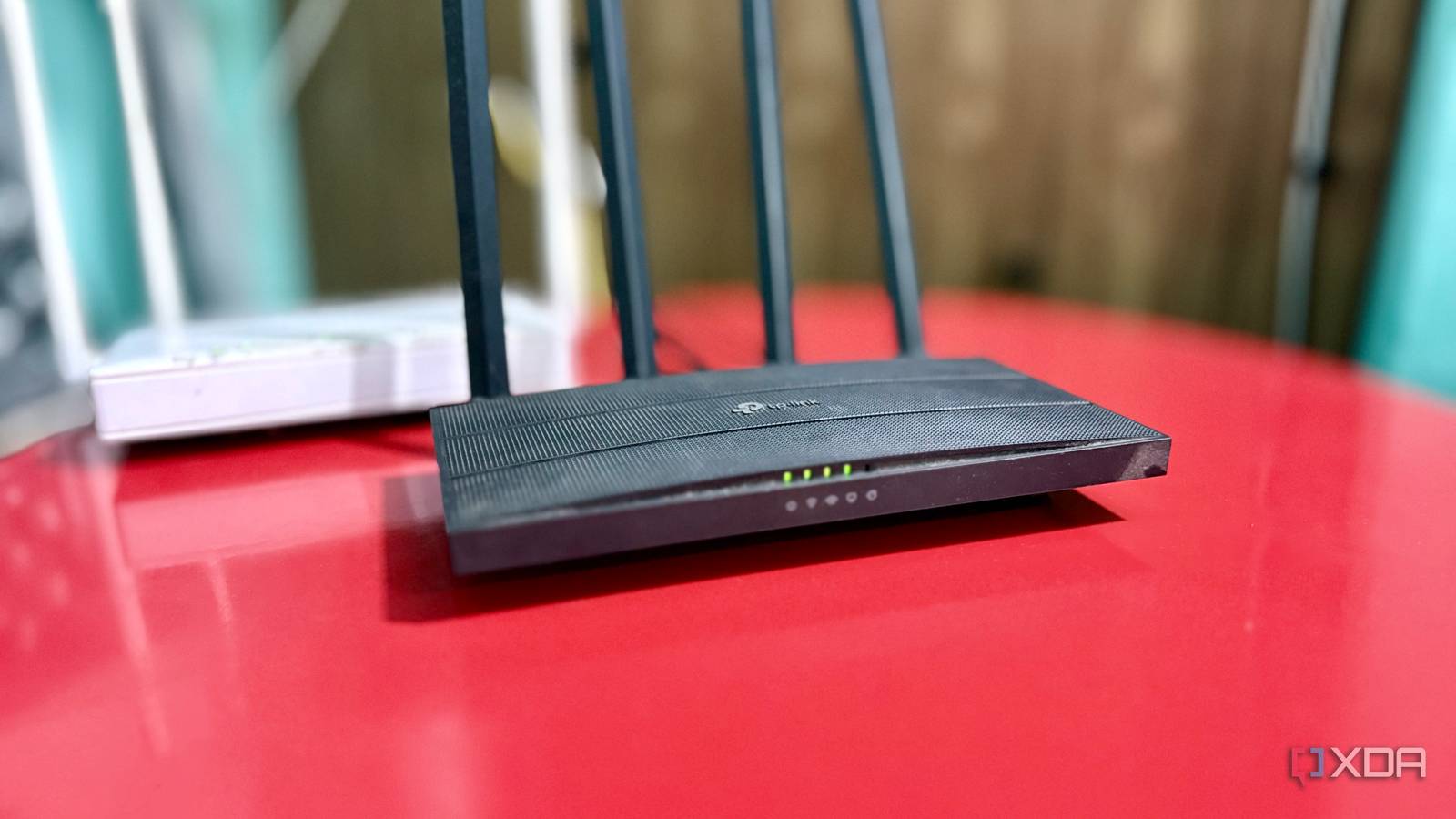
Published Aug 25, 2026, 8:00 AM EDT Shekhar Vaidya is a veteran technology journalist and computer science engineer. He is the founder of TechLatest, where he has spent years providing technical analysis on hardware and Windows ecosystems. Now a Computing Writer at XDA, Shekhar leverages his deep background in NAS, storage solutions, and PC internals to help readers master their tech. Wi-Fi routers are a set-and-forget kind of networking hardware. At least it has been in mine. I have been using a TP-Link Archer C6 for ages. After configuring it, I only opened the admin dashboard a few times just to change the Wi-Fi password. A few days ago, I was reading about Wi-Fi channels and their width. After reading it, I opened my router admin dashboard to check which width I was running; it was channel 36 at 80MHz width. Interesting, the configuration offered more options too. I couldn’t stop and decided to test all of them: the narrower 20 and 40MHz and the wider 160MHz. The results weren't what I expected. Wider looked better on paper The number looked good enough The networking setup I use at my home is simple: two ISPs connect to my dual-WAN ER605 gateway, and then the internet is distributed via the SG108E switch. I use a couple of APs, but my primary router for wireless connectivity is the Archer C6. Yes, I know it is an old router, but for my home, the dual-band Wi-Fi 5 is more than enough. Years ago, I ditched TP-Link’s stock firmware with OpenWrt. Why OpenWrt and not others? That is not today’s topic; I will talk about it later. Coming back to the Wi-Fi channels. When I flashed OpenWrt and configured Wi-Fi, the channel width was already set to 80 MHz. At that time, I didn’t care about it, so I ignored it, and it stayed that way until I actually went looking. The firmware gave me multiple options to select from. It immediately clicked: if 80 MHz is working normally for me, increasing it might give me better speed. There were also a couple of narrower ones; my tinkerer mind wanted to test them too. I am not going to explain channel width in depth, but to get a basic understanding, a wider channel means more spectrum, and more spectrum means potentially more throughput. So, on paper, it looked like a wider channel meant more speed. Even I had the same assumption before the tests. I already had the test setup in mind: two devices, two sets of tests for each width, and one router. And what’s better than my actual work systems? The MacBook Pro M1 (Broadcom BCM4387) and my Windows PC (MediaTek MT7921). Both are Wi-Fi 6-capable chips, so testing 5 GHz on them won’t be apples-to-oranges. I tested every width, and the results got weird The numbers weren't telling one story I decided to keep my default 80 MHz width as the baseline. And the other comparison points were 20 MHz, 40 MHz, and 160 MHz. This wasn’t my internet connection test but a Wi-Fi test, so all available online tools were not enough for it. I decided to move to iperf3. Why iperf? Because it lets me control both the server and client endpoints, and it gives more data to compare from — retransmits, packet loss, and latency. And what better server than my home Debian server,directly connected via LAN? I started the test with 80 MHz on both Windows and MacBook to set the reference point. The tests included two uploads and two downloads. The data looked normal. Upload numbers were similar on Mac and Windows (~470 and ~455 Mbit/s, respectively). But the download numbers on Windows were a lot lower than on Mac, ~203 and ~420 Mbit/s, respectively. Interestingly, the retransmits were better in Windows. The 80 MHz results were a bit weird, but I still decided to keep it that way and moved to 20 MHz and 40 MHz. Each test was proving the whole theory: more width = more spectrum = more throughput. The 20 MHz tests reached roughly 115 Mbit/s upload and 65 Mbit/s download, and 40 MHz reached 235 Mbit/s and 135 Mbit/s. One thing was common in all three tests: the download number on Windows was always on the lower side, mostly half of the MacBook. Until now, everything was going great; wider channels were giving me better results. I was really excited for the 160MHz test. I thought it would finally cross the baseline I created with 80 MHz data. The Windows test collapsed around 31 Mbit/s upload and 25 Mbit/s download, with 2% packet loss. This was the first time I saw a packet loss number after consistent zeros in the roughly 30 tests. The MacBook test was even messier. Only one of the two upload tests completed at around 70 Mbit/s, and the first download test couldn’t even finish. It did only a few transmissions with an average of 15.6 Mbit/s and then exited with a Broken pipe error. And when I tried again, it returned a Host is down error. For the one I expected the most, I didn’t even get a proper test result. Width Device Upload (Mbit/s) Download (Mbit/s) Download Retransmits Ping Avg (ms) Packet Loss 20 MHz MacBook 100 80.5 14.71 0.00% Windows 137.5 49 247 3 0.00% 40 MHz MacBook 258 190 78.5 15.5 0.00% Windows 217.5 80.6 794 3 0.00% 80 MHz MacBook 471.5 418.5 469.5 13.38 0.00% Windows 455 202.75 267 4 0.00% 160 MHz MacBook 70.7* 15.6* - - - Windows 31.3 25.8 453 8 2% *MacBook's 160 MHz results are incomplete, both connections failed mid-test. Wider didn't degrade. It collapsed. The connection couldn't keep up The results were as expected at 80MHz. They showed that wider channels can potentially deliver better throughput. But that theory fell apart once I was on 160 MHz. Along the way, I noticed a few more things. Windows and MacBook delivered totally different results. Keeping the throughput aside, the MacBook on average had better retransmit numbers (lower is better), and the Windows PC always had a better ping. But it did prove one thing: the results are not totally dependent on the router configuration; different chipsets handle the same channel differently. Wi-Fi can deliver high throughput while still having an imperfect link underneath. Now, coming back to the connection that couldn’t keep up: the 160MHz width. It didn’t just deliver lower speed; all the other numbers were different. Real packet loss, retransmits spiking even further, and a device that couldn't reconnect. When I dug a little deeper, the signs were clear on the router configuration. OpenWrt reported 0 dBm signal against a -92 dBm noise floor and a 0 Mbit/s bitrate. And the wireless overview page didn’t even give a number, just a dash for the signal reading. Both the devices fell back to 2.4GHz, skipping the 5GHz channel. OpenWrt did offer the 160MHz option, but it didn’t mean that my radios could sustain that width. So, in my case it was available but not usable. The distinction was between the theoretical and practical capabilities of the router and the Wi-Fi link. Hardware-wise, I was never going to get a clean result out of the 160MHz test. The Archer C6 is a Wi-Fi 5 router, capping at 867Mbps on 5GHz. That's a standard ceiling for an 80MHz connection, not 160MHz. OpenWrt exposed the option due to a generic driver, but it was not supported by the underlying RF hardware. Zooming out on the whole setup. 80MHz wasn’t my "optimized" setting. It was simply the default one when I initially configured the wireless radio on my Archer C6 via OpenWrt. But after the test, it proved that 80MHz was the widest channel that my router, devices, and the environment could use. 160MHz was a mess in my case, but it is not universally the same for everyone. I stopped chasing the biggest number I started the test with the assumption that wider is always better, and it wasn’t wrong, just incomplete. The best Wi-Fi channel width depends on several factors — hardware, clients, drivers, and the RF environment. When I started the test, I unknowingly used 80MHz as my channel width, and along the way, I proved it was the ceiling my hardware could sustain. The biggest takeaway from this whole test was that the widest available option isn’t necessarily the widest usable option.
I widened my Wi-Fi channels for speed and watched the whole network collapse instead
Full Article
Original Source
Read the full article at Xda-developers →KhanList aggregates and links to publicly available news content. We do not host full articles from third-party sources. Always verify important information with original sources.