
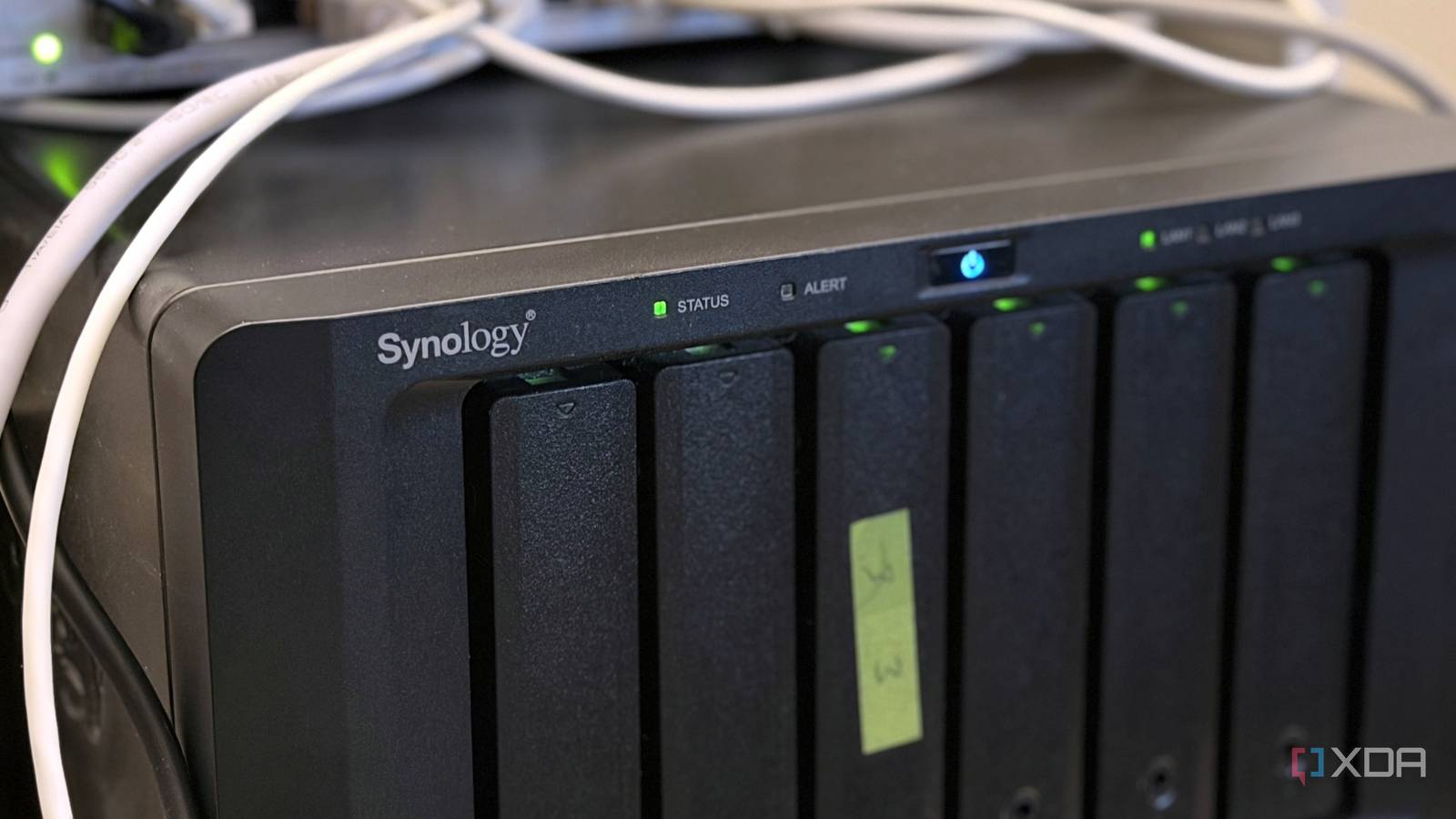
Published Oct 29, 2026, 5:01 PM EDT Maker, meme-r, and unabashed geek, Joe has been writing about technology since starting his career in 2018 at KnowTechie. He's covered everything from Apple to apps and crowdfunding and loves getting to the bottom of complicated topics. In that time, he's also written for SlashGear and numerous corporate clients before finding his home at XDA in the spring of 2023. He was the kid who took apart every toy to see how it worked, even if it didn't exactly go back together afterward. That's given him a solid background for explaining how complex systems work together, and he promises he's gotten better at the putting things back together stage since then. I was only supposed to be checking hard drive temperatures. After learning that every 10°C hotter makes a hard drive about 23% more likely to fail, I opened DSM on my Synology DS1621xs+ to check its fans. Then I opened Log Center, and the fans became the least of my worries. Someone had been trying to sign in to my NAS every 10 to 40 seconds for almost two days. None of them got in, but they never should have reached the device at all. My home lab sits behind CGNAT (or so I thought), I let Tailscale do the scary part of remote access, and I'd checked the usual security settings on my NAS. The culprit was something I made myself and forgot about. What 40 hours of DSM login attacks look like in Log Center Rotating IP addresses cycled through usernames every 10 to 40 seconds, and every attempt failed Log Center's Connection category was a wall of warnings, each one the same sentence with different blanks filled in. "User [admin] from [IP] failed to sign in to [DSM] via [password] due to authorization failure." Then administrator, then marketing, then muhasebe (Turkish for accounting), then a run of first names like melvin, charlene, and marcelo. Not one of them in the log tried my actual username, which is the only reason I could laugh about it afterward. Metric Value Conditions Attack window Sept. 26, ~9:38 PM to Sept. 28, 3:17 PM (Eastern) ~42 hours Attempt cadence One every 10 to 40 seconds Log Center sample, Sept. 28, 2:56 to 3:02 PM Distinct source IPs 14 Same sample, across four address ranges Successful sign-ins Log Center Time to stop after the fix About one minute Forward deleted ~3:16 PM, last attempt 3:17 PM The first attempt landed at 20:38:04 on September 26, according to the NAS clock. That clock was set to a Bogotá time zone with no daylight saving, so it was really 21:38 Eastern, and fixing that became another small chore on the list. The last one came at 3:17 PM on September 28, which works out to about 42 hours between the first attempt and the last. Credential stuffing is a numbers game, and a NAS login page is an easy target Credential stuffing means throwing usernames and passwords at a login page until one sticks, usually pairs leaked from other breaches. Strictly speaking, cycling through generic names like admin and marketing is closer to password spraying, but the playbook and the tooling are the same. Bots don't get tired, and they don't care whether they're hitting a bank or a box in someone's closet. A NAS is a juicy target because it usually holds everything that matters to its owner. Get into DSM, and you get the files, the backups, and often a foothold on the rest of the network. The forgotten port forward that exposed my NAS A port 80 forward for a throwaway nginx test outlived the test and pointed straight at DSM My first suspect was QuickConnect, which can relay connections through Synology's servers when a direct connection to the NAS isn't possible, so CGNAT doesn't stop it. I turned it off and watched Log Center, and the attempts kept coming. UPnP was already off on the eero, and DSM's Router Configuration page had no rules in it, so that wasn't it either. So I checked whether I was really behind CGNAT at all. One command from my desktop settled it. curl -4 ifconfig.me It came back with the same public address the eero reported as its WAN IP, outside the 100.64.0.0/10 range that CGNAT uses, so nothing was translated in between. Then I turned off Wi-Fi on my phone and loaded that address over LTE. An nginx error page answered: "400 Bad Request. The plain HTTP request was sent to an HTTPS port." That was DSM's own web server, which meant my NAS was talking to the internet. The hole was hiding inside the eero app, tucked into the NAS's address reservation. It forwarded port 80, and I'd set it up for a quick nginx test installation to prove something completely unrelated. The test was long gone. The forward wasn't. I'd unwittingly opened the firewall to my NAS, and forgotten all about it. Open my NAS on port 80 from my LAN, and DSM bounces you straight to its login page. So once the nginx test was gone, DSM was what sat behind that forward, and the sign-in attempts in Log Center show the bots found it. I deleted it at about 3:16 PM, and the last failed attempt came in at 3:17. DSM also had an incorrect self-signed certificate at the time. That would scare off a person in a browser, but bots don't care about certificate warnings, so it bought me nothing. I assumed I was behind CGNAT, and I was wrong My eero plugs straight into a Verizon Fios ONT, so there's no other router in front of it. The eero holds the public address itself, which means anything forwarded on the eero goes straight to the internet. CGNAT silently blocks incoming connections to a home server, so behind it, that old port 80 forward pointed at nothing reachable. With a real public IPv4 address, it was a live door. I don't know exactly when my line stopped being CGNAT. But scanners sweep the internet fast: in a Unit 42 honeypot study, 80% of 320 exposed honeypots were compromised within 24 hours, and all of them within a week. That study covered services like SSH and RDP, not a DSM login page, so it can't date my switch. Still, my best guess is the change happened shortly before September 26, not weeks earlier. Log Center has no history from before the attacks started, so I can't prove it either way. Why DSM's Auto Block didn't stop any of it Attackers who rotate IP addresses never trip a per-IP lockout DSM's Auto Block was on the whole time, and it did basically nothing. According to Synology's documentation, it blocks an IP address once it exceeds a set number of failed sign-ins within a set number of minutes. That works well against one noisy address hammering away. This attack didn't work like that. In a single six-minute sample, 14 addresses across four ranges took turns, so each one likely stayed under the threshold. Synology also notes that Auto Block ignores the first few failed attempts from each IP. Auto Block is worth keeping on, but it's not a defense against a distributed attack, and it didn't save me here. Closing the path did. How I locked down my NAS afterward A firewall and fewer open doors beat clever fixes With the forward gone, I left QuickConnect off and turned on DSM's firewall. I set up two allow rules, one for my LAN subnet and one for Tailscale's 100.64.0.0/10 range, then set everything else to **Deny access**. That's the whole setup, and it still took me longer than it should have. Synology doesn't make this easy. Rules live inside profiles, you only reach them through an Edit Rules button, and nothing takes effect until you click Apply, which is very easy to miss. Test from your phone on LTE afterward to make sure the login page times out. Two-factor authentication was the real backstop the whole time The good news is that 2FA was already on for both my Synology account and my DSM account. Every attempt I looked at failed at the password stage, so the second factor never even came into play. But if a bot had guessed my password, it would still have hit a prompt it couldn't pass. There's one wrinkle. I'd ticked "don't ask again" when signing in from my LAN, which sounds like it could weaken things. It doesn't, because Synology's 2FA documentation says remembered devices only count when you sign in with the same account from the same browser. Check your port forwards before an ISP change does it for you The scary part isn't that my NAS got attacked. It's that I didn't touch that forward, and it woke up anyway once my line stopped sitting behind CGNAT. A rule I'd written off as harmless became a live login page without a single warning. So go look at your router's port forwards today, including any hiding inside device reservations like mine was. Then check your public IP from your phone on LTE and make sure nothing answers. If you need to reach your NAS from outside, ditching QuickConnect for Tailscale gets you there without exposing a thing.
I went looking for a fan problem on my NAS and found 40 hours of credential stuffing
Full Article
Original Source
Read the full article at Xda-developers →KhanList aggregates and links to publicly available news content. We do not host full articles from third-party sources. Always verify important information with original sources.