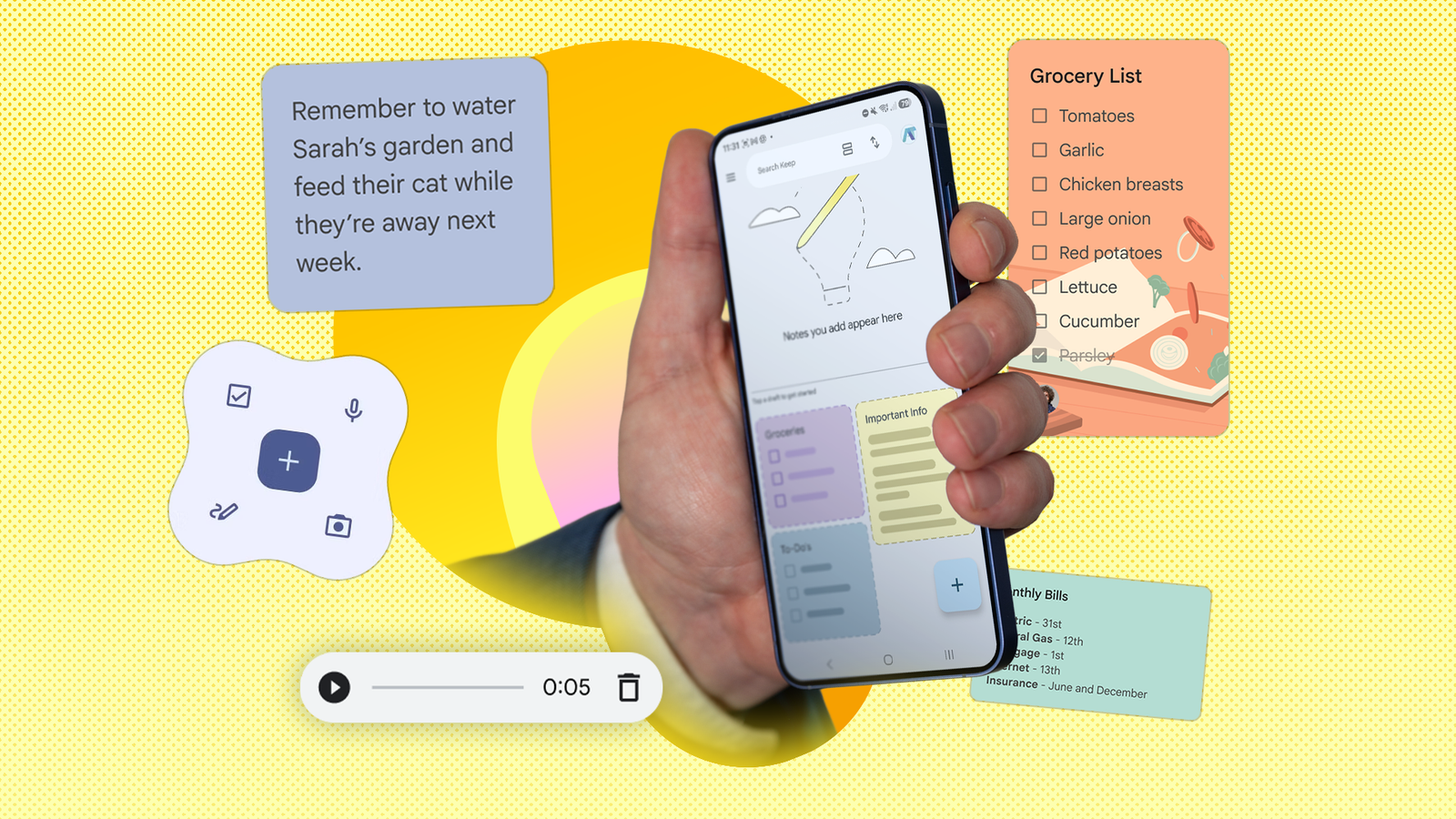
Published Jul 31, 2026, 8:15 AM EDT I cover Android with a focus on productivity, automation, and Google’s ecosystem, including Gemini and everyday apps. With a background in engineering and software development, I tend to go beyond surface-level tips and focus on how features fit into real workflows. Before joining AP, I wrote for tech publications such as Gizbot in 2023 and iJunkie (formerly known as iPhoneHacks) from 2021 to 2022. Every few months, I'd jump to a new productivity app hoping it would finally solve my note-taking chaos. I'd create neatly organized folders, build dashboards, experiment with templates, and spend far too much time deciding where every note belonged. The irony was that the more I optimized my setup, the less productive I felt. That changed when I stopped forcing Google Keep to manage every project and note. I started using it for what it does best: capturing ideas the moment they come to me. That shift made my workflow feel surprisingly more effective than any complex system I'd tried before. I quit trying to organize everything I let ideas pile up instead of categorizing them One of my biggest productivity mistakes was trying to organize every idea as soon as it appeared. I'd pause to decide which folder a note belongs in, what labels to assign, or whether it should live in another app entirely. By the time I figured that out, I'd often lost my train of thought. Changing how I used Google Keep solved that problem. Instead of treating every note like a permanent document, I started treating Keep as an inbox for ideas. Shopping lists, article ideas, travel plans, and personal reminders each got their own note. If I needed to find something later, Google Keep's search was usually faster than navigating a carefully organized hierarchy. Every few days, I'd spend a couple of minutes reviewing recent notes. I deleted completed notes, moved bigger ideas into Google Docs, and kept ongoing notes in Google Keep. That quick review was enough to prevent clutter without turning note management into another productivity task. Keep became a one-tap inbox for random thoughts The biggest change to my workflow was adding Google Keep's Quick capture widget to my home screen. Instead of opening an app and navigating through menus every time an idea popped into my head, I could create a note with a single tap. The widget lets you instantly create text notes, checklists, drawings, voice notes, and photo notes directly from your home screen. When I remembered something I needed to buy, it went straight into a checklist. If I was walking or busy with something else, I could record a voice note and let Google Keep transcribe it automatically. I started using Keep more often since it was always within reach. Before, I would tell myself I'd write something down later and inevitably forget. With the widget sitting on my home screen, there was almost no effort involved. Gemini became the quickest way to capture ideas I stopped typing every note myself Credit: Lucas Gouveia / Android Police While Google Keep's home screen widget already made capturing notes quick, Gemini made it even easier. Instead of opening Keep and typing everything myself, I could tell Gemini what I wanted to remember and have it save the note directly to Google Keep. Before using this feature, you must connect Google Keep to Gemini. In the Gemini app, tap the settings icon, open Personal Intelligence, select Connected apps, and enable Google Workspace. Make sure you're signed in with the same Google account you use for Keep. After it's connected, Gemini can create new notes and lists, add items to existing lists, and even find notes you've already saved. I found this useful whenever I was multitasking. If an article idea came to mind, I could tell Gemini something like, "Create a Google Keep note with article ideas about Android Auto," and continue what I was doing. I can also ask it to create shopping lists, brainstorming outlines, or meeting notes without having to format everything myself. Using @Google Keep in the prompt also makes it explicit that you want the information saved there. I finally stopped turning screenshots into permanent clutter Google Keep rescues important information from my screenshots My gallery used to be filled with screenshots I'd never look at again. Recipes, confirmation numbers, article snippets, addresses, shopping lists, and random bits of information all ended up mixed with my photos. While taking a screenshot was the fastest way to save something, finding it again weeks later usually meant scrolling through hundreds of images. Google Keep gave those screenshots a second life. Instead of leaving important information trapped inside an image, I started attaching screenshots to a Keep note and using the Grab image text option. The feature uses optical character recognition (OCR) to extract the text from screenshots and photos, turning it into editable, searchable text inside the note. Photos of receipts, whiteboards, business cards, and handwritten notes became much easier to search later. Voice notes replaced ideas I'd normally forget Speaking a note was faster than typing one Credit: Lucas Gouveia / Android Police Some of my best ideas usually arrived while I was walking, cooking, or in the middle of another task where stopping to type wasn't practical. More often than not, I'd tell myself I'd remember them later, and almost always forget. Google Keep's voice notes solved that problem. Instead of typing, I could tap the microphone button and say whatever was on my mind. Keep saved the recording and generated a text transcription alongside it, so I had both the original audio and a searchable note to refer back to later. I realized I was using voice notes for more than just reminders. I would dictate a rough outline for an article while walking, or record shopping items as soon as I noticed I was running low. Because the transcription was searchable, I didn't have to remember exactly when I recorded something. Typing a keyword into Google Keep was usually enough to find it again. Google Keep became the productivity system I was looking for I used to think I needed a more powerful app to stay organized. In reality, I needed a simpler way to capture ideas. Whether I'm saving a voice note, turning a screenshot into searchable text, jotting down an idea from the home screen widget, or asking Gemini to create a note for me, Google Keep has become the quickest way to get ideas out of my head and into a place where I won't lose them.
I wasted years chasing productivity apps until these Google Keep habits clicked
Full Article
Original Source
Read the full article at Androidpolice →KhanList aggregates and links to publicly available news content. We do not host full articles from third-party sources. Always verify important information with original sources.