
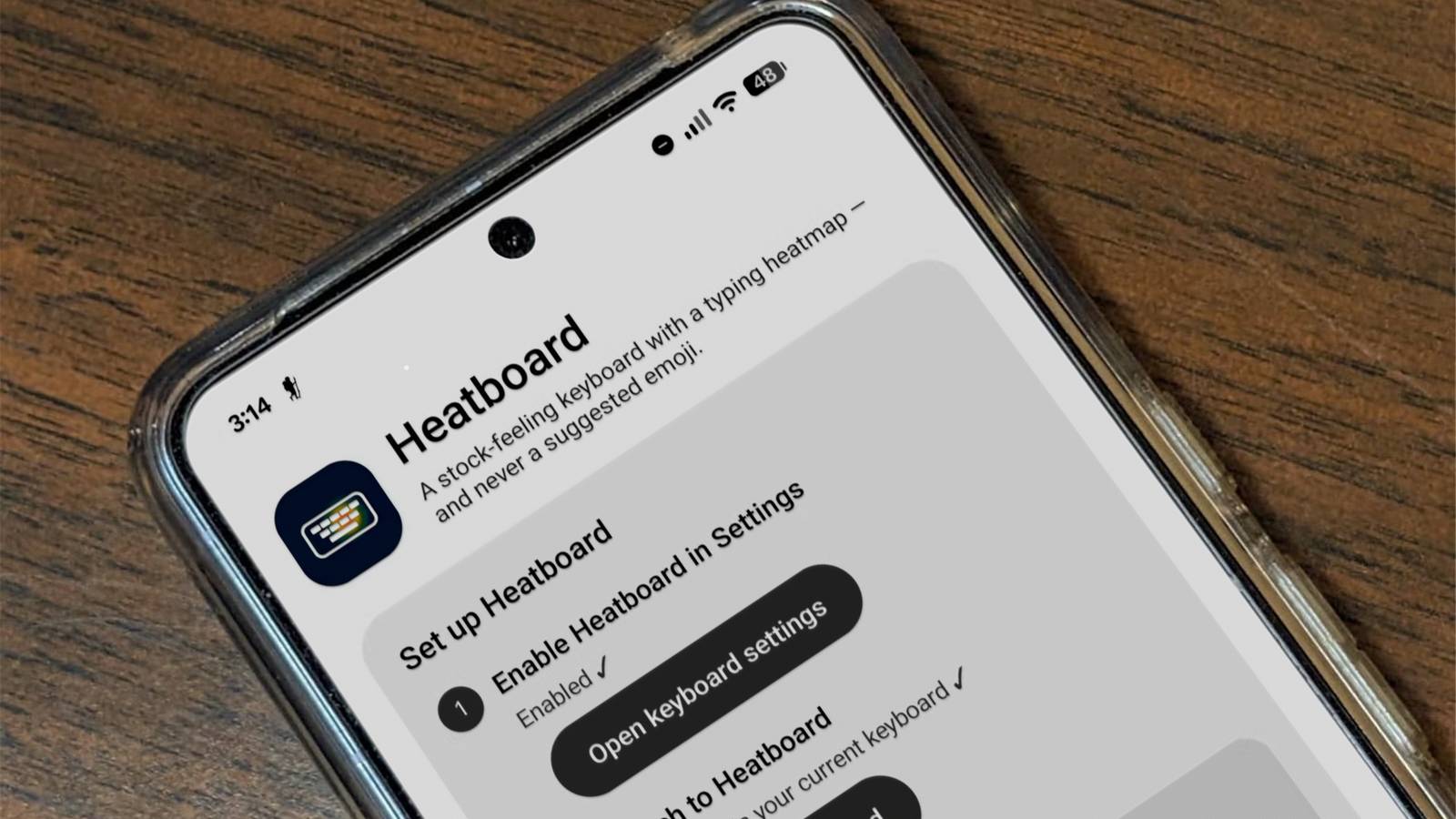
Published Aug 21, 2026, 1:45 PM EDT Nick Lewis is an editor at How-To Geek. He has been using computers for 20 years --- tinkering with everything from the UI to the Windows registry to device firmware. Before How-To Geek, he used Python and C++ as a freelance programmer. In college, Nick made extensive use of Fortran while pursuing a physics degree. Nick's love of tinkering with computers extends beyond work. He has been running video game servers from home for more than 10 years using Windows, Ubuntu, or Raspberry Pi OS. He also uses Proxmox to self-host a variety of services, including a Jellyfin Media Server, an Airsonic music server, a handful of game servers, NextCloud, and two Windows virtual machines. He enjoys DIY projects, especially if they involve technology. He regularly repairs and repurposes old computers and hardware for whatever new project is at hand. He has designed crossovers for homemade speakers all the way from the basic design to the PCB. Nick enjoys the outdoors. When he isn't working on a computer or DIY project, he is most likely to be found camping, backpacking, or canoeing. Gboard's Play Store privacy policy makes one thing clear: there is a lot of data collected about you. That isn't just a theoretical note, either. Researchers at Trinity College Dublin were able to decode payloads that showed Android keyboards transmitting installation IDs, hardware details, and keyboard interaction logs. Even if you enable every privacy setting you can, you're still stuck in the position of trusting a closed-source application with your most sensitive information, like passwords. Rather than try to audit the telemetry situation with every privacy setting enabled, I decided to vibe-code a small replacement keyboard instead. Vibe-coding a replacement keyboard took more time than I expected Troubleshooting the prompts took hours When I started out, I knew I wanted some specific changes to the keyboard. For one, I really dislike how modern smartphone keyboards will attempt to add emojis as part of their autocorrection. There is never a situation where I want to substitute "Okay" with a thumbs-up emoji. I never want the message "I bought some chicken while I was at the store" to change to "I bought some 🍗 when I was at the store." So, I specified very early on in the project that autocorrect should never suggest emojis. Beyond that, I specified that I wanted a heatmap. Modern phone keyboards actually do a lot of correction in the background with you noticing, especially as it relates to mistypes. I wanted to be able to see just how I tend to actually tap buttons; as it turns out, I actually miss a lot. Interestingly, it actually took me a long time to get a prototype that worked like I wanted it to. Opus 5's first attempts were unusable, so I swapped to Fable, since it is better at seeing "the big picture" in vibe coding projects. Even so, after two mishaps, I decided to spend a lot more time writing out the specific features and behaviors than I might normally for a vibe-coding project. It includes a QWERTY layout with number hints, symbol pages, and dedicated numeric pads. I included adaptive Enter keys, key pop-ups, long-press accents, and space bar cursor control. Emoji prediction is explicitly not included. Autocorrect was a project of its own Autocorrect is famously a bit unreliable, and trying to get one working well proved to be the most difficult part of creating a Gboard replacement. I started with a 105,000-word dictionary that incorporated word frequency to make recommendations. That was fine as a first pass, but it required more to be comparable to the systems we've come to expect in a phone's keyboard. I wound up creating a system that allows me to add custom words to the dictionary, which solved the problem with niche terms. I also added a system that tracks what words I use and prioritizes those specific suggestions over the generic dictionary. In theory, it should get smarter and more intuitive the more I use it. There are potential security implications A keyboard sees your passwords, banking credentials, and private messages. That kind of information is potentially a huge security vulnerability. At a minimum, you should put the code through another AI to see if it can identify any security pitfalls. Ideally, you'd audit it manually. It also tracks what words I use and their frequency; information that is very revealing if you're willing to analyze it. Eventually, I'll encrypt the personal data so that it is more secure against theft. Small projects like this are going to get a little harder Side-loading is becoming a thing of the past Credit: Nick Lewis / How-To Geek Keep in mind that Google is cracking down on your ability to create and distribute these sorts of little applications. The process is set to change in Brazil, Indonesia, Singapore, and Thailand, beginning in September 2026 and will roll out globally in 2027. ADB remains a viable path for unregistered apps, however If you want to share your build with others, the limited-distribution accounts in August 2026 allow hobbyists to share builds without submitting a government ID. Vibe-coding can make private, secure alternatives to popular apps With a few hours of planning and about an hour of work from Claude, I was able to create a keyboard that functions exactly how I wanted. The next few features will incorporate a local AI running directly on my phone to spontaneously generate emojis, modify images, and more. And I have a privacy guarantee. I looked over the output code by hand to ensure there were no glaring security issues, and a few other AI models went over it and didn't flag any significant problems. The keyboard itself has no internet access. I can be sure that the only person with access to my keyboard data is me.
I vibe-coded my own Android keyboard to escape Gboard's telemetry
Full Article
Original Source
Read the full article at Howtogeek →KhanList aggregates and links to publicly available news content. We do not host full articles from third-party sources. Always verify important information with original sources.