
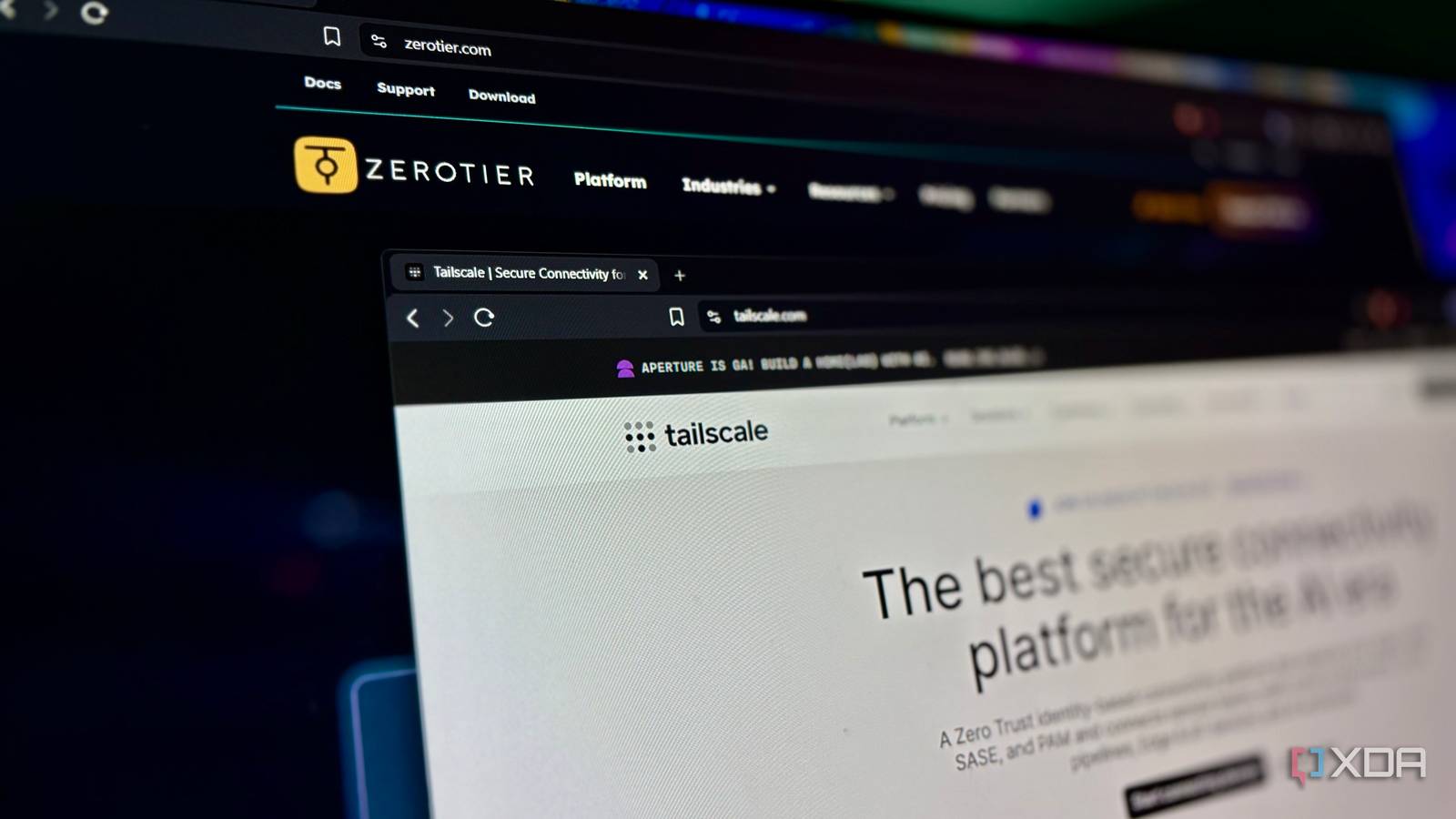
Published Aug 27, 2026, 2:30 PM EDT Shekhar Vaidya is a veteran technology journalist and computer science engineer. He is the founder of TechLatest, where he has spent years providing technical analysis on hardware and Windows ecosystems. Now a Computing Writer at XDA, Shekhar leverages his deep background in NAS, storage solutions, and PC internals to help readers master their tech. I needed a mesh VPN from day one of my homelab for external private access. Both my ISPs were behind CGNAT. I started with Tailscale, and it is still with me, but I keep on testing whatever new alternative crosses my path. I tried a self-hosted alternative to Tailscale's coordination server. I directly tested Tailscale against NetBird and Cloudflare Mesh. Last week, I read a few Reddit threads about Tailscale and its alternatives. A few said they were using ZeroTier on their network. My tinkerer mind immediately decided to test ZeroTier side by side with Tailscale for a week. Under the same network and same devices to see what the fuss was about. By the end of the week, three specific moments made one network totally pointless. This was ZeroTier's and Tailscale's hosted dashboards, not ZeroTier's self-hosted controller setup. Adding a device to each network taught me who to trust One code never expires, and everyone who ever saw it still has it Since I was already using Tailscale, ZeroTier needed a fresh setup. Initial setup was simple and straightforward, so I am not going to bore you with every detail. Let's jump to the device setup part directly. At first glance, it felt very on point. It gave me a Network ID to paste on each device. Looks simple, right? I assumed the same. I added the first device from onboarding, then tried adding another device from the dashboard. Same process: I downloaded the client on that device and pasted the Network ID. ZeroTier A peer-to-peer mesh VPN that connects your devices using a simple, shareable network ID. A banner appeared on the dashboard, saying ‘Device Pending Authorization’ with just two buttons, ‘Authorize’ and ‘Reject.’ No details about the requester. When I looked at the Member Devices table, all I got was a ZeroTier-assigned Device ID and Public IP. So, no way to identify who was trying to connect. The only clue was the macOS tag under ZT version. I explored the dashboard a little more and found out that the Network ID was the only way to connect to that specific ZeroTier network. It is a permanent ID with no option to rotate or regenerate without deleting the whole network. So, if that ID gets shared, screenshotted, pasted into a forum, or otherwise exposed, anyone can get to the approval stage, flooding my dashboard with unknown device requests. On the other hand, to join a Tailscale tailnet, you can either log in with the same account on the client or have the admin share an invite link that also needs additional approval. Besides this, Tailscale also offers Tailnet Lock, key expiration, and separate device approval. The point isn’t which one has more security features. It's that Tailscale’s basic workflow starts with verifying the identity, whereas ZeroTier depends on a static network secret. And you can only see this distinction when you run both side by side. Tailscale A mesh VPN built on WireGuard that uses your existing identity provider to authenticate and connect devices. Behind CGNAT, one network gave up quietly Tailscale took the long way home — ZeroTier never left Keeping aside the device-approval issue from earlier, the main purpose of a mesh VPN is to provide secure external access when I’m outside my home network. So I tested it with my two devices: one behind my ISP’s CGNAT, and the other on cellular. This was the best-case scenario, as it forces the connection to travel over WAN, bypassing the local connection. Obviously, I wasn’t expecting a direct connection because I already knew my network; my NAT wasn’t the easy kind, but I wasn't expecting a failed connection either. I started with Tailscale. While both the home server and my iPhone were on Tailnet, I tried a basic ping test from the server to the iPhone. It couldn’t establish a P2P connection, so it fell back to a DERP relay from my nearest location. The ping jumped between 218ms and 562ms, but all pings returned successfully with no packet loss. Now, to ZeroTier. Both devices appeared authenticated and authorized in the dashboard, but when I ran zerotier-cli listpeers in the server, it didn’t show the iPhone with a usable path. I ignored that and still ran a similar ping test. The first four requests returned Destination Host Unreachable errors, and then it started returning the pings, but because of the errors, only 18 of the 26 pings returned, resulting in 30%+ packet loss. Tailscale didn’t give me what I wanted, a direct connection, but it gave something that I could use. But ZeroTier told a different story. The final result isn’t that ZeroTier failed or Tailscale won; it’s how each network behaved when the ideal path failed. I already knew my home network, so I wasn’t looking for the lowest ping; I was looking for a mesh network I could depend on when I was outside. "Free" sounded generous until I tried to use it One capped my devices, the other capped my people Both the VPNs offer a free tier, and they seem generous enough for a small homelab like mine. Personally, I had around eight devices, so I initially thought I was already under the free ceiling, so there was no point looking at the paid plans. But when I looked at what those free tiers actually offered, my verdict flipped. Besides the free ten devices and one network limit, everything else, such as custom routes, custom DNS, and full flow rules, was gated behind ZeroTier’s paid plans. My original five devices (now I'm at eight) are fine today, but if I decide to share ZeroTier with any of my friends or family, I will hit the ceiling immediately. Now, coming back to Tailscale, its free plan is actually generous. The plan page as of August 2026 claims that the Personal (free) plan allows unlimited devices across up to six users. But the 50 tagged resources indirectly restrict the number of devices. And more importantly, features like MagicDNS, custom routes, and ACLs were open to use even in the free plan. I don’t want to make it a feature list, but Tailscale's free tier offers enough features for a small homelab. ZeroTier puts a ceiling on the total number of devices, and given how loosely it verifies who's joining, that's better, whereas Tailscale limits the number of users sharing one Tailnet. For most of the users, Tailscale’s user limit would be largely irrelevant anyway because people install mesh VPNs for private access, which is mostly used by the admin. ZeroTier's device cap, by contrast, is directly tied to how many devices are connected in the homelab. Free tiers on both are designed in different ways. They are designed around what a network is supposed to contain. ZeroTier asks how many devices you have. Tailscale asks how many people are using them. Tailscale never asked me to trust it blindly When I started the test, it wasn’t supposed to replace Tailscale. I wanted to test whether ZeroTier earned the hype on community forums. But across trust, connectivity, and free tier limitations, ZeroTier kept lowering my expectations. None of this means ZeroTier is poorly built; it just wasn't the right fit for my setup. But its self-hosted control plane and multi-network flexibility are a real advantage over Tailscale when hosted on your own infrastructure. By the end, Tailscale again proved its place in my homelab, while ZeroTier felt like an unnecessary duplication with more restrictions. The better tool isn’t the one that offers more features, but it is the one that does its job even when I am not watching.
I used Tailscale and ZeroTier side by side for a week, and one of them made the other feel pointless
Full Article
Original Source
Read the full article at Xda-developers →KhanList aggregates and links to publicly available news content. We do not host full articles from third-party sources. Always verify important information with original sources.