
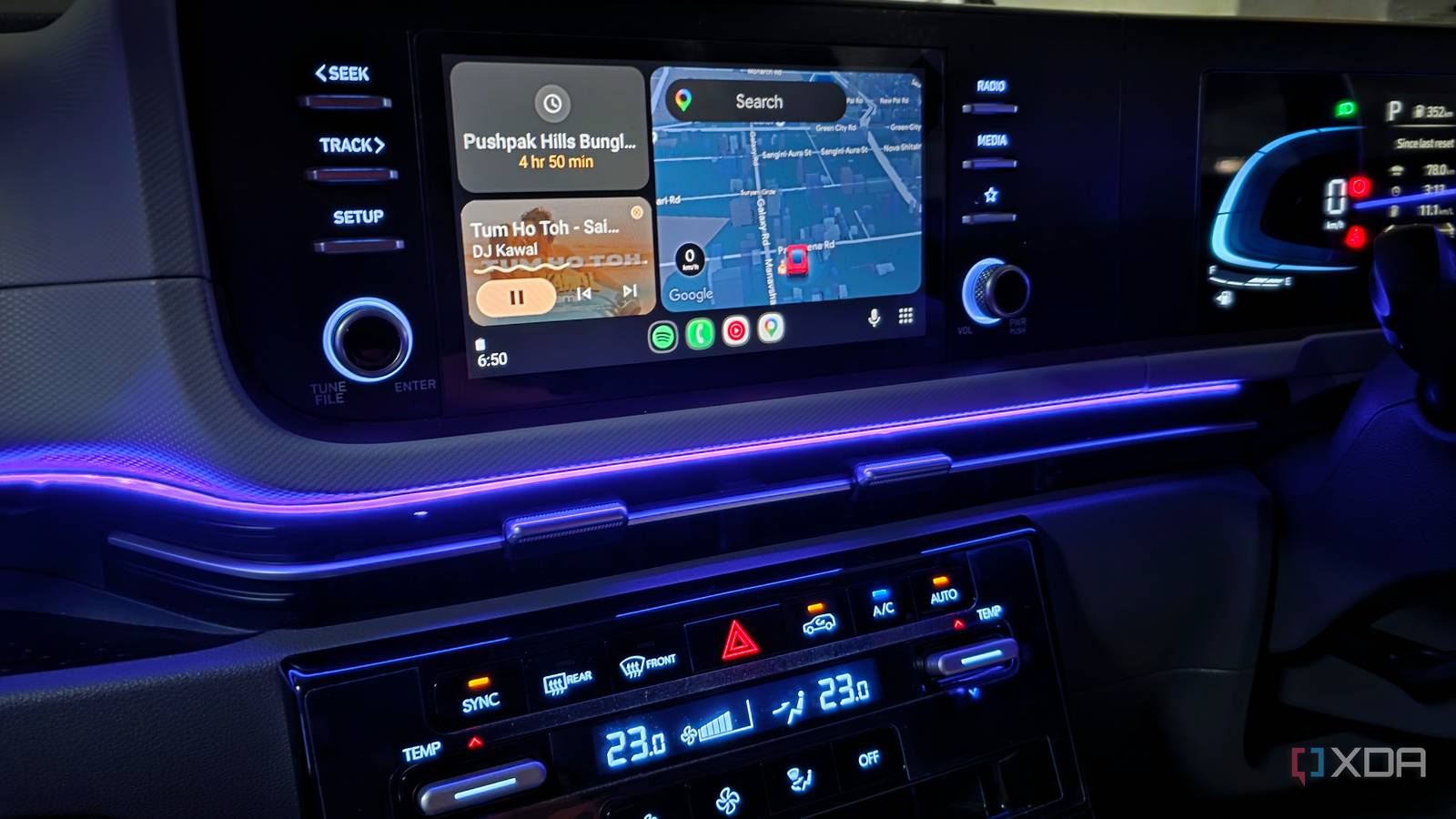
Published Nov 22, 2026, 8:30 AM EST Parth, a seasoned tech writer, wields the keyboard (or pen) with finesse to unravel the intricacies of both Windows and Mac operating systems. He has covered evergreen content on mobile devices and computers for multiple publications over the last six years. You can find his work on AndroidPolice, GuidingTech and TechWiser. Whether it’s demystifying system updates, deciphering error codes, or exploring hidden features, Parth’s prose guides readers through the binary maze. When not immersed in tech jargon, you’ll find him sipping chai, pondering the next software review, and occasionally indulging in a friendly debate about mechanical keyboards. I spend a fair amount of time behind the wheel, and having the right music playing can make even the most boring commute enjoyable. However, when I am using Android Auto, I expect more from a music streaming service than just a massive library of songs. Spotify and YouTube Music are excellent options on smartphones, but I wanted to find out how well they translate to my car’s infotainment screen. Instead of judging them based on a quick drive around the block, I used both services side by side for an entire month, and I have a clear winner for you. I put both apps through a month-long test Both apps have polished Android Auto interfaces For this experiment, I used my Galaxy S25 Ultra with wireless Android Auto and switched between the two services over an entire month. My testing mostly included long highway journeys. I also wanted to keep things fair. I used both apps for similar tasks, including playing my favorite playlists, discovering new tracks, searching for specific songs, and controlling music through Gemini. One thing became clear almost immediately. There wasn’t much to separate Spotify and YouTube Music in terms of their Android Auto interfaces. That’s because Google controls most of the visual experience for media apps on Android Auto. Of course, both services differed in how they organized recommendations, playlists, and music libraries. However, neither had a major advantage in terms of visual design or basic navigation. Music discovery became important Spotify edges out YouTube Music here While I usually have a specific playlist or album in mind when I start driving, I don’t always want to keep selecting music manually. Sometimes, I simply want to play a few favorite tracks and let the streaming service take over. This is where Spotify impressed me. Its recommendation algorithm seemed to understand my listening habits. Whenever one of my playlists ended, Spotify continued playing similar tracks that matched the overall vibe. Whether I was listening to relaxing Bollywood melodies, upbeat road-trip songs, or some old classic, its recommendations were on point. YouTube Music, on the other hand, was a little predictable. Its recommendations were sometimes excellent, but other times, they felt disconnected from what I had been listening to. I occasionally found myself skipping multiple tracks before finding something I actually wanted to hear. Spotify clearly won this round. My music library revealed another difference YouTube Music takes the win here While Spotify impressed me with its recommendations, YouTube Music pulled ahead in sheer variety. Thanks to its connection with YouTube, the service offers access to much more than official studio recordings. I could explore live concerts, acoustic performances, rare recordings, remixes, individual tracks uploaded by independent artists, and even kids specials for my little one. Sometimes, I prefer a live rendition of my favorite Bollywood song over the original studio version, and YouTube Music made finding those performances much easier. I also discovered several talented but relatively unknown artists who had uploaded their own covers and original compositions to YouTube. Spotify has an impressive music catalog, but it simply couldn’t match YouTube Music’s variety during my testing. For someone who enjoys exploring music beyond mainstream releases, that flexibility is a massive advantage. Gemini changed the competition YouTube Music understood what I wanted Both Spotify and YouTube Music work with Gemini on Android Auto, and I had no trouble playing specific songs, artists, or playlists using voice commands. However, YouTube Music took things to another level during my testing. I could make vague requests without remembering the exact song title or artist, and Gemini would still understand what I wanted. For example, I simply asked Gemini to "Play that rooftop song from the Suites series," and it immediately started playing "Whatever It Takes" by Imagine Dragons. I didn’t have to remember the lyrics or browse through search results. Gemini seemed to play much better with YouTube Music when I got conversational. As for sound quality, I couldn’t notice any major differences between the two services. With my car’s average speakers and constant road noise, both sounded nearly identical. Neither service had a major advantage in this department. One understood my driving habits better After a month of testing, YouTube Music has earned a spot on my Android Auto dashboard. Spotify has its strengths with its excellent recommendations and ability to understand my listening habits. However, YouTube Music’s massive library and tighter Gemini integration made it a more convenient companion behind the wheel. Pricing is another factor worth considering. Spotify Premium Individual costs $13 per month. But you can get YouTube Premium for $16 per month, which includes ad-free YouTube videos and background playback. For just $3 more than Spotify, I get a lot more value from Google’s bundle. For me, YouTube Music is a clear winner. Spotify
I used Spotify and YouTube Music side by side on Android Auto for a month, and one handled my car far better
Full Article
Original Source
Read the full article at Xda-developers →KhanList aggregates and links to publicly available news content. We do not host full articles from third-party sources. Always verify important information with original sources.