
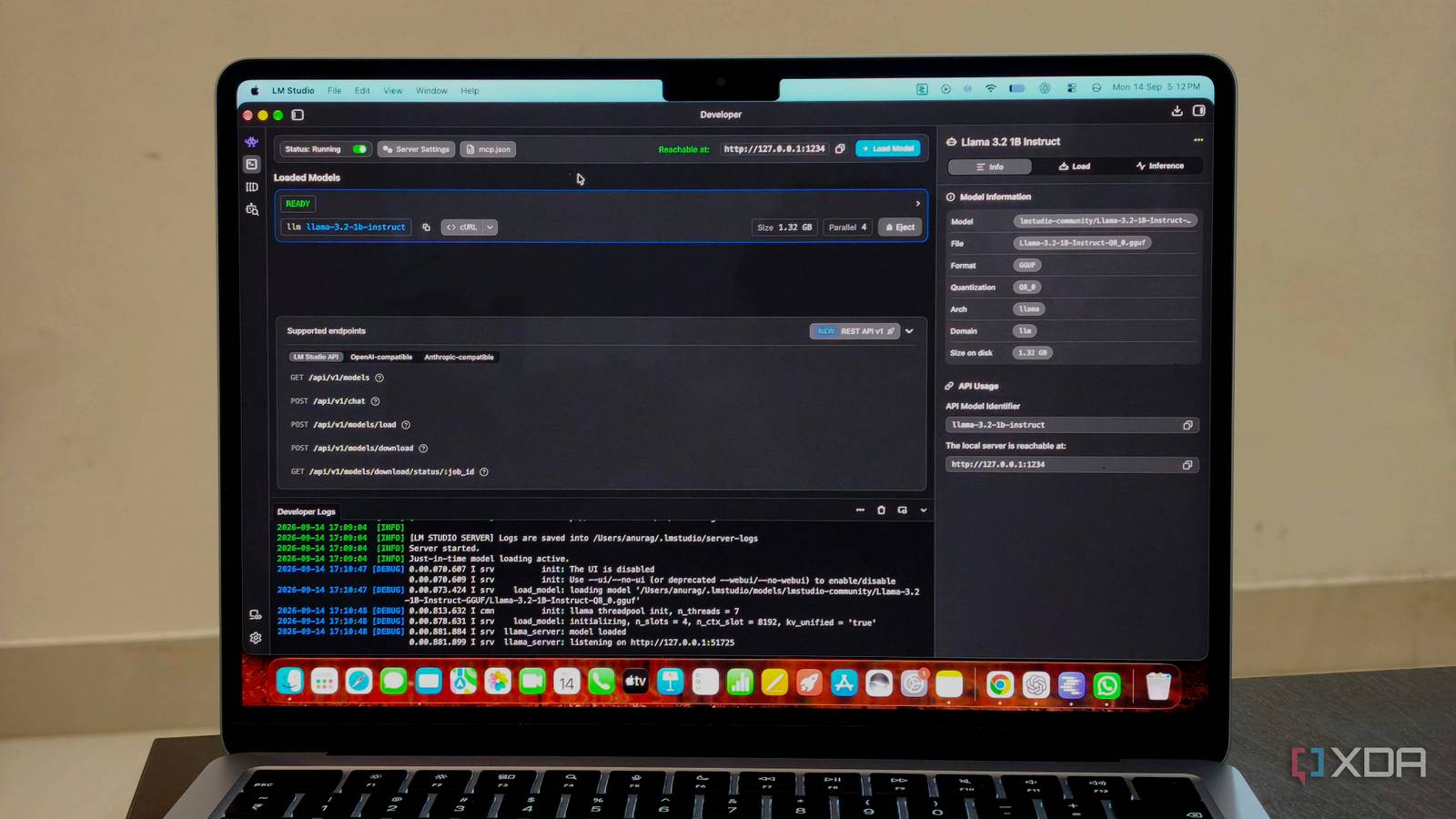
Published Sep 16, 2026, 4:01 PM EDT Anurag is an experienced journalist and author who’s been covering tech for the past 5 years, with a focus on Windows, Android, and Apple. He’s written for sites like Android Police, Neowin, Dexerto, and MakeTechEasier. Anurag’s always pumped about tech and loves getting his hands on the latest gadgets. When he's not procrastinating, you’ll probably find him catching the newest movies in theaters or scrolling through Twitter from his bed. You can easily run a local model on a decently specced PC or MacBook, but the performance is often abysmal for most tasks. The main reason is the hardware in your device, which limits how capable a model you can run, and most consumer PCs and laptops can’t run a very good model. However, you can still make the most of what you have by making a few changes here and there. For example, I recently experimented with a cloud + local LLM setup where I used GPT-5.6 Luna to plan and review the work and Qwen 3.5-9B to execute it. That worked, but I wanted to get rid of the cloud entirely. More recently, I enabled what is called speculative decoding, which makes use of a small draft model and a larger executor model. This setup has made an actual difference for me, so much so that I now prefer it over cloud APIs. Speculative decoding can make a big difference Given you are using correct models Speculative decoding is basically a way to make a larger model generate responses faster by pairing it with a much smaller model. The smaller “draft” model quickly predicts a few tokens ahead instead of asking the larger model to generate every single token one at a time. The larger model then checks those predictions in a single pass, accepts the ones it agrees with, and takes over whenever the draft model gets something wrong. This is faster than normal autoregressive decoding, where the model generates and processes one token at a time. With speculative decoding, the model can accept several tokens at once, reducing latency and improving throughput without changing final output quality. A simple way to think about it is like a senior scientist working with a junior assistant. The assistant handles the routine work quickly, while the senior scientist reviews it, approves what is correct, and steps in whenever something needs fixing. Configuring speculative decoding for my local LLM It's barely a toggle once you have downloaded the models I use LM Studio to run my local models, and enabling speculative decoding there takes just a few clicks. Before you can turn it on, though, you need to download the two models you’ll use. As I mentioned above, you need a small model to act as the drafter and a larger model to handle the main generation. In my setup, I use Llama 3.1 8B as the main model and Llama 3.2 1B as the draft model. It’s important that both models belong to the same family and use compatible tokenizers. You should also make sure the draft model is significantly smaller than the main model. Using a relatively large model as the drafter defeats the purpose of speculative decoding, since the draft stage is supposed to be fast and lightweight. Once you’ve downloaded both models, open LM Studio and go to My Models. Click Edit Model Default Config for Meta Llama 3.1 8B Instruct, or whichever model you’re using as your main model. Next, go to Load -> Advanced -> Speculative Decoding. Change Off to Draft Model, then select Llama 3.2 1B Instruct (Q8_0) as the draft model. For the remaining settings, I leave Max draft tokens at 3, Min draft tokens at 0, and Draft probability at 0. Then click Load Model with Remember settings checked. That’s it. LM Studio will now use the smaller model to draft tokens while the larger model verifies them during generation. Speculative decoding lets my local LLM do more While the resources it consumes remain the same I use my local LLM for summarizing research, getting help with code, and answering everyday questions. These tasks often involve several prompts, so generation speed matters. To measure the difference, I used the same prompt and identical settings with speculative decoding enabled and disabled. I ran each configuration three times after warming up the models. Without speculative decoding, Llama 3.1 8B averages 23.35 tokens per second. Enabling Llama 3.2 1B as the draft model increases that to 29.46 tokens per second, which works out to a gain of roughly 26%. Six extra tokens every second doesn't sound massive, but it adds up across longer responses and follow-up prompts. You’ll spend less time watching the model generate text and more time working with its answer. The model is also more convenient for everyday questions. Waiting on a slow local response defeats the point when I only need a quick answer, while 29.46 tokens per second keeps the exchange moving. Speculative decoding is worth trying on capable hardware Speculative decoding is worth enabling if both models fit in memory and local generation is slow. It speeds up local generation while the main model remains responsible for the final answer. The trade-off is that the draft model consumes extra memory and processing power, so the setup performs poorly when the main model already pushes your hardware to its limit. If both models fit comfortably, test the same prompts with the feature enabled and disabled, then keep whichever configuration is faster.
I used speculative decoding to make my local LLM feel instant, and now I actually prefer it to cloud APIs
Full Article
Original Source
Read the full article at Xda-developers →KhanList aggregates and links to publicly available news content. We do not host full articles from third-party sources. Always verify important information with original sources.