
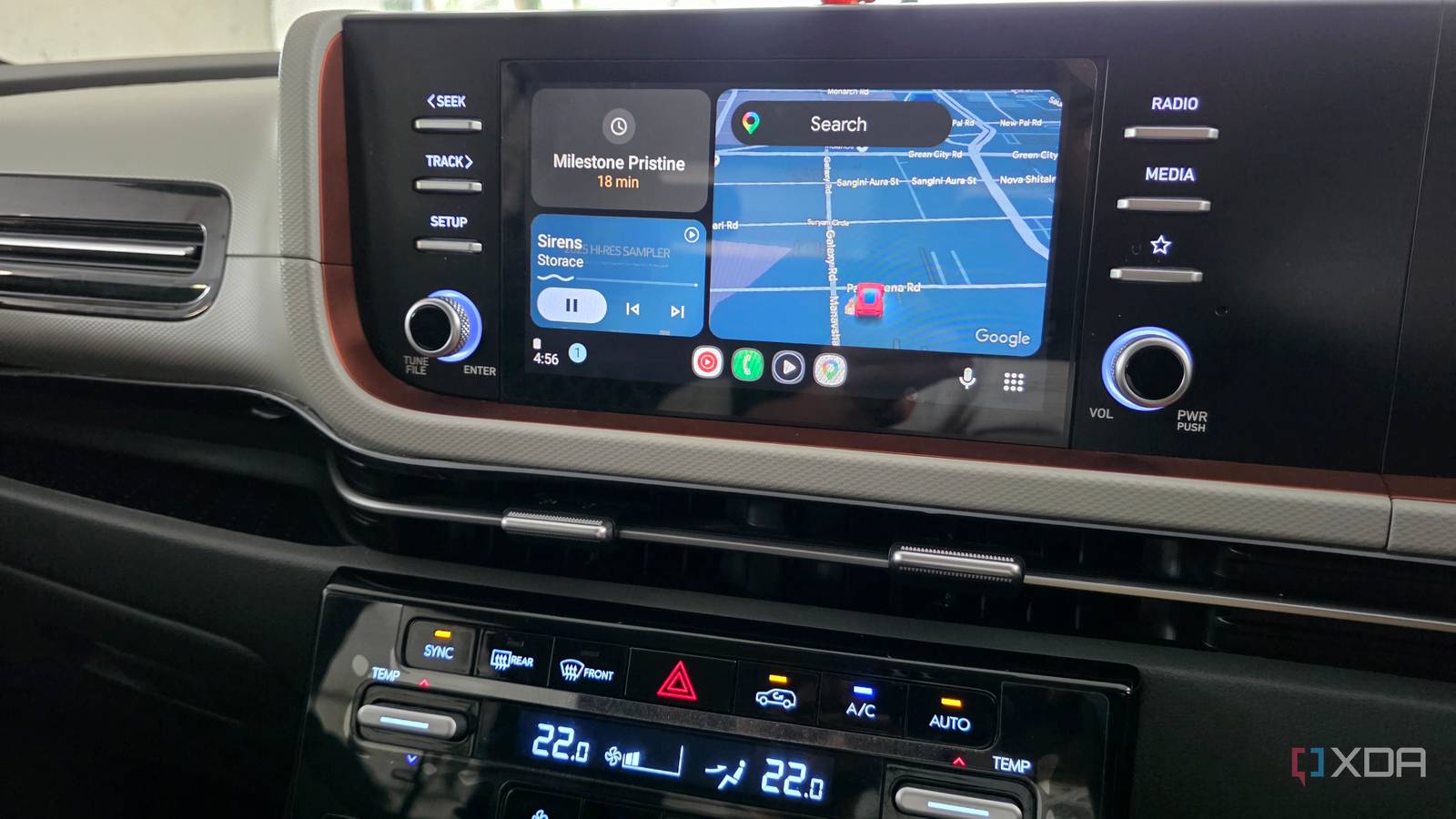
Published Sep 12, 2026, 8:31 AM EDT Parth, a seasoned tech writer, wields the keyboard (or pen) with finesse to unravel the intricacies of both Windows and Mac operating systems. He has covered evergreen content on mobile devices and computers for multiple publications over the last six years. You can find his work on AndroidPolice, GuidingTech and TechWiser. Whether it’s demystifying system updates, deciphering error codes, or exploring hidden features, Parth’s prose guides readers through the binary maze. When not immersed in tech jargon, you’ll find him sipping chai, pondering the next software review, and occasionally indulging in a friendly debate about mechanical keyboards. Poweramp and YouTube Music take two different approaches to music on Android Auto. One focuses on streaming, recommendations, and convenience, while the other gives me far more control over a local music library. I wanted to see which approach actually works better once I am behind the wheel, so I used both apps side by side for an entire month. I paid attention to sound quality, offline playback, navigation, library management, and how quickly I could start playing what I wanted without getting distracted. After weeks of switching between them, one app clearly fits my Android Auto setup better. Poweramp gives me far more control over sound YouTube Music wins on pure convenience This is where Poweramp immediately started pulling ahead for me. It gives me far more control over how my music sounds in the car, with a proper equalizer, presets, bass and treble adjustments, balance controls, and plenty of other options to fine-tune playback. I could actually tweak the sound around my car speakers instead of simply accepting whatever the streaming app gave me. The catch is that Poweramp isn’t plug-and-play. I first had to build my local library, transfer the music to my phone, organize folders, make sure the metadata was correct, and spend some time dialing in the sound. It takes more effort up front, and you need good, high-quality car speakers to hear all those tiny details. YouTube Music takes the exact opposite approach, and that is also its biggest strength. I can simply open Android Auto, search for an artist, playlist, or random song, and start listening within seconds. If I suddenly remember a track I haven’t heard in years, chances are it is already there. Compared to Poweramp, it requires almost no setup (except an active monthly subscription). Poweramp gives me more control, but YouTube Music makes music playback almost effortless. Offline playback is where Poweramp feels dependable Poweramp makes a curated local library feel better Offline playback is where Poweramp has an upper hand. My entire music library is already stored locally, so there is nothing to download before a trip, no connection to worry about, and no chance of a playlist suddenly being unavailable when the network drops. I can open Poweramp, pick an album, folder, artist, or playlist, and start listening immediately. YouTube Music technically handles offline music well, but getting to it feels more cumbersome on Android Auto. I have to go to More > Downloads, then pick the playlist I want. The UX could have been better. It is not a huge inconvenience, but when I am behind the wheel, those extra steps matter. Once my library was set up, it felt more dependable every time I drove. Poweramp also made me appreciate having a curated local music library again. Instead of opening an app and being greeted with recommendations, mixes, and whatever an algorithm thinks I should hear next, I look at a collection I built myself. Once I tagged and arranged everything properly, finding music became quick. YouTube Music is clearly better for endless discovery, but for the music I already know and love, Poweramp makes the connection easier to enjoy. Voice control gives YouTube Music an edge Poweramp isn’t far behind I expected YouTube Music to beat Poweramp on voice controls. With Gemini on Android Auto, I can ask for a specific song, playlist, or artist without touching the screen. I can even be more descriptive, such as mentioning a scene, an artist, and the movie it appeared in, and Gemini can usually figure out what I am trying to play. That kind of flexibility is a major advantage when I am driving. But Poweramp surprised me. I asked Gemini to play a specific song using Poweramp, and it worked like a charm. I only need to remember the track name. Poweramp can’t match all the fancy discovery and contextual requests that YouTube Music supports, but I don’t need it to. Being able to request a specific song from my local library with a basic Gemini command covers one of my biggest concerns about switching. Although this comparison is about Android Auto, I also want to talk about their mobile apps. Poweramp is a joy to use with a clean UI and thoughtful animations. YouTube Music isn’t far behind, but it surely felt busy with too many recommendations and album art. Poweramp also offers a lifetime plan, so I can buy the app once and use it on all my devices. The better player wasn’t surprising After a month of using both on Android Auto, Poweramp is the one staying in my setup. YouTube Music is still the easier app to recommend if you just want instant access and seamless voice commands. But for the way I actually listen in the car, Poweramp fits better. It sounds better, handles offline playback like a pro, and even works with Gemini for basic commands. Poweramp
I used Poweramp and YouTube Music side by side on Android Auto for a month, and the winner surprised me
Full Article
Original Source
Read the full article at Xda-developers →KhanList aggregates and links to publicly available news content. We do not host full articles from third-party sources. Always verify important information with original sources.