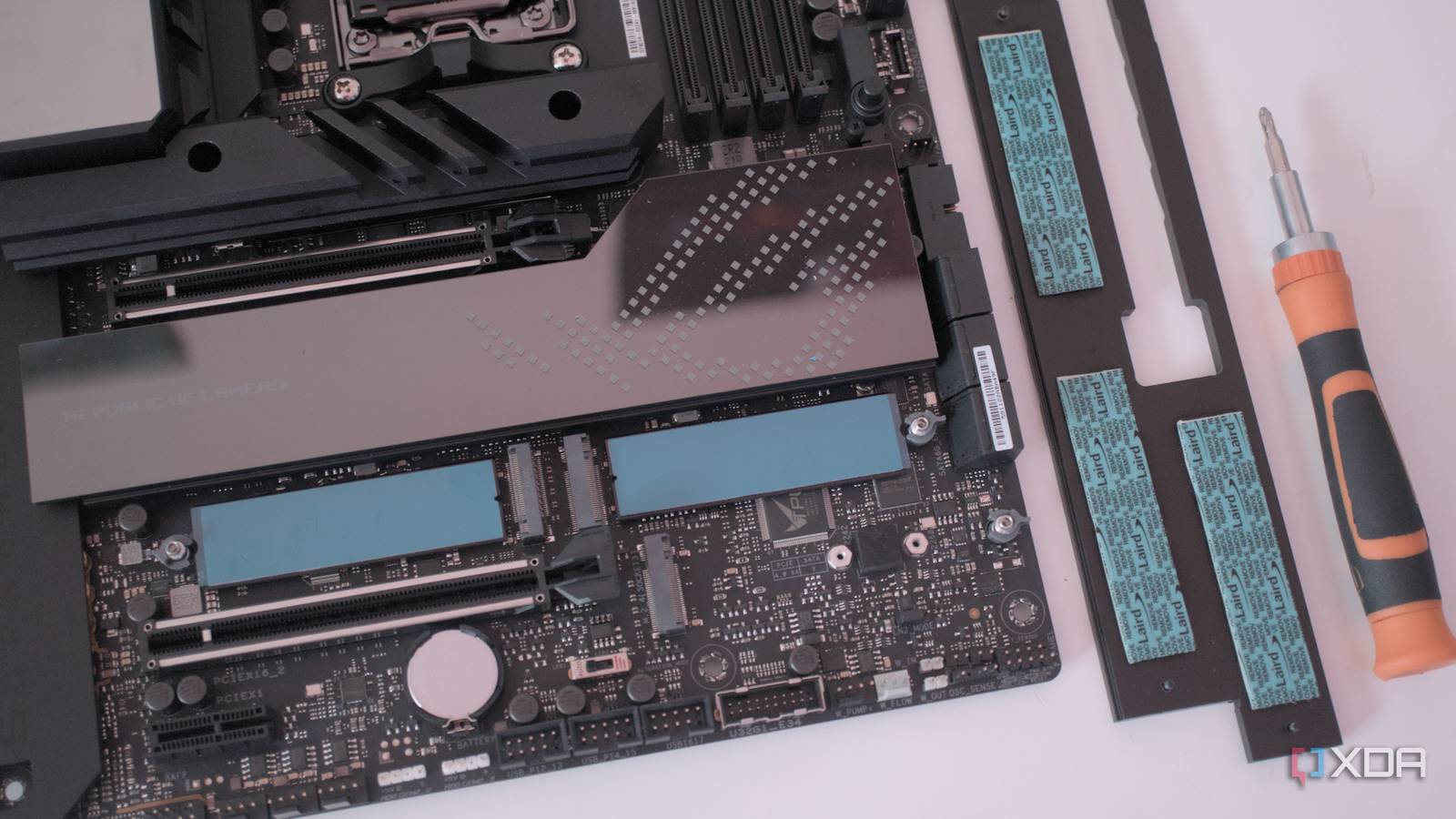
Published Jul 25, 2026, 5:30 PM EDT Abid covers consumer hardware, gaming, and platform updates with an emphasis on accuracy, clarity, and reader-first context. He holds a BSc in Computer Science and Engineering, and his work can be found in multiple publications, including Notebookcheck. Outside of work, he enjoys exploring new gaming hardware, testing system performance, and keeping up with developments across the broader tech landscape. Most motherboards come with more than one M.2 slot these days, and in most builds, once the primary SSD is installed, the other slots sit empty until more storage drives are needed. Well, my current PC wasn't any different, and I had a spare slot that I rarely thought about. That changed when I learned that M.2 slots aren't just for storage. Instead of seeing it as nothing more than an empty SSD slot, I saw it as an overlooked upgrade opportunity. An M.2 2.5 GbE Ethernet card was the perfect upgrade for my setup It solved a real problem without sacrificing a PCIe slot When I first learned that M.2 slots could hold more than just storage, I didn't want to wait and keep it blank for an SSD. Instead, I wanted to put it to use right away, and after weighing the available options, an M.2 2.5GbE Ethernet card made the most sense for my PC. This stood as an upgrade that addressed a limitation I had been living with for a while. My motherboard doesn't come with many fancy features, and not having anything speedier than a Gigabit Ethernet port is one of them. Of course, the Gigabit port was more than enough for everyday browsing and downloads, but it started to feel a bit restrictive once I began relying more on the home server. Moving large files over the network became a regular part of my workflow, and a faster connection stood as a worthwhile upgrade. There's no denying that I could've easily upgraded the Ethernet setup with a PCIe network card, but I plan on using the spare PCIe slot for a later upgrade. A USB adapter could've also addressed my issue, but it would've been a less elegant way to make the upgrade. My upgrade made me realize how versatile M.2 slots actually are Faster networking isn't the only practical use While the M.2 2.5GbE Ethernet card stood as the most practical upgrade for my PC, the slot itself has much more potential. Think of it more like another expansion interface, and if there's support, it can be used to add a handful of features that the motherboard probably didn't come with. For instance, many setups can get Wi-Fi and Bluetooth through a wireless M.2 card. USB expansion is another useful option, and it's even possible to get multiple high-speed ports on the rear along this route. Beyond these, there are specialized modules that are more fitting for a niche audience. For example, it's possible to get LTE and 5G connectivity through M.2 cellular cards, and for some, a capture card or an AI accelerator might make more sense. M.2 to SATA 3.0 Adapter Card This M.2 card is designed as a compact hub/splitter for expanding storage on systems that only have one available SATA port, with all connected drives sharing the bandwidth of that upstream SATA link. The hardware isn't the limitation, but compatibility is Not every M.2 slot has support for every type of expansion While M.2 slots are great for making small yet meaningful upgrades to your PC, compatibility isn't as straightforward as it might seem. Not every slot supports every type of expansion. Some, for example, are explicitly designed for storage devices. So, before buying an M.2 module, it's important to check the motherboard specifications. Important factors include the slot's key type, the module size it accepts, and the interfaces it supports. A card may fit physically, but it may not work if there's not the required number of PCIe lanes. That empty M.2 on your motherboard deserves a second look It might be the easiest small yet notable upgrade your PC has been hiding Before I installed the 2.5GbE card, I looked at the spare M.2 slot as nothing more than an empty space that would eventually hold an SSD someday. Installing the speedy Ethernet card may not seem like a big upgrade, but it solved a real problem in my setup. What's more important is that I was able to get speedy connectivity while leaving a PCIe slot empty for future upgrades. As mentioned earlier, an Ethernet card isn't the only option available, but before I decide to swap out the card installed on the M.2 slot, I will definitely check compatibility before pulling the trigger.
I used my spare M.2 slot for something boring, and it became my favorite PC upgrade
Full Article
Original Source
Read the full article at Xda-developers →KhanList aggregates and links to publicly available news content. We do not host full articles from third-party sources. Always verify important information with original sources.