
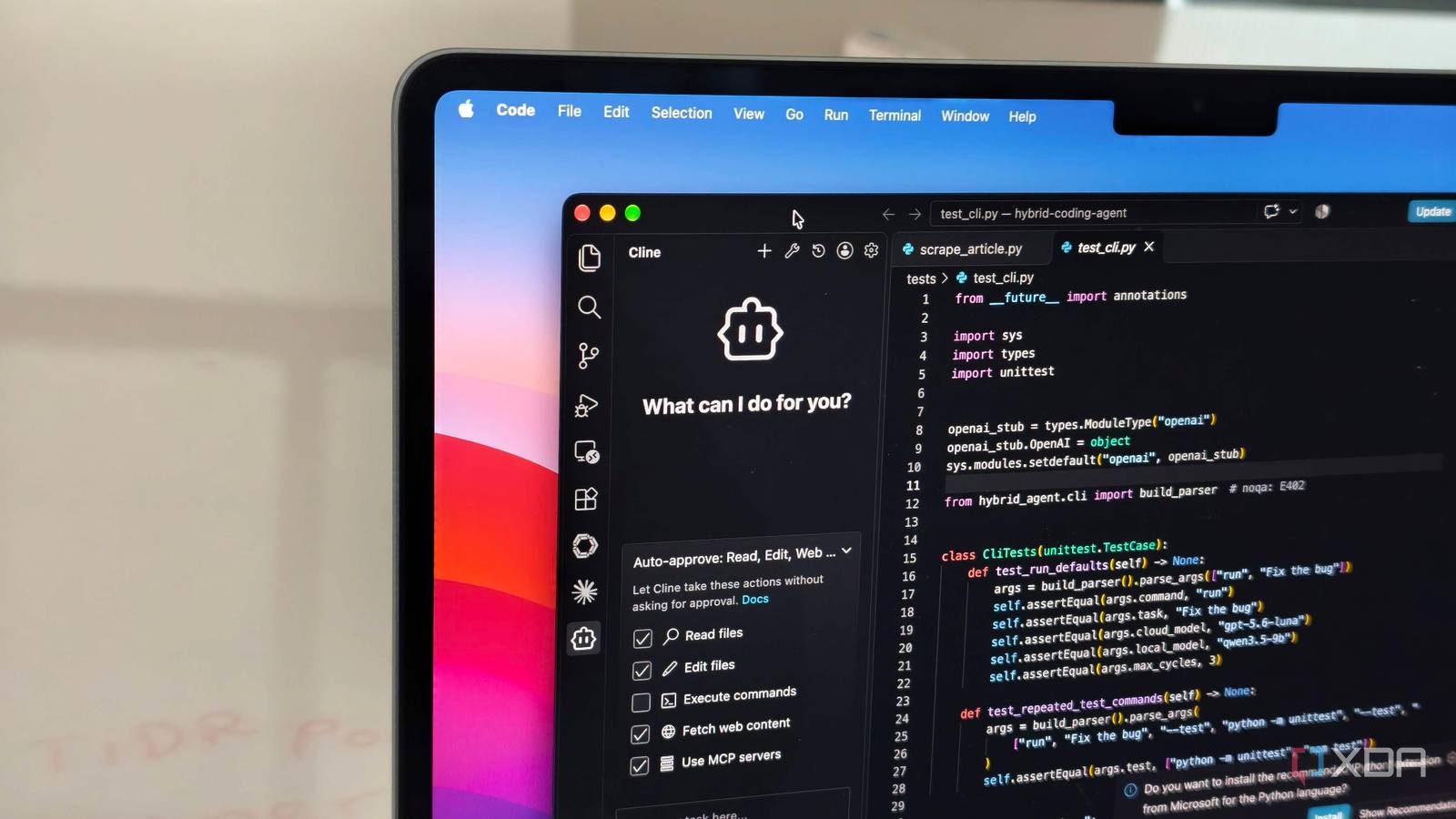
Published Nov 25, 2026, 10:30 AM EST Anurag is an experienced journalist and author who’s been covering tech for the past 5 years, with a focus on Windows, Android, and Apple. He’s written for sites like Android Police, Neowin, Dexerto, and MakeTechEasier. Anurag’s always pumped about tech and loves getting his hands on the latest gadgets. When he's not procrastinating, you’ll probably find him catching the newest movies in theaters or scrolling through Twitter from his bed. I've been using AI coding tools like Cursor and Claude Code for quite some time now, and they've made it much easier to build personal projects without writing every line of code myself. Cursor, in particular, has been one of my go-to tools because of how well it integrates AI into the development environment. However, paying for another AI subscription isn't particularly appealing, especially since I already have several. I've also been experimenting with local LLMs, and I wanted to see if I could get a similar coding experience without relying on cloud models. So I installed Cline in VS Code, connected it to Qwen3.5-9B running locally through LM Studio, and put it to work. I used the setup to build an expense tracker and a task manager with its own API and frontend. To my surprise, this combination handled a significant portion of what I normally use Cursor for. Cline brings Cursor-like features to VS Code All you need is a capable local model One of the biggest reasons I use Cursor is its ability to work on an entire project instead of simply generating snippets of code. You can ask it to add a feature, fix a bug, or make changes across multiple files, and its agent can inspect your codebase, execute terminal commands, and make the necessary modifications. Cline brings much of this functionality to regular VS Code, and it's completely free to install. Cline is an open-source AI coding agent that supports several cloud and local models. It can read and modify files, run commands, identify errors, and work through development tasks with relatively little intervention. It also supports checkpoints, so you can restore previous versions of your files if the agent makes unwanted changes. The experience is similar to working with Cursor's Agent, although the quality of the results depends heavily on the model you connect. For my setup, I used Qwen3.5-9B, a relatively small model that supports coding and tool calling. I already had LM Studio installed on my MacBook, so getting everything running didn’t take much time. I loaded the model in LM Studio, enabled its local API server, and selected LM Studio as the provider in Cline's settings. I built two applications using a local 9B model Putting Cline through real development tasks I wanted to test the setup with something more substantial than generating a few functions or writing a simple Python script. For my first project, I asked Cline to build an expense tracker that would let me record transactions, categorize expenses, and keep track of my spending. Cline approached the development process in the same way as Cursor. I could give it instructions and let it work directly on the project. It could create the necessary files, modify existing code, and use terminal commands as part of the development process. I could also inspect the changes and provide additional instructions whenever something needed adjusting. For my second project, I made things a little more challenging by building a task manager with a separate API and frontend. The model had to create backend endpoints to manage tasks, build an interface to interact with them, and connect the two components. It's a more demanding exercise for a local model because changes to the backend need to be reflected correctly in the frontend. I'm not going to lie, the model did struggle a lot to get things right, and I had to keep correcting it again and again. It definitely took a lot more for me to make the model get it right than what I would usually do with something like Claude. I don't need Cursor for every coding project anymore Local coding agents have become genuinely useful I'm not going to pretend that Qwen3.5-9B can compete with the likes of Claude Sonnet or other frontier coding models. There is a very big difference in their ability to understand complicated instructions, reason through problems, and handle larger projects. A local model also has to work within the limitations of your hardware, which affects how quickly it generates responses and how much context it can process. However, you don't necessarily need that level of intelligence for every coding task. A lot of my personal projects involve building small applications, adding features, fixing bugs, and experimenting with ideas. These are precisely the kinds of tasks where having an agent that can work directly with your files is useful. Even if Qwen requires more guidance than a larger cloud model, I can still get meaningful work done without consuming paid API credits. There are also some things I would miss from Cursor. Its Tab autocomplete is particularly useful when you're writing code manually, and its integration with cloud models makes it more convenient for demanding projects. Cline doesn't offer the same autocomplete experience, and working with a smaller local model requires more patience, especially when a task involves several rounds of reasoning and tool execution. I’d still keep using a local model For me, the biggest advantage is being able to experiment without worrying about usage limits. I can ask Cline to try a different implementation, make changes to an existing project, or work through a problem without thinking about how many requests I've used. I still see plenty of reasons to keep a cloud coding agent around, particularly for complicated development work. But for smaller personal projects, Cline and a capable local model have made paying for another coding subscription a lot harder to justify.
I used Cline with a local Qwen coding model in VS Code, and it handled most of what I paid Cursor for
Full Article
Original Source
Read the full article at Xda-developers →KhanList aggregates and links to publicly available news content. We do not host full articles from third-party sources. Always verify important information with original sources.