
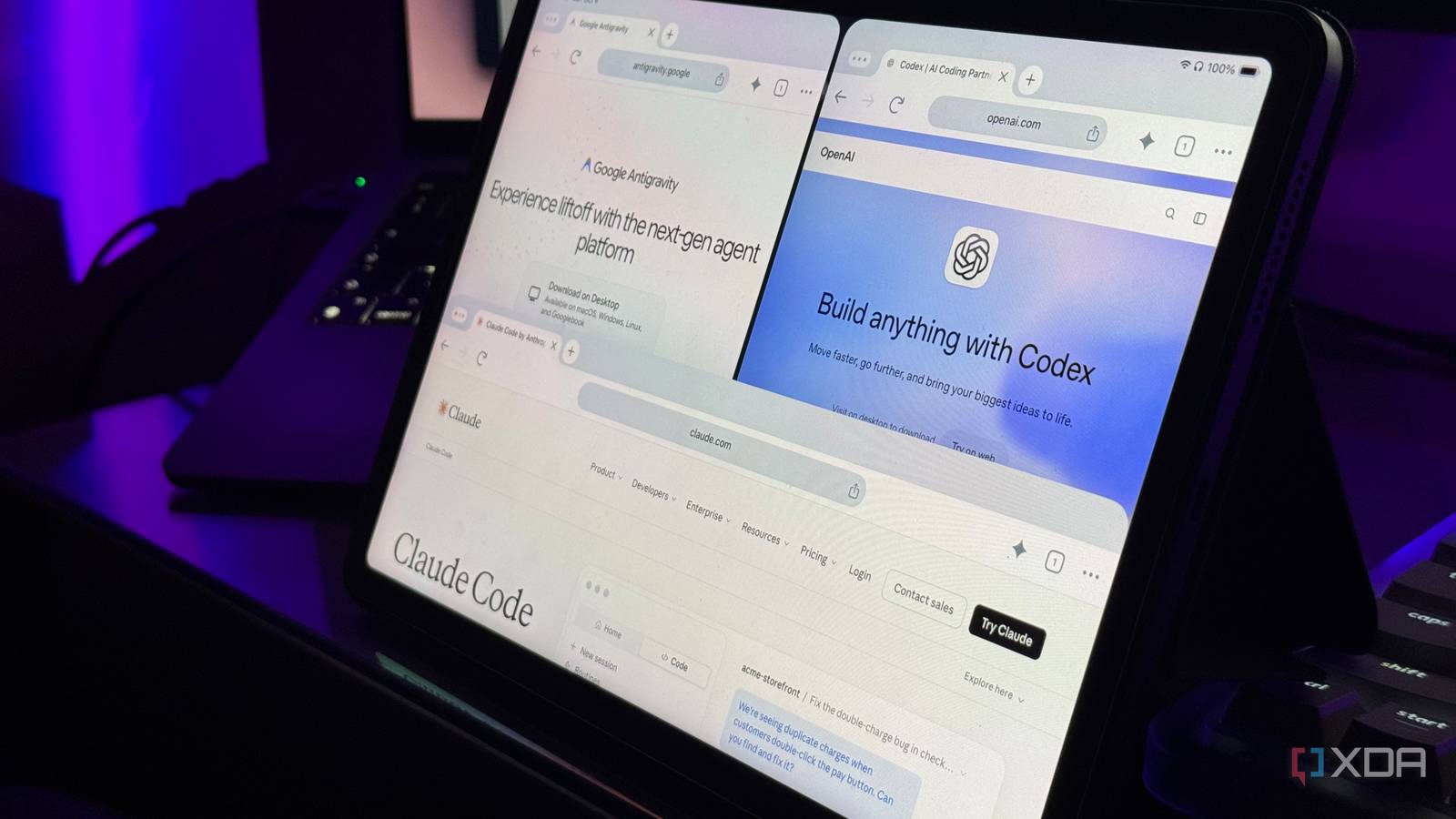
Published Oct 4, 2026, 5:30 PM EDT Mahnoor Faisal is a tech journalist covering AI and productivity tools with bylines at XDA, SlashGear, MakeUseOf, Laptop Mag, and Android Police. She's been writing professionally since she was sixteen, and has since penned hundreds of articles. This includes in-depth coverage of AI tools like NotebookLM to breaking news across the AI space. Her passion for technology started when she received her first iPod Touch (4th generation) on her 8th birthday, and she's been deep in the tech world ever since. Currently pursuing a degree in computer science, Mahnoor brings both a journalist's eye and a technical foundation to her coverage of how AI is reshaping the way we work and learn. Sign in to your XDA account There’s one thing I absolutely love about AI coding. No, it isn’t that coding suddenly takes less effort. It also isn’t the fact that beginners no longer have to spend months teaching themselves how to code. And it obviously isn’t developers losing their jobs to AI tools. I’m majoring in computer science myself, so I have a little too much skin in the game for that one. Okay, enough suspense. My favorite thing about AI coding is that an idea doesn't have to stay just an idea anymore. I can decide on a random afternoon that I want an app to exist, spend a few hours going back and forth with an AI coding tool, and actually have something usable sitting in front of me by the end of it. So, this week's experiment was asking Claude Code, Codex, and Antigravity to build the note-taking app of my dreams. I kept the prompt specific but open-ended Specific enough, vague on purpose I've done a fair few of these experiments where I ask different AI tools to build the exact same thing. The point usually isn't to see how well they can follow a painfully detailed set of instructions, though. Instead, it's to see what the model and the tool are capable of when they're given some room to make decisions for themselves. I've found that most AI coding tools are already pretty good at following instructions to a T. But with experiments like this, that isn't really what I'm trying to test. I always make it a point to keep my instructions as open-ended as possible. I want to see how creative each tool gets, what structural decisions it makes, how it balances practicality with longevity, how maintainable the end result is, and ultimately how it chooses to solve the problem I've handed it. Of course, I still need enough specificity to make the comparison fair. All three tools need to be working toward the same end goal, and I need some concrete requirements to judge them against. However, if I give them a long list explaining exactly what I want and exactly how I want it built, I'm mostly testing their instruction-following skills. Now, a note-taking app is something I simply can't survive without. That’s exactly why I’m always testing new ones, but somehow, none of them have really managed to tick every box for me. There’s always something missing! So, instead of asking these tools to recreate an app I already use, I figured this was the perfect opportunity to see what they’d come up with themselves. I gave all three the same list of things I knew I wanted, but deliberately avoided telling them what the app should look like, how it should be structured, or how those features should actually work. This was the exact prompt I went with: Build me a polished, modern note-taking app. I want the app to be fast, clean, easy to navigate, and designed for someone who regularly works with hundreds of notes across university, article research, personal notes, PDFs, and quick ideas. Do not add any AI features. The app should include: - Normal page notes - Infinite canvas notes - Handwriting and stylus support - Typed text mixed naturally with handwriting - Fast switching between lots of notes - A useful Recent/Home view - Universal search - Quick Capture - Temporary scratch notes that can expire - Article/research notes for collecting links, quotes, screenshots, PDFs, and personal notes - Backlinks between notes - PDF import and annotation - Audio recording inside notes - Version history - Easy export to common formats - Folders/notebooks, tags, and pinned notes PDF annotation should be genuinely useful, including the ability to write and draw on PDFs. The interface should feel modern, minimal, spacious, and suitable for both keyboard and stylus use. Do not use generative AI, chatbots, AI summaries, AI organization, or LLM integrations anywhere in the product. Beyond these requirements, make your own product, design, architecture, and implementation decisions. Build a real usable application rather than a static mockup. I deliberately do not want to prescribe the exact layout, interaction patterns, or visual design. I want to see how you interpret the brief and what you choose to prioritize. Codex was the clear winner It understood the assignment While Claude Code would typically beat Codex when I ran experiments like these in the past, I think OpenAI’s newer models have completely changed the equation. Codex feels far more capable than it did during my earlier tests, particularly when it comes to taking a fairly open-ended prompt, making sensible decisions on its own, and actually following the project through to completion. To preface this, I used the flagship models for each tool wherever possible. For Codex, I started the build with GPT-6 Astra at high reasoning. Codex was the only tool where I ended up running into the five-hour limit (I started with a fresh session on all three tools to keep things fair), so I had to switch to GPT-6 Luna at medium reasoning once I got close to my usage limit. Once I actually hit the limit, I used one of my available Codex usage resets to keep the same session going and let it finish the remaining testing and deployment work. Even with that model switch, Codex had the best result by miles. The most impressive part was that Codex stayed focus on the actual brief. Instead of trying to win by turning my fairly straightforward note-taking app into something unnecessarily ambitious, it took every feature I asked for and made a serious attempt at turning it into something I could actually use. Codex also took advantage of ChatGPT Sites to deploy Folio as a private site once it was finished. That meant I didn't have to keep starting up a local server every time I wanted to use it or go through the trouble of deploying it myself. I could simply open the link Codex gave me and start using the app. While this does mean my data is stored in the cloud rather than entirely on my device, the upside is that I can access the same notes from another device, like my iPad, without having to set up any sort of syncing myself. Out of all three results, Codex's output also had the most aesthetically appealing UI and was definitely the one I could see myself continuing to use. Ironically, Codex's frontend skills are something I've complained about in the past. I've generally found Claude Code much better at taking a vague design brief and turning it into something that actually looks polished without a ton of hand-holding. That wasn't the case here at all. Folio felt cohesive from the moment I opened it. The spacing, typography, sidebar, home screen, and little touches throughout the interface made it feel less like something an AI coding tool had thrown together for an experiment and more like an actual product. More importantly, the design never came at the expense of usability. With the number of features I asked for, it would've been very easy for the interface to feel crowded, but Codex managed to keep everything surprisingly clean. Once Codex was done building, it spent an insane amount of time testing what it had made. And I mean testing. It didn't just run a build, see that nothing immediately exploded, and call it a day. It went through the actual workflows one by one, checking whether notes persisted after a reload, whether handwriting saved properly alongside typed text, whether search could find content inside notes, whether version history worked, and whether canvases exported correctly. Whenever something failed, Codex went back, fixed it, rebuilt the app, and tried again. It even ran into issues with the PDF viewer and deployment itself, but kept working through them instead of handing me an app with a list of caveats attached. Feature-wise, Folio was also the closest to what I had pictured when I wrote the prompt. I could create regular pages, infinite canvases, research notes, temporary scratch notes, and import PDFs directly from the same menu. Handwriting and typed text could live side by side, Quick Capture actually felt quick, and the Home view surfaced recent notes, notebooks, tags, and pinned items without turning into an overwhelming dashboard. The smaller features were surprisingly well thought out too. Backlinks were built into the note experience instead of feeling bolted on, version history made it easy to jump back to an earlier state, and search worked across the content I had actually created rather than just note titles. PDF annotation was one of the areas I was most skeptical about going into this test, but Codex made a genuine attempt at making it useful rather than treating "PDF support" as simply displaying a document inside the app. That consistency is really what made Folio stand out! So, while I ran out of my Codex limits and had to stare at my terminal for a fair bit of time while it tested, rebuilt, and worked through issues, the end result made all of that feel worth it! Claude Code overthought the assignment Claude Code had lots of ideas This isn't the first time I've said this, but Claude Code has a habit of making assumptions and running surprisingly far with them. Sometimes that works in its favor, but other times it feels like it spends a lot of effort solving problems I never actually asked it to solve. For this build, I used Claude Opus 5.5 at high effort. Claude finished in somewhat less time than Codex, but it was also by far the chattiest of the three tools. It generated around 489,000 output tokens during the session, compared to roughly 82,000 from Codex, and Claude also reported 75.3 million prompt-cache reads. Those numbers aren't perfectly comparable across providers because they account for caching differently, but they do give you an idea of just how much work Claude was doing behind the scenes. The end result, Margin, was technically impressive, but I didn't think the UI reflected all of that effort. It looked perfectly fine, but compared to Folio, it felt much more basic and didn't have that same polished, cohesive feel that made Codex's result immediately stand out. There were also a few rough edges when I first started testing it. PDF annotation, for example, initially didn't work properly, although Claude was eventually able to fix it and get the feature working. One of Claude's biggest assumptions was deciding that Margin should be a local-first Progressive Web App (PWA). I never asked for offline support, but Claude configured the app so its service worker cached the app in my browser while my notes were stored locally using IndexedDB. That meant I could kill the local server, restart my Mac, and still open Margin and access my notes without an internet connection. On paper, that's a pretty clever addition. In practice, though, I wasn't really a fan of that direction. The entire reason I wanted to vibe code a note-taking app in the first place was to see if these tools could build something I could genuinely picture myself continuing to use. An offline-first app tied primarily to one browser and device just isn't as useful to me as something I can open on my Mac, switch over to my iPad, and find all the same notes waiting for me there. That's ultimately where Claude's tendency to make assumptions hurt it. Instead of putting all of that effort into polishing the experience I had actually described, it spent a fair bit of time building around a product decision I never asked for and didn't particularly value. While going outside the box is something I always appreciate, in situations like this, I'd much rather the tool stop and ask before making a decision that fundamentally changes how I'm expected to use the app. Nonetheless, Claude's attempt was still decent and there were parts of Margin I liked. Its handwriting system was more ambitious than the others, the offline support was clever even if it wasn't something I personally wanted, and most of the features I asked for were there in some form. It just never came together as cohesively as Folio did! Antigravity called it done too soon It hit “done” a little early Antigravity has had somewhat of a streak of disappointing me when I do these experiments, and unfortunately, this one didn't do much to change that. It got off to a promising start, made some sensible technology choices, and put together the basic structure of the app fairly quickly. The problem was that it seemed far too eager to call the project finished before several of the features I had explicitly asked for were actually complete. This is something I've noticed almost every time I use Antigravity! It's always in a hurry to finish the job, even when there's still a pretty obvious gap between "the basic structure exists" and "this is actually ready to use." In this case, that gap was especially noticeable because Antigravity's own handoff described things like proper PDF annotation, audio recording, and backlink parsing as features we could build out next, despite all three already being part of the original brief. That made the final result feel much more like a prototype than a finished note-taking app. Unfortunately, unlike both Claude Code and Codex, Antigravity didn't bother to properly test what it had built before handing it over to me. It confidently told me the development server was running and gave me a link to open, only for the app to immediately throw a Tailwind/PostCSS error when I tried to use it. Once I sent Antigravity the error, it was able to figure out what went wrong, migrate the project to the correct Tailwind setup, fix a few TypeScript issues, and get the app running. That said, its output did work and did the job I had asked for at a basic level. I could create and organize notes, use the canvas, jot things down quickly, and generally get a feel for the app it was trying to build. It just never felt as complete or polished as the other two, and too many of the features I had specifically asked for were either unfinished or reduced to a foundation that still needed more work!
I used Claude Code, Codex, and Google Antigravity to build my dream note-taking app, and one is in a different league
Full Article
Original Source
Read the full article at Xda-developers →KhanList aggregates and links to publicly available news content. We do not host full articles from third-party sources. Always verify important information with original sources.